Quick Hands-On: Outlook (Pre-Release)
- Paul Thurrott
- May 06, 2022
-
41

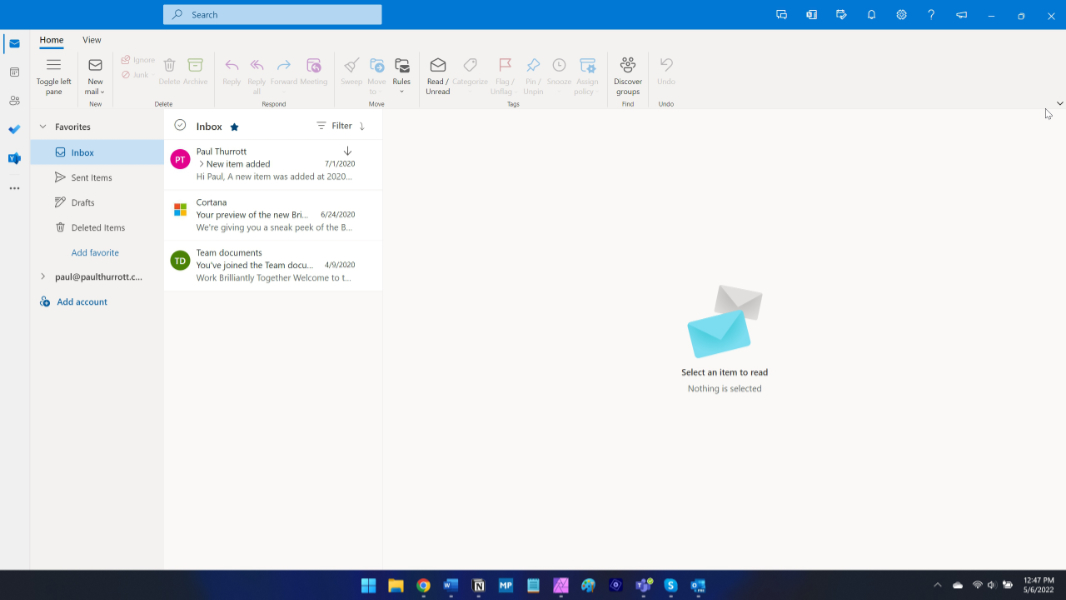
Well, after years of waiting, we’re finally getting our first peek at One Outlook. And … it appears to be an offline version of Outlook on the web.
I’m not sure what we were expecting. I’m also not sure what Microsoft will ultimately call this thing, but despite the proliferation of things called Outlook, it appears to be simply called, wait for it, Outlook.
Can it replace the desktop version of Outlook that Microsoft bundles with Microsoft 365? That’s hard to say. For me, since I don’t use Outlook. But I’ll put it like this: if you can use Outlook on the web and don’t miss anything from the desktop version, you’re going to be fine with this app. I’ll also add that it is very clearly a huge improvement over the terrible Mail and Calendar apps built into Windows 10 and 11.
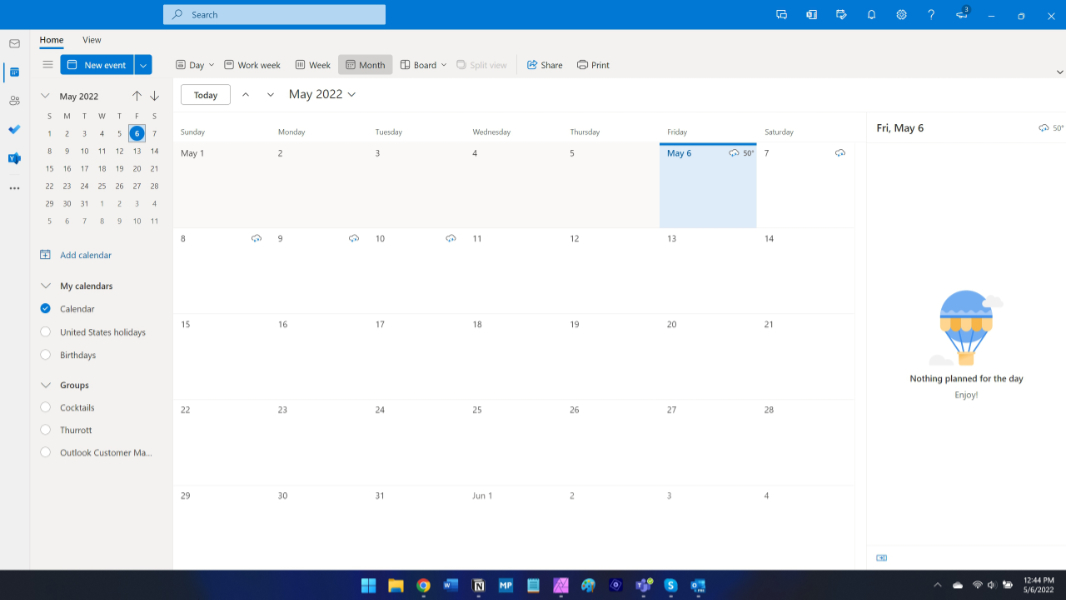
Right now, the new Outlook only works with commercial accounts—work and education—so you can’t sign in with a consumer Microsoft account. I do have a commercial account, as it turns out, so I could get in. But it has no real data associated with it. So there’s not much to see here, sorry.

My guess is that this new Outlook is essentially the same thing as the desktop Teams app: an offline-capable app built on web technologies. It’s not clear how well it works. And some of the links in the app open in a web browser instead of the app. It’s unclear why.

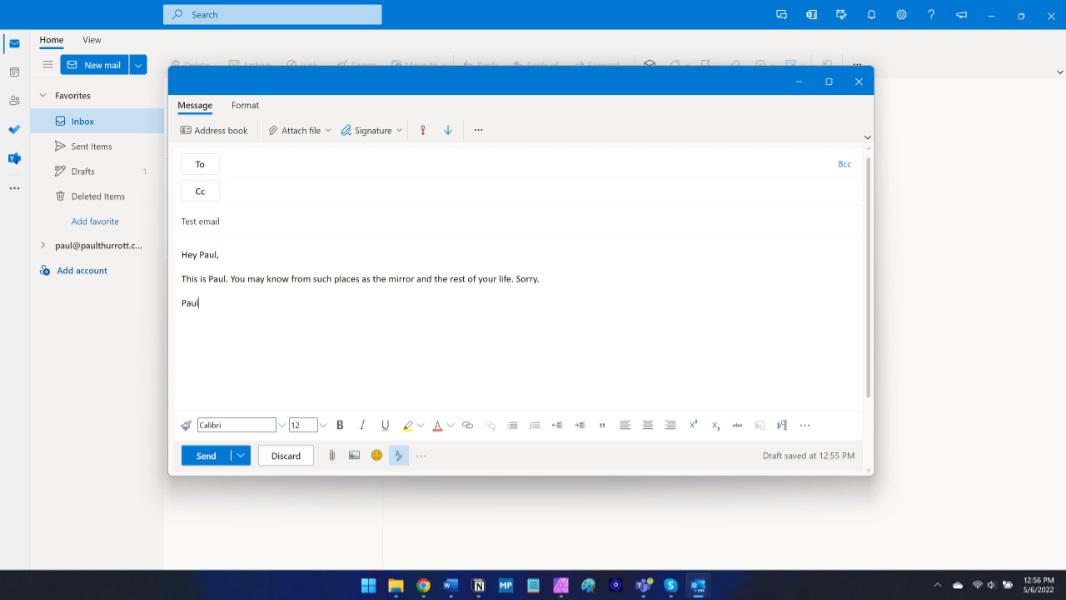
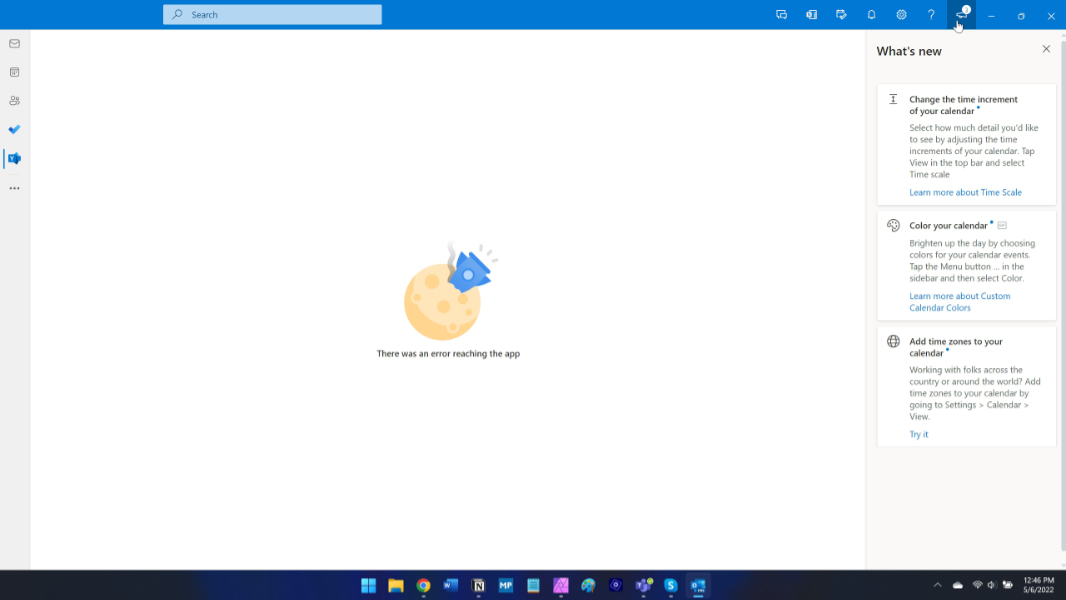
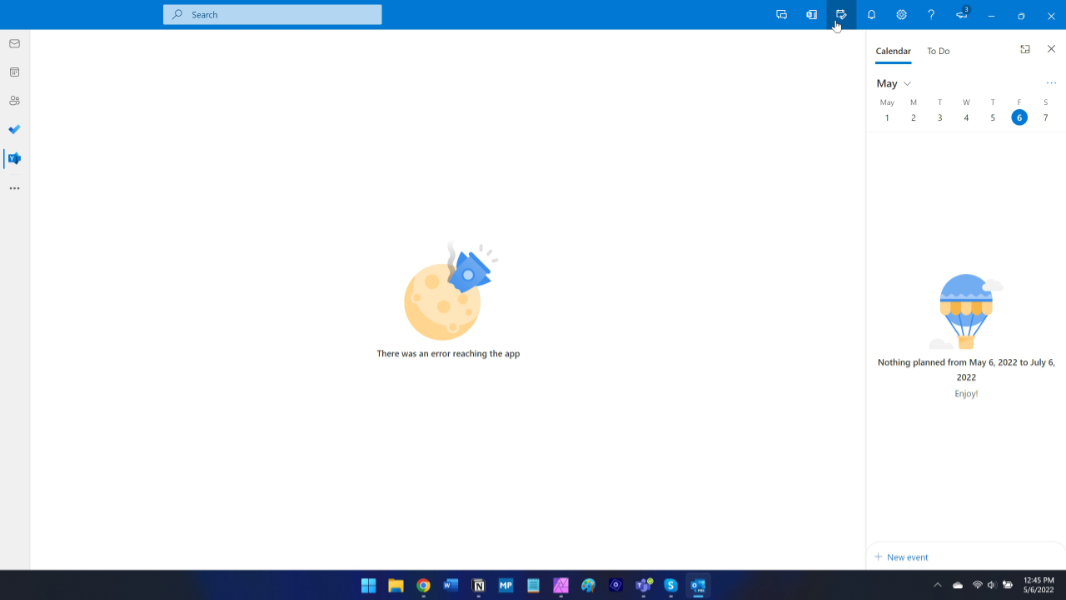
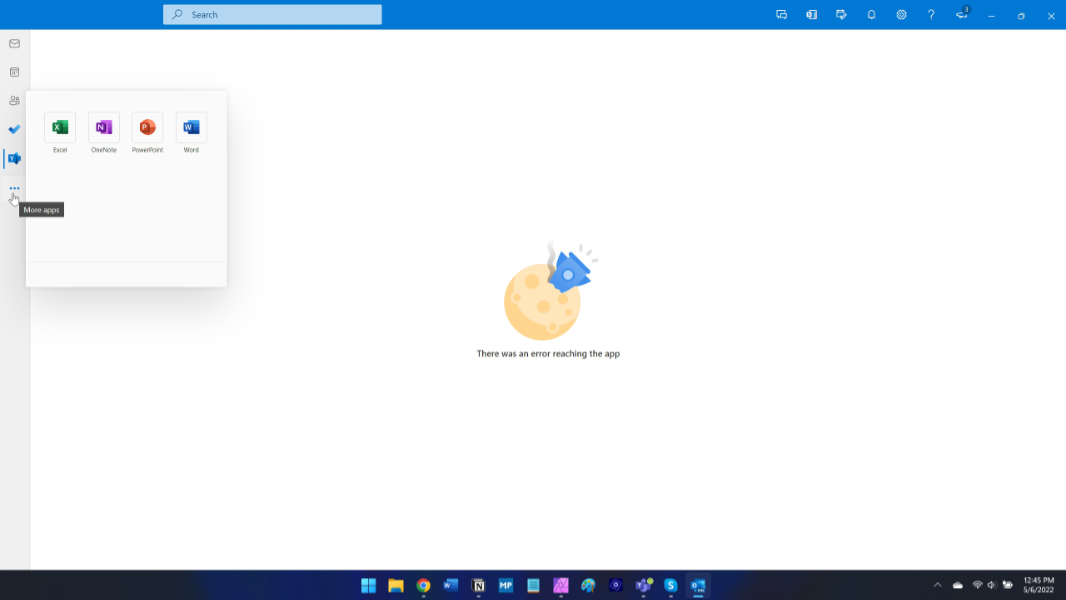
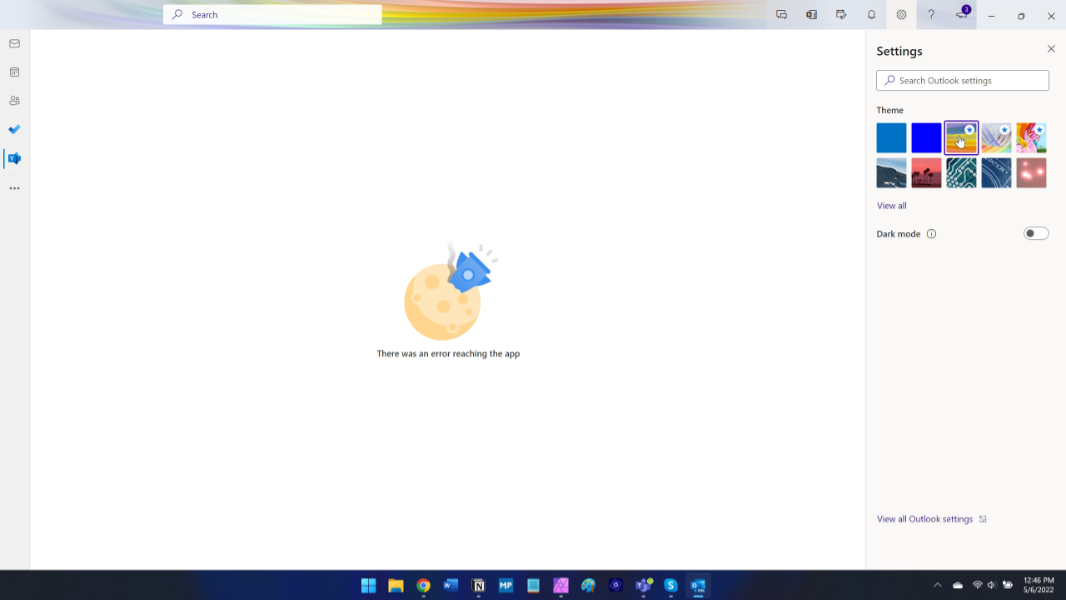
Here are some more shots.



Thanks to Mary Jo Foley for the heads-up.