HP 960 Ergonomic Wireless Keyboard First Impressions
- Paul Thurrott
- May 30, 2024
-
13

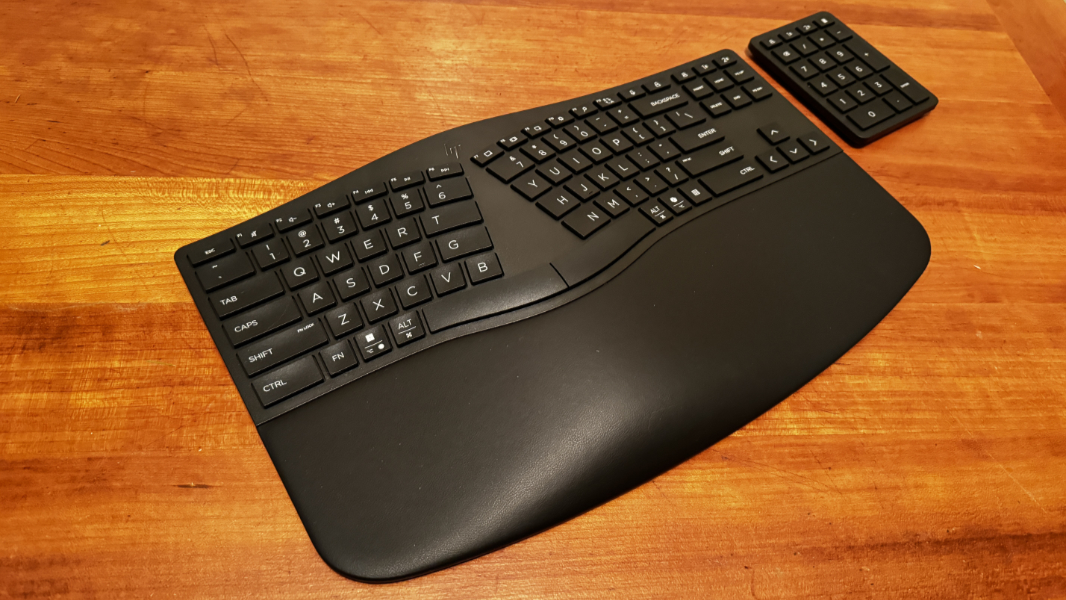
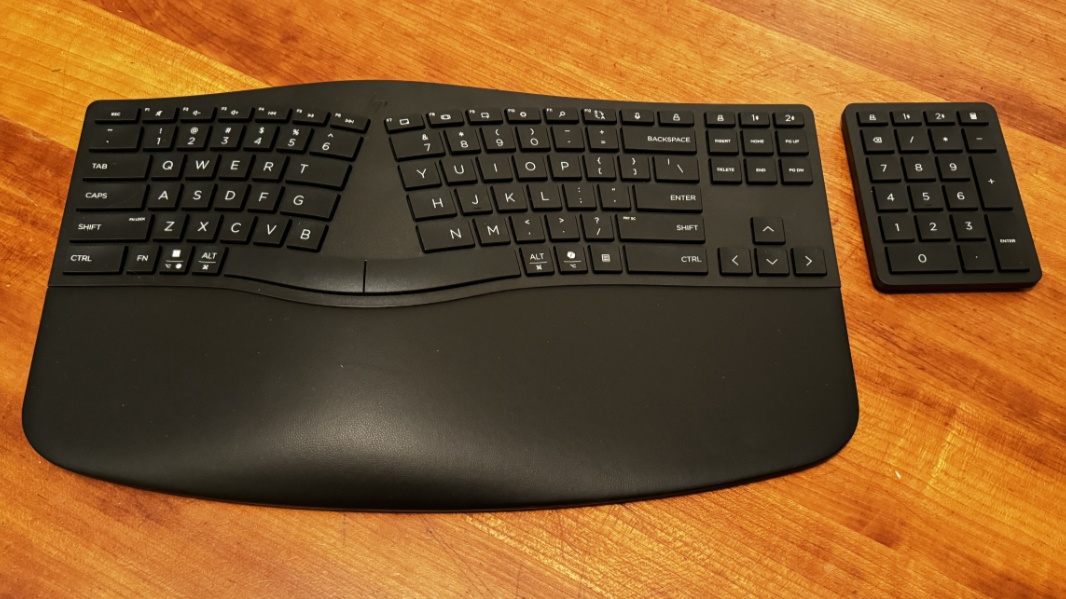
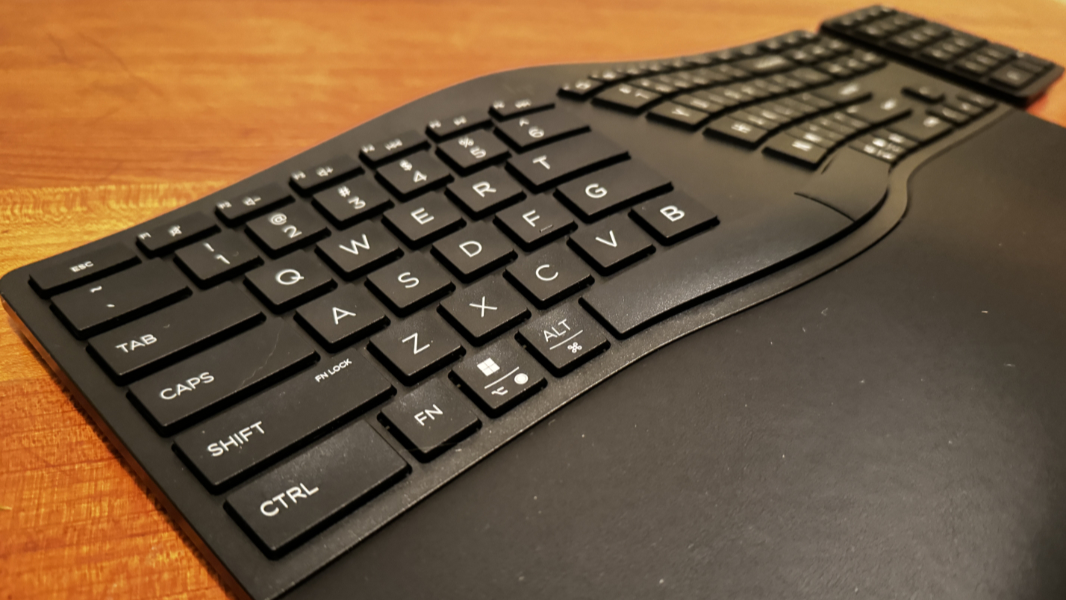
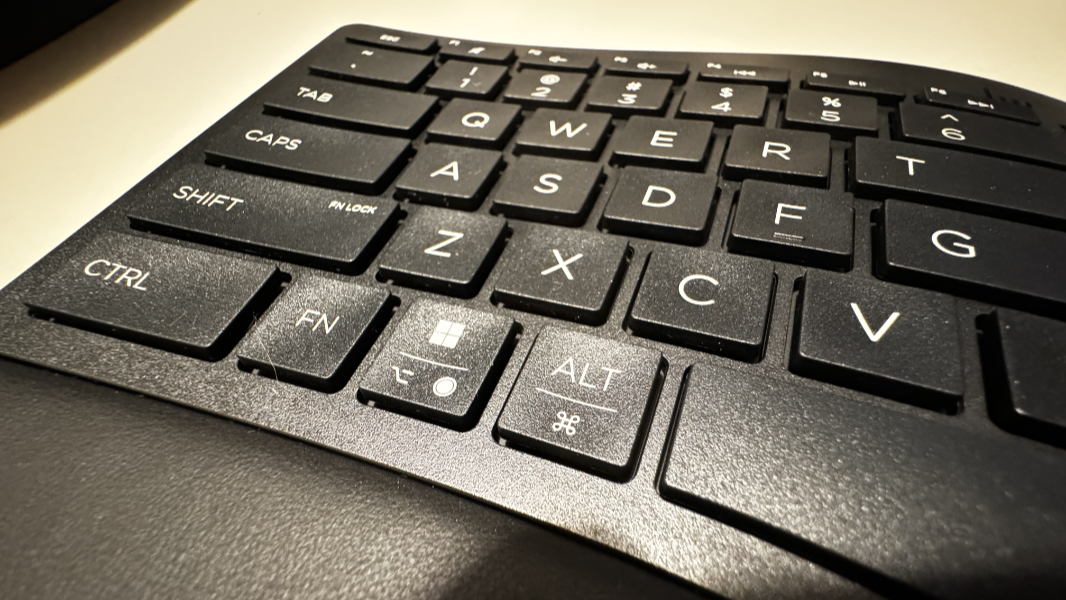
I may have finally found a replacement for my beloved Microsoft Sculpt Ergonomic Keyboard in the HP 960 Ergonomic Wireless Keyboard. In addition to nailing the basics with a perfect typing position, it has some advantages that put it over the top, including Bluetooth Swift Pair with up to three PCs, Macs, or other devices. This might be the one.
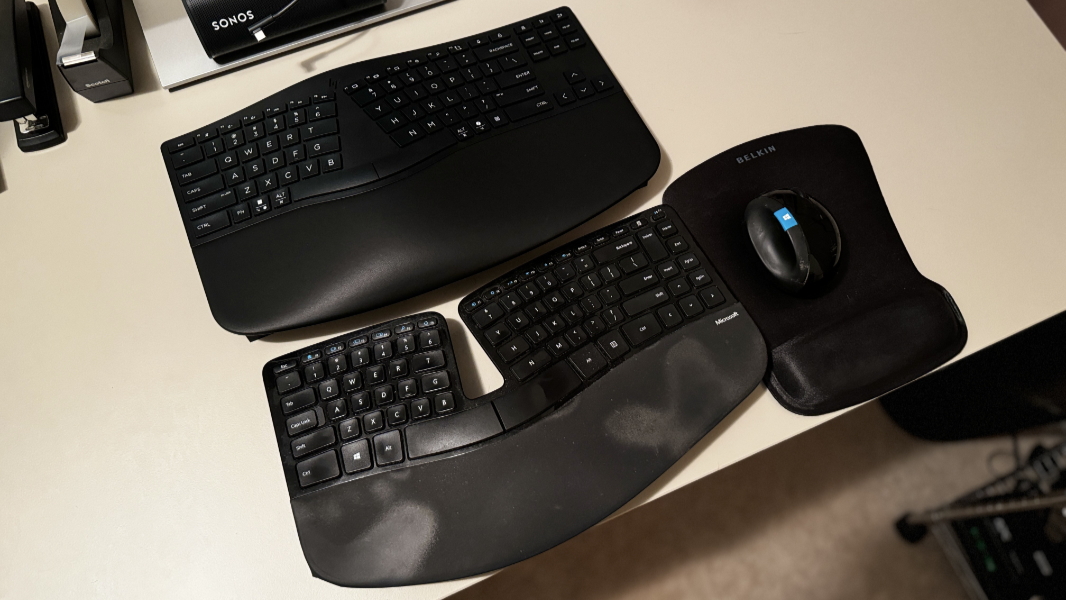
Finding out whether that’s the case is slightly complicated by my travel schedule. We’re heading to Boston today for a long weekend and then will fly to Mexico City with just one day of downtime in between. So if I can fit it in my bag, I will bring it to Mexico. If not, I may need to wait until early July.
I hope I can bring it: The HP 960 seems to be the answer to some problems I’ve had for a while, problems that are only partially solved by Incase obtaining the rights to manufacture Microsoft’s keyboards and mice, though I’m curious when that’s ever going to happen. For one, the Microsoft keyboard I love so much requires a USB-A dongle, which is inconvenient and limits its ability to be used with multiple devices.
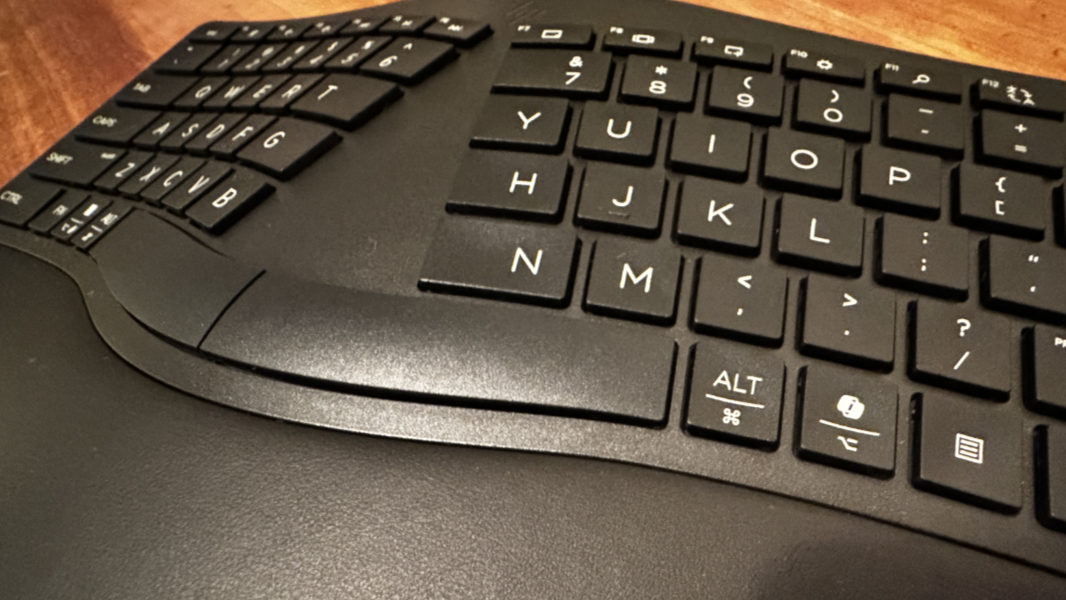
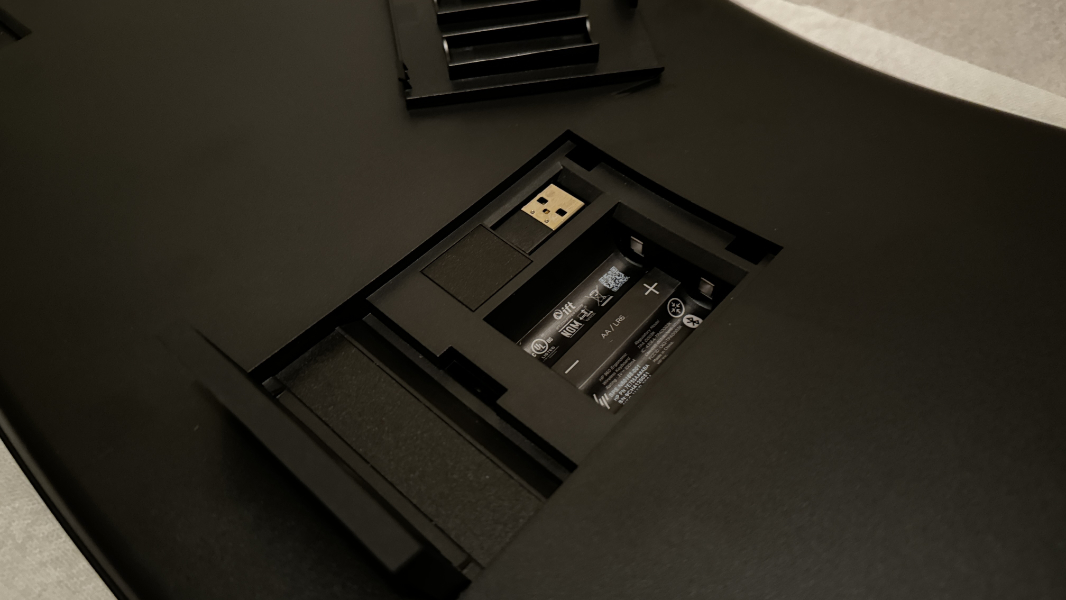
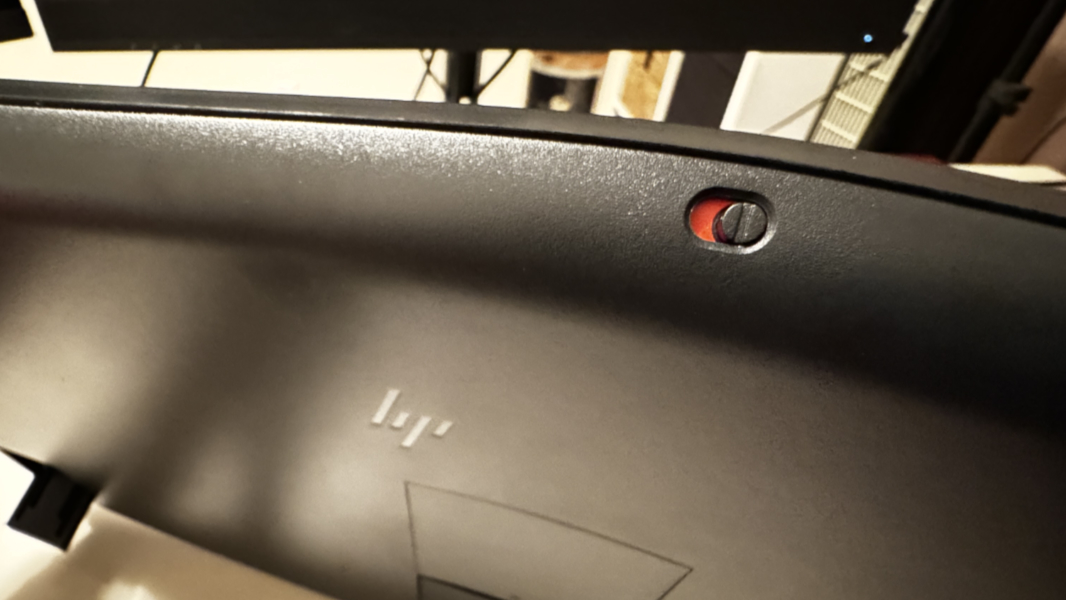
The HP 960 solves that problem by offering a USB-A dongle and Bluetooth connectivity. So I can leave the dongle in my desktop PC, but switch to other PCs on the fly using a key toggle. And that Bluetooth connectivity is, as noted, of the Swift Pair variety, so it’s super-easy to configure in Windows or Mac (or both).
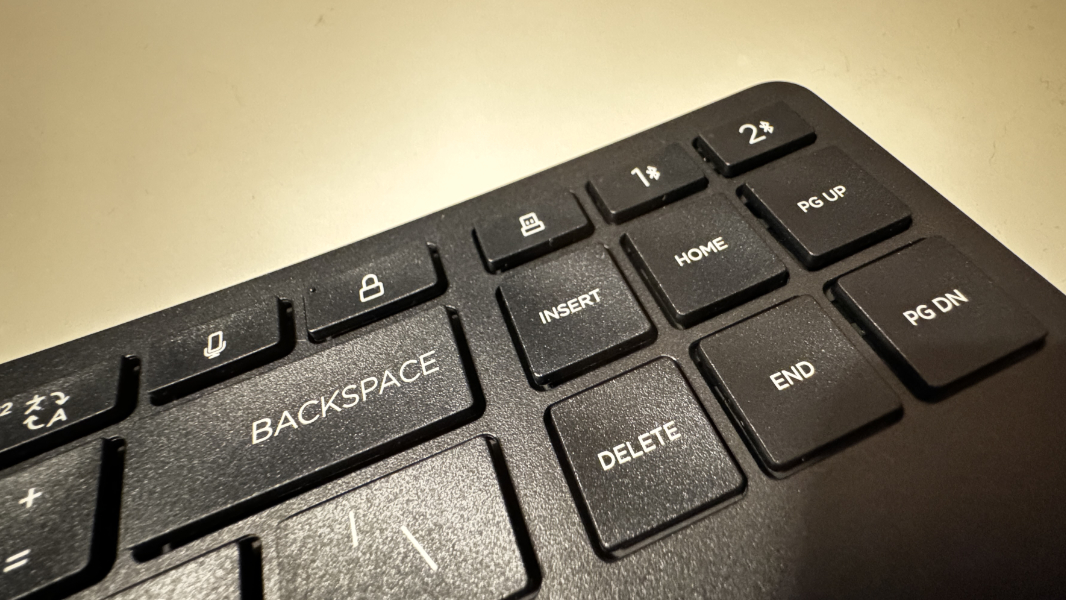
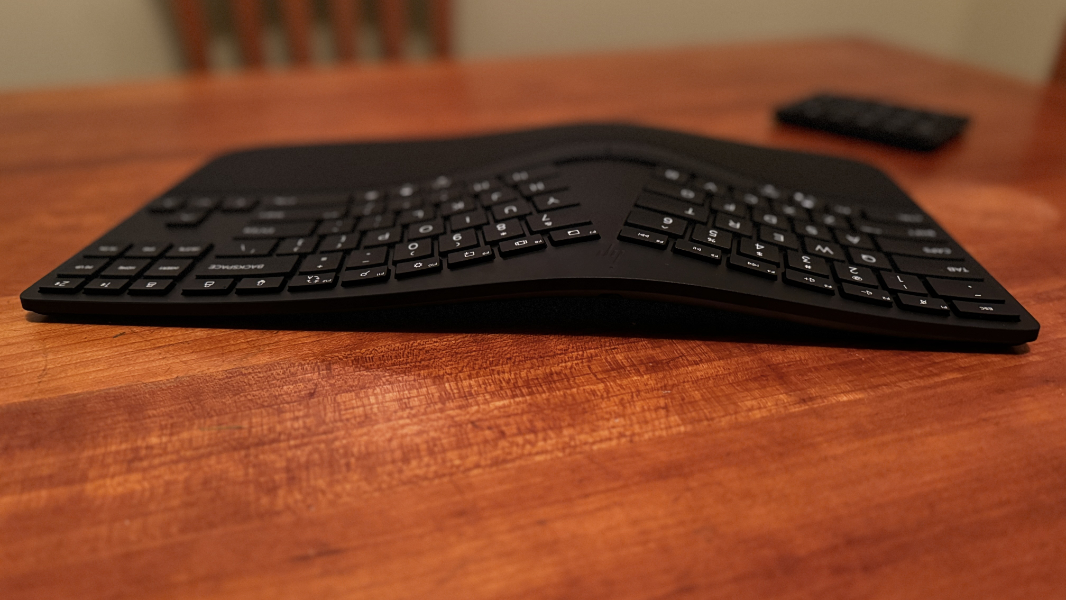
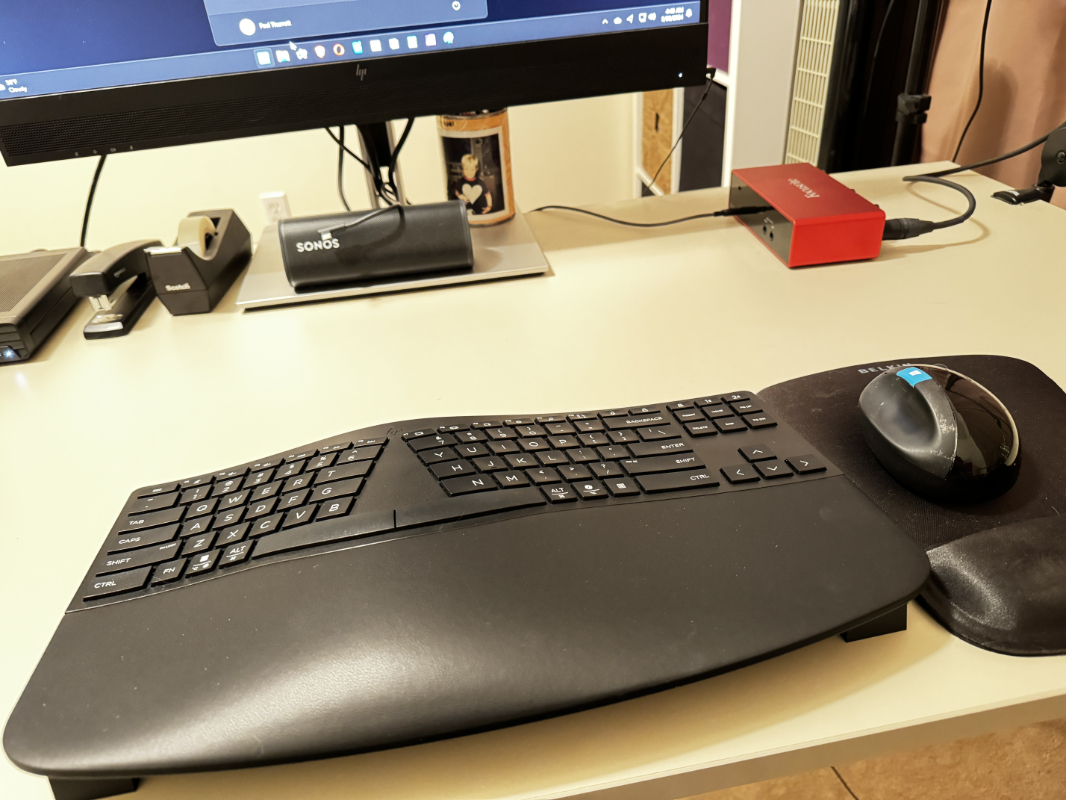
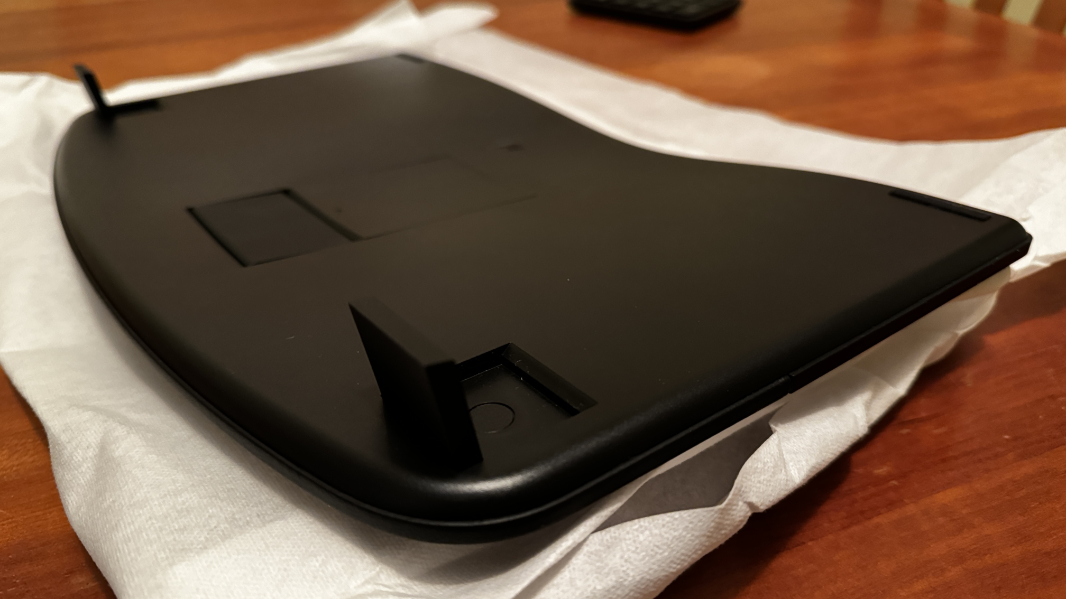
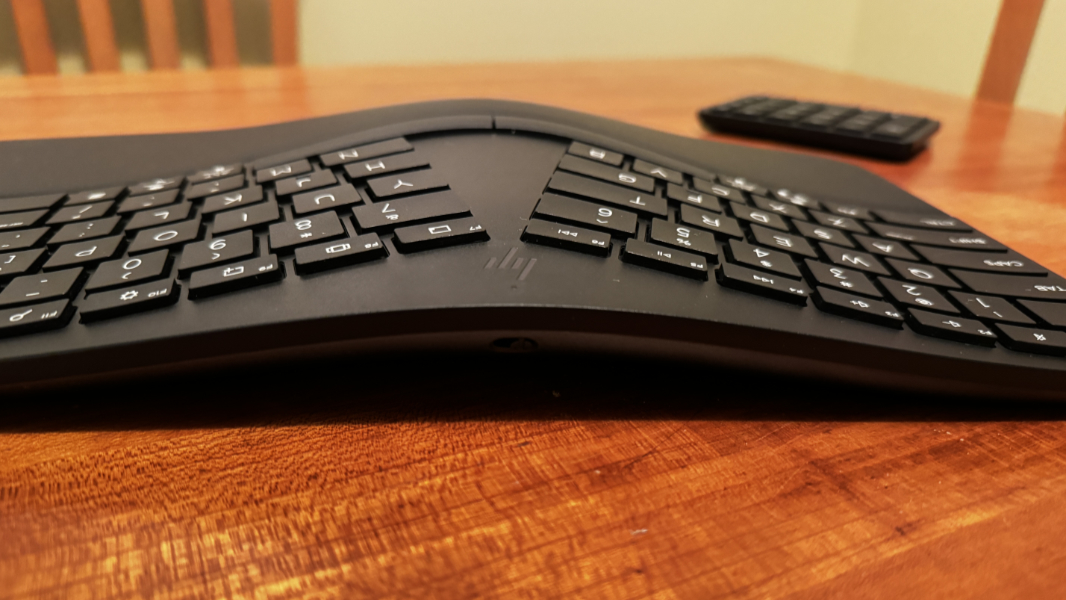
But the single biggest thing happening here is the reason why the Microsoft keyboard is so great: Thanks to some feet in the bottom front of the keyboard, you can position it in a so-called “negative tilt” position in which the front of the keyboard is raised, offering relief to your wrists and reducing strain. It is this tilt, combined with the softball-like shape of the Microsoft Sculpt Mouse and a gel-based mouse pad wrist rest, that has spared me from the carpal tunnel syndrome that would have made my writing career a lot more difficult.
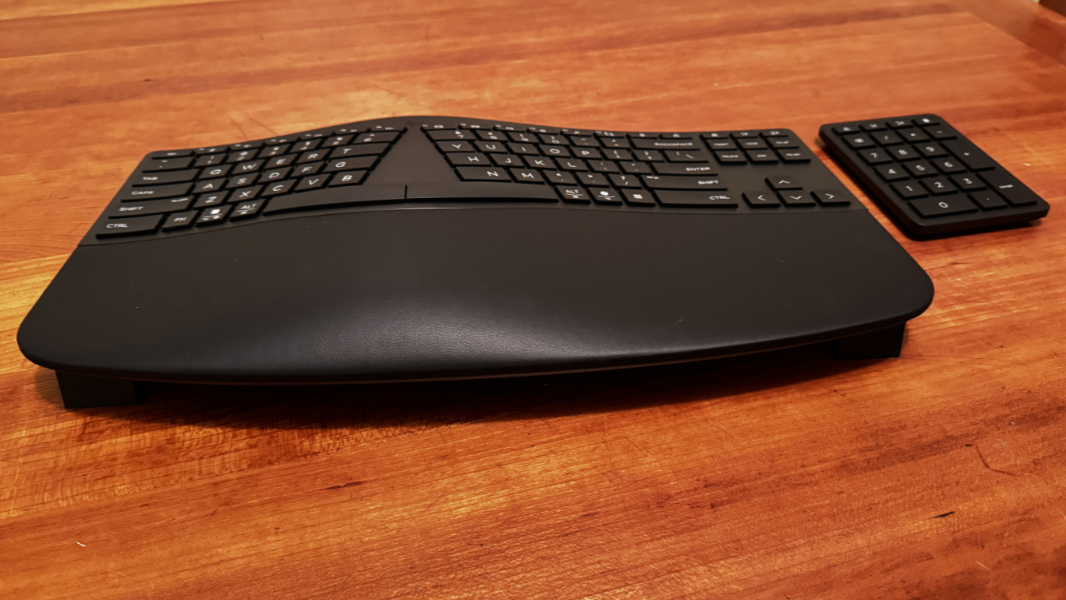
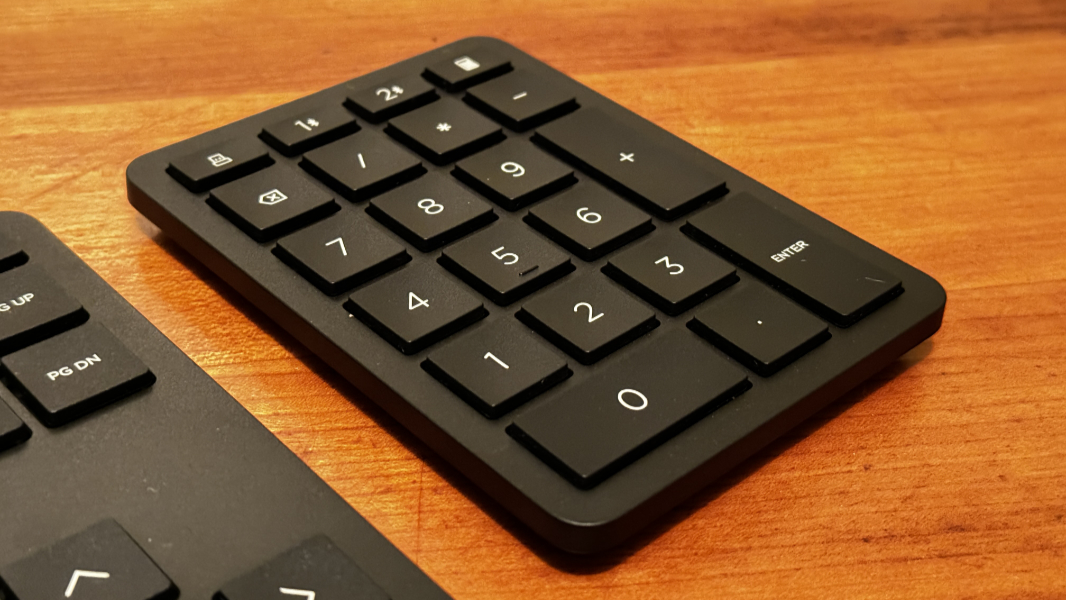
I’m looking forward to spending time with this keyboard, but it seems just about perfect so far. And I will need to figure out a mouse. Meanwhile, here are some photos that show it off from every angle.