Google Expands Markdown Support in Docs, Slides, and Drawings
- Paul Thurrott
- Jul 17, 2024
-
0
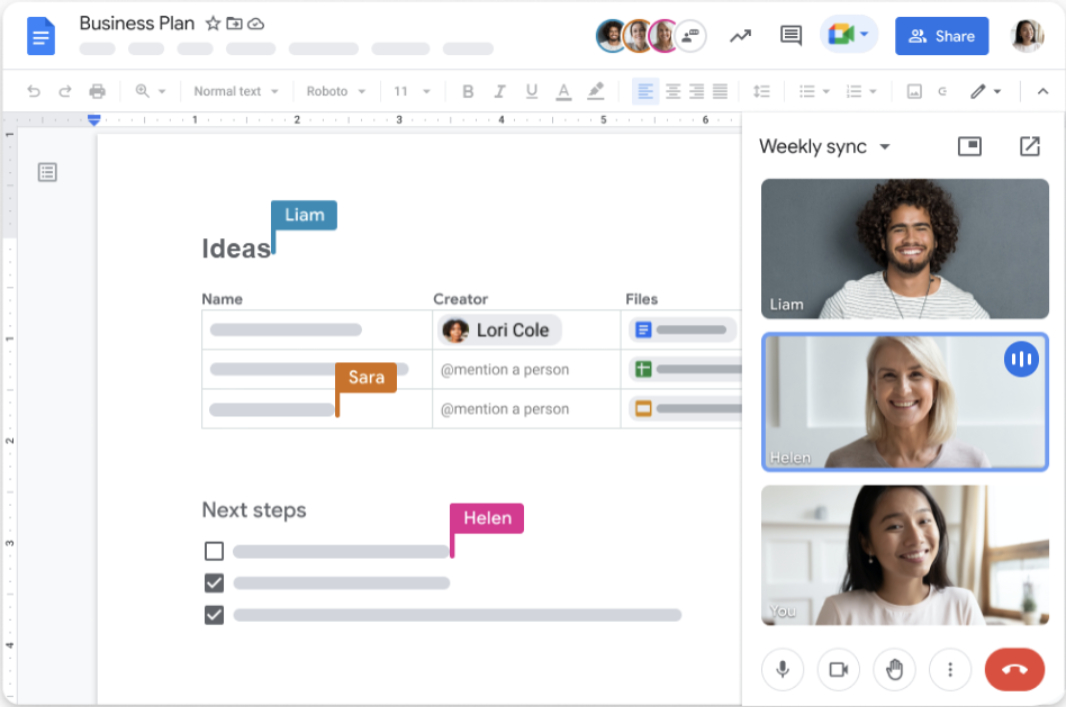
After adding basic Markdown support in 2022, Google is expanding its support for Markdown in Google Docs, Slides, and Drawings, making it more interoperable with content created using that markup language.
“Today, we’re introducing highly requested features that enhance Docs’ interoperability with other Markdown supporting tools,” a new post to the Google Workspace Updates blog explains. “This update is particularly useful for technical content writers as they can now convert Docs content to/from Markdown. For example, developers can collaborate on software documentation in Docs and then export it as Markdown for use in other Markdown supporting tools.”
In March 2022, Google added (very) basic Markdown support to its web-based Docs word processor by allowing customers to use a limit set of Markdown syntax for things like headings (#, ##, ###, etc.), italic, bold, strike-through, and links. So anyone who is familiar with Markdown can use these shortcuts to create or edit Google Docs documents without needing to learn its proprietary keyboard shortcuts in some cases.
Now, Google is expanding that support to include convert, copy, export, and import capabilities. More specifically, Google Docs can now:
- Convert Markdown to Docs format when pasting into Docs
- Copy Docs content as Markdown
- Export a Google Docs document as Markdown (from the File > Download menu)
- Import Markdown as a Docs document (from the File > Open menu, or with “Open in Google Docs” in Google Drive)
These new features are rolling out now to all Google Workspace customers, Workspace Individual Subscribers, and users with personal Google accounts, Google says. There is no admin control, but the import and export features are on by default, while the Copy and Paste features are off by default. You can enable them in Docs by navigating to Docs by going to Tools > Preferences > Enable Markdown. (I’m not seeing this yet in either of my accounts.)