How to upgrade an existing Windows 11 on arm VM in paralles 20.x to 24h2
After some testing after Pauls answer to my question I have found this to be the easiest way to upgrade an existing VM on my mac under parallels 20.X to 24H2.
Start by creating a new windows 11 VM. This will download a new iso for Windows 11 24H2 and leave it in your Downloads directory.
Once the new VM is created it can be removed.
Then modify the VM you want to upgrade by Going into Settings -> Hardware -> Cdrom and mapping the new iso image to the VM
Then create a snapshot in case something goes pear shaped during the upgrade
Start the VM and run setup on the new CD. This will upgrade your VM to 24H2 after a couple of reboots.
Once you have verified all is OK you can remove the snapshot to save space and increase speed of the VM.
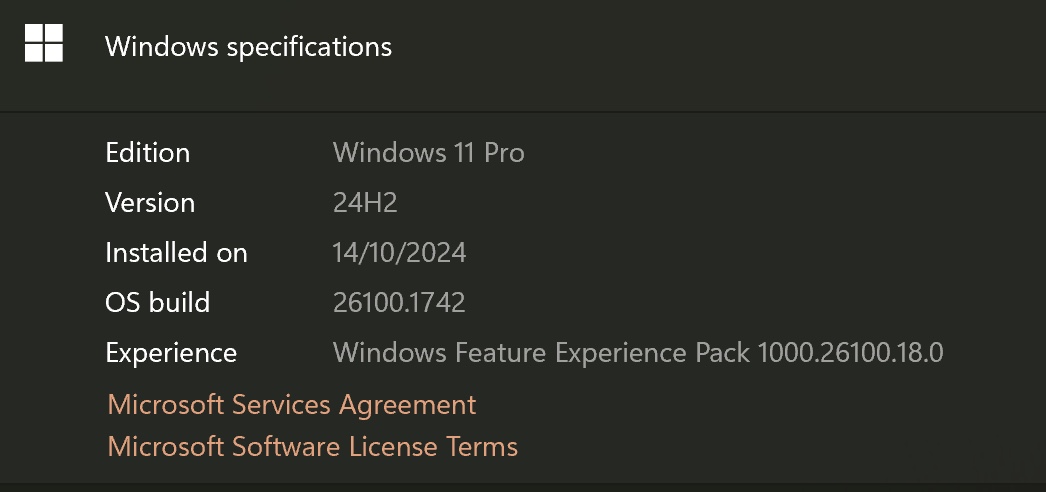
Below is a screenshot of the version information you end up on after following this procedure