Lenovo Tab Plus First Impressions
- Paul Thurrott
- Nov 25, 2024
-
7
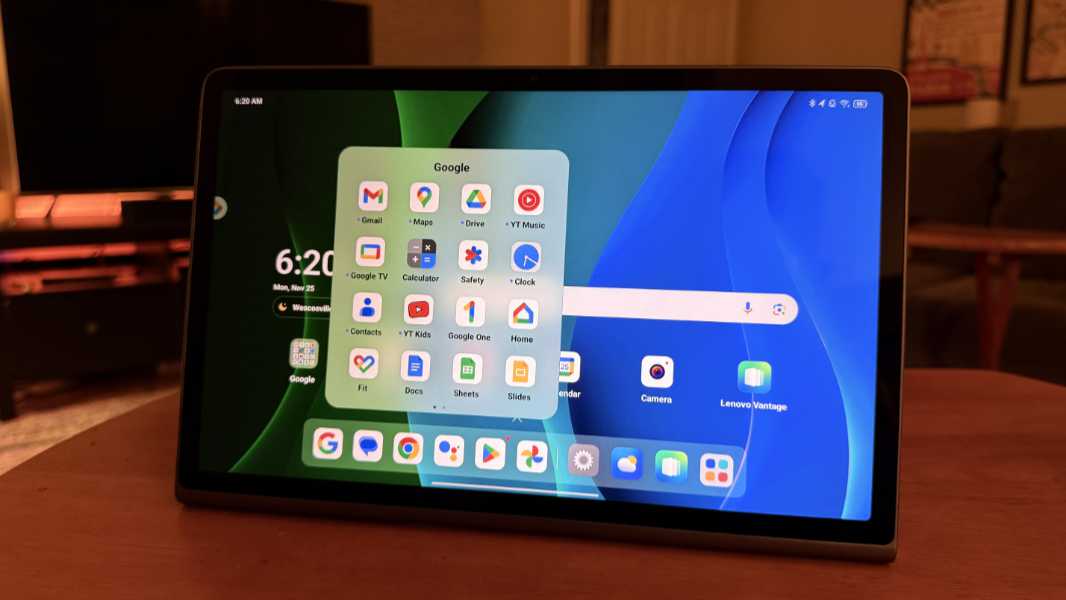
The Lenovo Tab Plus is an affordable entertainment-focused Android tablet with surprisingly strong Dolby Atmos sound and a terrific built-in kickstand.
To be clear, this isn’t the type of device I’m looking for personally–its widescreen display is awkward in portrait mode, and not ideal for reading–but it will likely satisfy the needs of a bigger audience than those that share my preferences. And while there are some weird downsides in the form of bundled crapware, mostly games, this tablet also brings with it some happy surprises, most notably in the form of an optional desktop mode with a taskbar and floating app windows that hints at the future of Android as a platform. You know, this week.
Lenovo describes the Tab Plus as a “premium entertainment tablet,” but its sub-$300 price tag and no-name (OK, MediaTek) processor suggests this is meant relative to the low-end Android tablets we typically see in the market. That undercuts a base iPad by at least $50, maybe more when on sale, but where the iPad is a terrific all-around tablet, the Lenovo is … a bit more opinionated.
You can see that the moment you take it out of the box and unwrap it from its protective paper-based cocoon. This is a well-made, mostly metal tablet a rigid kickstand encapsulates everything that’s right–and wrong–with this device.
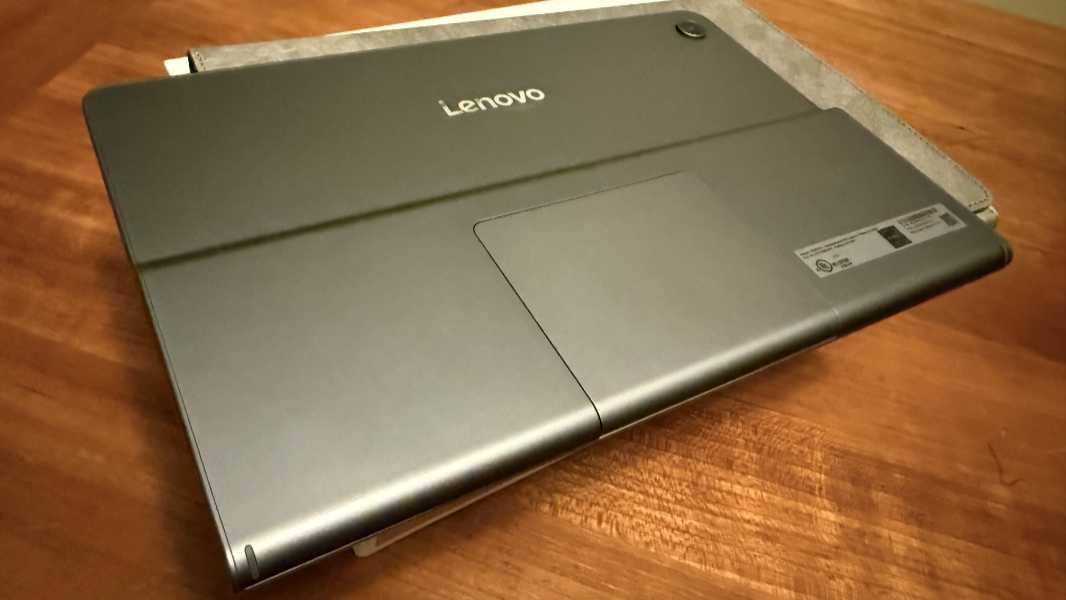
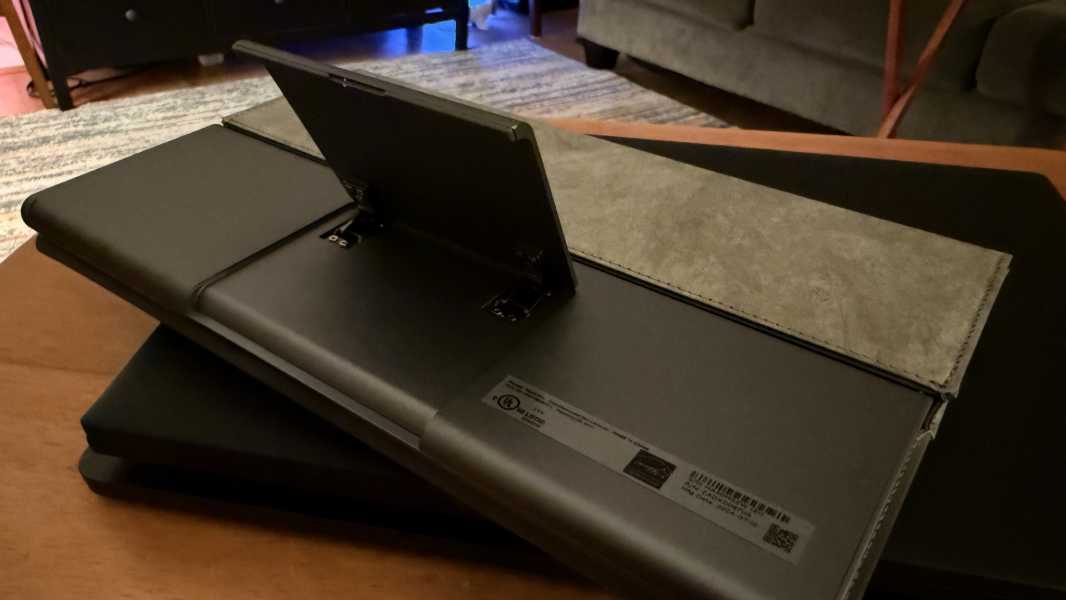
I love that’s its built-in and that it solves the problems with most kickstands: It can hold the tablet upright, and not just back at some less-than-ideal angle. (It also leans way back.) This may be a first. On the downside, it only works in landscape mode. I would love a kickstand that worked in portrait mode, for reading.
Of course, that would require a reasonable aspect ratio–3:2 or 4:3, pretty much–display panel. And that is not what Lenovo provides here, thanks to the device’s entertainment focus. Instead, what we get is a widescreen 11.5-inch TFT LCD panel with an odd 2K (2000 x 1200) resolution. Which is 16:9, and not even 16:10. (I had to do the math.)
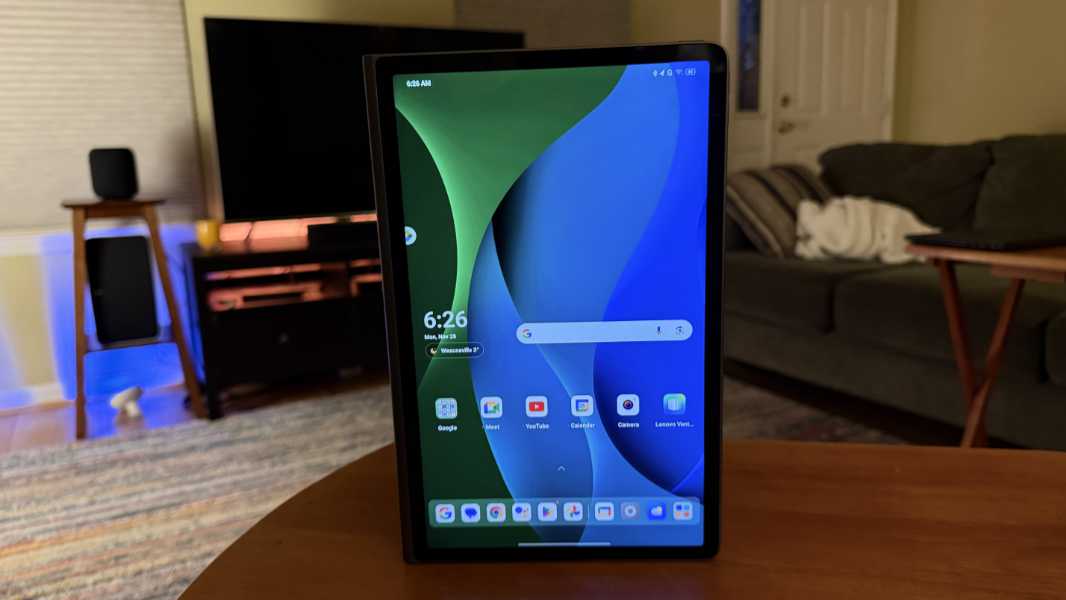
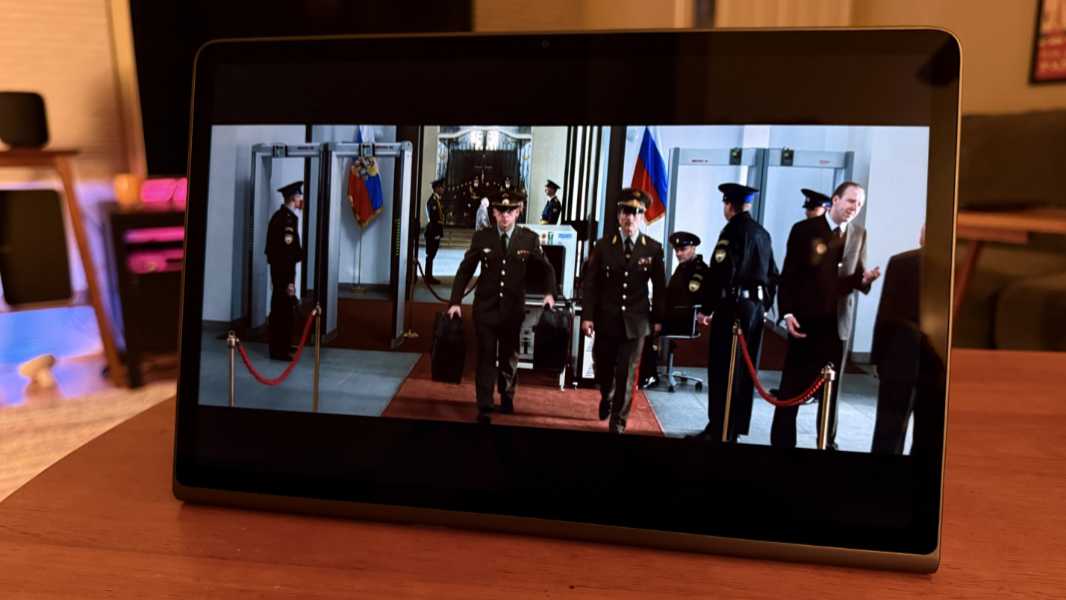
But you know what? It’s terrific for movies and other videos. And, I’d imagine, games, thanks in part to its 90 Hz dynamic refresh rate, something you can’t get on an iPad unless you upgrade to–checking, checking–an iPad Pro (!), with prices starting at $999. Yikes.
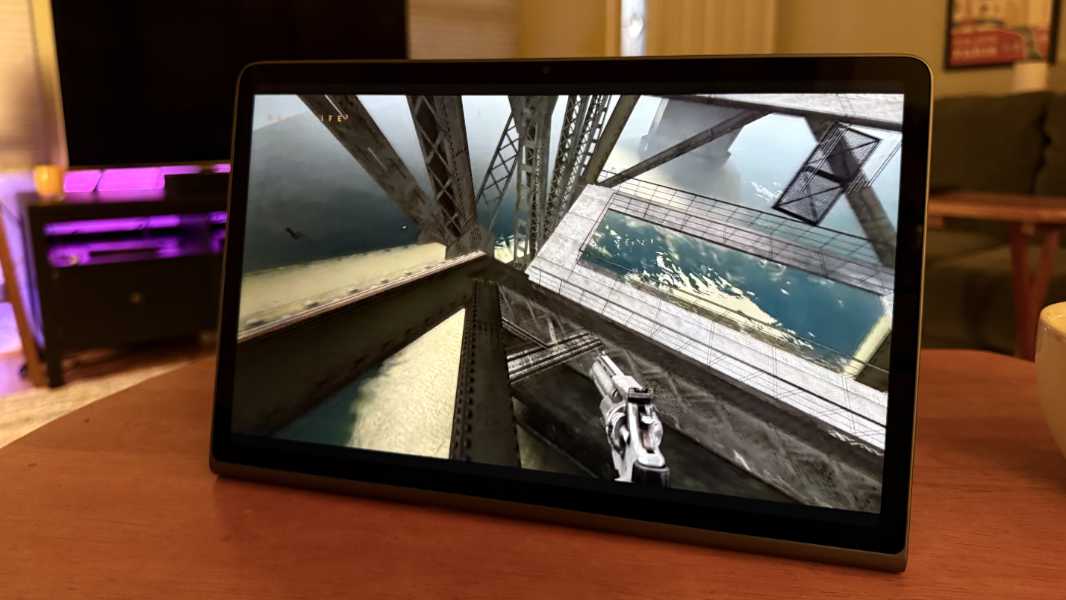
Helping matters, the speakers crank. This little tablet–OK, not so little, but my impressions are skewed by the 13-inch iPad Air I’ve been using since June–boasts eight JBL speakers with a total of 26 watts of stereo and Dolby Atmos immersive sound power.
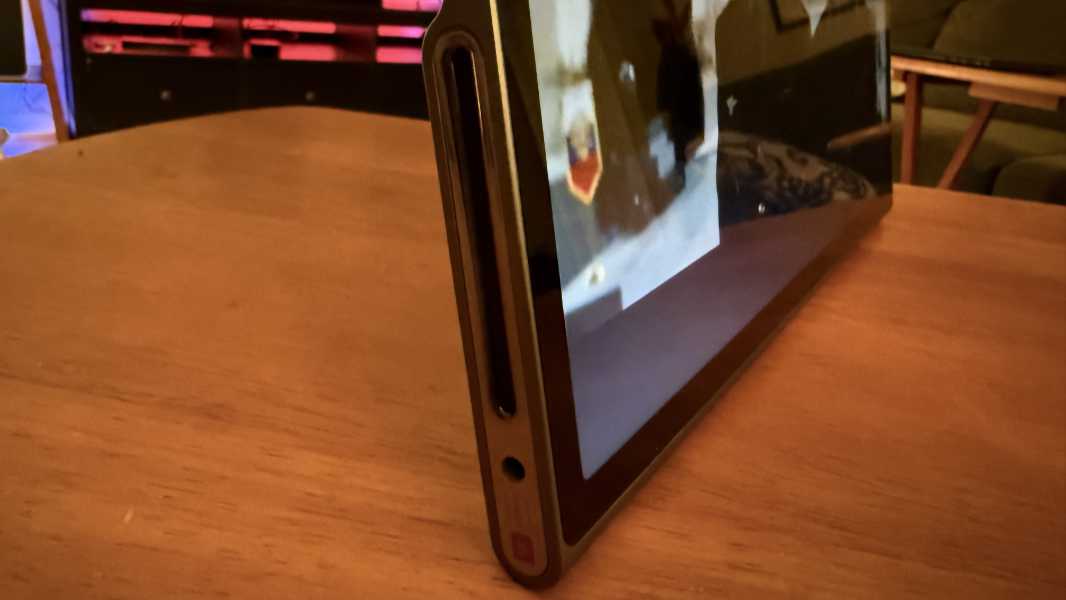
And you can see the bottom-most of those speakers clearly: They look like jet engine exhausts on either side of the tablet. (The topmost speakers are a lot more subtle.) They sound incredible. And while I’ve not tried this, you can also stream audio directly to them from a phone over Bluetooth. Nice.
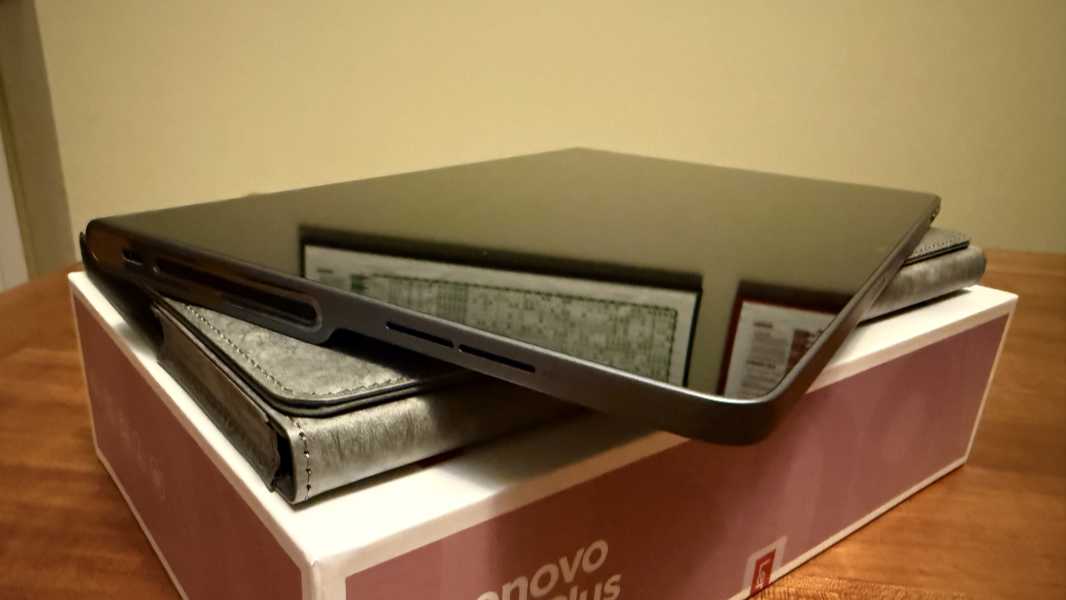
The version Lenovo sent for review includes a bundled Sleeve case, which is nice enough–it looks better than it is, really–but was initially confusing. I couldn’t figure out how the tablet would work with the sleeve, so I had to reopen the box and look at the little piece of paper Lenovo includes.
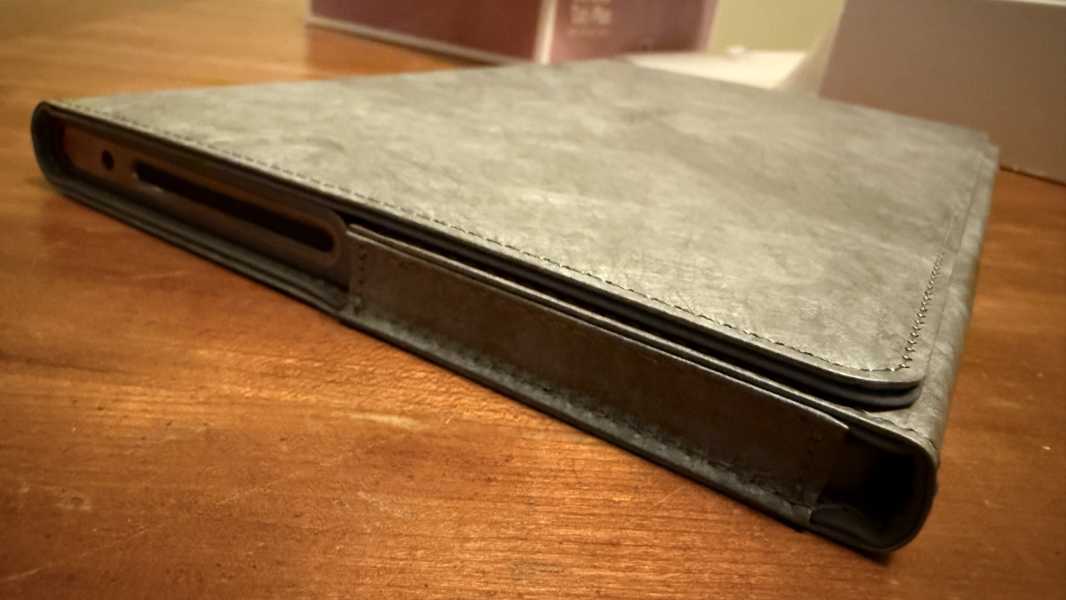
And go figure, it doesn’t work “with” the sleeve at all. The sleeve stores and protects the tablet, but you can’t use the Tablet with the sleeve. You have to take it out, put the sleeve aside, and then repack it all up later. Womp-womp.
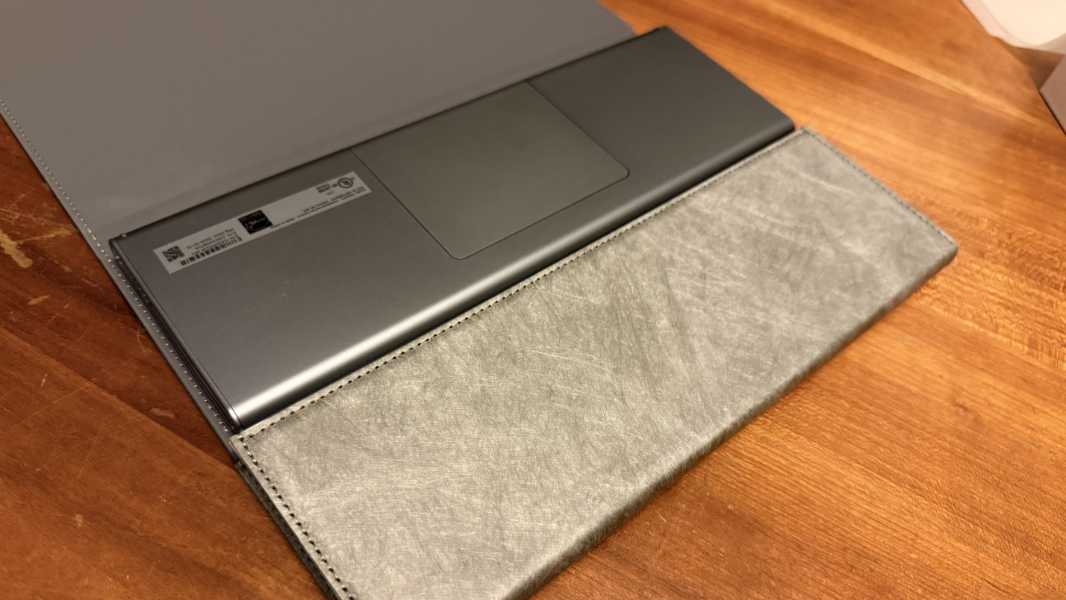
OK, whatever.
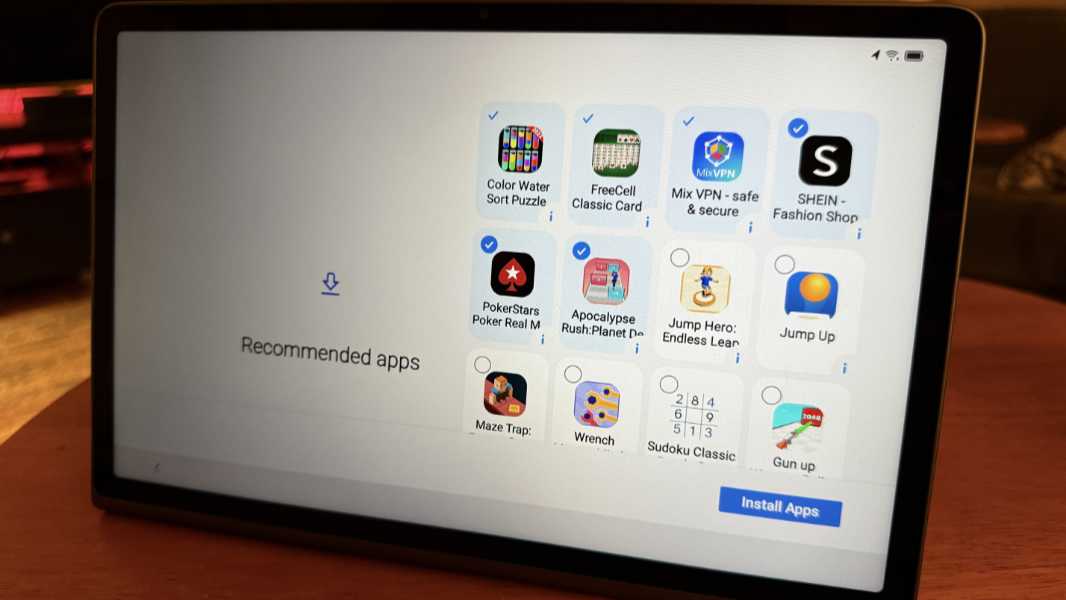
Initial setup was straightforward, though Lenovo wants to install several silly and superfluous apps and games, and will do so unless you’re careful. And then later in Setup, you discover that it’s installing some of those games whether you want them or not, which I wasn’t too happy about.
But as was the case with the Android display/tablet that’s part of the Lenovo ThinkBook Plus Gen 5 Hybrid I recently reviewed, Lenovo’s ZUI skin is a pretty close to stock Android, which I like, and because of the tablet form factor, it uses a taskbar (like the iOS dock) and gestures by default.
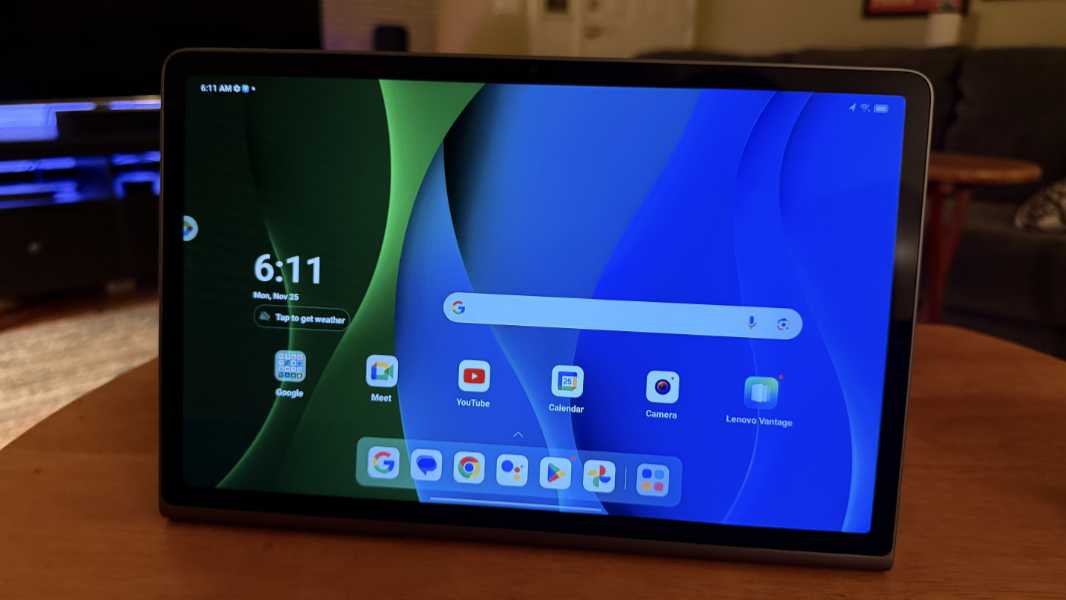
It’s mostly as expected. But after spending some time running through the Settings app and looking at the notifications and quick action icons, I saw something curious. And sure enough, the Lenovo Tab Plus supports an Android desktop mode that looks and works like Windows and Chrome OS. There’s a taskbar, a Start menu-like UI for launching apps, and each app is a resizable, floating window by default. Interesting.
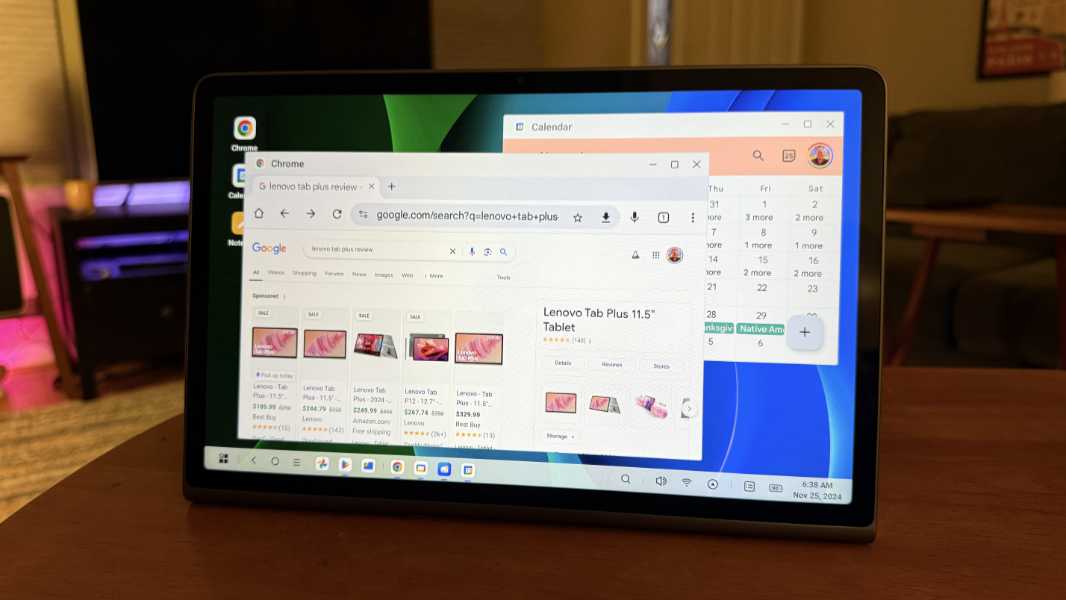
I’m not sure how useful this UI is on a small tablet like this. But given the recent rumors, again, interesting. It seems to work well enough, and it’s uncannily similar to Chrome OS.
Inside, the Tab Plus, you’ll find a MediaTek Helio G99 Arm processor, 8 GB of RAM, and 256 GB of storage, and you can add another 1 TB via is microSD card slot if needed. It’s running Android 14, but Lenovo will offer Android 15 and 16 updates at some point, plus security patches through January 2028.
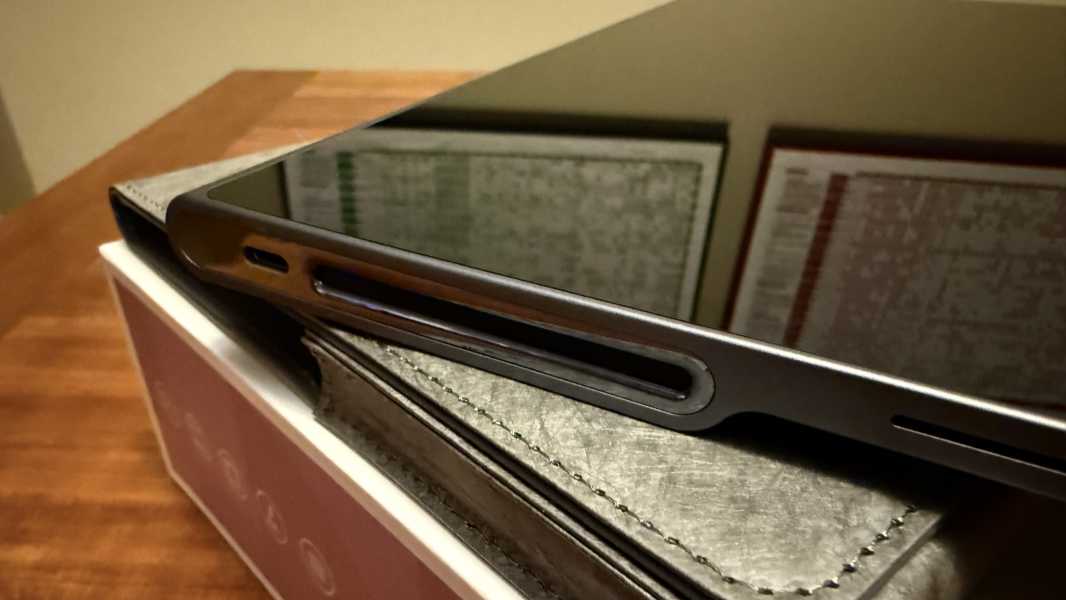
There are two USB-C 2.0 ports, one on each side, and Lenovo bundles a 45-watt charger that supports fast-charging. And yes, there is a headphone jack. Oddly, the connectivity options are years behind: Wi-Fi 5 and Bluetooth 5.2.
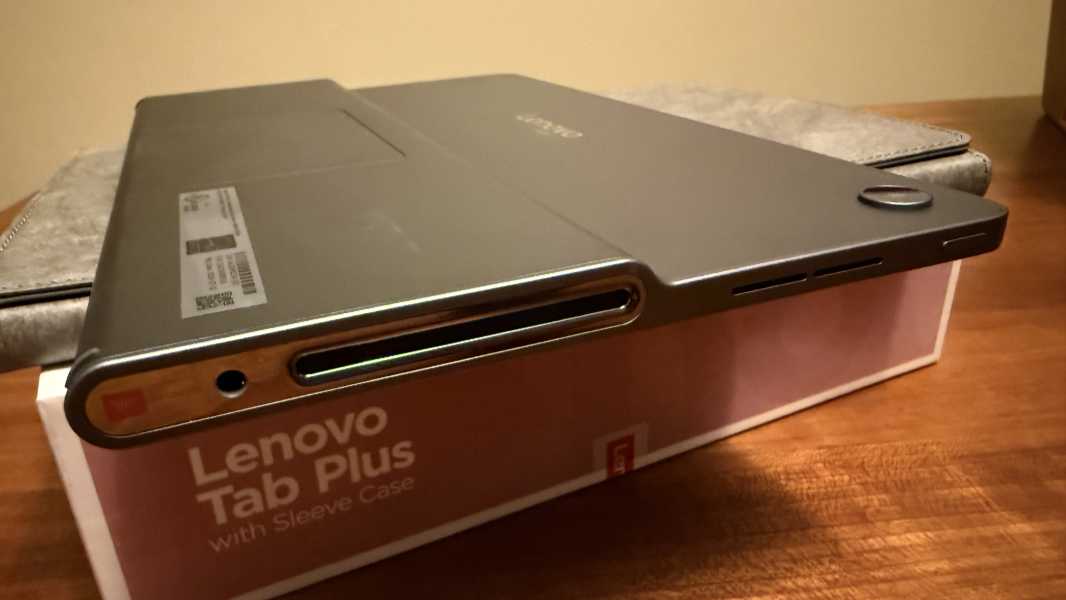
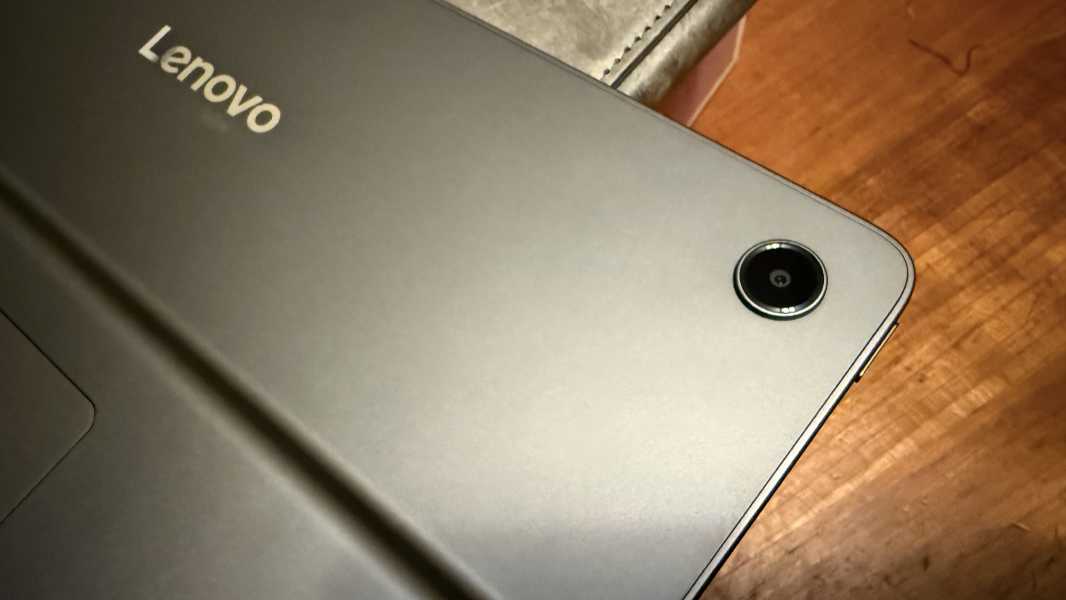
The Lenovo Tab Plus comes in one color, Luna Grey, and it weighs 1.43 pounds. There are two cameras I’ll never use–both are 8 MPs, but the unit on the rear supports autofocus while the front-facing unit is fixed-focus–and you can buy a keyboard and pen if you’re tiny and don’t know what a real computer is. OK, I’m kidding. Sort of.
The selling point, clearly, is those speakers. Did I mention how good they sound? They do.
More soon.