Microsoft is Updating the MSA Authentication Experience
- Paul Thurrott
- Mar 26, 2025
-
4
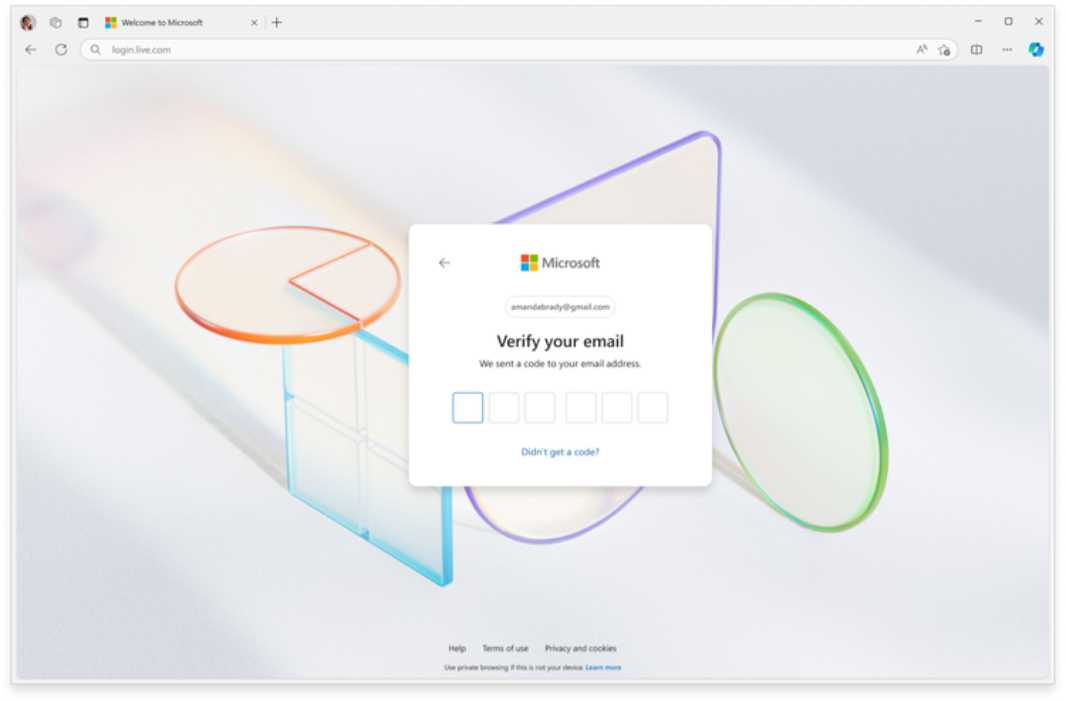
Microsoft is updating its Microsoft account (MSA) experience across devices to make it simpler and more modern.
“We’re making authentication more modern, simple, and secure for over a billion Microsoft accounts,” Microsoft’s Robin Goldstein explains. “People around the world use Microsoft accounts to sign in to Windows, Xbox, Microsoft 365, and more. By the end of April, most Microsoft account users will see updated sign in and sign-up user experience (UX) flows for web and mobile apps built using Microsoft’s Fluent 2 design language.”
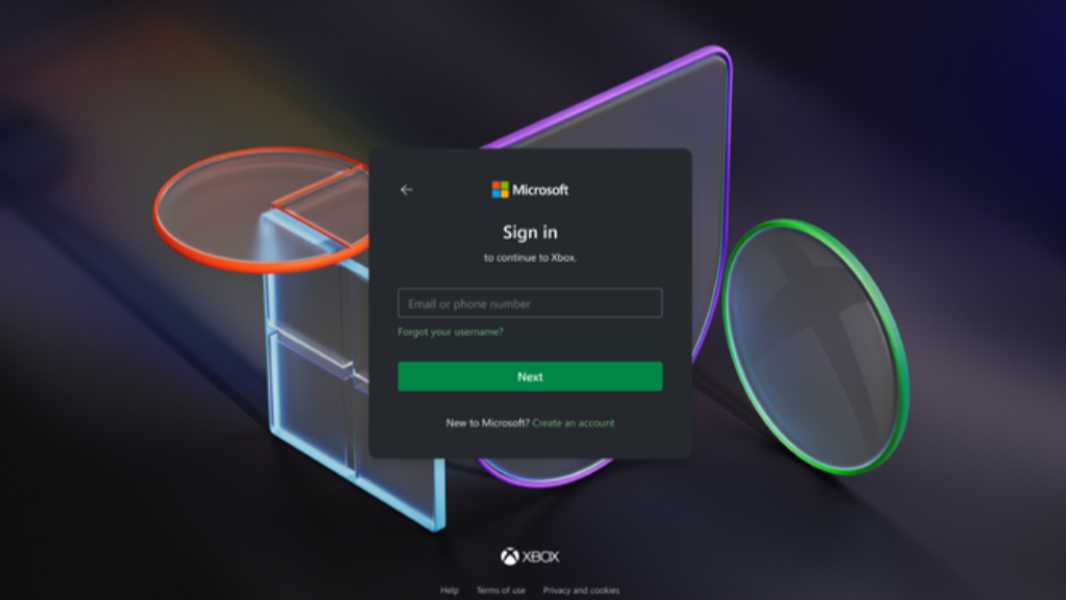
The new authentication experience will feature few concepts per screen to lower cognitive load and speed performance, some of the steps have been reordered, and the simpler design will reduce distractions and scale across different screen sizes. Microsoft also added support for a dark theme, which will be used first, and by default, in gaming apps. But best of all, it’s now optimized for a passwordless and passkey-first experience.
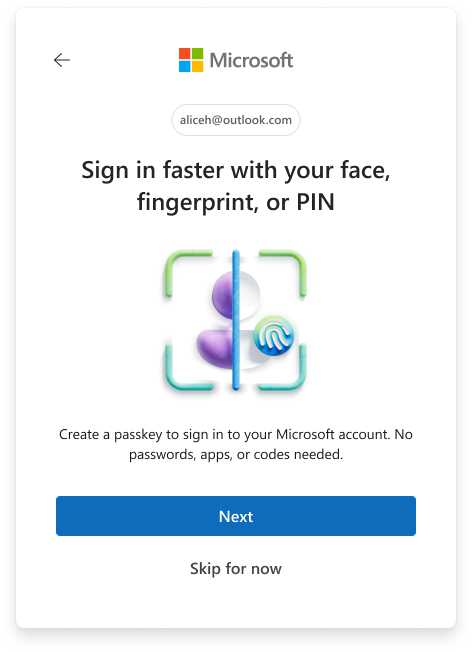
“We’re taking a step back from product-centric designs of the past and stepping into the Microsoft-forward design language offered by Fluent 2,” Goldstein continues. “Within product experiences, sign in screens will support consistent product brand colors in buttons and links, but the Microsoft logo is front and center. In addition, we’ve introduced a distinctly Microsoft background image that doesn’t change from product to product. This Microsoft-centric design provides a visual throughline across all the places you sign in with your Microsoft account.”
There’s more to the new experience than the new UX: Unless users are signing up for a new MSA in Outlook, Microsoft assumes they already have an email address they can use, and it will default to that. This provides them with a way to recover the account immediately and start off in a passwordless mode. After you’ve signed in, you’ll be prompted to create a passkey. And then the passkey will be the default authentication mode going forward.
Microsoft began testing this experience in the wild on Xbox in February, and based on the feedback, it’s now rolling it out across all its consumer sign-in points in waves, starting with web and mobile and followed by Windows. It expects to conclude the rollout sometime in April. The team will look at similar UX improvements for Entra ID sign ins in the near future as well.