Microsoft’s New Copilot 3D Turn Images Into 3D Models
- Laurent Giret
- Aug 08, 2025
-
0
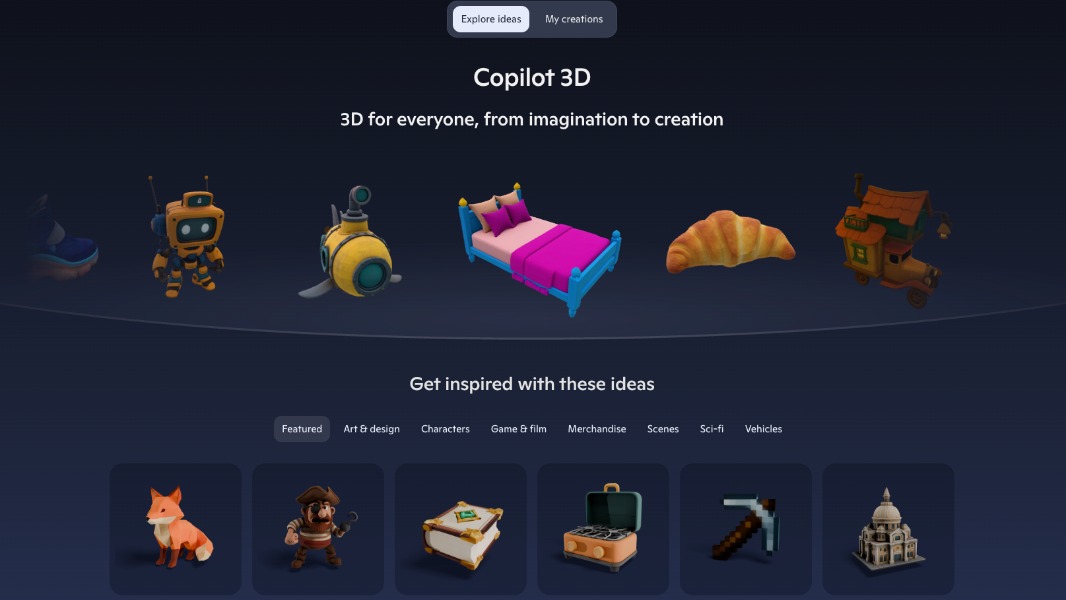
Microsoft has just launched an experimental Copilot 3D tool that can transform a static image into a 3D model. The AI-powered web app is available for select users via Microsoft’s Copilot Labs portal, and it’s free to use.
With Copilot 3D, Microsoft wants to make it easy for anyone to create 3D models that can be printed, edited in other apps, or integrated into games and other art projects. The app also offers a curated library of 3D models that users can download in the popular GLB format.
“It’s designed to make 3D creation fast, accessible, and intuitive. Whether you’re exploring ideas, testing a concept, or guiding hands-on learning, Copilot 3D supports imaginative experimentation without the complexity of traditional 3D software,” the company explained.
Copilot 3D only supports PNG or JPG files under 10MB. The app requires users to be signed in with a personal Microsoft account, and creations will also be saved to users’ My Creations page for 28 days.
In an FAQ, Microsoft emphasized that users should only upload original images that they have the rights to use and that don’t include individuals without their consent. The company may restrict access to the feature if it detects illegal content, but it won’t use uploaded images for AI training.
Copilot 3D is a bit reminiscent of Microsoft’s previous attempts to popularize 3D creation with apps like Paint 3D and the Remix3D portal, which have both been discontinued. While Copilot 3D remains an experimental feature, its integration into Copilot may help to differentiate Microsoft’s chatbot from the competition.