HP EliteBook 8 G1a 16 First Impressions
- Paul Thurrott
- Sep 07, 2025
-
5
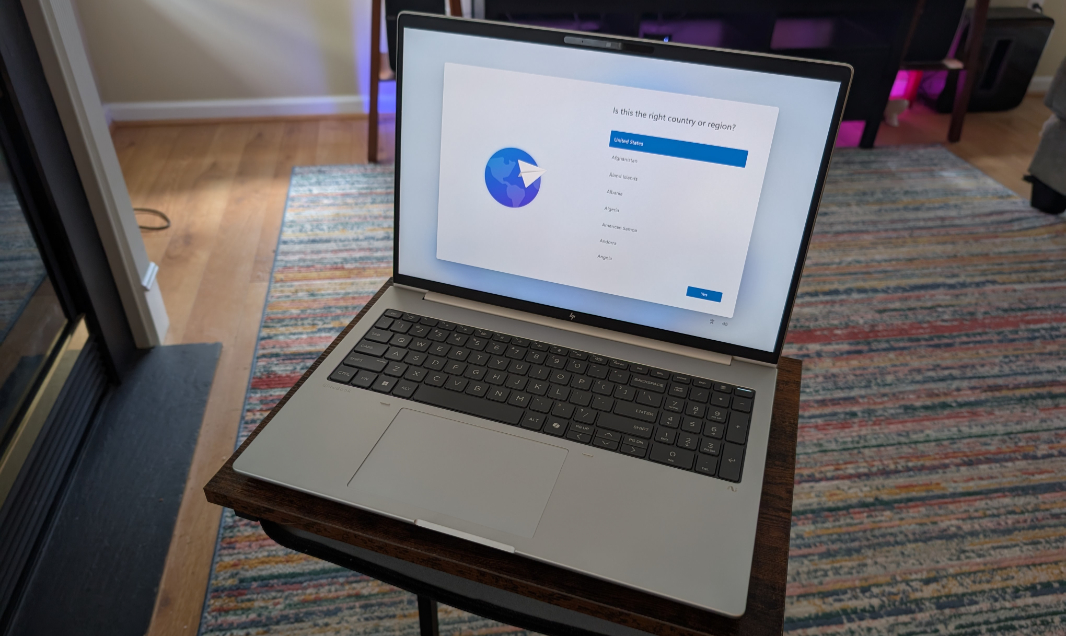
Just when I thought I had figured out HP’s new branding scheme, the company offered me a choice of EliteBook 8 G1 laptops to review. And … What? What is this strange new product line?
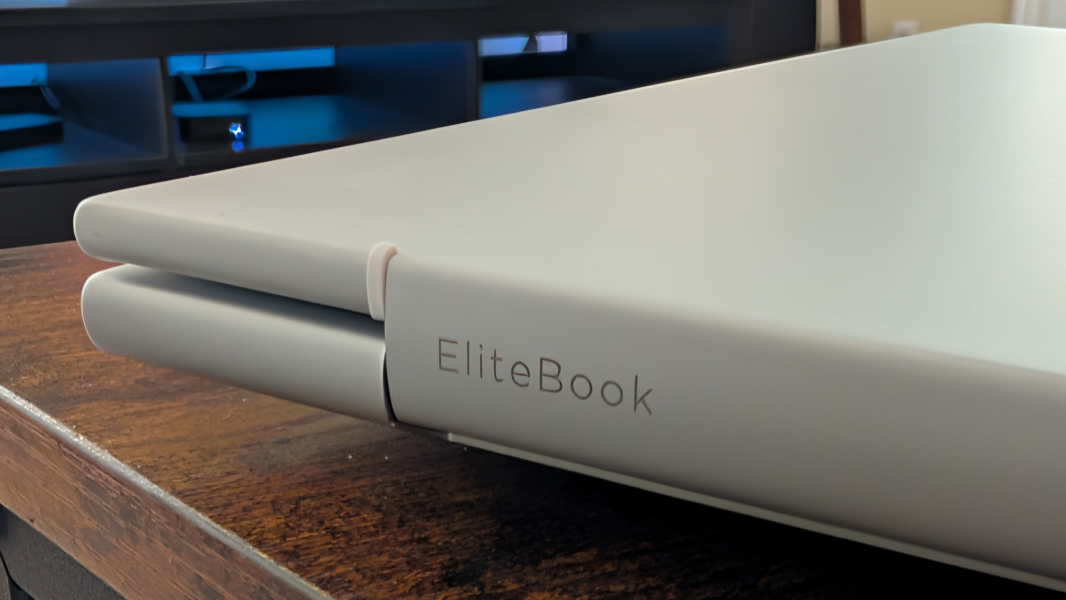
Fortunately, HP quickly answered this question. And it makes sense: Where the EliteBook Ultra line is essentially the replacement for the Dragonfly and the EliteBook X line is the new EliteBook 1000 series replacement, the EliteBook 8 replaces the EliteBook 800 series. Light dawns.
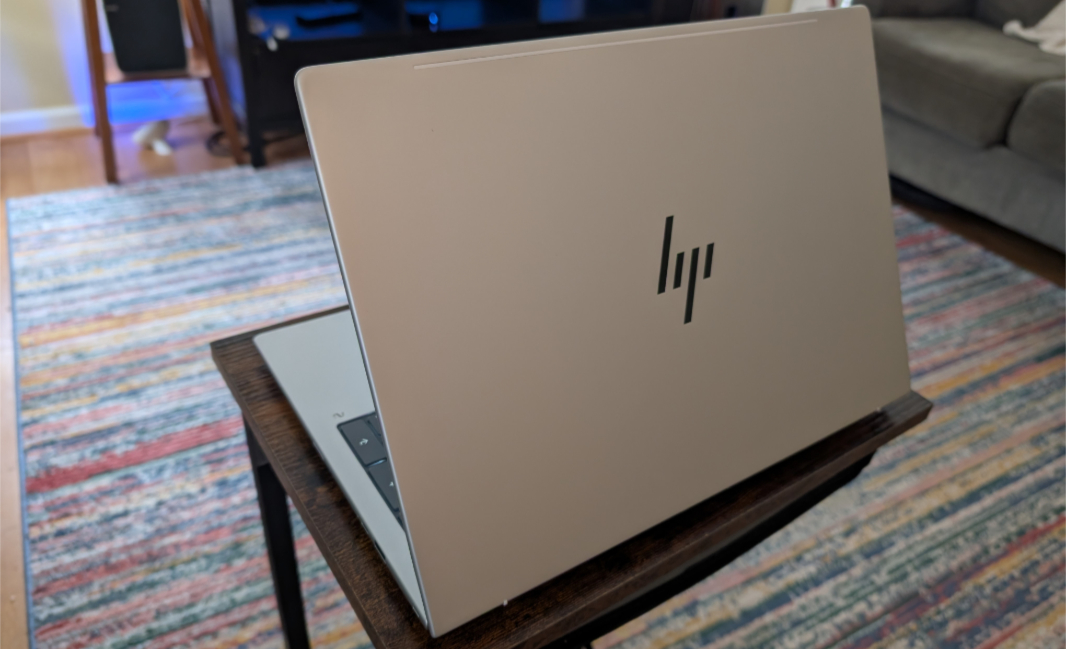
There are three models, at least for now: A 13-inch EliteBook 8 Flip G1i convertible laptop with Intel Core Ultra chips, a 14-inch EliteBook 8 G1i laptop with Intel Core Ultra chips, and a 16-inch EliteBook 8 G1a laptop with AMD “Zen 5” chips.
I chose the latter of those options. For what I assume are obvious reasons.
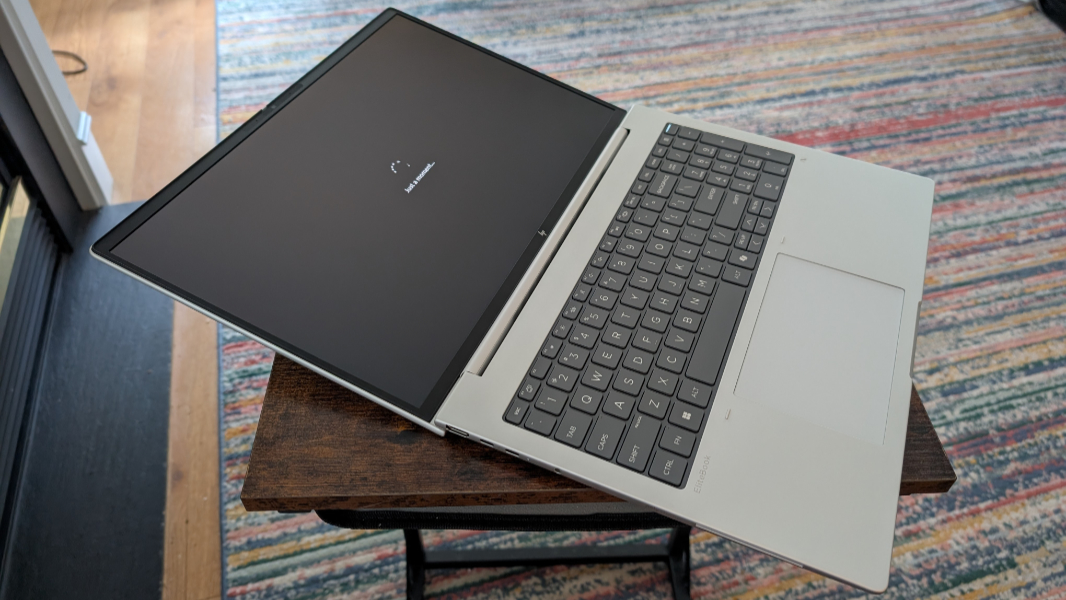
I’m glad I did, and not just for the superior AMD innards. I prefer larger laptops these days, and the EliteBook 8’s display, though a relatively low resolution of 1920 x 1200, is terrific. And this is my kind of laptop, a sort of entry-level premium offering that delivers the quality of higher-end laptops but at a much lower price point.
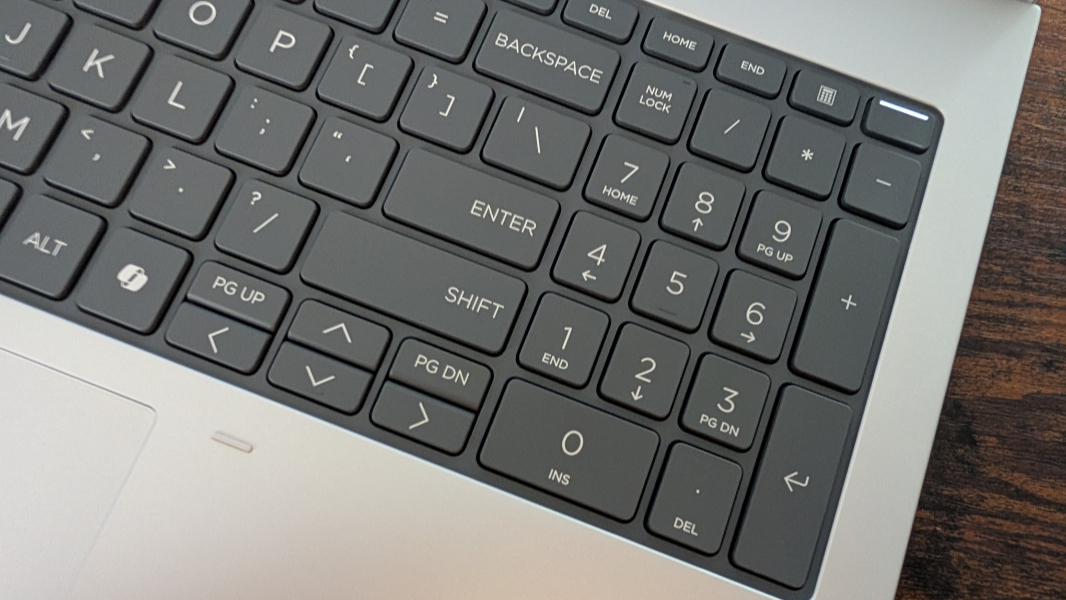
Regardless of the underlying platform, each EliteBook 8 model is a Copilot+ PC, with all the inherent security advantages of that platform. And who knows? One day, there may even be functional advantages to Copilot+ PC, too, though the pickings are a bit on the light side as I write this. I guess one could also complain about the pointless Copilot key that these PCs are burdened with, though that’s increasingly common on all modern Windows PCs.
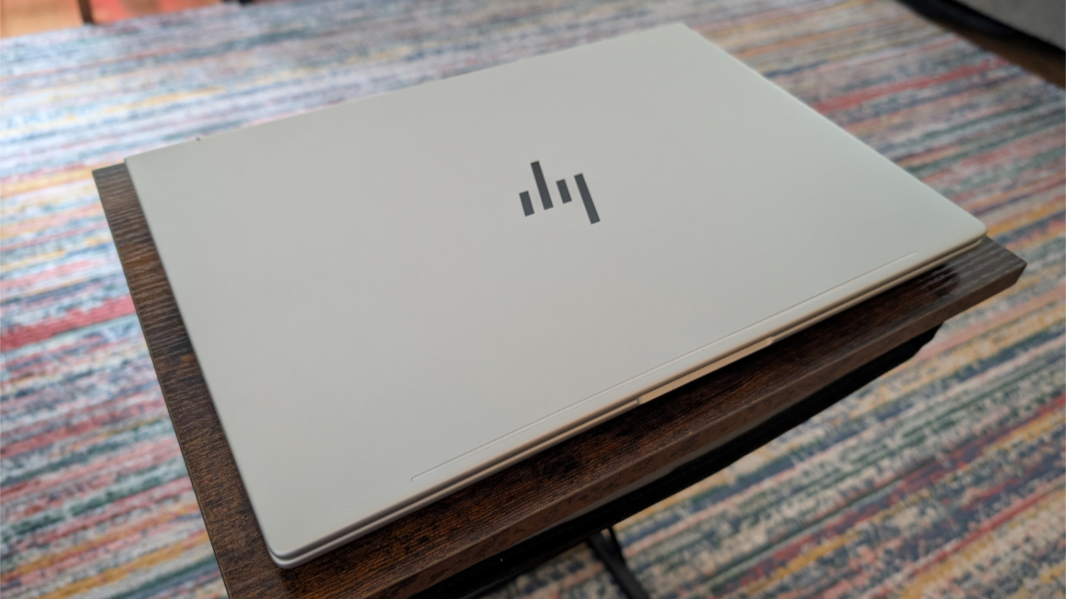
Renaming the old EliteBook 800 series lineup is straightforward enough. But HP also redesigned each of these products with thinner chassis, new fingerprint and smudge-resistant finishes, larger touchpads, the same fingerprint reader integrated into the keyboard-based power button that we see on the higher-end EliteBook products, USB-C charging ports on both sides of the PCs (they’re listening!), and even an optional Ethernet port.
There are anti-glare and low blue light options across the lineup, SureView and screen blur-based onlooker detection capabilities, and touch and non-touch panel options. The panel choices range from low-power options to 2.5K high color gamut LCD touch screens that rival OLED without the downsides.
The EliteBook 8 line also supports HP’s customized SmartSense power management and system performance tuning functionality, which uses AI to keep the PC as quiet as cool as possible while meeting the user’s performance needs on the fly.
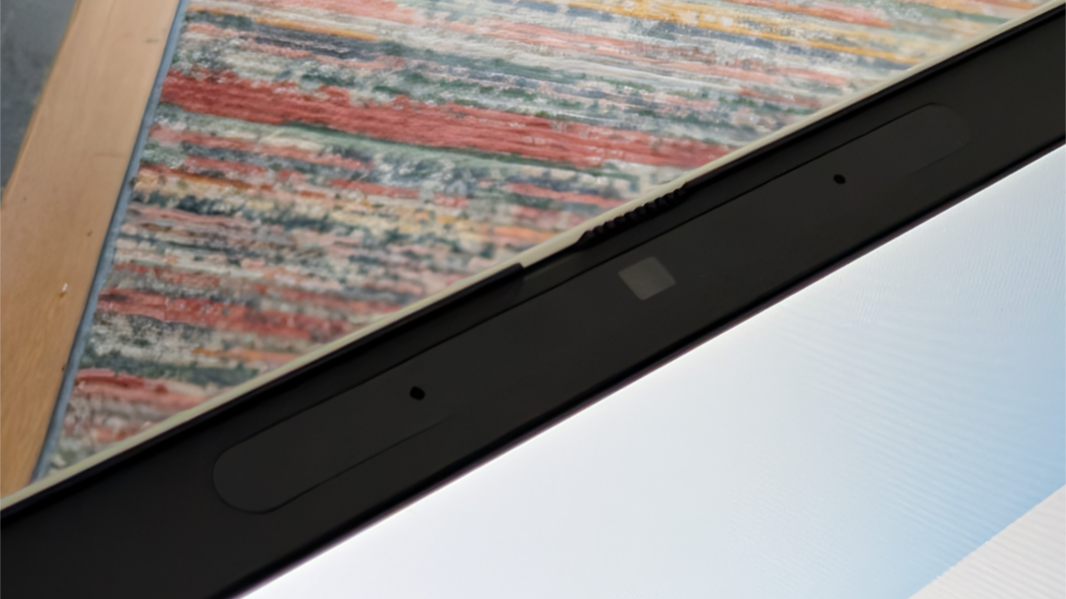
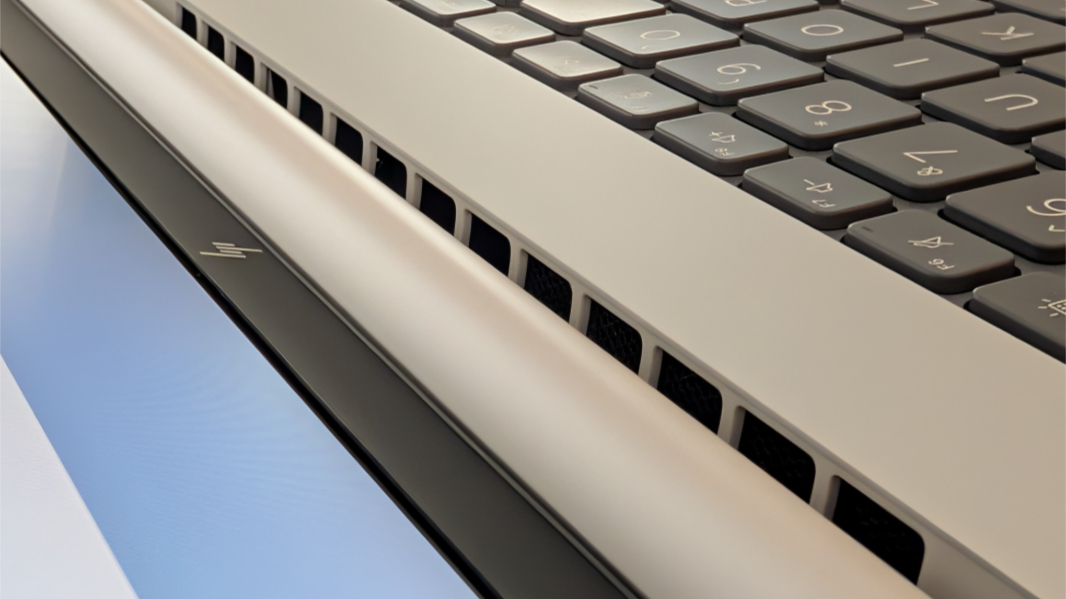
Looking specifically at the EliteBook 8 G1a 16 that arrived just before I left for Berlin last week, HP provides a powerful AMD Ryzen AI 7 PRO 350 processor, Radeon 860M graphics, 32 GB of RAM, 512 GB of SSD storage, a 77 watt-hour (wHr) battery, Wi-Fi 7, and a 5 MP webcam with Windows Hello ESS facial recognition. To keep things cool, HP has engineered a dual fan and dual heat pipe configuration internally.
The port selection is reasonable, given the size of this PC and the target audience.
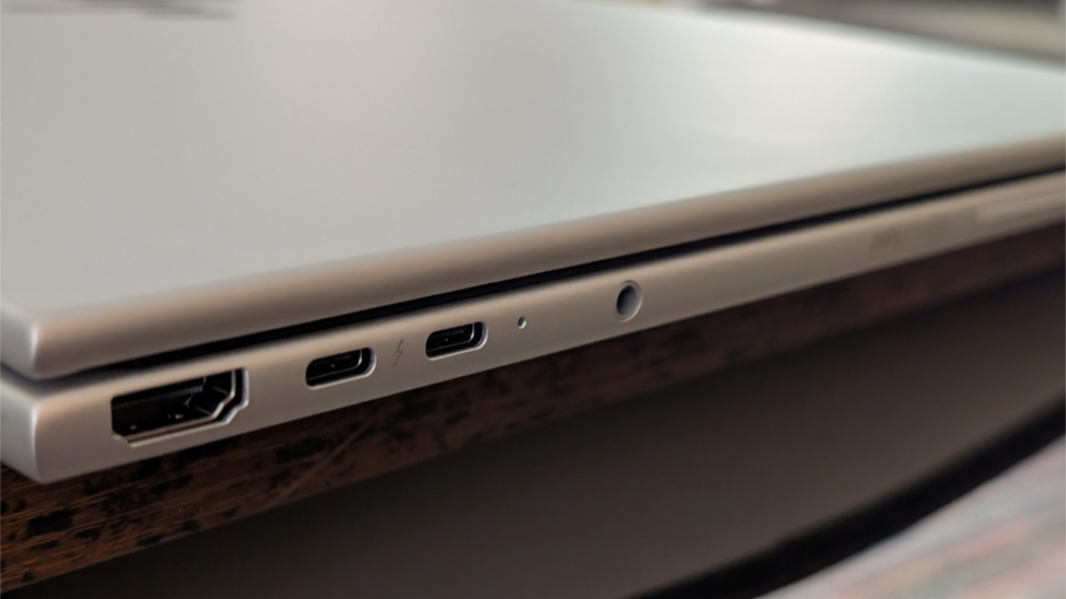
There’s a full-sized HDMI 2.1 port, two Thunderbolt 4/USB4 Type-C ports, and a 3.5 mm audio/microphone jack on the left, and you can configure it with a smart card reader as well.
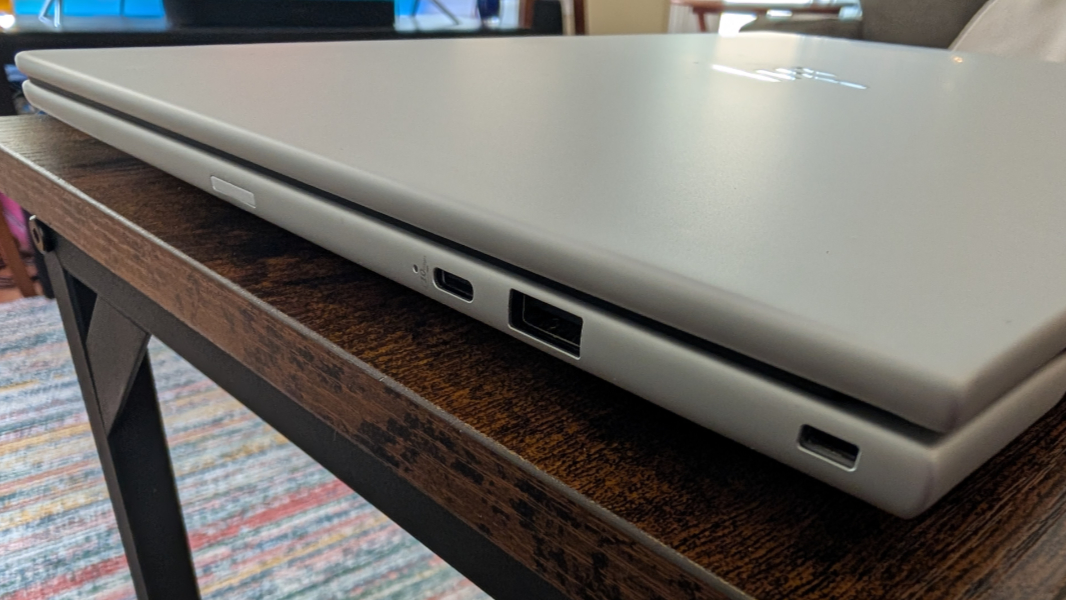
On the right, you can see a 10 Gbps USB Type-C port, a 5 Gbps USB Type-A port, a nano SIM card slot if configured, an Ethernet port if configured, and a nano security lock slot.
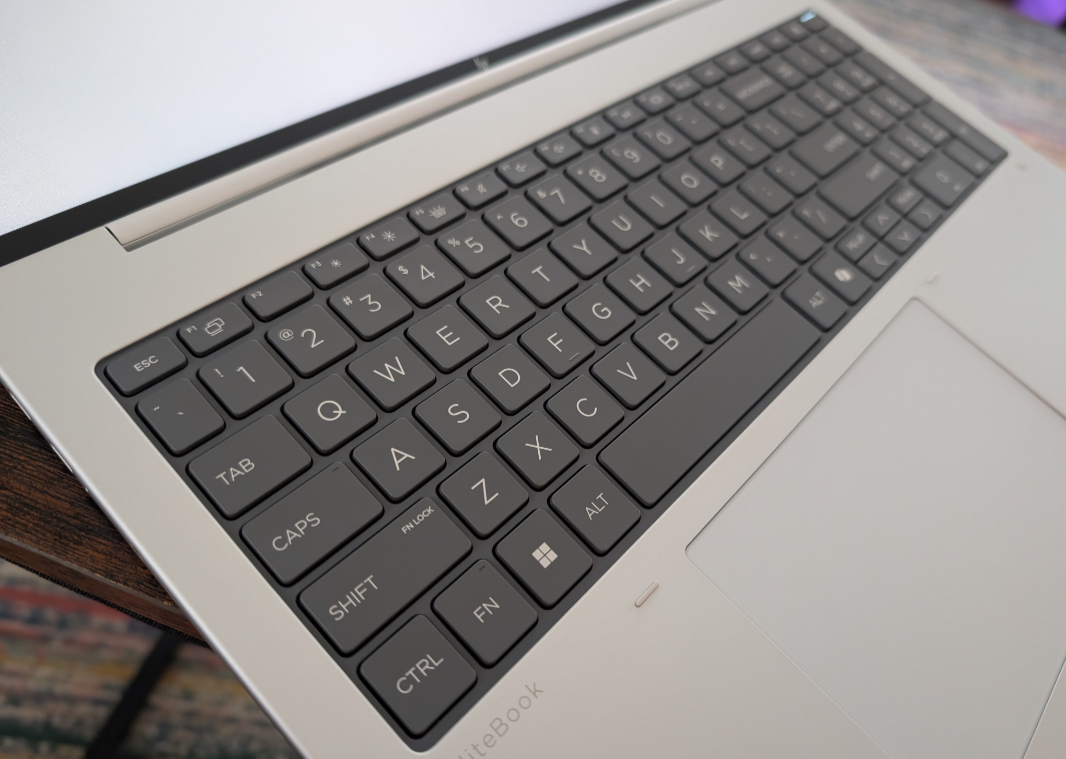
HP has made steady progress on sustainability, but this PC includes a feature I specifically asked for (as I’m sure many others did): The keyboard is modular and can be removed and replaced by the user. This was done to make it easier to change the keyboard localization, so it’s not exactly what I was looking for. I would like a version of the keyboard without the numeric keypad. But this is a good first step in that direction, and it comes in addition to a major push to make even more of a laptop easily serviceable by customers. So its battery, fans, SSD module, RAM, Wi-Fi/Bluetooth module, and mobile broadband module are all easily accessible and replaced.
The review configuration is about $1800, but a version with a Ryzen AI 5 PRO 340 processor, 16 GB of RAM, 512 GB of storage, and the same display is about $1500. And a higher-end configuration with the same processor as the review unit but 64 GB of RAM and 1 TB of storage is $1950.
More soon.