Lenovo ThinkCentre neo 50q QC First Impressions
- Paul Thurrott
- Oct 13, 2025
-
16
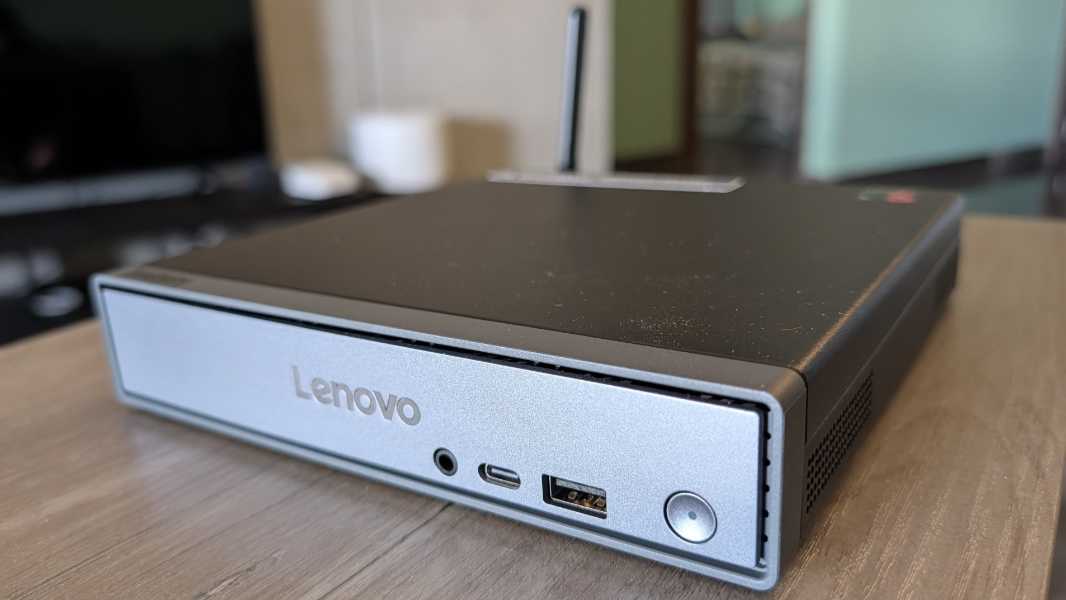
The Lenovo ThinkCentre neo 50q QC is a small form factor (SFF) desktop PC with a Qualcomm Snapdragon X processor. If you’ve been waiting for this kind of thing, and a lot of us have, this is immediately of interest.
It arrives in a much larger box than I was expecting. When we arrived back at the apartment here in Mexico City after lunch on Monday, the guard told me that we had gotten a paquetita, meaning a little package. But it was the size of a laptop box, causing me to second-guess what it was. But of course it comes with a full-sized desktop keyboard, partially explaining that. And a power supply and Wi-Fi antenna. Right. Of course.
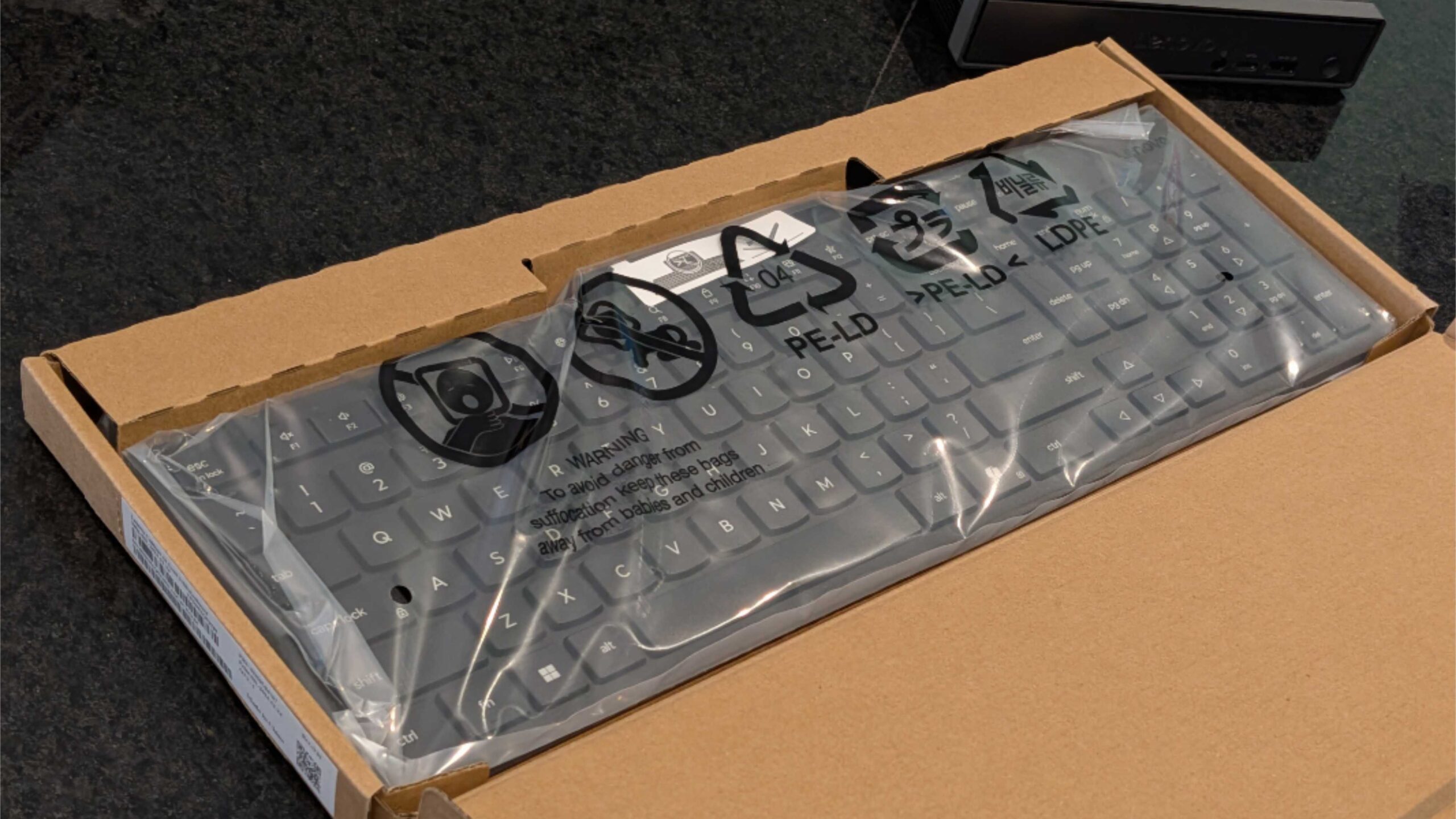
With that out of the way, another thought occurred. This is a desktop PC, and that means you can open it up, and more easily than is the case with most laptops. And sure enough, like the other SFF PCs I’ve used recently the top cover, which is connected to the front panel, lifts off easily enough once you remove a single screw.
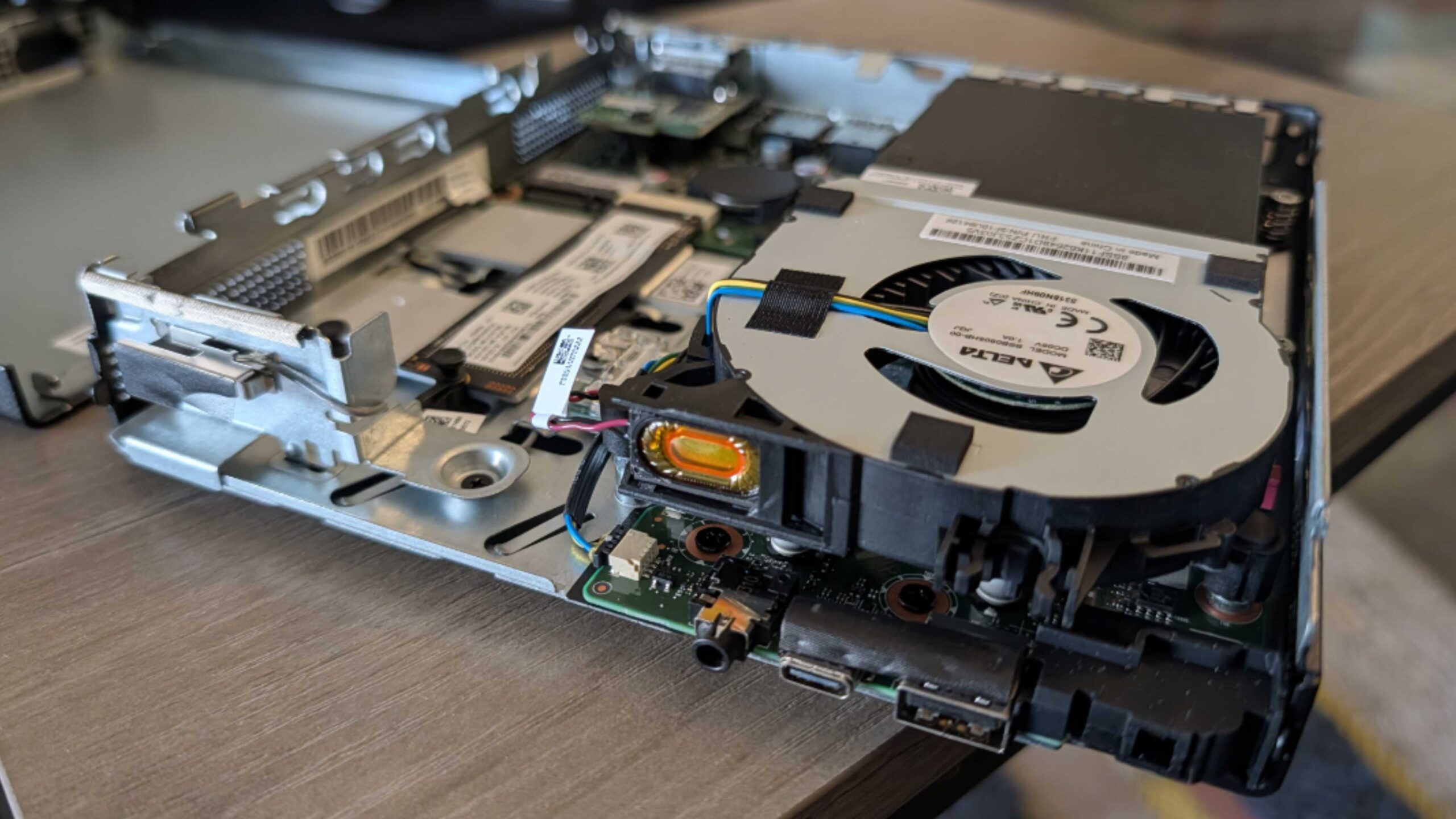
And that led me to yet another thought, that I would be able to expose the Snapdragon X processor beating at the heart of this little rarity. And, again, that was also easy enough: There’s a fan assembly in two parts over one side of the internals that’s held on by three tall screws which let me separate all that from the bottom of the PC. Et voila!
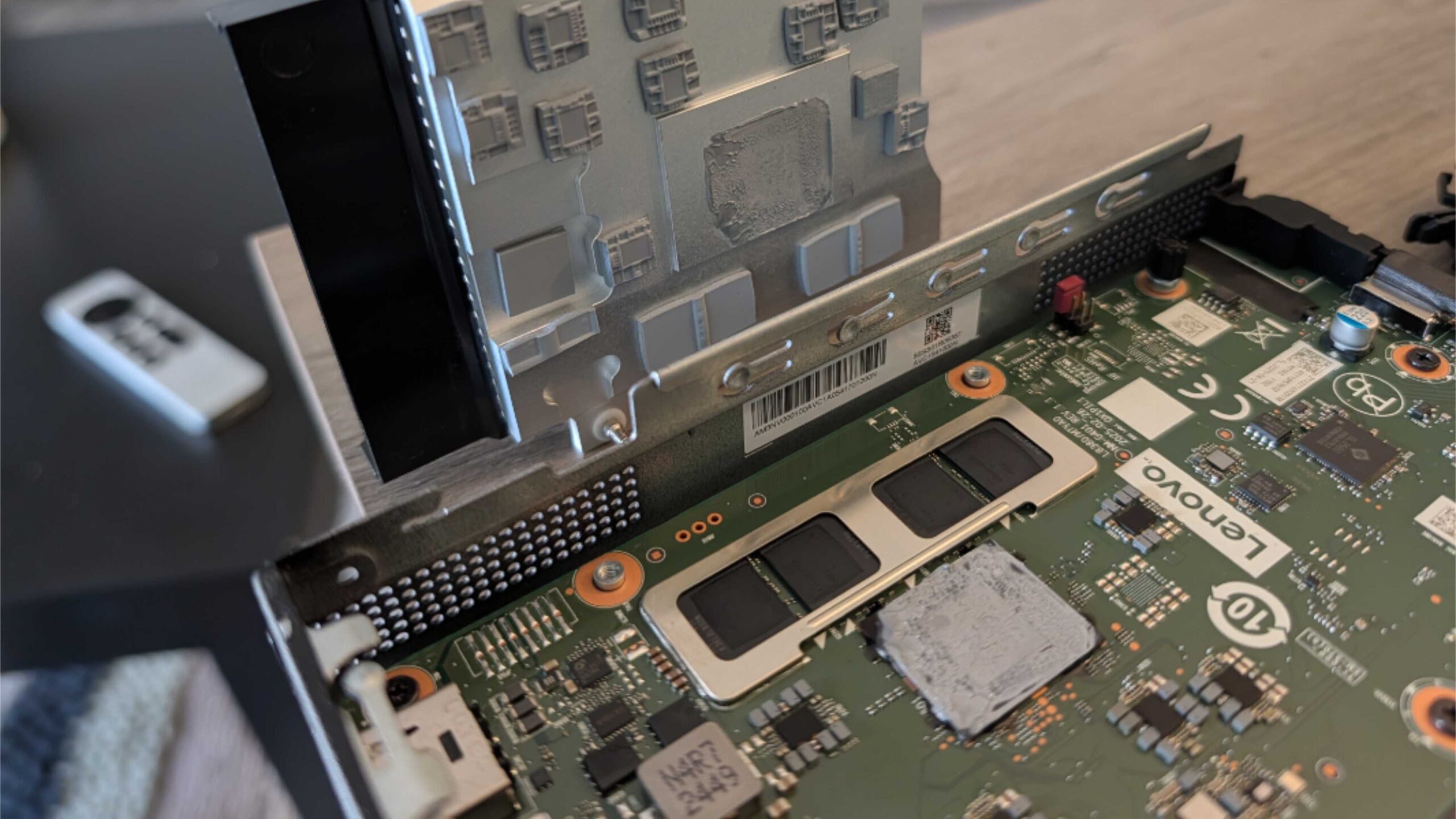
And yeah, I’m not sure where I was going with that. It’s a PC. As one would expect. So I put it all back together.
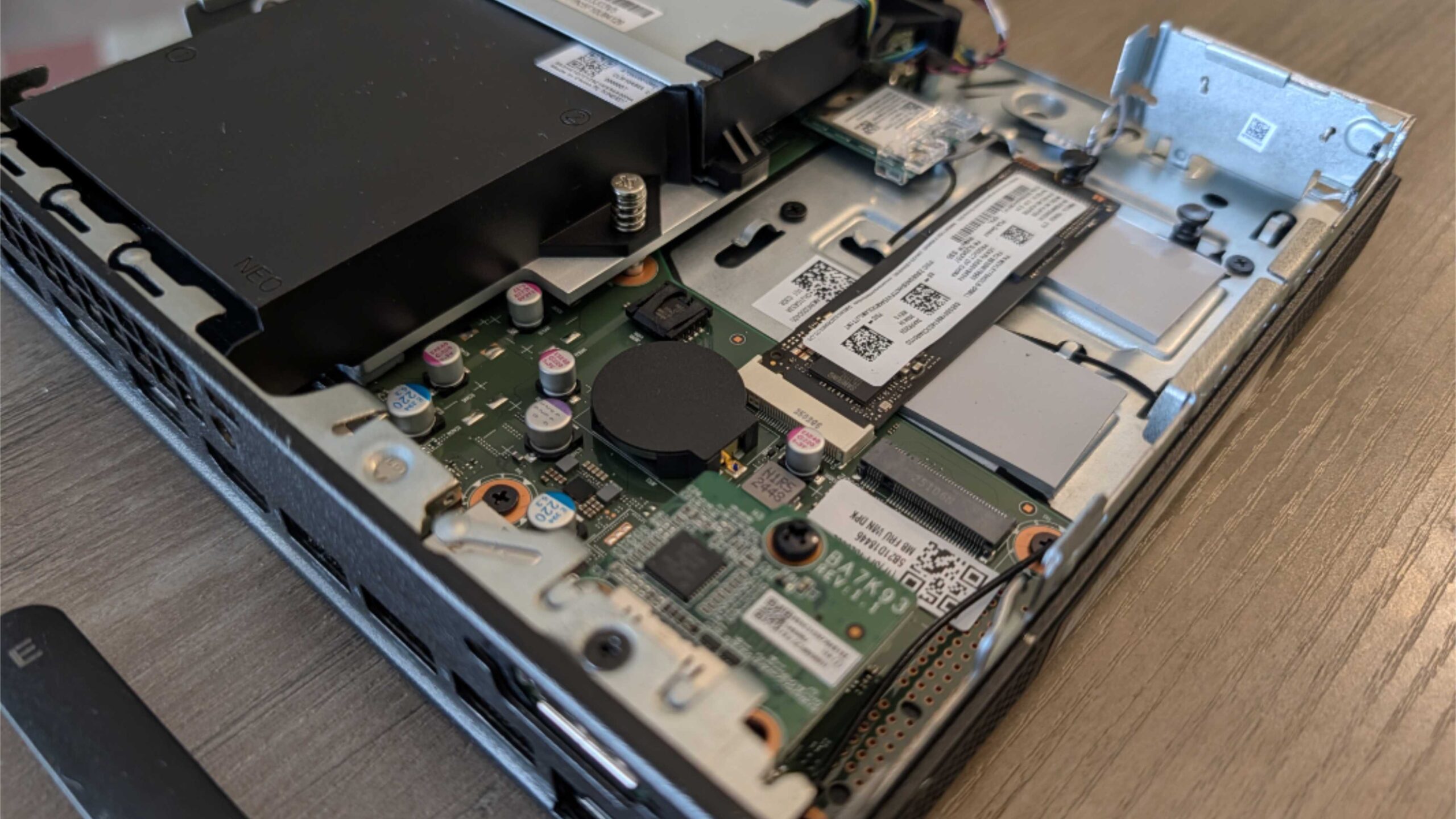
The ThinkCentre neo 50q QC ships with an 8-core Snapdragon X X1-26-100 processor, which includes the integrated Adreno GPU and Hexagon NPU that are common to all first-generation Snapdragon X-series chips. This is a low-end part, the same processor that I have in the HP OmniBook 5 16 I bought this past summer and recently reviewed, so I know it’s up to the task.
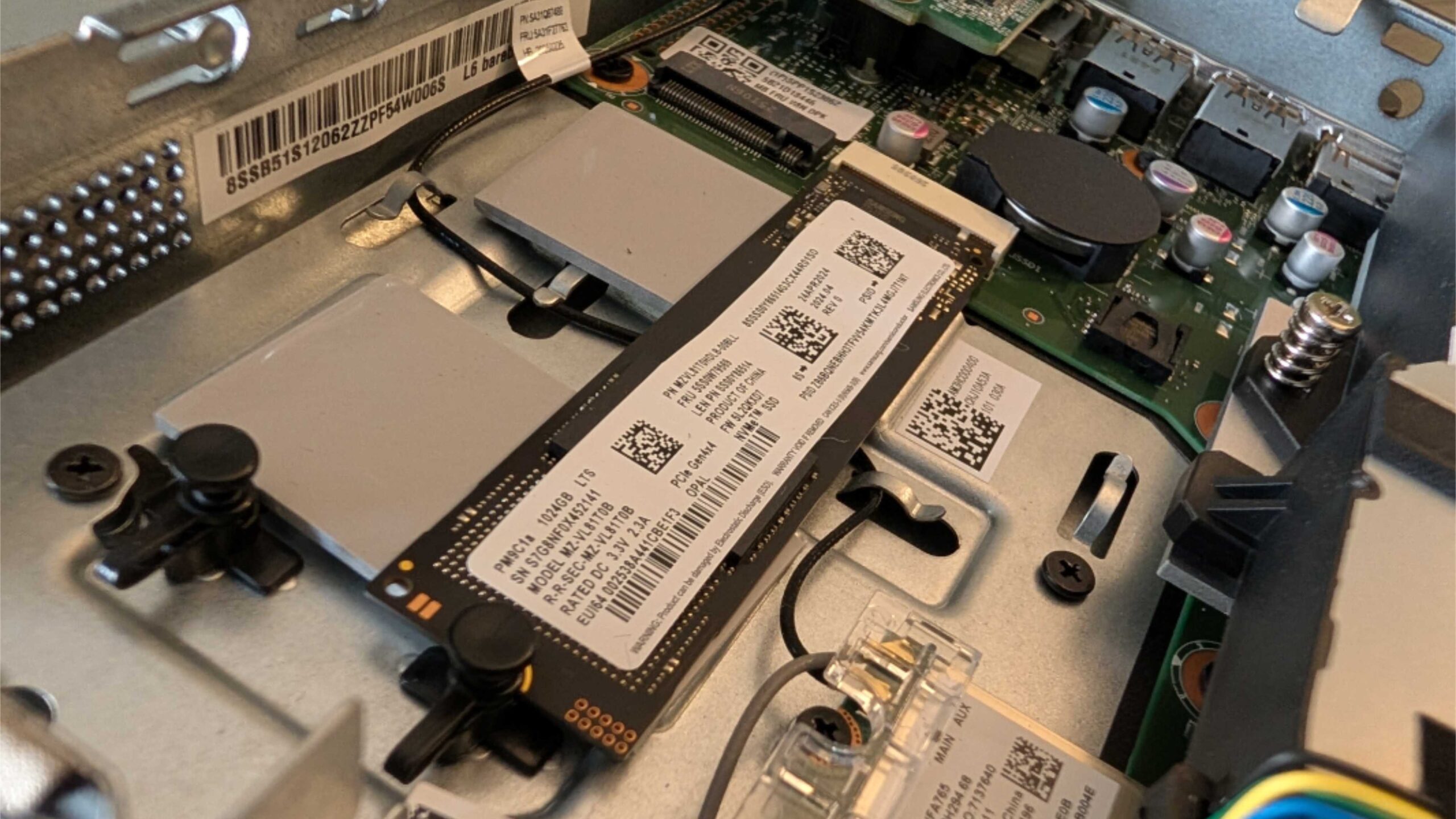
Beyond that, the neo 50q is configured with 16 GB of soldered LPDDR5x-8448 RAM and 512 GB or 1 TB of M.2 NVMe PCIe 4.0 Opal 2.0 SSD storage. Which I saw when I opened the box and can confirm is easily upgraded or replaced. The review unit has the 1 TB M.2 card, which is nice, and you can add a second M.2-based SSD for up to 2 TB of storage. Less nice, there are no DIMM slots to expand the storage, so what you buy is what you get.
The connectivity is the same as the OmniBook, with Wi-Fi 6E and Bluetooth 5.3. But there’s also an integrated 1 Gbps Ethernet port for a wired connection.
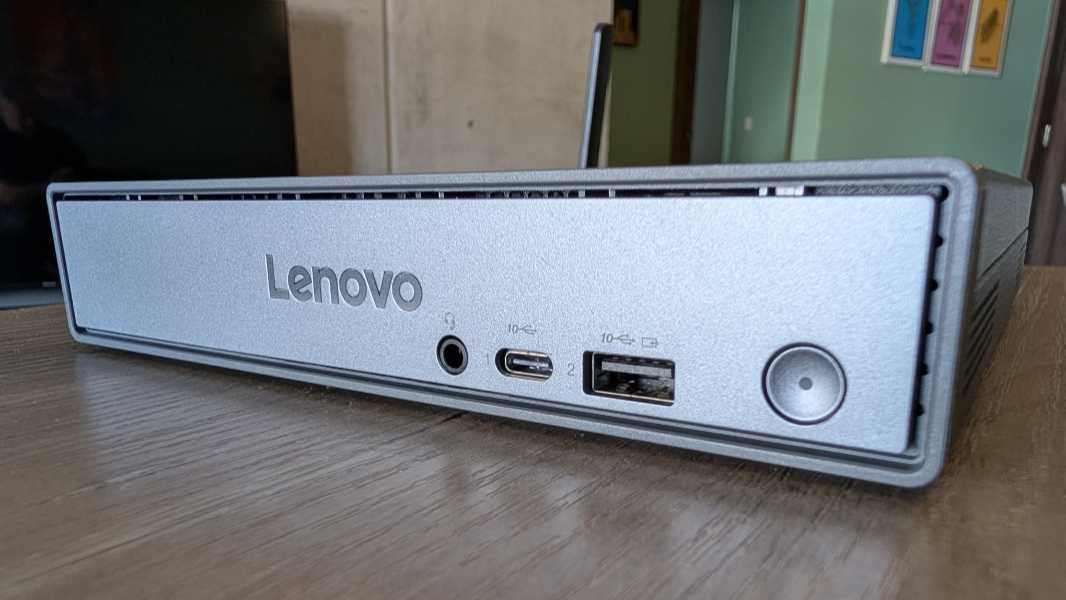
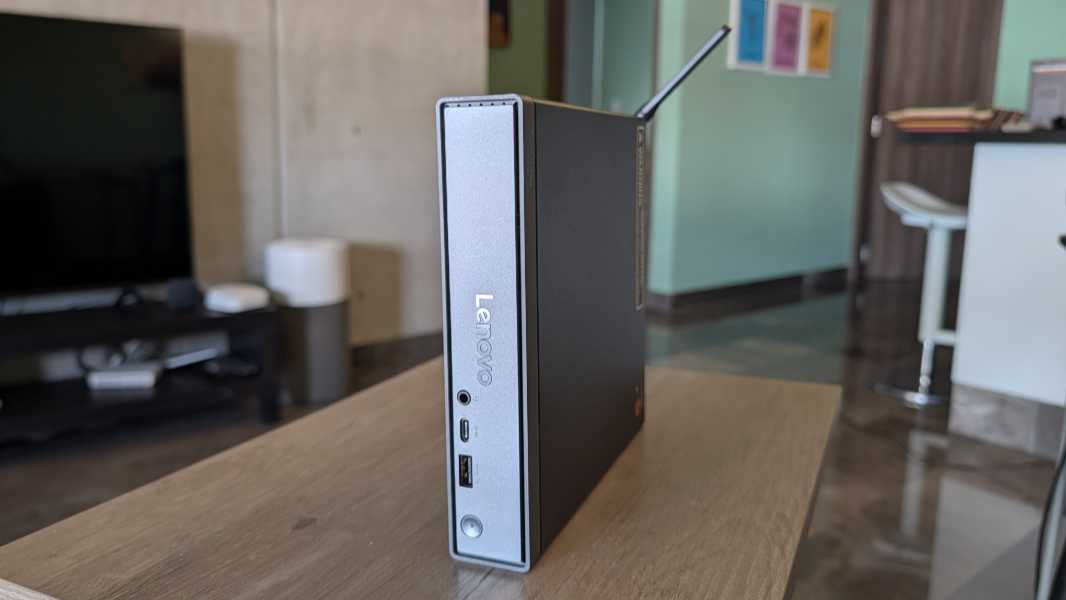
The expansion port situation is a bit odd and not quite what I expected. On the front, you’ll see a 10 Gbps USB 3.2 Gen 2 Type-C port (with data transfer and charging capabilities) and a 10 Gbps USB 3.2 Gen 2 Type-A port (with Always On and charging capabilities) in addition to the power button and combo headphone/microphone jack. But that’s the only USB-C port in this PC, and it doesn’t support DisplayPort, so it can’t be used for video, even with a hub or dock. And that’s not good.
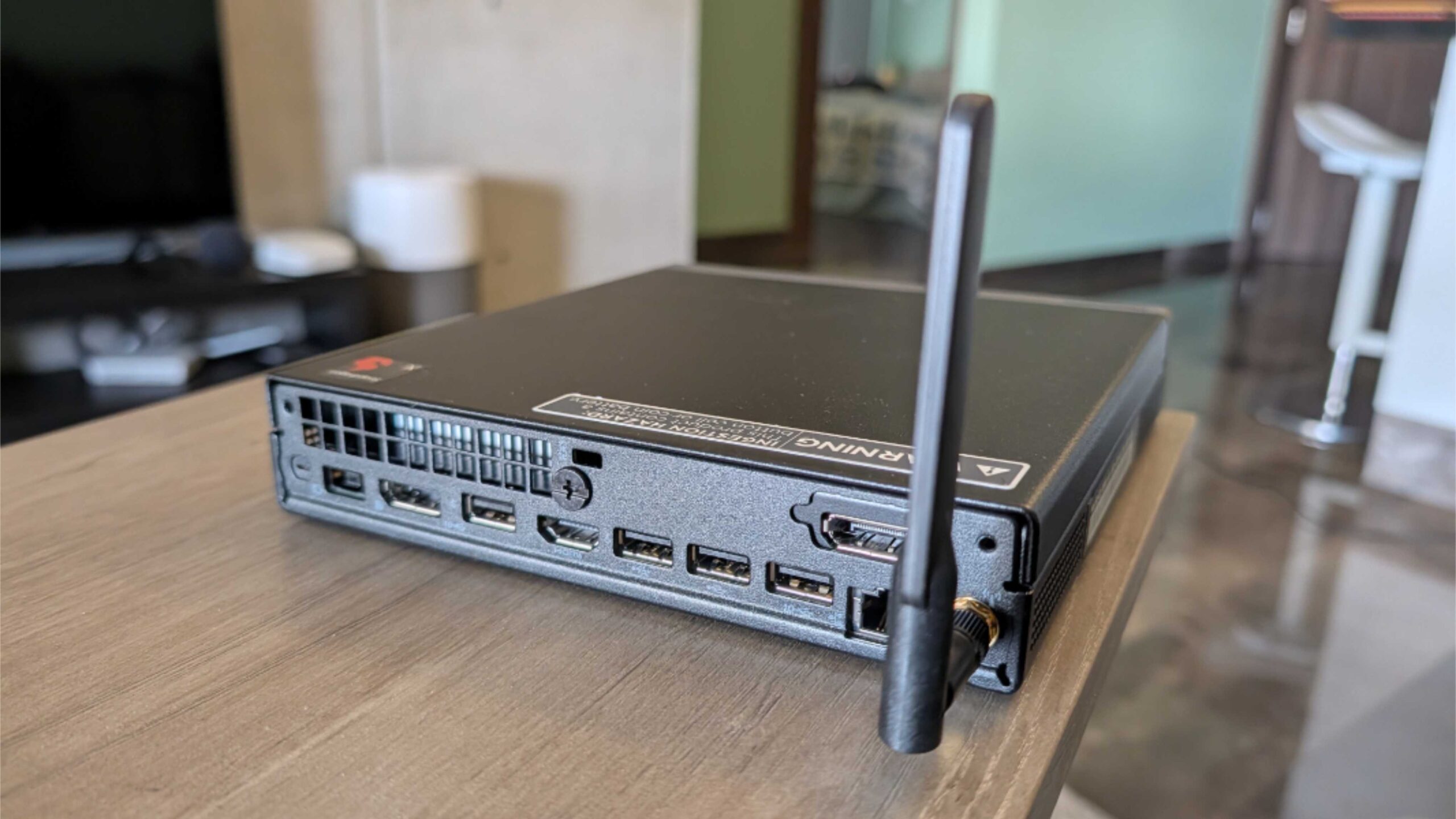
On the back, you’ll find two 5 Gbps USB-A ports, two 10 Gbps USB 3.2 Gen 2 Type-A ports, one HDMI 2.1 port (with Transition-minimized differential signaling, or TMDS), one DisplayPort 1.4a port (with High Bit Rate 2, or HBR2, support), the power connector, and the Ethernet port.
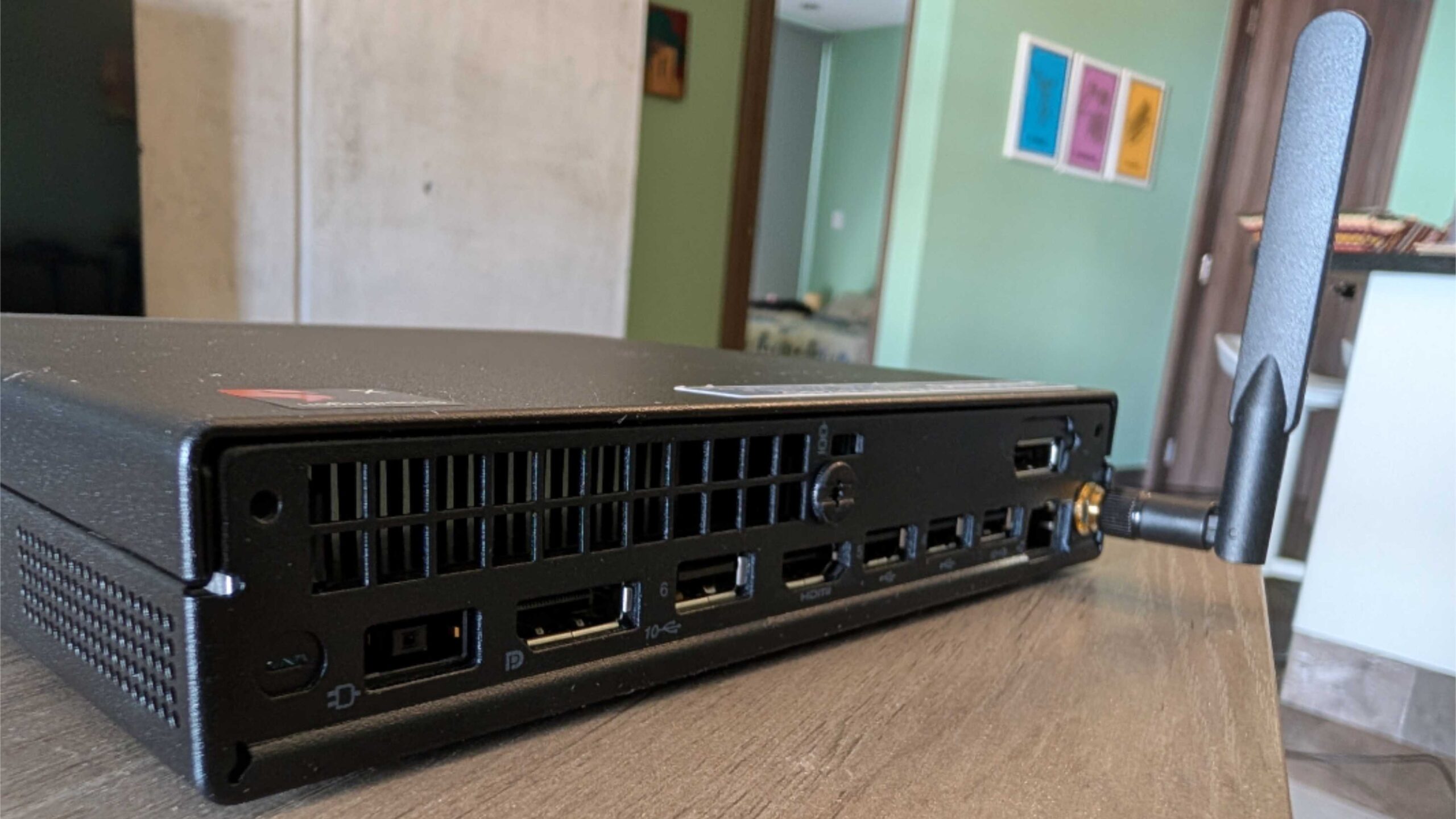
And this will be a little bit of a problem because we only have one non-USB-C display here in Mexico, and my wife is using it. I’m sure she’ll understand.
Of course, you’re wondering about the software experience, well, so am I. I haven’t yet broken the news to my wife. What I can answer is whether this is a a Copilot+ PC; after all, there’s no way to use Windows Hello ESS with this system since there’s no integrated fingerprint reader or facial recognition. But it is: Those aren’t required to conform to the specification. It’s just that if you include them with the PC, they must be ESS compliant.
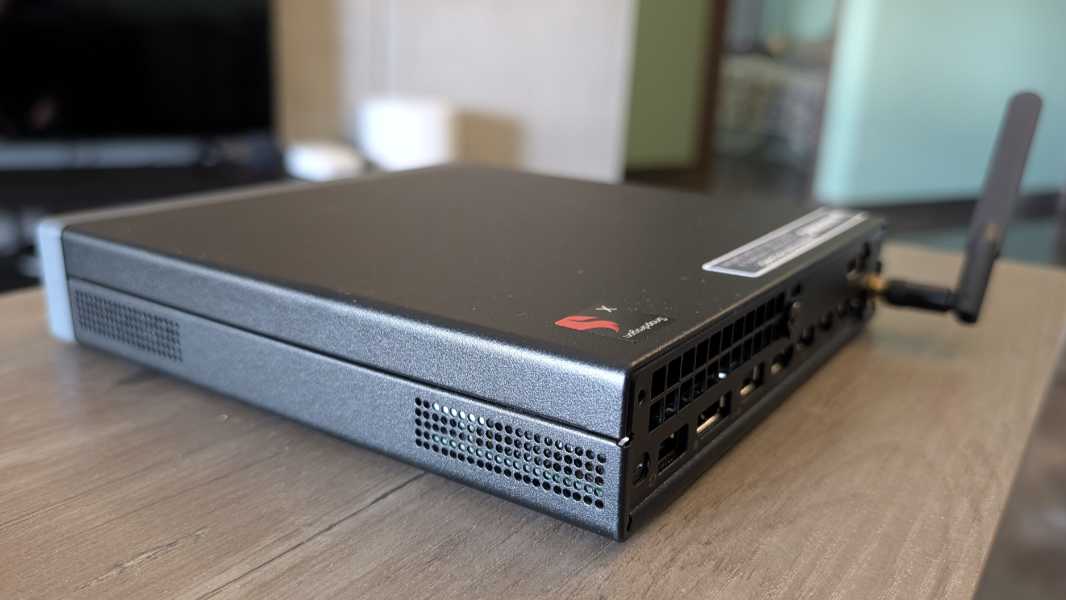
Beyond what I noted above, there’s no stand, so you can’t position the PC vertically unless you get one as you will block some air vents otherwise. But it is VESA-compliant, unlike a certain Apple-made mini PC. And the power supply, despite its proprietary connector, is just 65 watts, similar to most modern laptops. Now I’m curious about the fan noise or lack thereof.
More soon. I’ll probably follow up on this PC quickly and well ahead of the review.