WhatsApp Now Supports Passkeys for Chat Backup Encryption
- Laurent Giret
- Oct 30, 2025
-
0
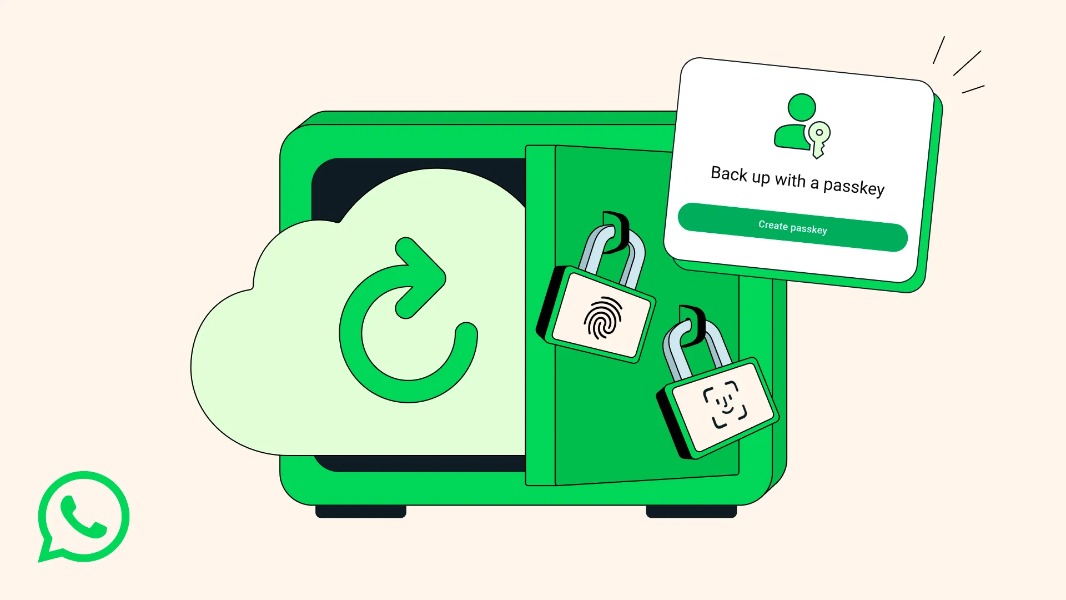
WhatsApp is improving its end-to-end encrypted backups for chats by adding support for passkeys. The optional security feature currently requires users to set up a password or an encryption key, which aren’t so convenient to use.
« Passkeys will allow you to use your fingerprint, face, or screen lock code to encrypt your chat backups instead of having to memorize a password or a cumbersome 64-digit encryption key. Now, with just a tap or a glance, the same security that protects your personal chats and calls on WhatsApp is applied to your chat backups so they are always safe, accessible and private, » the company said in the announcement.
There’s an ongoing industry push to replace passwords with passkeys, which are a passwordless authentication method based on FIDO standards. Passkeys are easier to use and set up than traditional two-factor authentication methods, such as security codes, and they also eliminate the risk of interception.
WhatsApp plans to roll out passkey support for encrypted backups over the coming week or months. If you have yet to enable the feature to add an extra layer of protection to your chat backups, you can do so by going to WhatsApp Settings > Chats > Chat backup > End-to-end encrypted backup.