Opera Neon is Now Available
- Paul Thurrott
- Dec 11, 2025
-
0
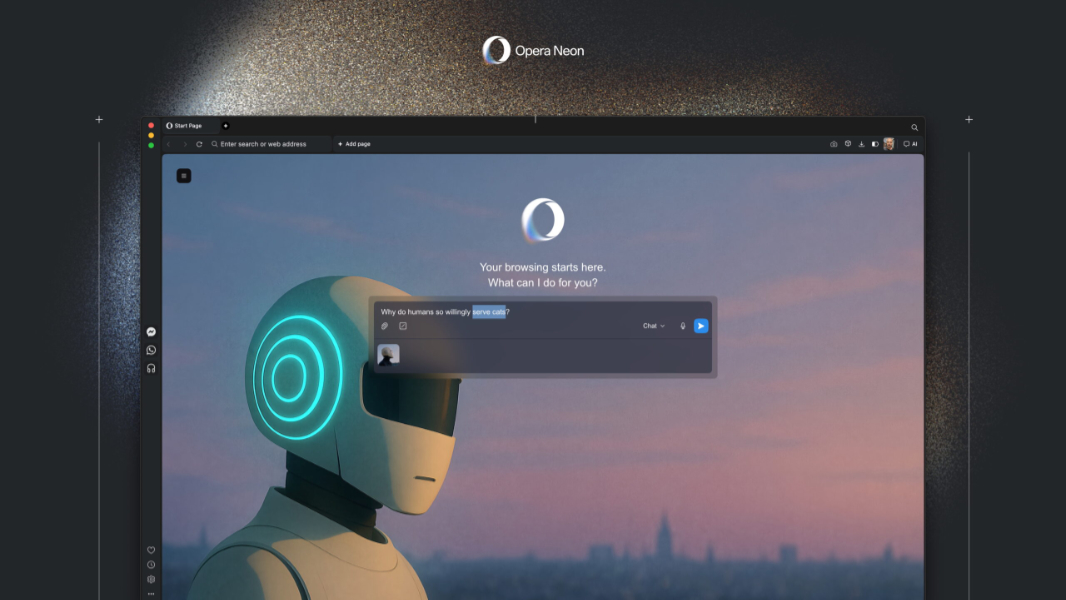
Opera announced that its Opera Neon agentic AI web browser is now available, starting with those in the Neon Founders program and the waitlist. This premium browser requires a paid subscription at $20 per month in the U.S. and it includes integrated AI and agentic functionality that work alongside you as you browse the web.
“Opera Neon is the newest member of the Opera browser family and is a premium, agentic AI browser built for everyone who uses AI extensively in their day-to-day life,” the Opera team writes. “We’re not just reading anymore – we’re researching, comparing, creating, and deciding. And we’re doing it across multiple sites, tools, and AI assistants at once. Opera Neon is built for this new reality. Instead of just showing you web pages, it works alongside you to get things done.”
Opera’s approach here is somewhat unique in that there is no free, usage-limited version of Neon. Instead, you can use one of the company’s free browsers—Opera One, Opera Air, or Opera GX on desktop—each of which offers free integrated Opera AI functionality, or you can pay for Opera Neon and get much more sophisticated functionality.
This includes an integrated AI chat feature, of course, but also some unique and interesting new features:
Tasks. These self-contained workspaces help you organize multiple websites, documents, AI chats, and web searches for contextual projects in which you can use the AI to analyze, compare, and act across multiple sources at once.
Neon Do. This agentic feature can take actions across multiple tabs within the context of a Tasks-based project. For example, it can open, analyze, and close tabs, engage in things like shopping, booking reservations, and applying for a job. And because it works within a logged-in session, you don’t need to share passwords with cloud services, and you can view and pause progress or take control at all times.
Cards. These pre-defined and custom prompt shortcuts let you perform actions in a more visual way. There’s a community collection of pre-built cards in an online store, and you can make or customize your own, providing a sort of power-up for your prompts. “Comparing products across tabs?” Opera writes. “Add the pull-details + comparison-table cards to your prompt. Or if you’re taking meeting notes, combine the key-decisions + action-items + follow-ups cards and Opera Neon will capture what matters in the right format.”
Make. This generative AI tool can make websites, games, videos, reports, or tools that work online or offline and can be edited at any time and shared via a unique URL with others. This all happens on virtual machines (VMs) hosted on Opera’s secure European servers.
Beyond this, Opera Neon includes all the features you’d expect from a modern web browser, like a built-in ad blocker, VPN, Bookmarks, and sidebar integrations.
You can learn more—and join the waitlist—on the Opera website.