DJI Neo 2 First Impressions
- Paul Thurrott
- Jan 22, 2026
-
0
After first launching the Neo 2 in China in October, DJI shipped this new beginner-friendly drone worldwide in mid-November. But not in the United States, thanks to what turned out to be a temporary ban on China-made drones. As I write this, the Neo 2 still isn’t available in the U.S., at least officially. But I’m in Mexico, so I was able to purchase one at Amazon Mexico this past week without issue.
I’ve wanted a drone for a long time, but I’ve been thwarted by the usual cost and complexity issues. But like all technology, drones have only gotten less expensive and more approachable. The Neo 2 is, perhaps, the best beginner-friendly drone yet, though it can still get expensive and the onboarding process was frustratingly difficult and time consuming.
Why a drone?
I don’t have a drone “need,” per se, no one does. But since my wife and I landed on Mexico City as a home and started our Eternal Spring guides to help others visiting or moving here, I’ve wanted to capture unique footage throughout the city. This is about as casual as this kind of usage can get. Straight up from the roof of our apartment with a 360-degree view. Similar clips around major monuments like the Angel of Independence, a 150-foot-tall column on the city’s iconic Avenida de Reforma. That kind of thing.
What I don’t want is to spend several hundred dollars or more on something I’ll only use occasionally. I purchased a reasonably inexpensive no-name drone back in August 2022, but it couldn’t even hover normally without lurching off to the side and crashing. And so I never even bothered to bring it here. All I could imagine was this thing plummeting to its death off the side of our building.
And so I’ve waited. Until now.
Why the Neo 2?
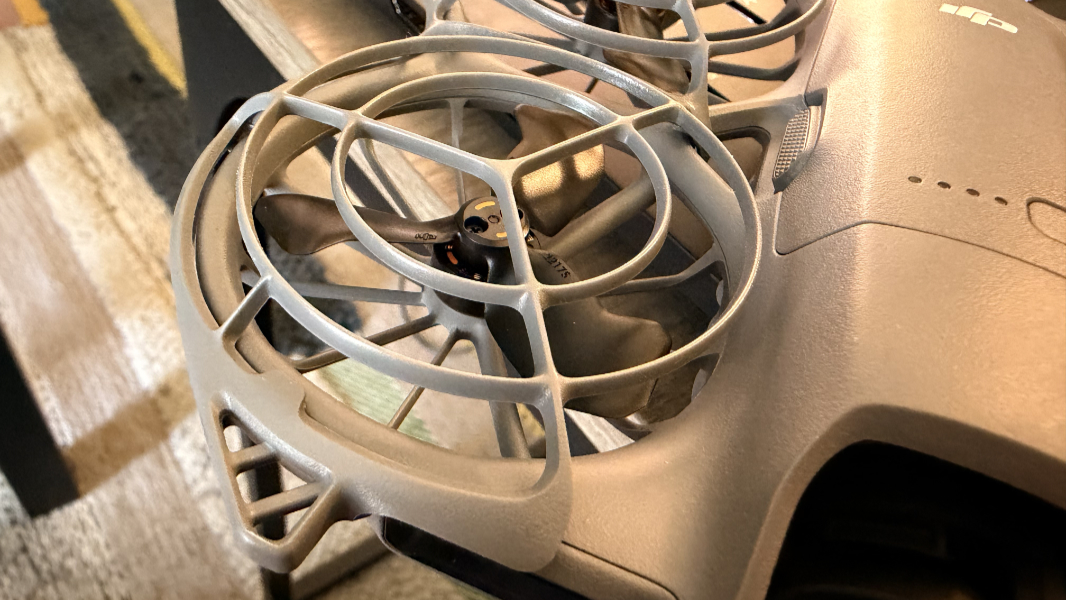
The Neo 2 is tiny, light, and advanced, with omnidirectional obstacle sensing and avoidance, gesture control, fun follow and automatic flight modes, and what seems to be a reasonably high-quality camera capable of 4K video with automatic framing.
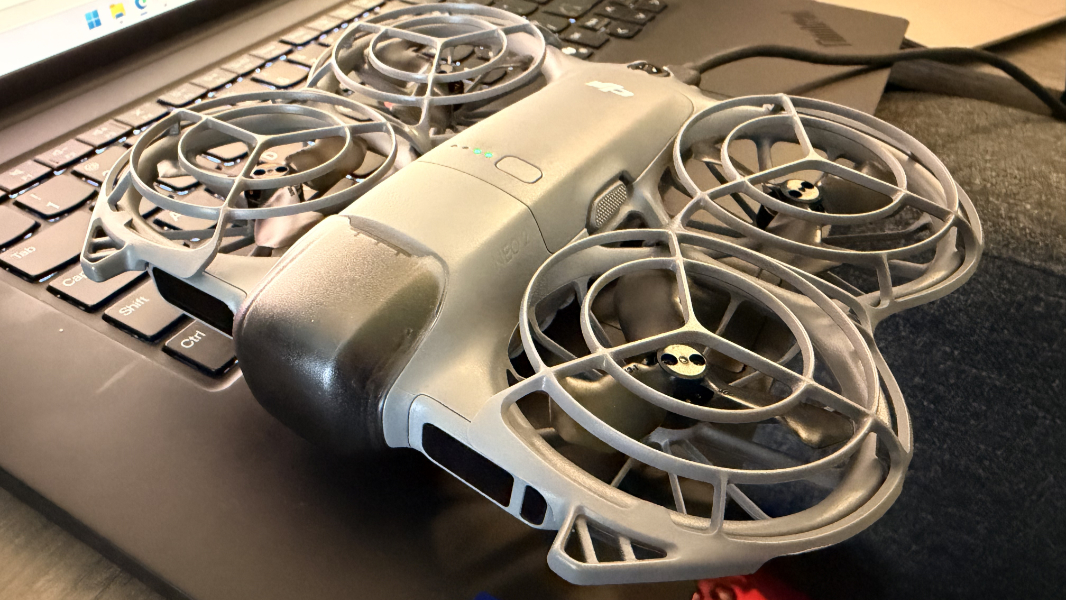
It will cost about $225 when it officially goes on sale in the U.S., so it’s reasonably affordable to get started. (I paid about $280 in Mexico as most electronics are more expensive here; you can also get it for a bit more at Amazon and other places ahead of the official U.S. launch.) But almost any buyer will want at least some additional batteries and perhaps other add-ons like a dedicated remote control.
Getting started
The Neo 2 is surprisingly light to the point that it almost feels cheap. But it’s actually pretty incredible overall, aside from the battery life. I bought the entry-level unit, which is just the drone, two additional propellers, a USB charging cable, a single battery, a small screwdriver for replacing a propeller, and a few paper-based guides.
You can also buy packages that include additional batteries with a standalone charger, a dedicated remote controller, and even VR goggles. But the base package includes everything you need, as you can control the drone using an app on your phone. And that’s where the trouble started.
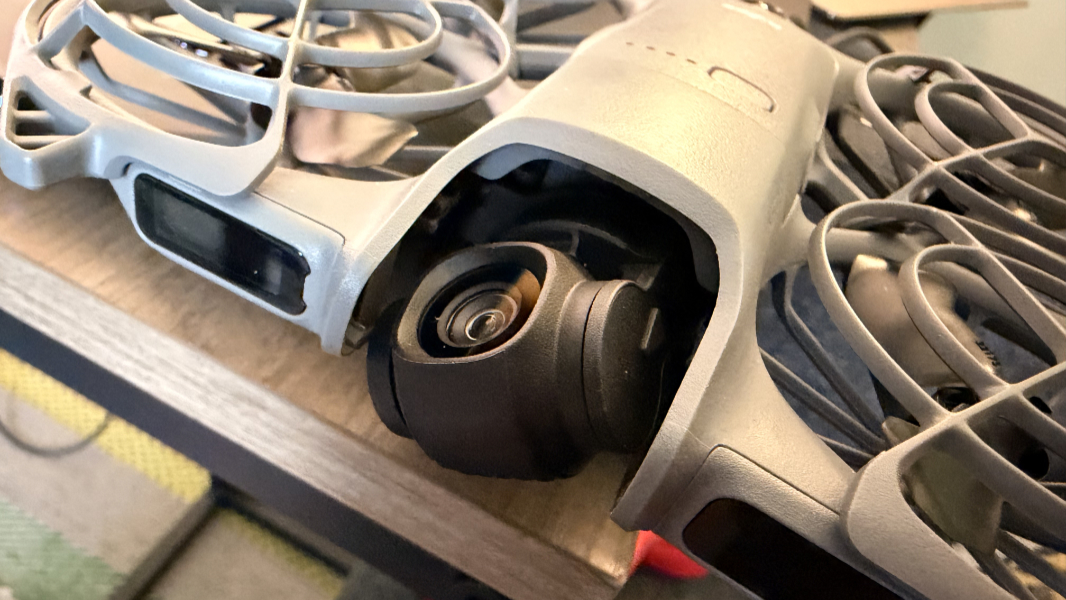
My initial experiences setting up the Neo 2 were not positive. The required DJI Fly app is available normally for iPhone but needs to be sideloaded on Android (for reasons; I don’t know). And then you follow the instructions in a little fold-out Quick Start Guide, which look simple, and should be, but are not. I struggled with this.
Long story short, you have to pair the drone with the app over Wi-Fi every time you use it. This requires a multi-step process that fails 90 percent of the time, often multiple times. You also have to charge the battery, which was expected, but making that connection between the phone and drone, was difficult and requires very specific machinations.
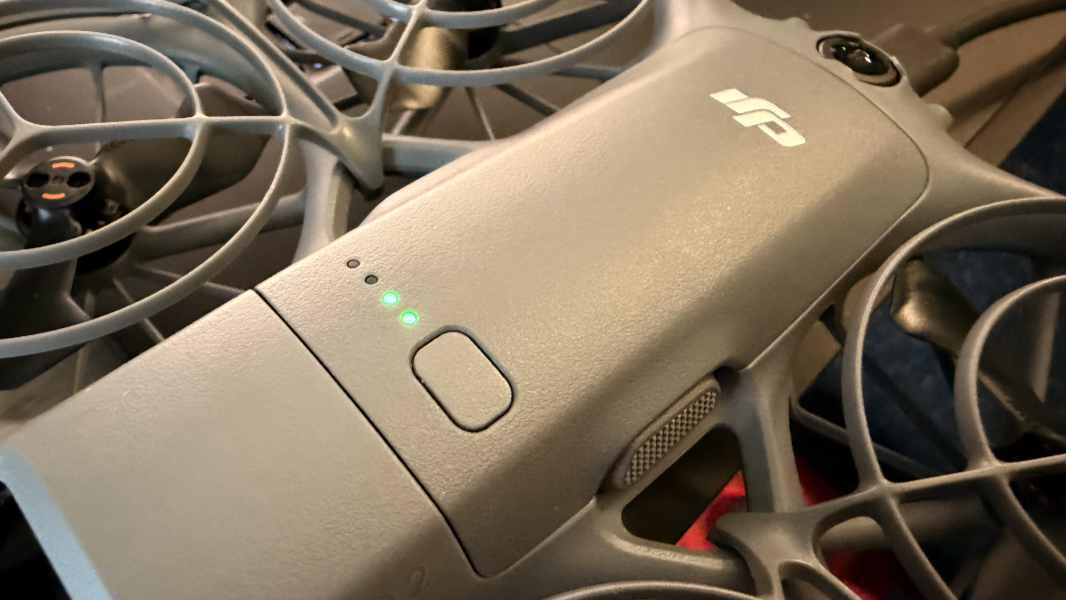
Basically, you remove a cover from the camera/gimbal, press a power button on the drone one time to power it on (and, later, off, though that too is difficult to do reliably) and then press and hold that button for three seconds to make the connection while the app is running and expecting this. It always takes multiple tries.
The DJI Fly app is terrible, and I hope; that I’ll just get used to it in time. It only runs in landscape mode sometimes, which is odd, and then it provides a portrait-only screen at other times, which is odder still. Then it berates you for holding it wrong, which is unreal. The connection with the drone is difficult to achieve, as noted. And while some of the automatic modes can pretty much occur directly on the drone itself, using a couple of side buttons and a small display towards the top, you can also just use the app, which offers more modes and manual flight controls.
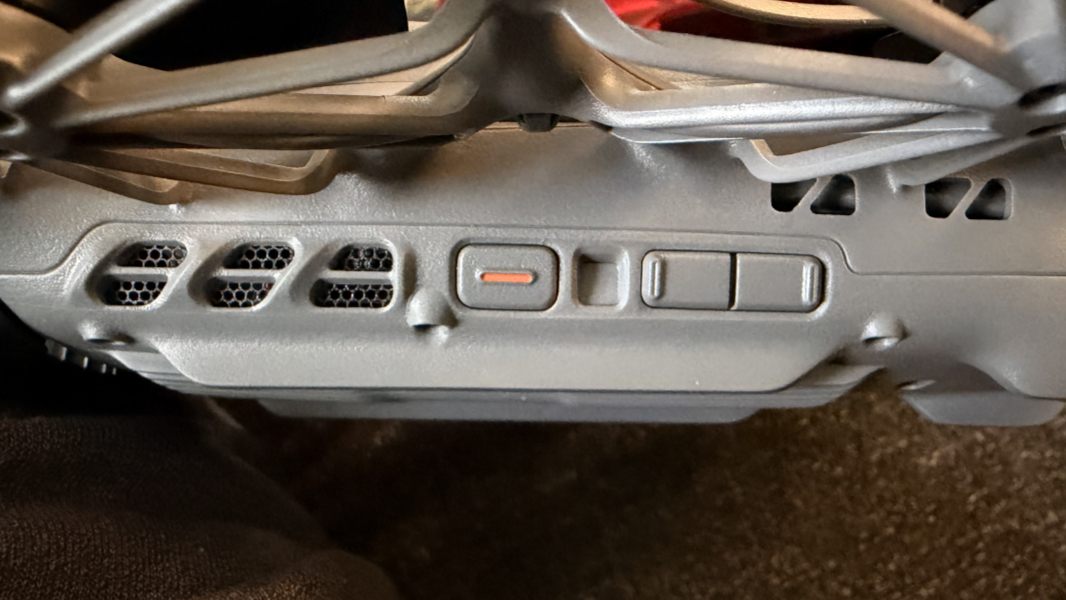
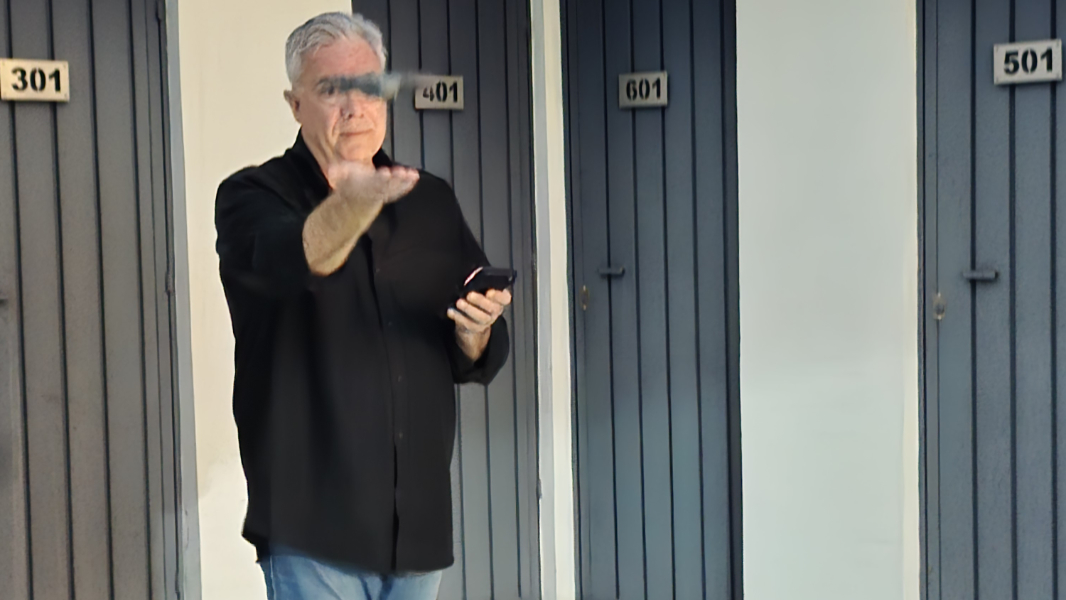
The initial walkthrough the app provides is the first hint that something magical is happening here. And that’s especiallytrue if you’ve used other drones that were less forgiving, as I have. Using the buttons on the drone to select SelfieShot, for example, you can then trigger a countdown using a takeoff button, hold the drone out in your open palm, and it will take off and do its thing, avoiding obstacles while taking three shots of you at different angles and heights.
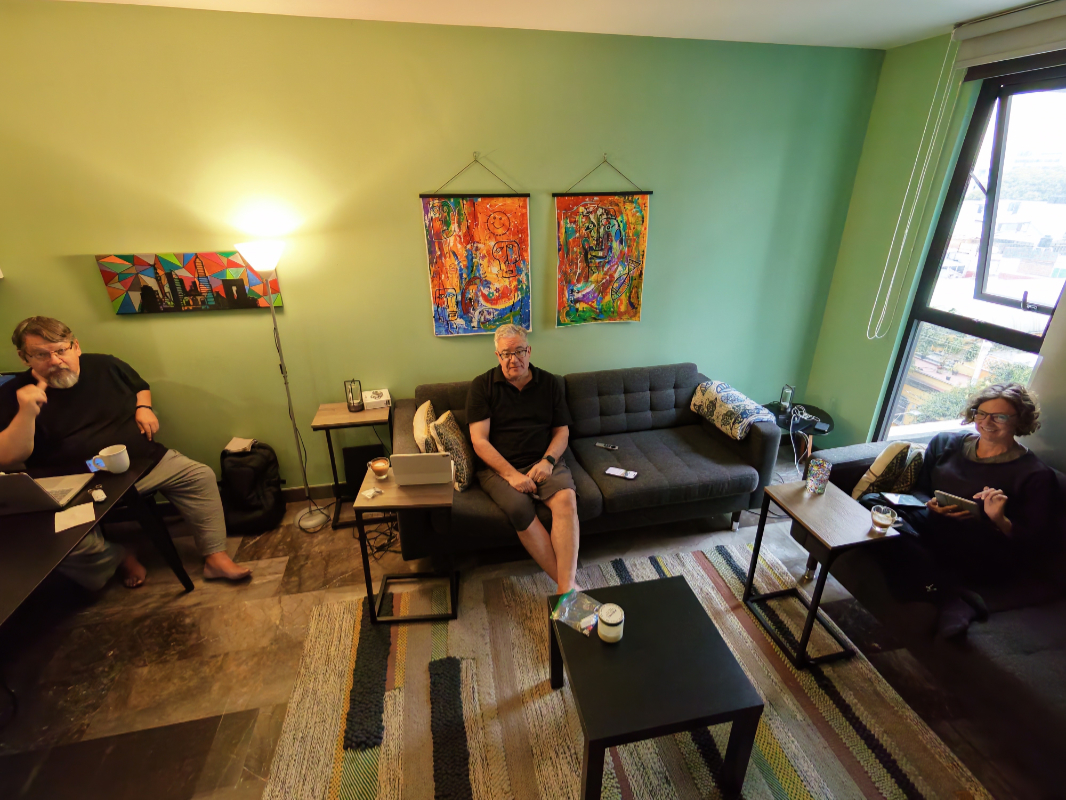
And then it returns to you, and when you put out your hand, it lands there automatically. The first time you see this happen is pretty cool.
More to come
I have a lot to learn and I’ve only engaged in a few test flights so far, mostly in our apartment and from the roof of our building. There are many flight modes, plus those gesture controls. And while I’ve taken some decent footage of our surroundings, when I control it manually, the drone spins too quickly. Hopefully I can figure it out.