Spotify’s New Exclusive Mode Aims to Deliver “Bit Perfect Playback”
- Laurent Giret
- Mar 19, 2026
-
1
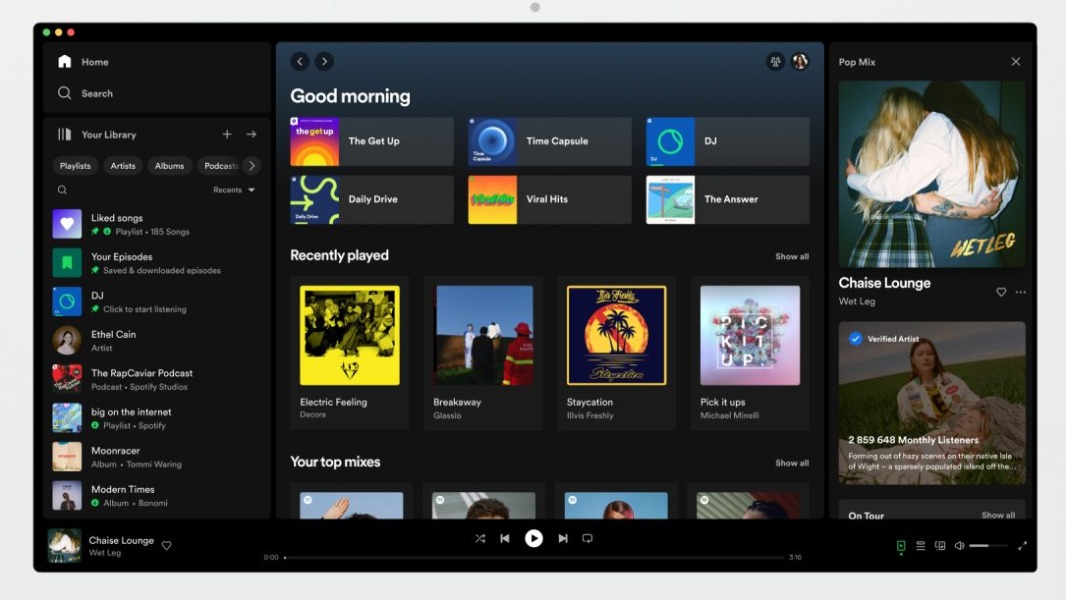
Spotify introduced this week a new Exclusive Mode on its Windows app that aims to deliver the best possible audio quality. The feature works best with a DAC or audio interface, and it’s really targeting audiophiles who were eagerly waiting for the Lossless Streaming option that was added to Spotify Premium in September.
In the announcement, the Spotify team explained that Exclusive Mode delivers the best audio quality by preventing resampling and any interference from a PC’s audio mixer. “When Exclusive Mode is turned on in the Audio Output settings, Spotify takes full control of your computer’s audio processing to deliver music exactly as it was mastered with Bit Perfect playback,” the company said.
Enabling Exclusive Mode has some inconveniences: Because Spotify has exclusive control of the selected audio device when the feature is on, other apps will need to use a different output. Exclusive Mode is also unavailable on music videos, podcasts, preview clips, and canvas clips, and Spotify users will see a pop-up to disable the feature when trying to play these other types of content.

Spotify’s new Exclusive Mode is available in Settings > Playback > Output. Spotify recommends disabling features like Crossfade, Automix, Normalize Volume, and Equalizer to enjoy true Bit Perfect playback.
At the moment, Exclusive Mode is only available on Spotify for Windows, but macOS support is already in the pipeline. The feature also requires a Spotify Premium subscription.