Google Brings Gemini App to the Mac
- Paul Thurrott
- Apr 15, 2026
-
2
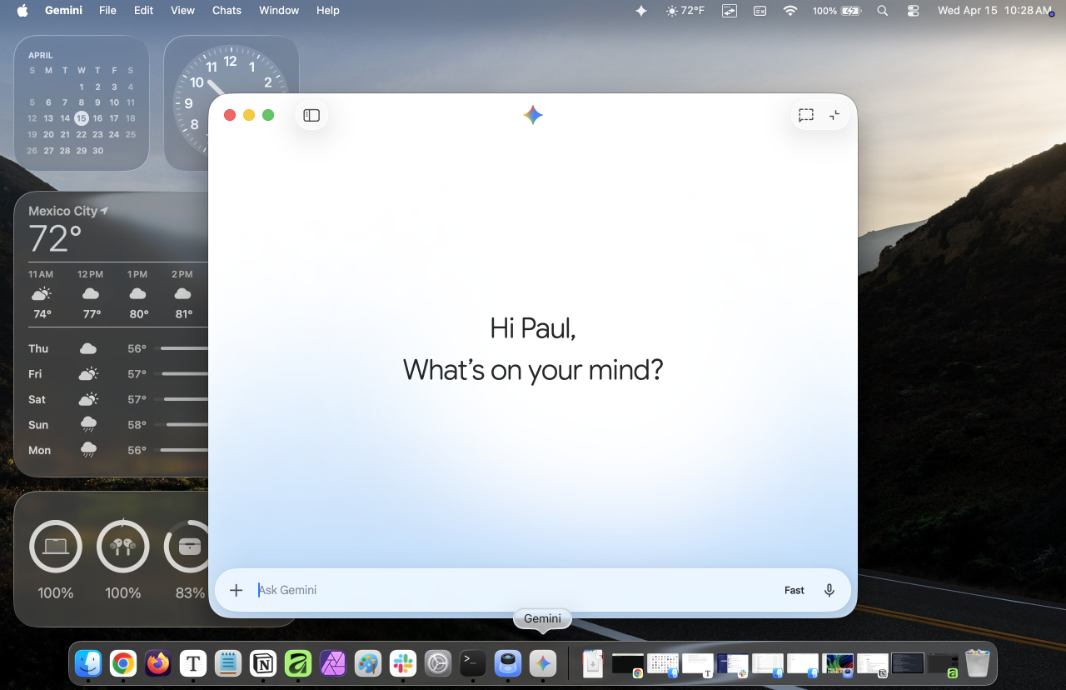
Google has released a native Gemini app on the Mac so you can access its AI right where you’re working.
“Today, we’re bringing the Gemini app to macOS as a native desktop experience, designed to live right where you work,” Google group product manager Michael Friedman explains. “It’s always just a keyboard shortcut away, so you can quickly get the help you need without losing your focus.”
Gemini for Mac works much like Gemini on the web, with the ability to chat, create images, videos, and music, and choose between Fast, Thinking and Pro Gemini 3 models. It also integrates with Personal Intelligence, NotebookLM, Google Photos, Google Drive, Canvas, Deep research, and Guided learning.
But the draw here is tighter integration with the Mac and whatever you’re working on, of course. So Gemini for Mac lets you share any window you see onscreen so you can use that as context. “If you’re reviewing a complex chart, you can share your window and ask, ‘What are the three biggest takeaways here?’ to get an instant summary,” Friedman says.
Gemini also supports a keyboard shortcut, Option + Space, so you can quickly launch the app.
Gemini for Mac is free and available now from the Gemini website.