Lenovo IdeaPad Slim 5x Gen 11 First Impressions
- Paul Thurrott
- Apr 21, 2026
-
5
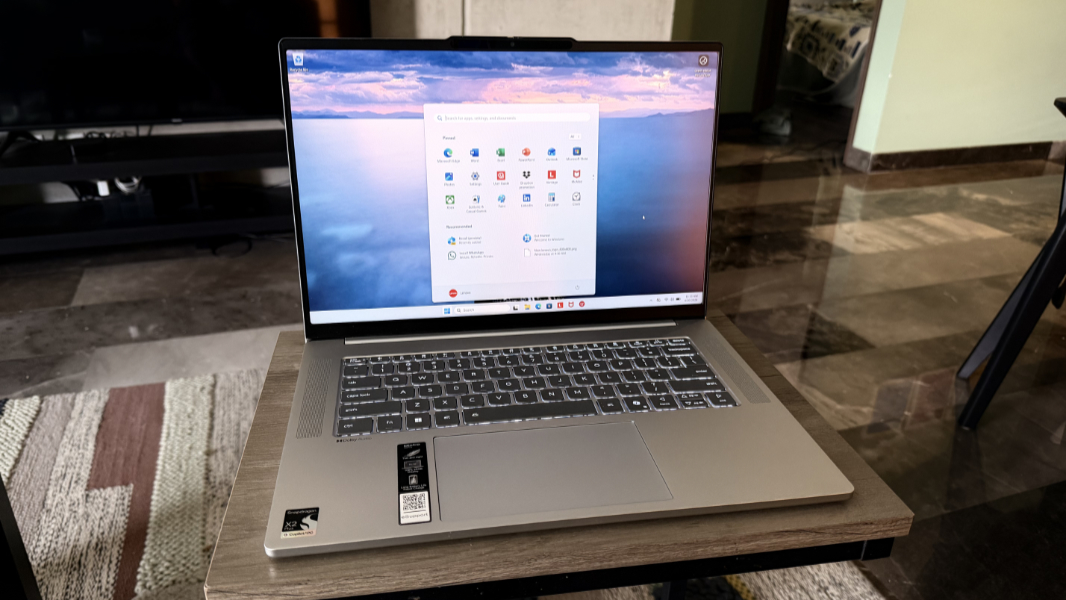
The IdeaPad Slim 5x delivers entry-level Snapdragon X2 processors, a 15.3-inch display and a mix of modern and legacy expansion. Yep. It’s terrific.
Or at least it seems to be in my early testing. You may recall that last year’s HP OmniBook 5 16-inch was a Snapdragon X miracle, and I’m hoping for a similar experience with the Snapdragon X2-based IdeaPad Slim 5x. So far, it seems to be ticking the same boxes.
So what is this thing?
Well, if you look over what I wrote about the Yoga Slim 7x yesterday, you can see the familial similarities and perhaps it’s obvious that a Yoga Slim 5x would be a more affordable model than a Yoga Slim 7x. As such, it features lower-end processor choices—Snapdragon X Plus vs. Snapdragon X Elite—but also some advantages thanks to its larger display and slightly thicker body. This is my kind of laptop.
But let’s start with the processor. I’m still working through understanding Qualcomm’s second generation Snapdragon X2 lineup, but as I noted yesterday, there are three tiers (so far), with X2 Plus, X2 Elite, and X2 Elite Extreme models. The Yoga Slim 5x offers Snapdragon X2 Plus chips, which provide 6 or 10 processor cores (vs. 18 in the Snapdragon X2 Elite) across the two models in this family, the X2P-64-100 and X2P-42-100; the review unit includes the lower-end model, which is the lowest-end X2 chip there is.
Both Snapdragon X2 Plus processor models provide a maximum clock frequency of 4 GHz and an 80 TOPS Hexagon NPU, and both support 9523 MT/s LPDDDR5x RAM. But they are otherwise quite different. The base processor has 22 MB of cache vs. 33 MB for the X2P-64-100. And its Adreno GPU runs at just 0.9 GHz, compared to 1.7 GHz. These are different enough that I’m surprised that Qualcomm didn’t go with X2 (vs. X2 Plus) branding for the lower-end model.
Compared to the Snapdragon X2 Elite-powered Yoga Slim 7x I’m also testing, it’s reasonable to expect a noticeable difference in day-to-day performance. So far I have not, but then I’ve also only started using both, and have installed all the apps I use, synced OneDrive, and so on. I am testing some games on the 7x and won’t bother on the 5x. But I am curious about standard productivity and developer workflows. And we’ll see.
You can configure a Yoga Slim 5x with 16 or 32 GB of RAM and 512 GB or 1 TB of M.2 2242 PCIe Gen4 QLC SSD storage; the review unit has the base amount of both. This is, of course, a Copilot+ PC.
You can likewise configure a 5x with one of two 15.3-inch display panels.
The review unit again lands with the base configuration, a Full HD+ (1920 x 1200) matte IPS panel with a 16:10 aspect ratio, a 60 to 120 Hz refresh rate, 100 percent sRGB color gamut coverage, and multi-touch and TUV Low Blue Light capabilities that emits 400 nits of light. This is ideal for productivity work and less so for entertainment, which is fine, and it won’t be bright enough for the outdoor work few would need anyway.
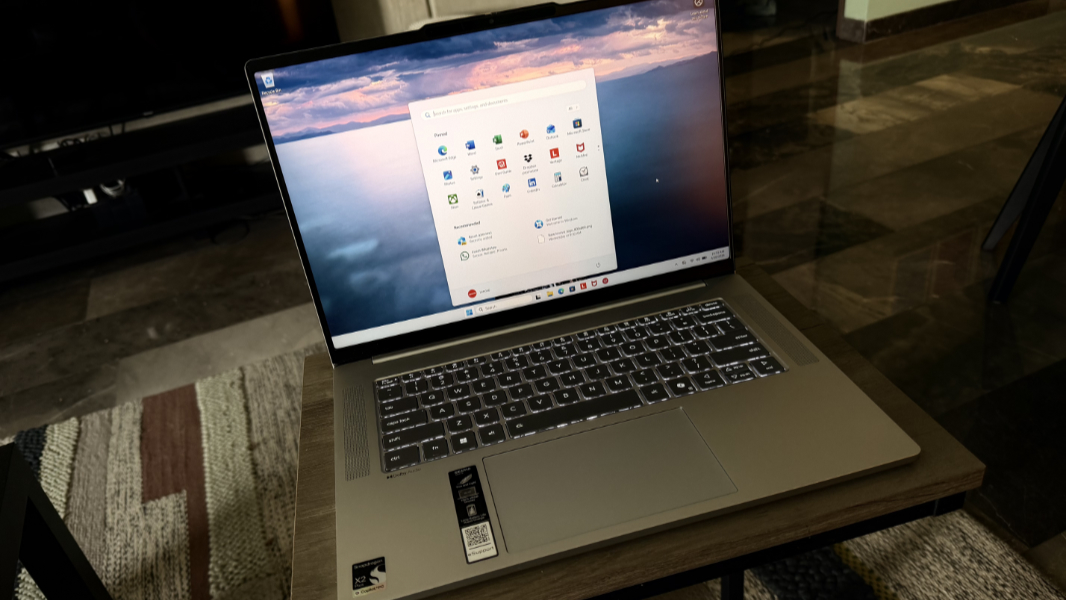
But you could also configure a WQXGA (2560 x 1600) OLED non-touch display that delivers HDR 1000 True Black, 100 percent DCI-P3 color gamut coverage, a 165 Hz refresh rate, and TUV Low Blue Light capabilities for just $30 more. That’s rather impressive.

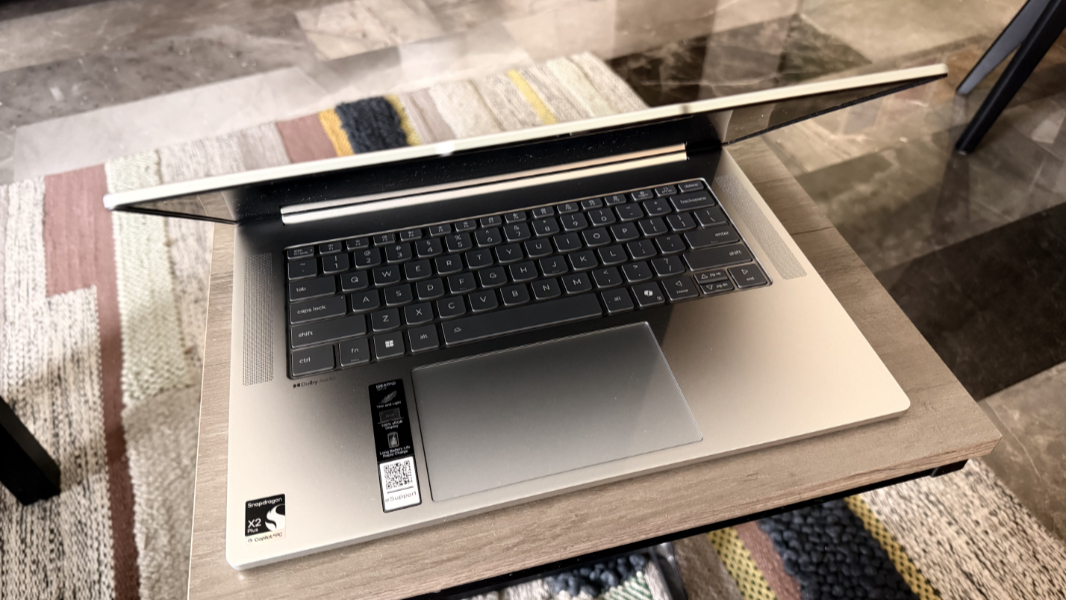
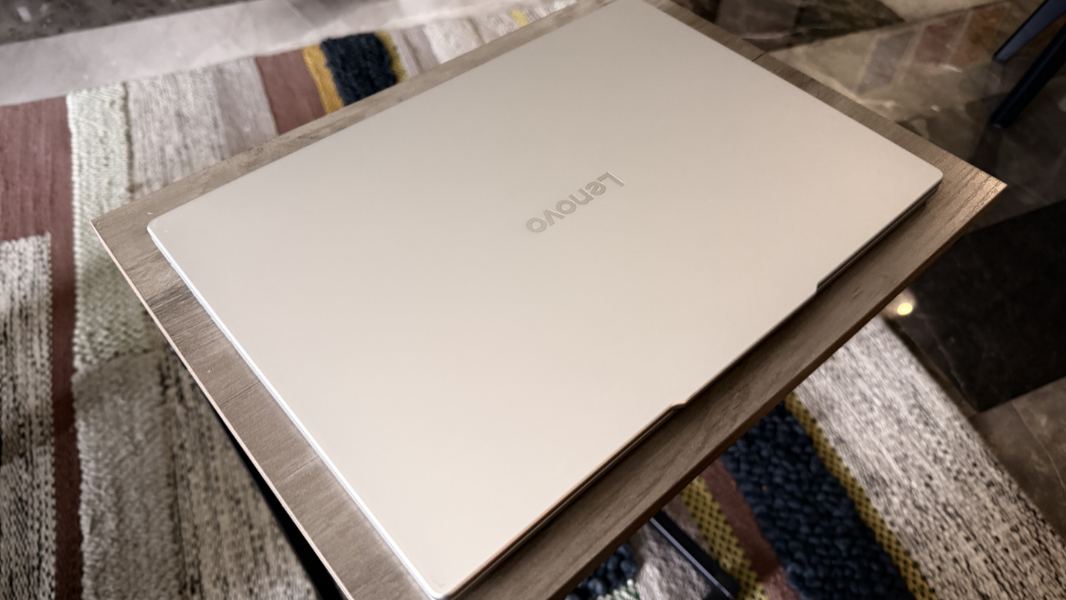
The Yoga Slim 5x is visually very similar to the OmniBook 5 I love so much, with a plain cloud grey color as the only option. But it’s all aluminum and looks and feels premium. At 3.28 pounds, it’s got a bit of heft, but it’s that good kind of density that suggests quality. It’s reasonably thin at 0.61 inches (compared to 0.55 inches for the smaller 7x).
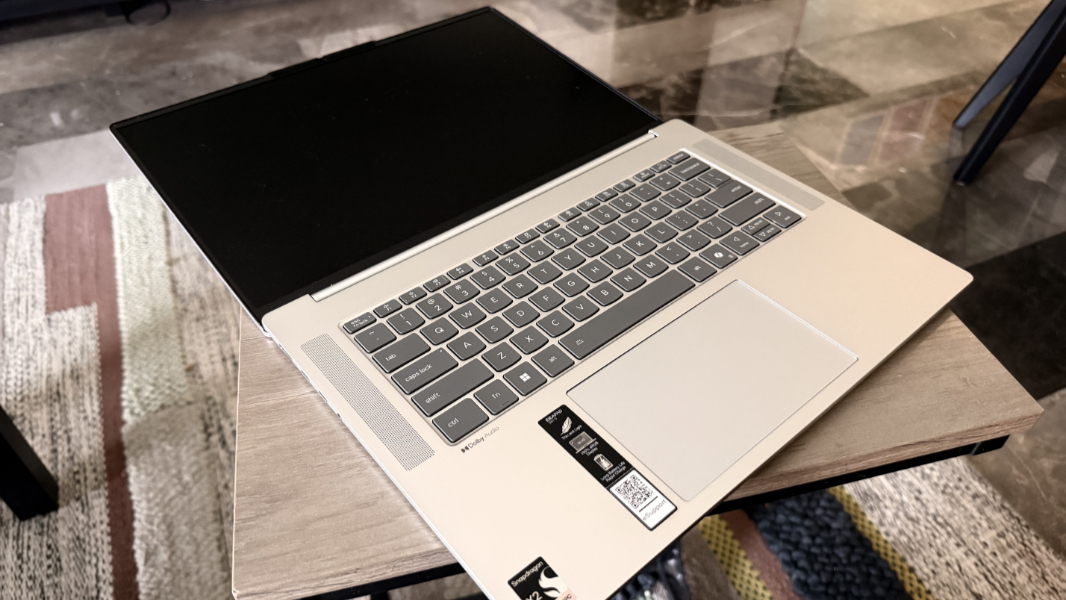
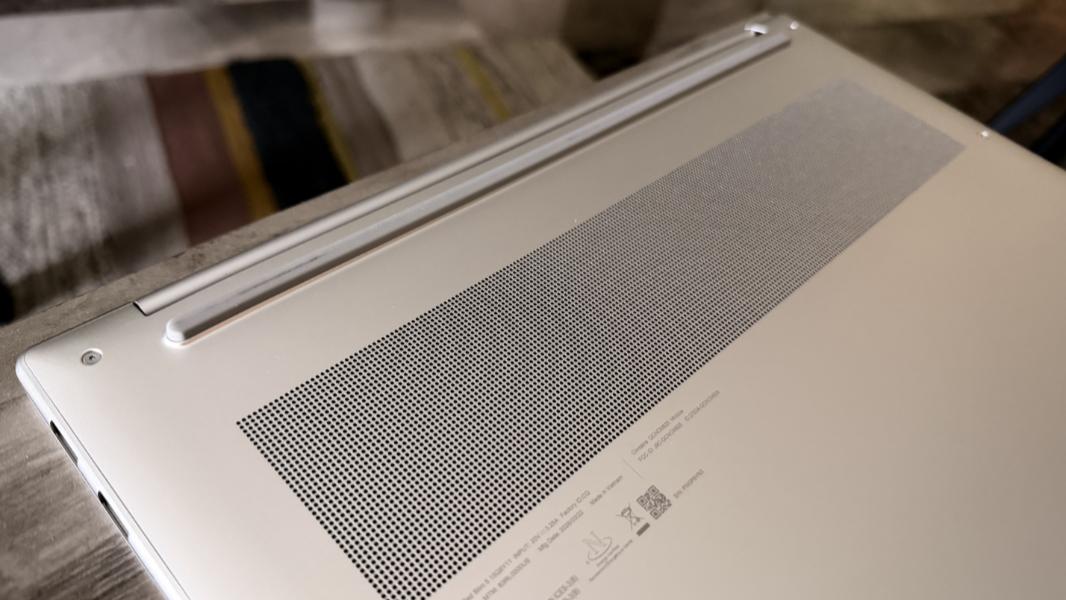
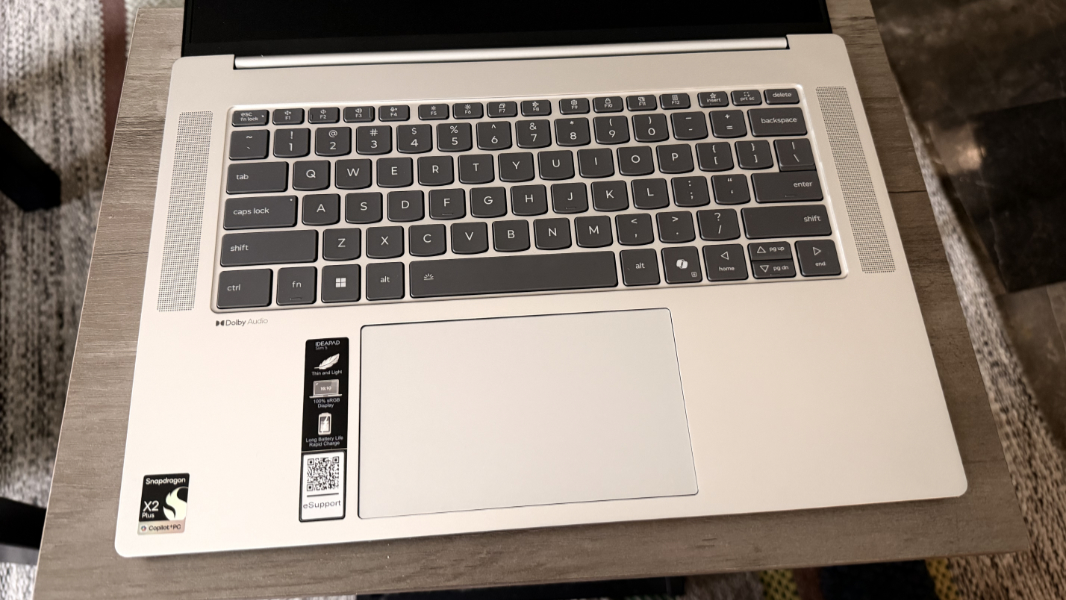
In addition to the larger screen, the larger body provides more room for the two 2-watt upward firing speakers that sit on either side of the full-sized keyboard, and this one lacks Dolby Atmos immersive sound, of course. But it provides a more diverse range of ports, too.
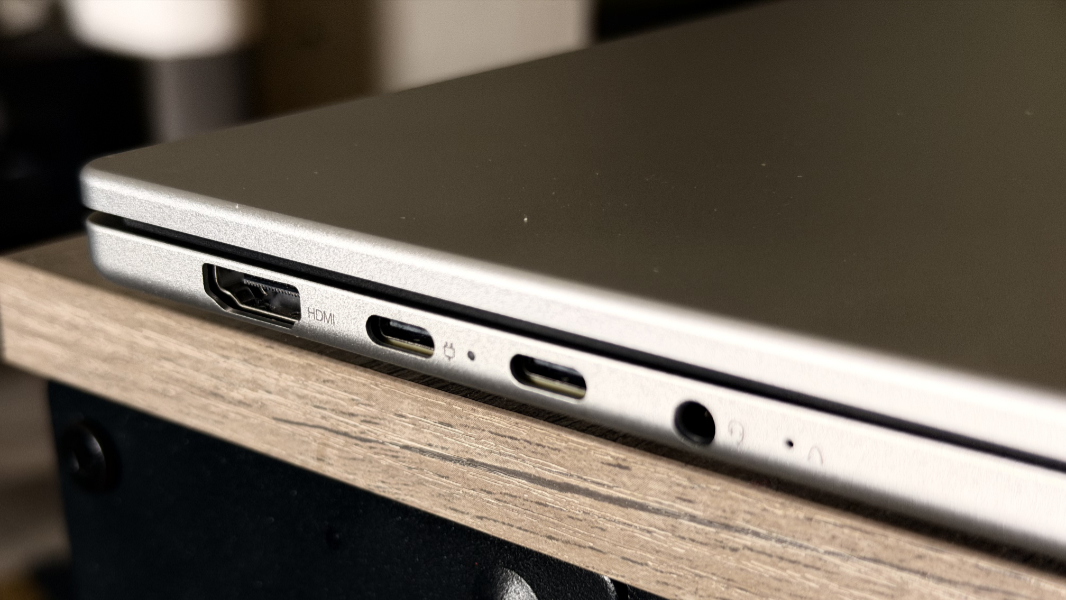
On the left, Lenovo placed a full-sized HDMI video-out port, two 10 Gbps USB Type C ports (both with Power Delivery and DisplayPort 1.4 capabilities), and a headphone/microphone combo jack.
On the right, you will find the power button, a microSD card reader, and two 5 Gbps USB Type-A ports, one of which is always on. So you get more ports, but you also don’t get the 40 Gbps USB4 ports found on the more expensive 7x.
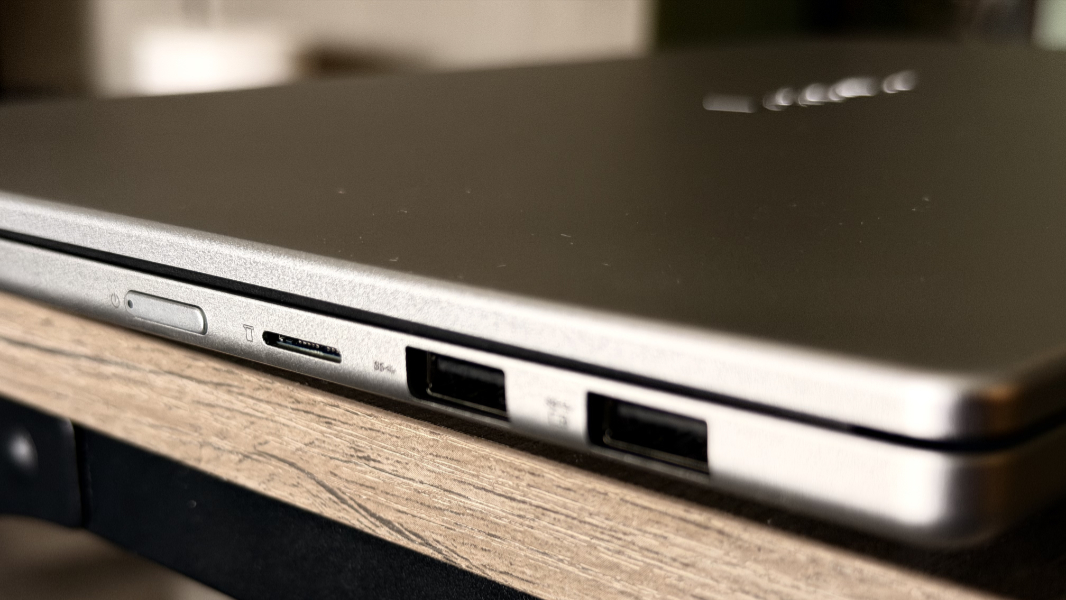
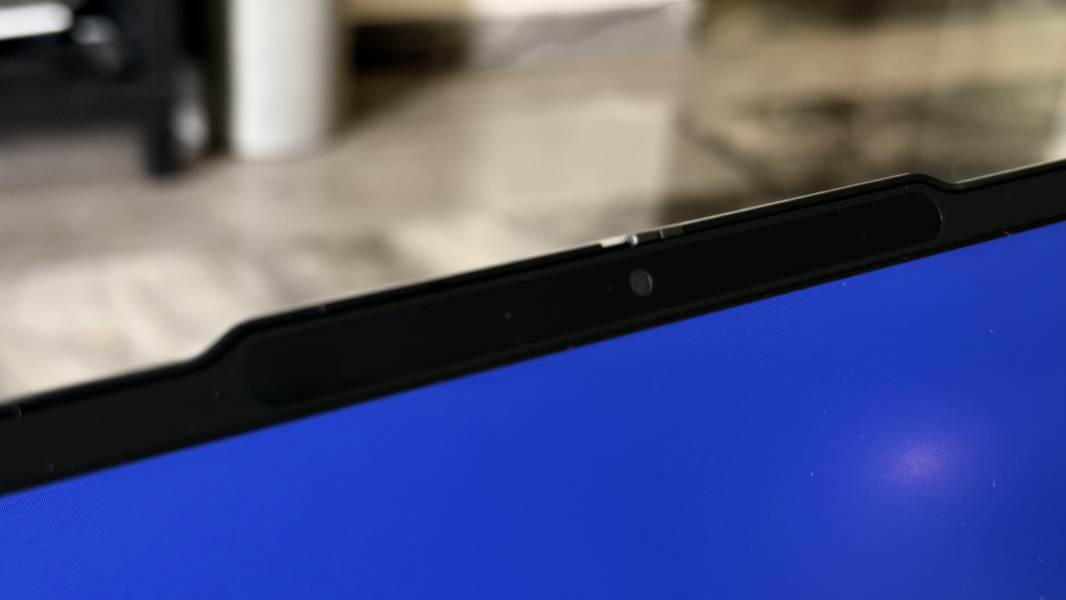
Connectivity is identical at least, with Wi-Fi 7 and Bluetooth 5.4. The remote work features, alas, are not: Here, we get just a plain Full HD webcam (with Windows Hello ESS, of course) and a basic dual-array microphone setup.
But the full-sized keyboard with its scalloped keys and a large Mylar multi-touch touchpad both seem to work wonderfully. Here, too, I’m getting OmniBook 5 vibes.

You can configure an IdeaPad Slim 5x with a 54.7 or 70 watt-hour battery, and the review unit once again lands on the base option. In either case, it supports Rapid Charge Express for three hours of additional uptime in just 15 minutes via the same 65-watt wall wart USB-C charge found on the 7x.
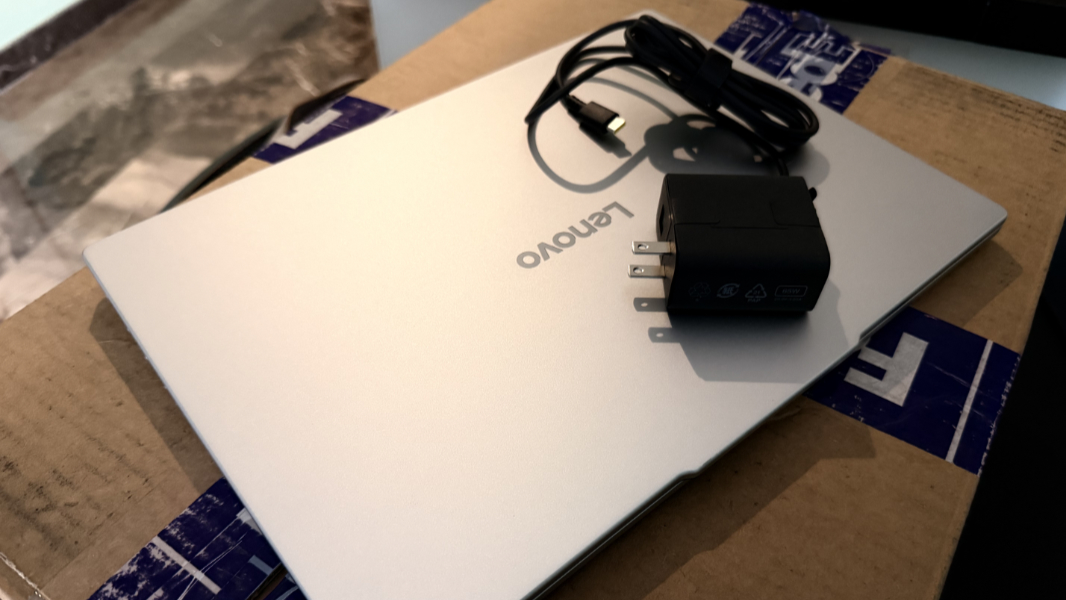
The big selling point here, of course, is the price. Thanks to the component shortage and Trumpflation, the base price is higher than we all want it to be at $850, but Lenovo always has sales and this may be one to look out for. Upgrades are reasonable except for RAM, too (going to 32 GB of RAM will cost an additional $290). A fully maxed-out model is about $1330.
Given my OmniBook 5 experiences—it’s at home in Pennsylvania, and I miss it every day—I’m in some ways looking forward more to this laptop than to its more powerful sibling. But I’ll put both of them through their paces, and see what wonders Qualcomm brings to the table in this generation. If it’s anything like the first generation, there will be much celebrating.
More soon.