Microsoft is Rolling Out Xbox Mode in Windows 11
- Paul Thurrott
- Apr 30, 2026
-
1
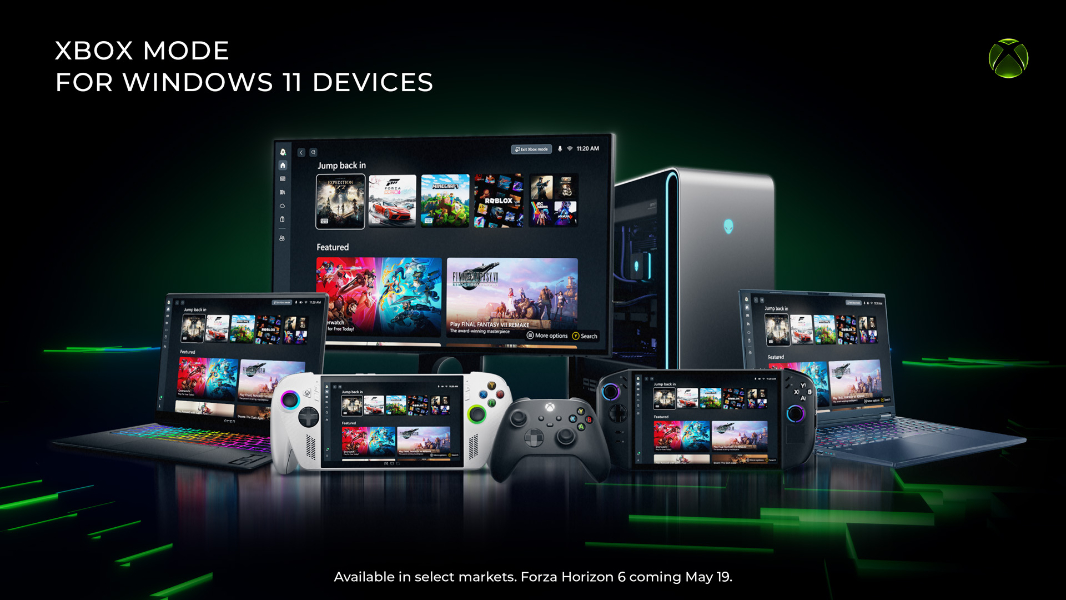
After weeks of testing in the Xbox Insider Program, the new Xbox Mode for Windows 11 is now rolling out. This system is an evolution of the Full Screen Experience that debuted on Xbox Ally gaming handhelds in 2025 and a replacement for Windows 11’s Game Mode.
“Beginning today, we’re excited to share that Xbox mode will begin rolling out in select markets to Windows 11 PCs, including laptops, desktops, and tablets, bringing a console-inspired Xbox experience to more players than ever,” Xbox vice president Jason Ronald and Microsoft corporate vice president Ian LeGrow write in the announcement post. “Whether you’re playing on a high-performance desktop, a gaming laptop, or a Windows handheld, Xbox mode makes it easier to jump into your games. It adds another way to enjoy games on your PC, with a controller-optimized, full-screen experience that is built for play.”
Xbox Mode is inspired by the Xbox console user experience, a streamlined interface that minimizes background distractions and puts the games you play in the forefront. It can be used completely with a controller and provides an aggregated game library derived from the Xbox Game Pass library and any installed games from Xbox, the Microsoft Store, and leading PC storefronts. And you can jump in and out of Xbox Mode and the traditional Windows desktop experience at any time.
Oddly, Microsoft hasn’t identified which markets Xbox Mode is rolling out to. Instead, it says only that “some players in select markets will be able to download the Xbox mode experience today, with availability expanding to more players in those markets over the next several weeks.” To see if you make the cut, you can open the Settings app in Windows 11, navigate to Windows Update, enable the option “Get the latest updates as soon as they are available” if needed, and check for updates.
If you do get this update, you will find an Xbox Mode page in the Settings app under Gaming. This interface lets you configure the PC to boot into Xbox Mode (instead of the traditional desktop) and other related options. You can also enter Xbox Mode on the fly by opening the Game Bar by typing WINKEY + G (or by pressing the Xbox button on a controller) or by typing WINKEY + F11.