ASUS Zenbook A16 First Impressions
- Paul Thurrott
- May 17, 2026
-
8
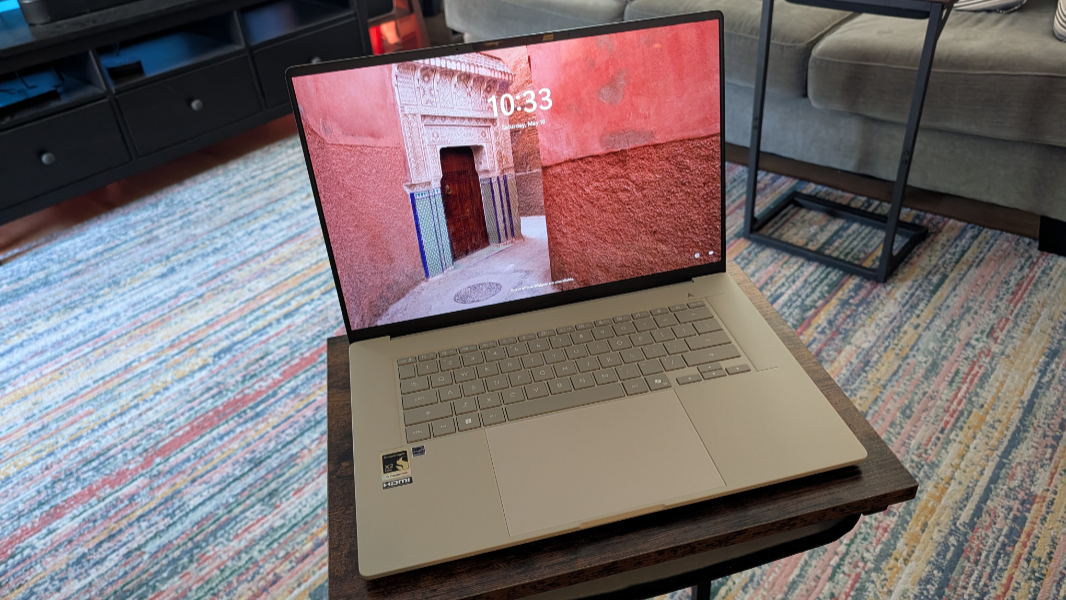
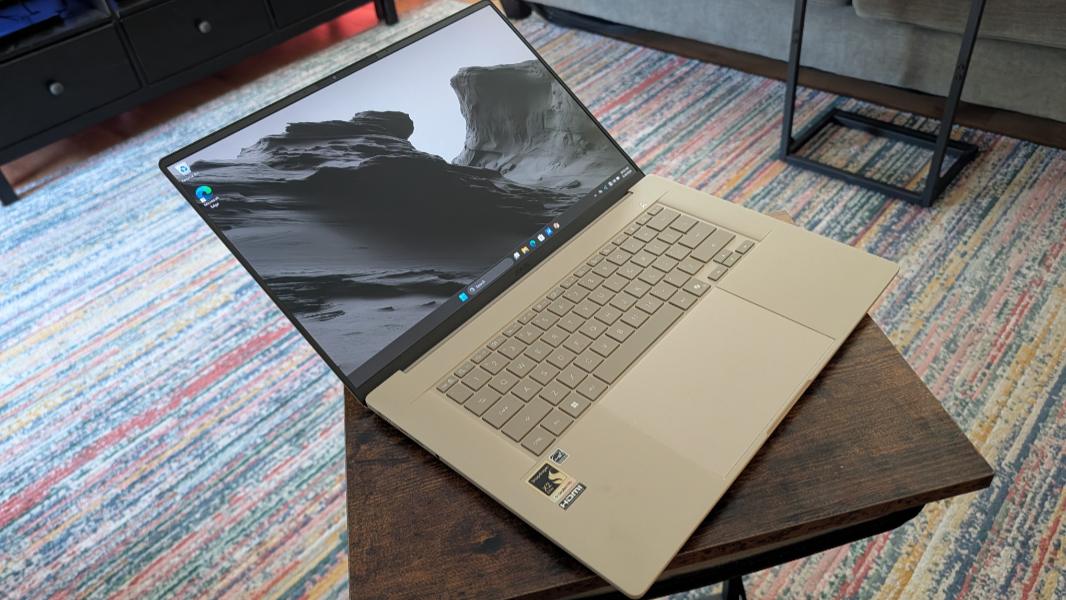
Every once in a while, a truly special device arrives. It’s early days, but the ASUS Zenbook A16 appears to be such a device. It’s beautiful on the outside, with a thin and impossibly light form factor, silky smooth keys, and a large, gorgeous OLED display. And it’s beautiful on the inside, with its top-of-the-line Qualcomm Snapdragon X2 Elite Extreme chipset and curiously quiet usage experience, at least so far.
I may be in love. Please bear with me here.
These things happen, but they’re unusual. Sometimes a device just transcends its physical design and sum of its constituent parts to offer unique value thanks to some special, difficult-to-describe set of qualities that just help put it over the top. It’s objective and subjective, something you can see and feel, but also something you can sense.
Apple has done this more than most companies, of course, but I would hold up the second-generation MacBook Air and the iPad 2 as obvious, timeless examples of this type of thing. Lenovo did it with the impossibly light ThinkPad X1 Carbon. And God help us, even Microsoft has a few entries worth celebrating, including the Xbox One S I once called the perfect thing and the Surface Pro 3 that introduced the 3:2 display and thin body that finally made that form factor make sense.
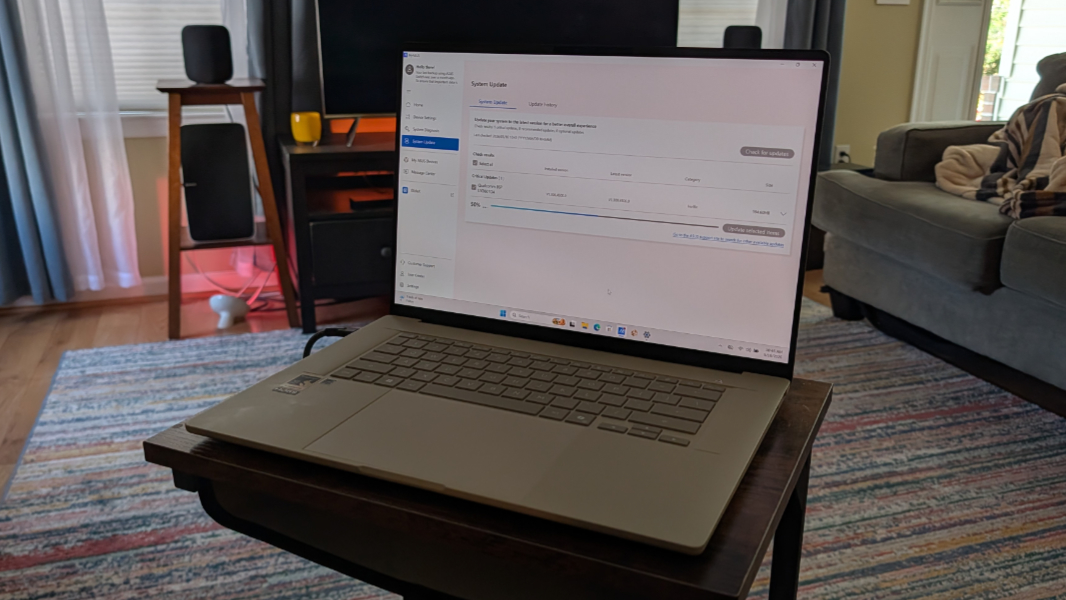
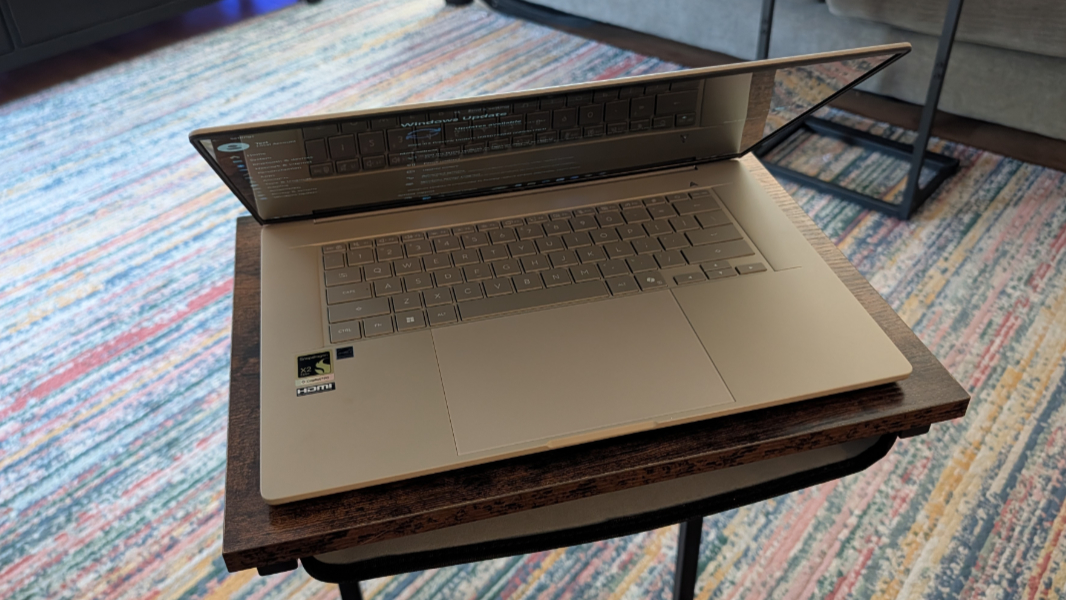
Whether the Zenbook A16 lives up to these iconic devices remains to be seen: I just opened the box on this Copilot+ PC yesterday and have fully configured and started using it, but I need some weeks to be sure that what my heart is telling me is true. It certainly feels true. And that was immediately evident the moment I lifted this 2.65 pound featherweight out of its packaging. To be clear, 2.65 pounds is light for a 14-inch laptop these days, but this is a 16-inch laptop. It feels like an engineering sample with no battery, a miracle of impossibility.
I love the color. Other premium computer makers would call this Sandstone or Starlight, but ASUS humorously calls it Zabriskie Beige, a nice callback to the early days of home computing. To me, it’s a tan color, almost a very light brown in certain lighting conditions, that is unique and stands out from the crowd of silver/gray laptops I almost always use.
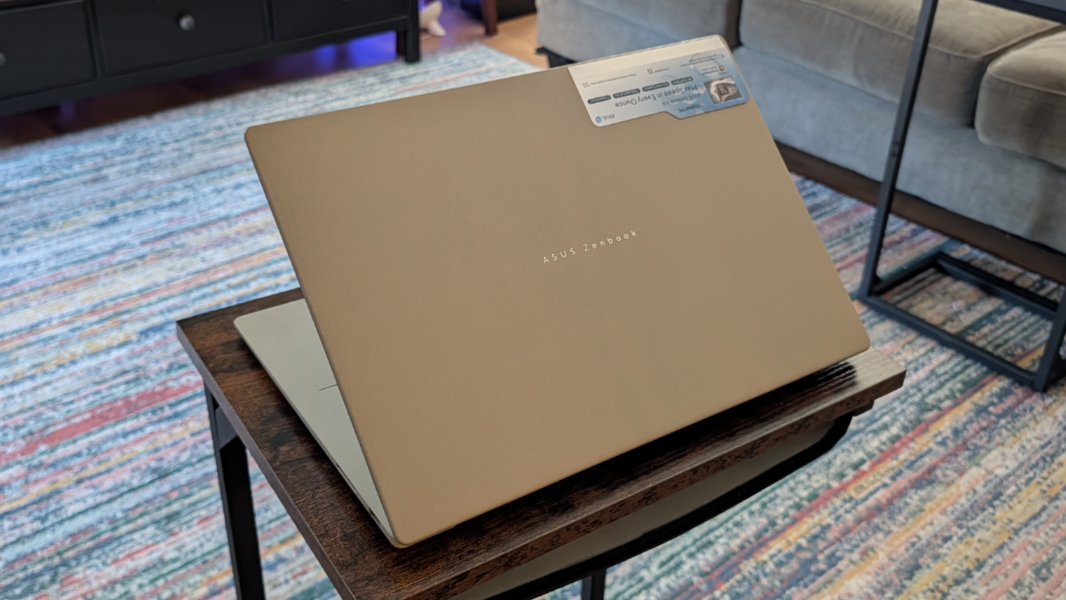
I also love how it feels. Here, too, PC makers strive to accentuate the positive, and ASUS can’t help itself, describing this thin and light material as Ceraluminum, a silly trademarked term that it says is durable and smudge- and scratch-resistant. Critics–haters gonna hate–will say that it feels like plastic. But it does not. Though I, with my Nokia Lumia and older Google Pixel A-series experience, would say to that, bring it on. Many device makers experiment with materials–like Surface with magnesium and Lenovo, which uses magnesium and carbon fiber with the X1 Carbon–to find some magical combination of light weight and durability. That’s what this is.
(What few will tell you about aluminum is that it needs to be painted, a process device makers try to make sound more expensive by calling it anodizing, but it has all the problems of paint: It can scratch, and too easily, betraying the true bright silver color inside. One of the goals for Ceraluminum was for the color to be precise and consistent. We shall see.)
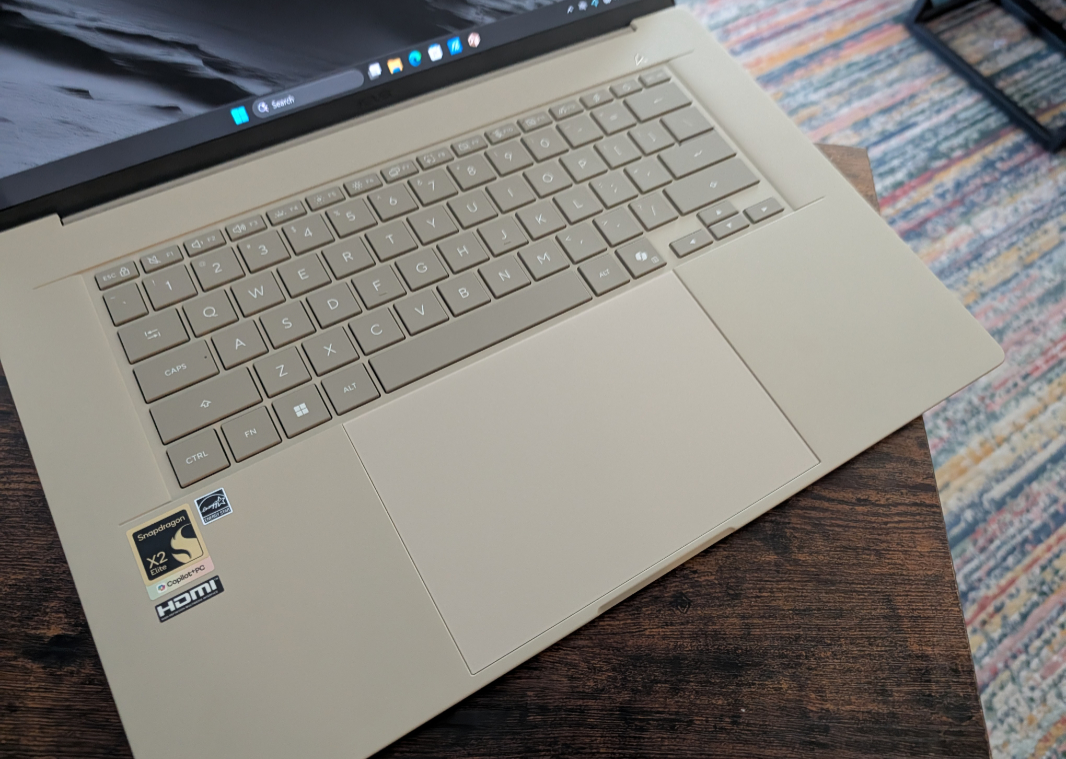
I love the design. Too many 16-inch laptops are dragged down by an unnecessary and unwanted numeric keypad that offsets the keyboard to the left and introduces typing errors. But not the Zenbook A16: Instead, the full-sized keyboard floats in the middle of the lower deck, giving it a wonderful minimalist look. Here, critics might call it plain, as if it being gaudy were somehow preferable. No. This is what a laptop should be.
Inside this silent and thin wonder beats the heart of a thoroughbred, the Snapdragon X2 Elite Extreme X2E-96-100 chip. If you take a gander at the Qualcomm website, which neatly lists all Snapdragon X2 and OG Snapdragon X chips for comparison purposes, only one thing is obvious: This is the fastest and most technically impressive chip of them all. But there’s more going on here than the obvious. In fact, if you compare this chip to the other high-end Snapdragon X2 Elite chips, there’s not much difference at all, on paper.
The Snapdragon X2 Elite Extreme has the fastest CPU (5 GHz) and the fastest GPU (1.85 GHz) in the lineup, but some X2 Elite chips oddly have a slightly faster NPU (85 TOPS vs. 80). But the most significant difference, by far, is the RAM bandwidth: Where all other Snapdragon X2 Elite and Plus chips run at up to 152 GB/s, a nice improvement over the 135 GB/s that the OG Snapdragon X family topped out at, the two Snapdragon X Elite Extreme chips sport up to 228 GB/s of RAM bandwidth. That’s an incredible 50 percent improvement.
That’s because Qualcomm builds the RAM onto the system-on-a-chip (SoC) die alongside the CPU, GPU, and TPU, where the non-Extreme Snapdragon X2 Elite, X2 Plus, and all OG Snapdragon X chips do not. This is the design Apple uses in its M-series and A-series chips, and it helps Qualcomm better compete with those chips and with high-end but much less efficient x86 chips from Intel and AMD. I am curious about the battery life impact, of course, but assuming it’s minimal, I suspect that those looking for the very best performance can overlook that.
This is important. A 15-inch MacBook Air is 2.7 pounds, just a bit more than the ASUS Zenbook A16, but that uses base M5 chips that can be throttled because of passive cooling and have a memory bandwidth of just 153 GB/s. To reach the level of performance that Qualcomm provides with the Snapdragon X2 Elite Extreme in a Mac, you would need to get a much thicker and heavier 4.7-pound MacBook Pro 16-inch with an M5 Pro chip (with 307 GB/s of RAM bandwidth). (And to be fair to Apple, the M5 family scales even higher with M5 Max chips with 460 and 614 GB/s of RAM bandwidth, yikes.) That would be a lot more expensive too: A MacBook Pro with an M5 Pro chip otherwise configured like this ASUS starts at $3100, almost twice the cost.
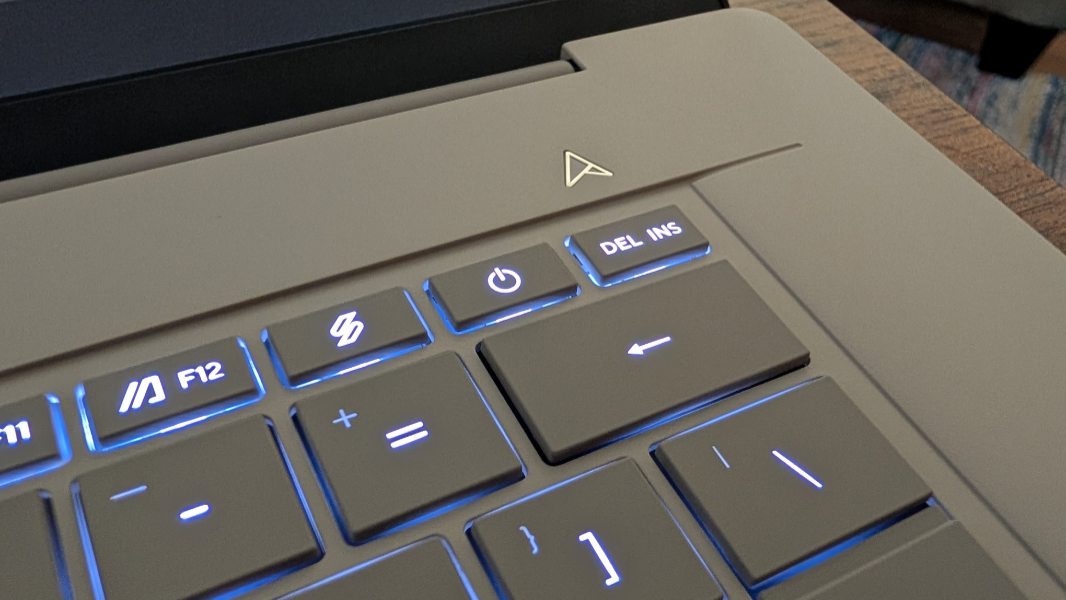
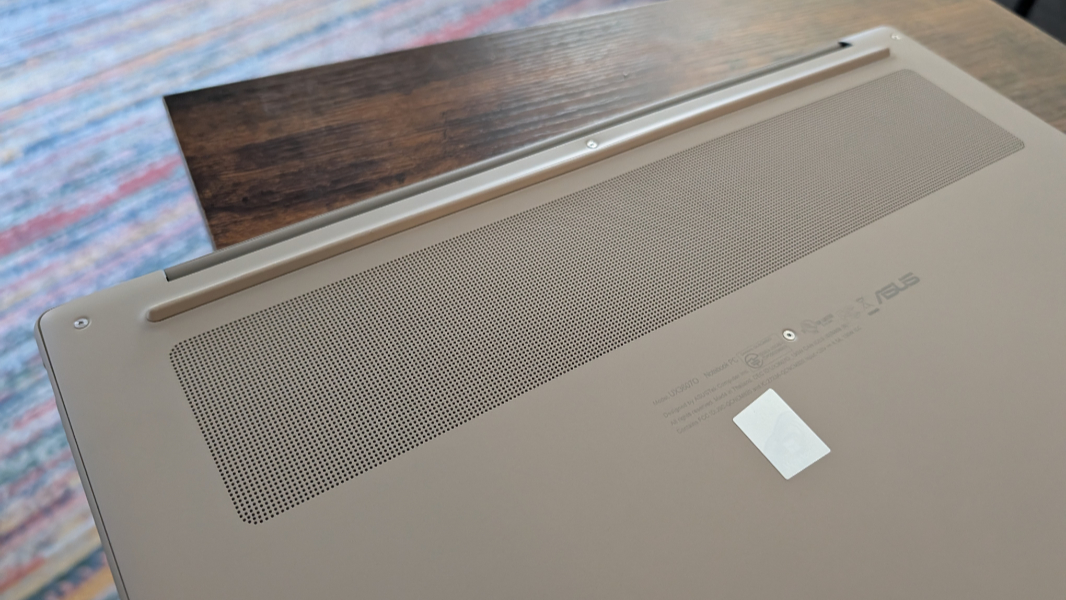
Beyond the chip powering this quiet beast, ASUS delivers a curious 48 GB of RAM and 1 TB of standard M.2 2280-based NVMe PCIe 4.0 SSD storage. So unlike with the RAM, the storage should be replaceable if required. Communications are modern and future-proof, with Wi-Fi 7 and Bluetooth 5.4. And the hybrid work functionality is utilitarian: A Full HD webcam with Windows Hello ESS facial recognition and a basic array microphone.
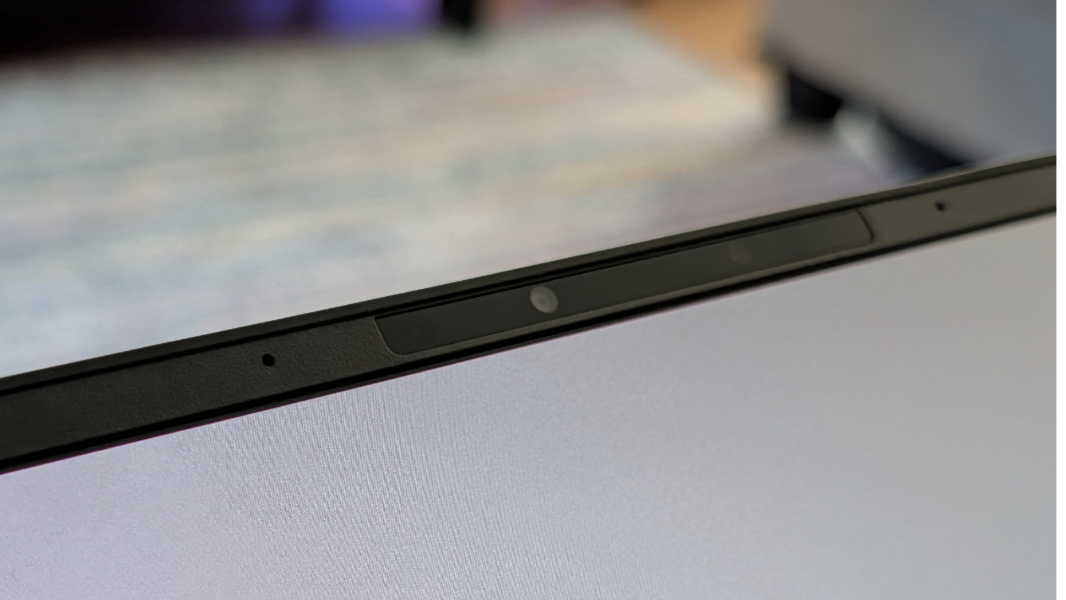
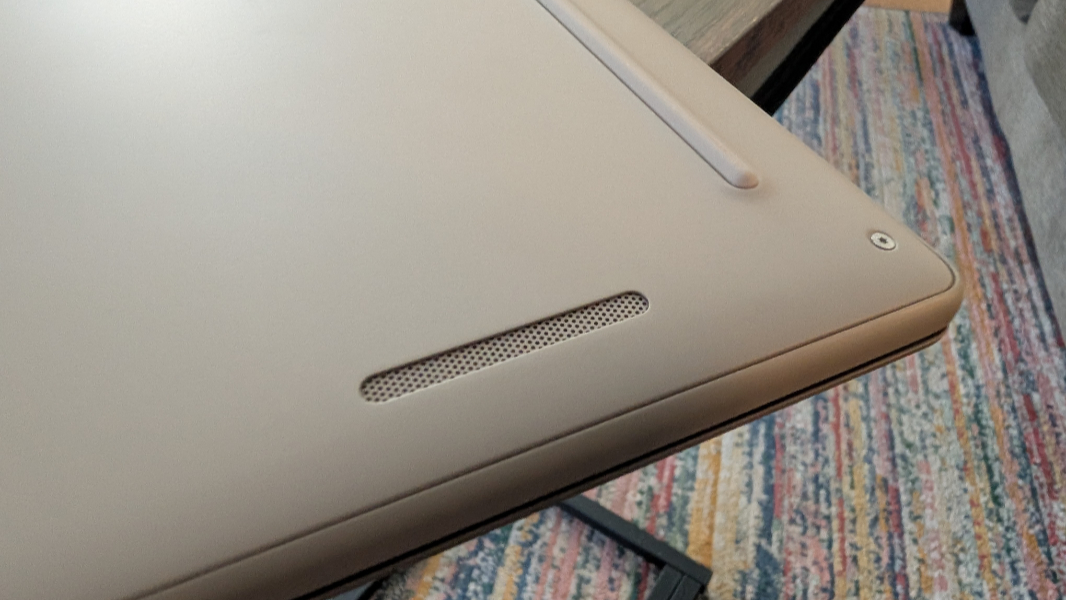
I’ll see how the audio/video experience fares. But there are downward-firing stereo speakers with Dolby Atmos sound, which is good, and a terrific 16-inch 3K (2880 x 1800) OLED non-touch panel that is much better than good.
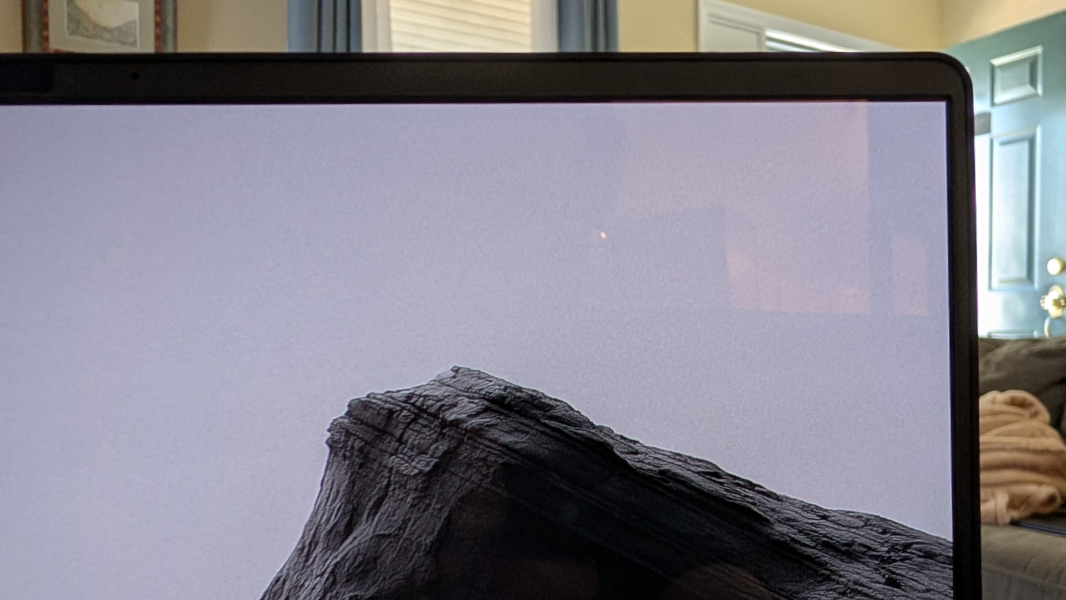
This is a 16:10 panel with a 120 Hz refresh rate, 100 percent DCI-P3 color gamut coverage, and HDR True Black 1000 and low blue light capabilities that outputs 500 nits of brightness for SDR content and 1000 nits for HDR. There’s an optional multitouch version for those that like that sort of thing.
The keyboard is smooth and silky with a perfect 1.3 mm key travel and three levels of backlighting and no automatic mode, unless I’m missing something. The touchpad is humongous, but it meets the precision touchpad spec and offers unique gesture capabilities I will wrestle with.
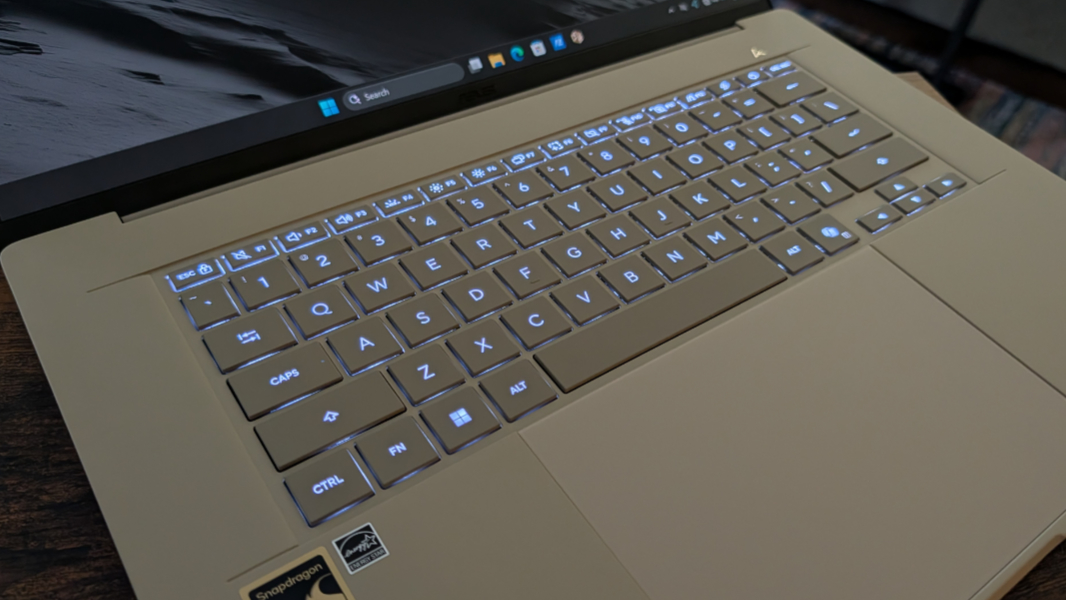
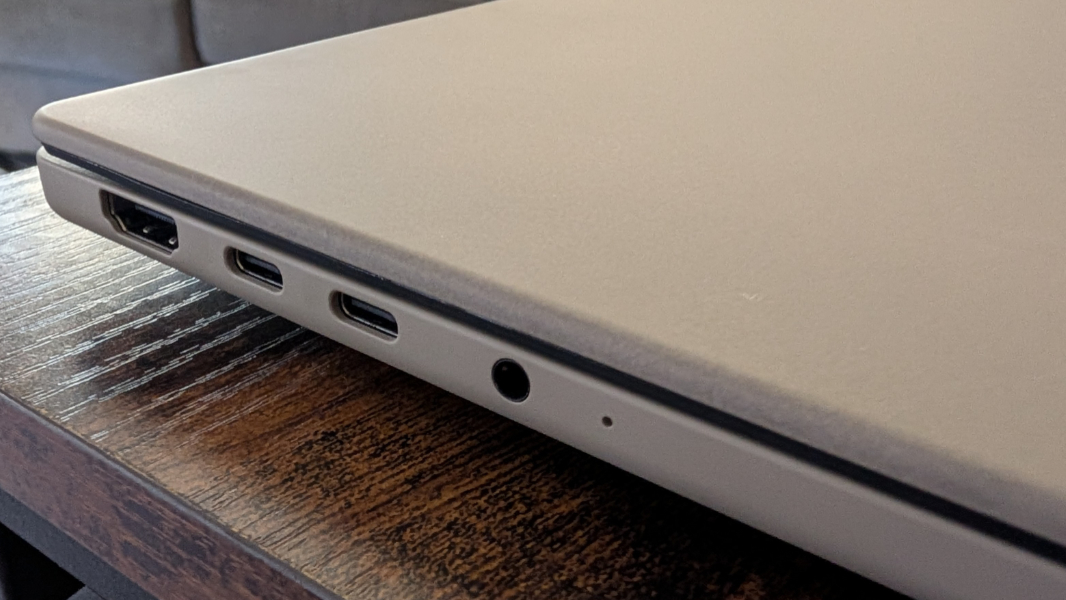
Expansion is as expected for a thin and light Ultrabook-like laptop these days, though no one uses that term anymore. My only complaint, and it’s minor, is that both USB-C ports are on one side.
ASUS provides two 40 Gbps Thunderbolt 4/USB4 Type-C ports, a full-sized HDMI 2.1 port, and a combo audio/microphone jack on the left.
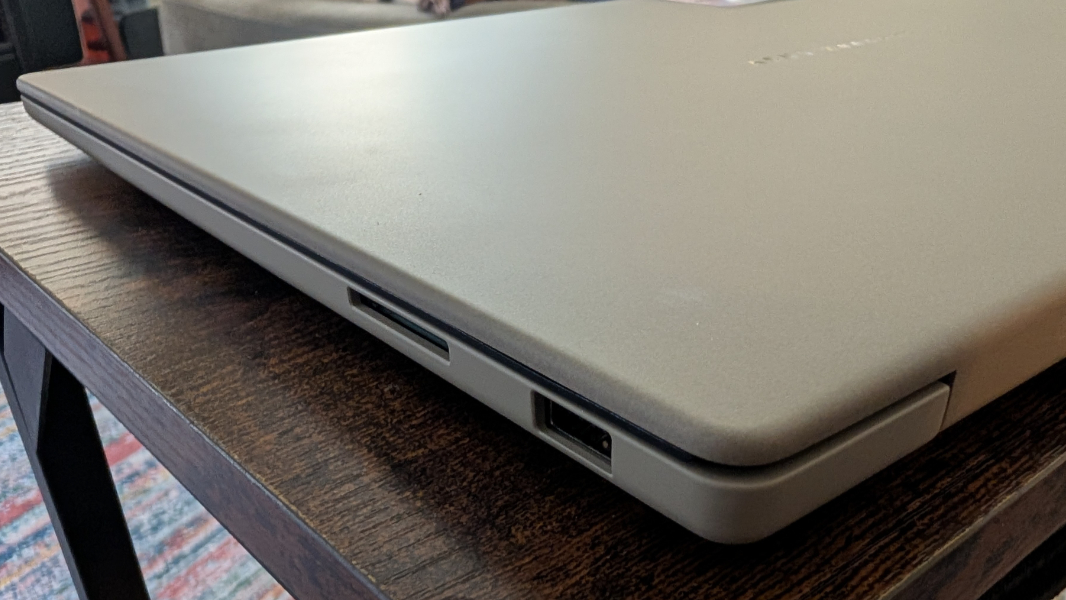
And then a single 10 Mbps USB 3.2 Gen 2 Type-A port and a full-sized SD 4.0 card reader on the right.
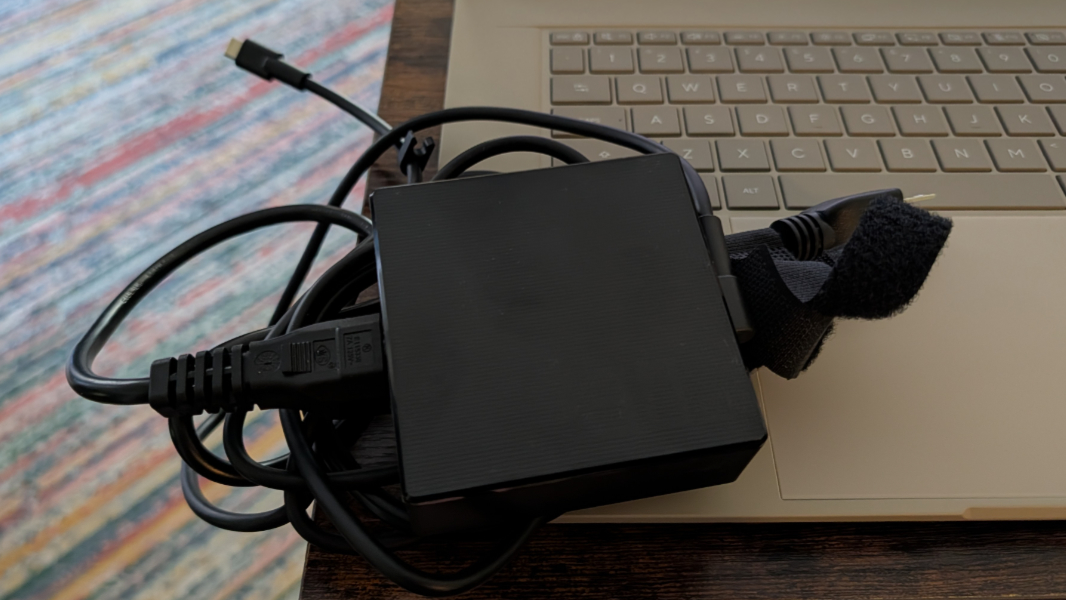
Power comes from a big and square 130-watt USB-C power adapter. There’s no mention of fast charging, but I will see what it’s capable of.
The software loadout isn’t as minimalist as the laptop’s design, but there are a few minor bits of crapware (Adobe and Dropbox promotions), several ASUS utilities for support, screen sharing, and the touchpad gestures, and Dolby Settings, in addition to Windows 11 Pro and all the Copilot+ PC goodies. Overall, it’s not offensive.
You can get the touchscreen version of this laptop for $1700 at Best Buy right now. That’s a bit high, but that’s not on ASUS; we’re dealing with a major component crisis right now, and prices are up all around.
More soon: This one is particularly exciting to me, and I can’t wait to use it more.