ChatGPT for Mac Can Now Take Control of Apple’s Messages App
- Laurent Giret
- Aug 21, 2026
-
2
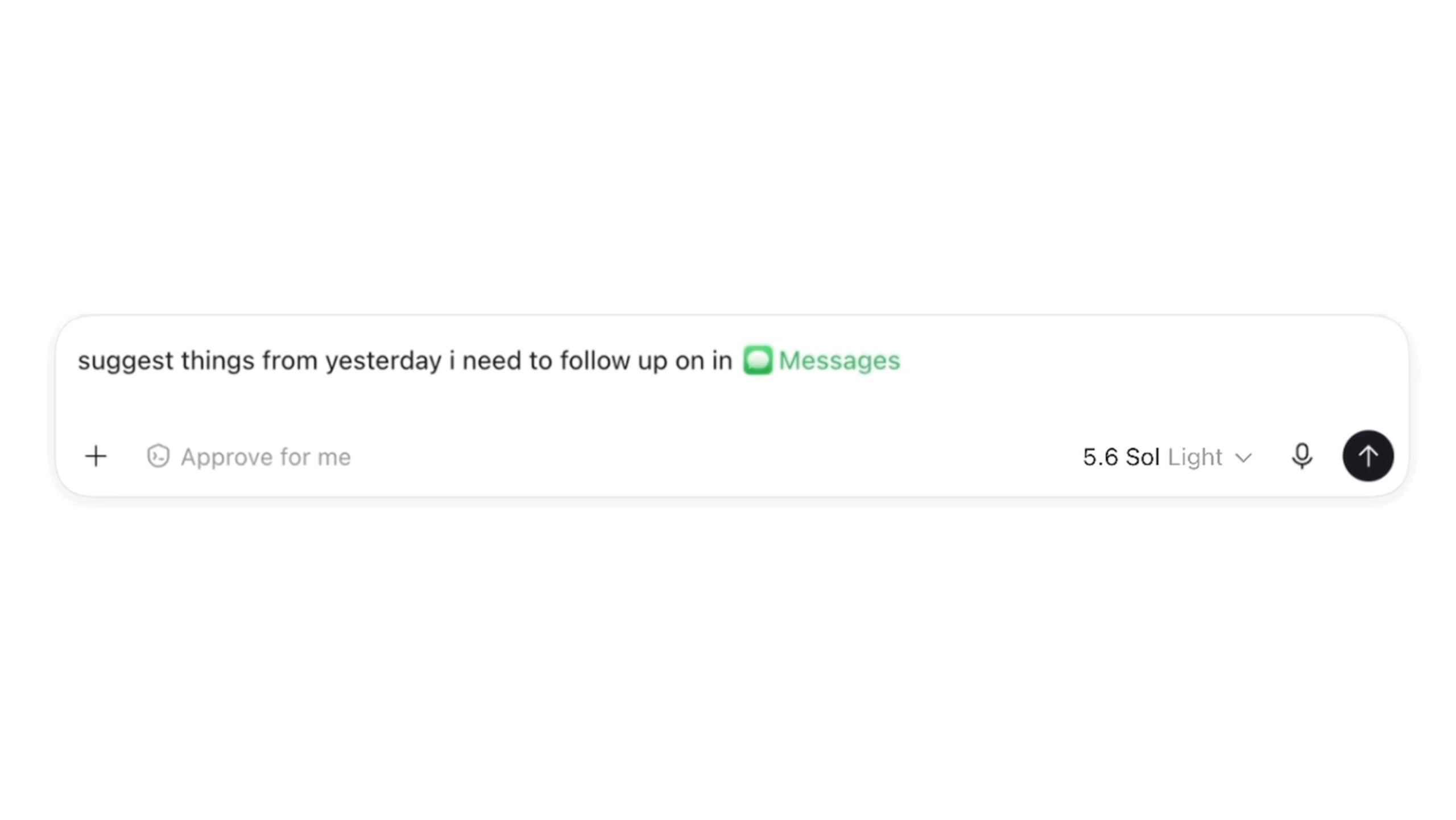
OpenAI released a new Apple Messages plugin for its ChatGPT app for Mac yesterday. It allows ChatGPT Work and Codex to search for all messages and draft replies, and send messages on users’ behalf.
This new Apple Messages plugin for Codex is available for all ChatGPT for Mac users. It doesn’t work in regular ChatGPT chats, however.
To enable it, Mac users need to open the Plugins menu in the ChatGPT app and install it. Once activated, users can start a Codex or ChatGPT Work chat and ask the chatbot to search for messages, summarize them, or draft replies.
Everyday conversations just got easier with the new Apple Messages plugin.
Search messages, catch up on conversations, draft and send replies—all with ChatGPT on your Mac.
Now available in ChatGPT Work and Codex on desktop. pic.twitter.com/nicfZMuxZc
— ChatGPT (@ChatGPT) August 20, 2026
While ChatGPT Work in the desktop app already has a Computer use feature that can take control of your Mac and Windows PC, OpenAI tried to dismiss privacy concerns about this new Apple Messages plugin: Everything is running locally, and ChatGPT isn’t sending users’ private messages to OpenAI’s servers.
Moreover, enabling the Apple Messages integration on the ChatGPT app for Mac doesn’t make it available in the web or mobile apps. By default, ChatGPT will only send messages after users manually approve them, though there’s a setting to enable persistent approval for all messages.