Gemini App for Mac Gets Computer Use Capabilities
- Paul Thurrott
- Nov 19, 2026
-
1
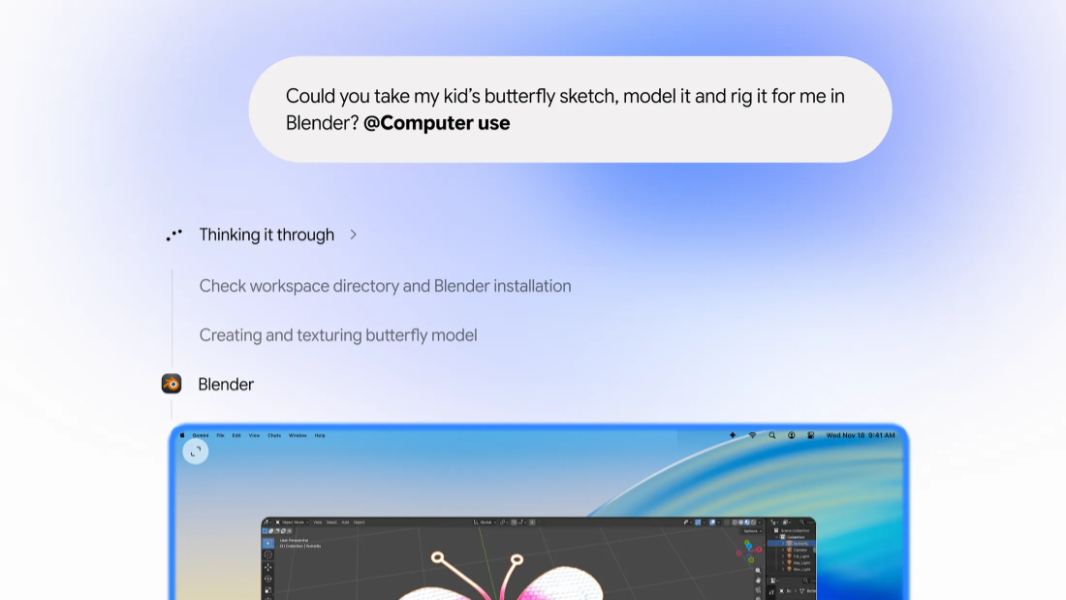
Google announced today that it’s brought the computer use capabilities to the Gemini app on Mac in the U.S. in English.
“Starting today, computer use in the Gemini app for Mac helps you get multi-step tasks done across your local files, desktop apps, and the web,” Google’s Michael Friedman writes. “This saves you time on the repetitive work that normally takes dozens of clicks. Just describe what you need, and Gemini handles the clicking, typing, menus, and forms for you.”
Gemini for Mac uses an isolated background window with a live preview in the chat experience so that your Mac’s display and cursor remain interactive and ready for your use. Users control privacy and security by configuring which apps Gemini can access and they can watch every step that computer use takes, pause at any time, and approve key actions before they happen.
Google offers the following tips for using this new capability:
- Speed up creative workflows using automation
- Skip manual form entry by extracting information from local PDFs
- Turn live data into ready-to-present slide decks by grabbing information from screenshots
- Batch-list items for sale by analyzing photos of goods in a local folder and then researching pricing, logging item details, and staging listings on resale platforms
You can learn more about Gemini for Mac on the Gemini website.