Books
Networking Basics
- Paul Thurrott
- Oct 24, 2022
-
0
comment
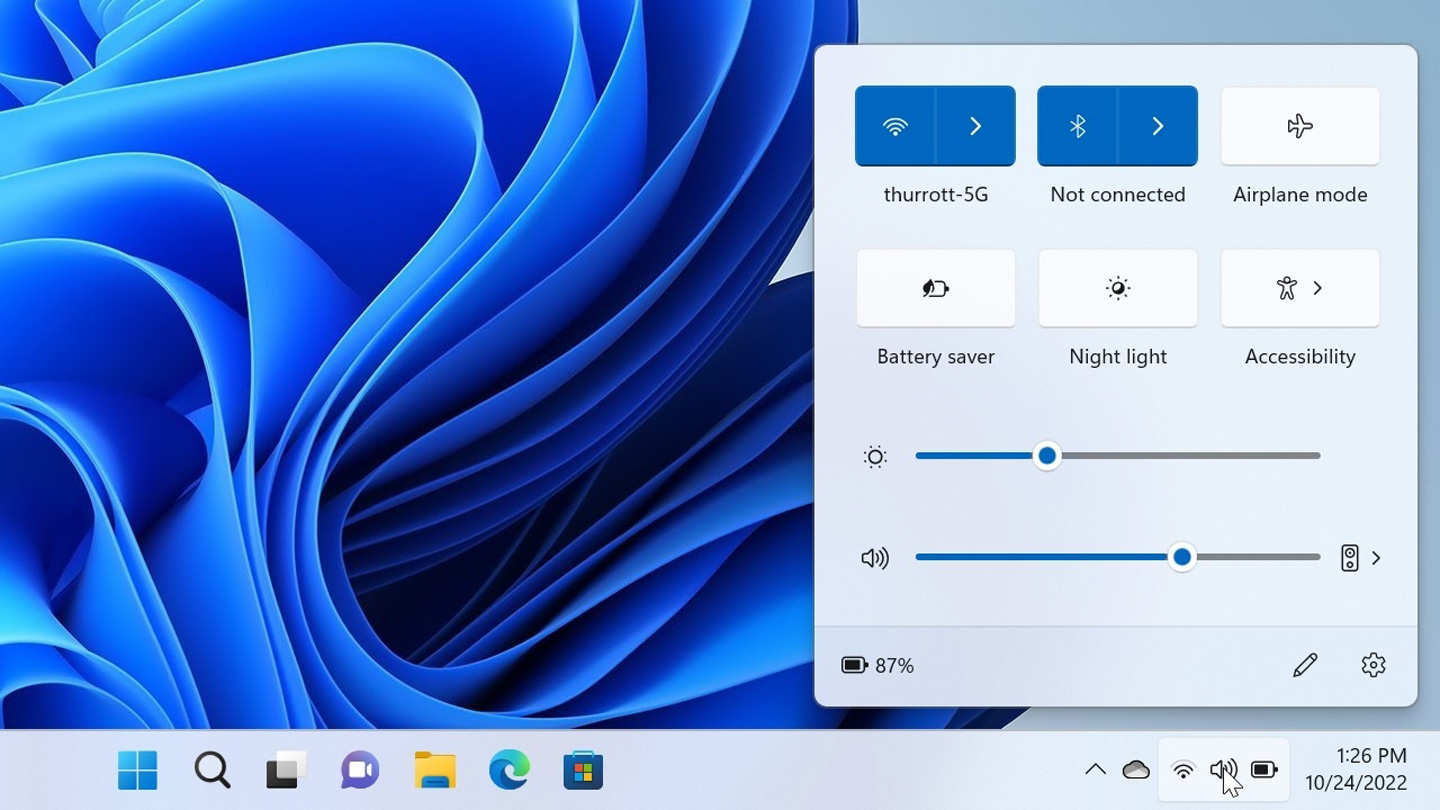
Windows 11 supports Ethernet (wired) and Wi-Fi (wireless) networking capabilities that let you connect to…

Backup
- Paul Thurrott
- Oct 20, 2022
-
4
comments
Windows 11 provides a feature called File History that backs up multiple copies of your…

Device Encryption (Archived)
- Paul Thurrott
- Oct 20, 2022
-
4
comments
Windows 11 includes a device encryption feature that helps protect the documents and other data…
Storage
- Paul Thurrott
- Oct 20, 2022
-
3
comments
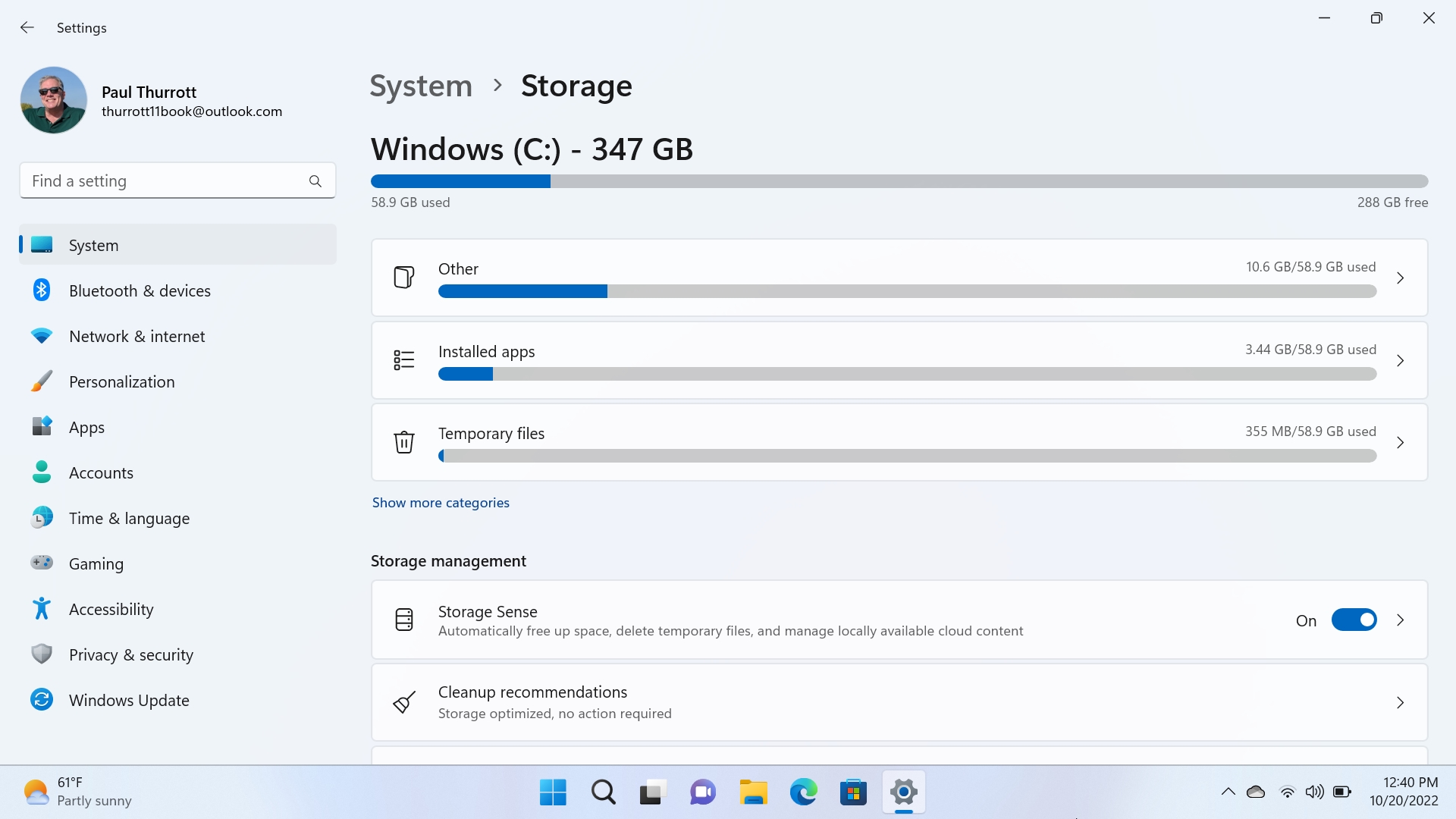
Windows 11 includes tools to help you manage your PC's internal and external storage devices.
OneDrive
- Paul Thurrott
- Oct 09, 2022
-
1
comment
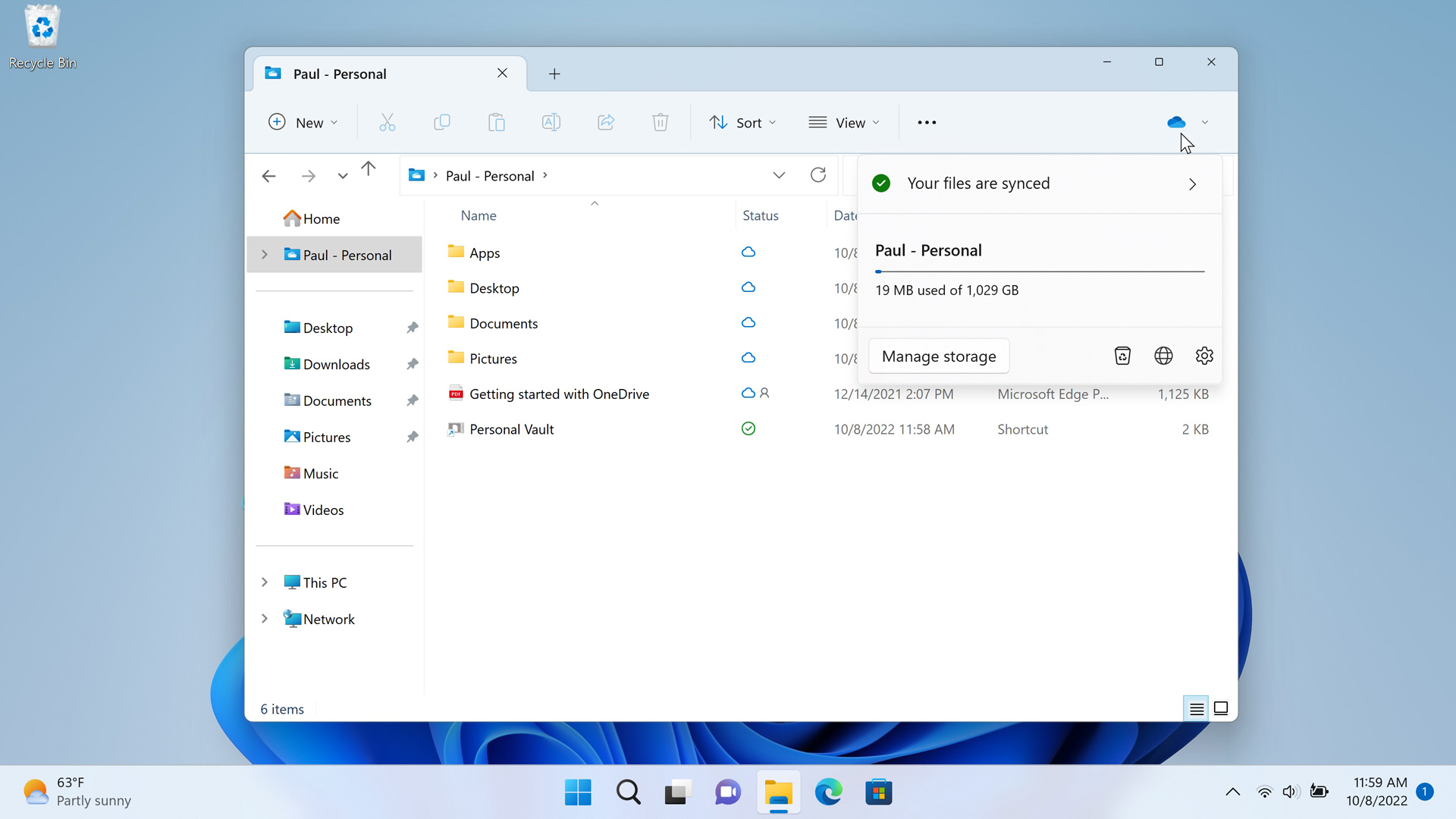
OneDrive is deeply integrated with Windows 11, allowing users to automatically backup and sync content…
Nearby Sharing (Archived)
- Paul Thurrott
- Oct 05, 2022
-
3
comments
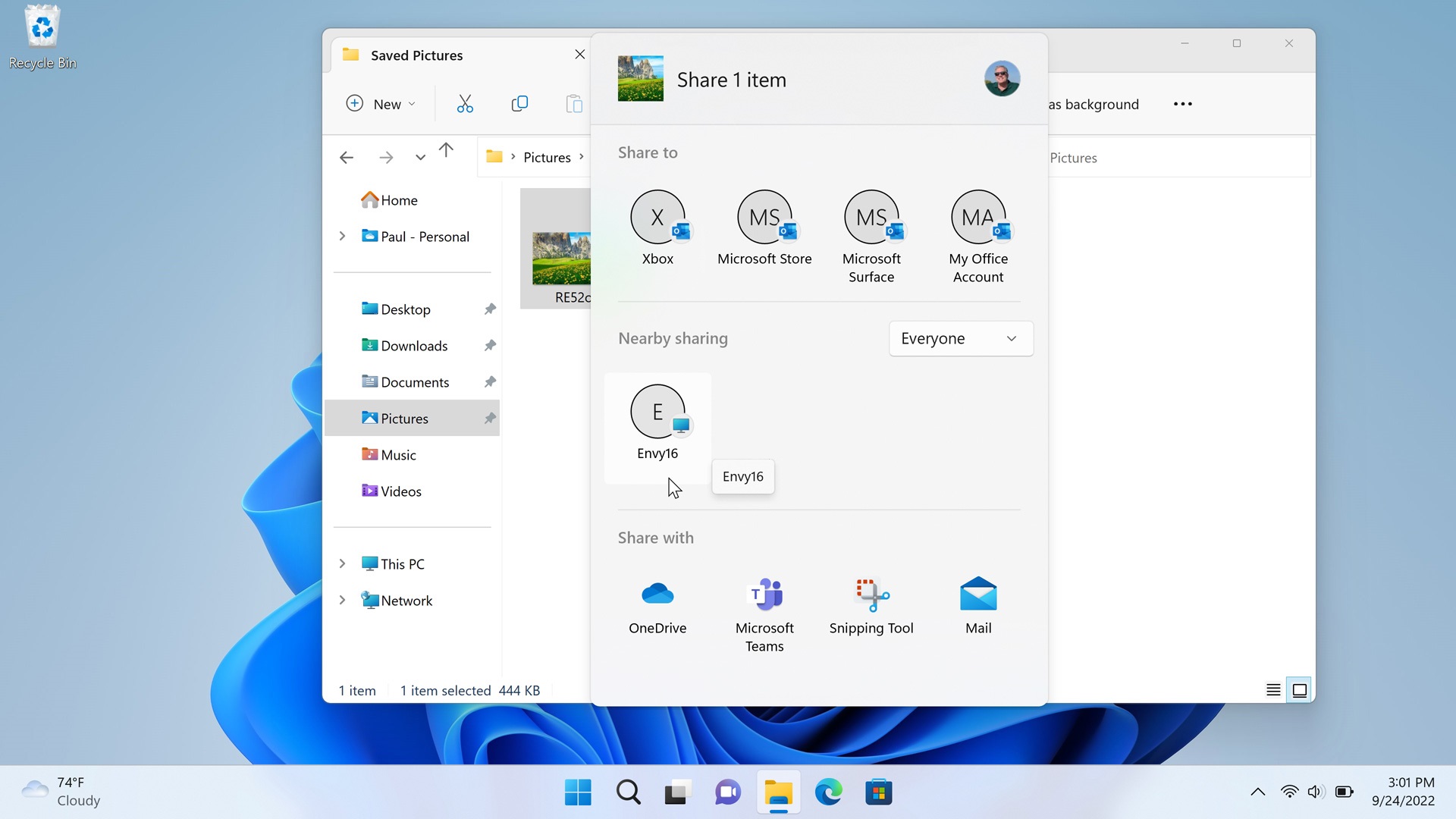
Windows 10 and 11 introduce a new way to share files, photos, and website links.…

File Explorer
- Paul Thurrott
- Oct 05, 2022
-
2
comments
File Explorer is the Windows 11 file management application and it looks and works much…

Clipboard (Archived)
- Paul Thurrott
- Oct 05, 2022
-
1
comment
You can use a Clipboard history feature to store multiple items at once, sync text…

Do Not Disturb and Focus
- Paul Thurrott
- Oct 05, 2022
-
0
comment
Do not disturb and Focus are two related Windows 11 features that are designed to…

Desktops
- Paul Thurrott
- Oct 05, 2022
-
0
comment
Windows 11 includes a feature called Desktops that lets you create multiple virtual desktops, each…

Task Manager (Archived)
- Paul Thurrott
- Oct 05, 2022
-
1
comment
Task Manager is a powerful system utility that provides task management, startup application management, and…
Snap
- Paul Thurrott
- Oct 04, 2022
-
0
comment
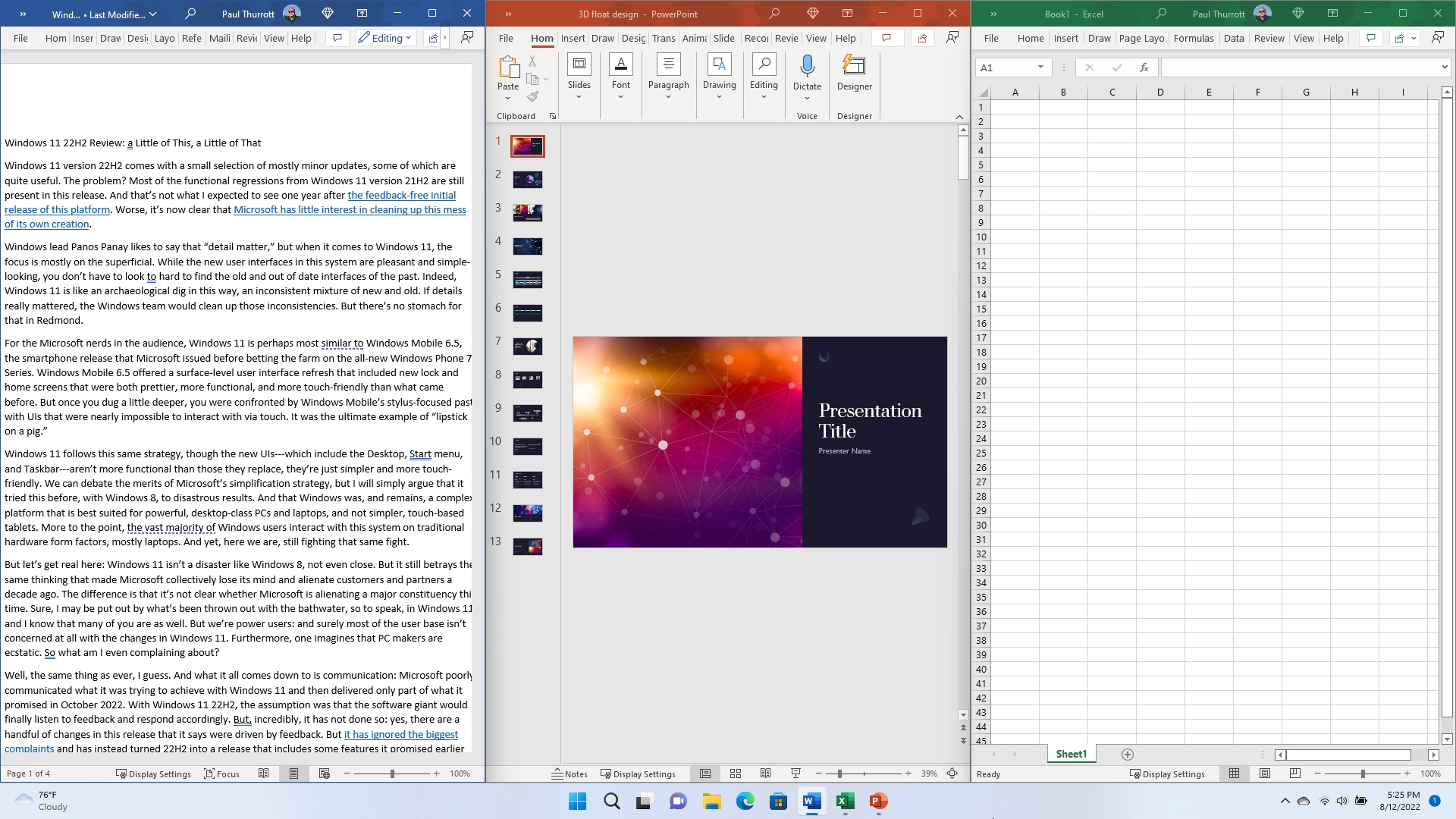
Snap is a set of Windows 11 features that lets you organize how your open…

Shake (Archived)
- Paul Thurrott
- Oct 04, 2022
-
0
comment
Windows 11 includes a fun feature called Shake that lets you literally shake the currently-focused…

Task View (Archived)
- Paul Thurrott
- Oct 04, 2022
-
0
comment
Task view works much like Alt-Tab in that it lets you switch between open apps…

Alt-Tab (Archived)
- Paul Thurrott
- Oct 04, 2022
-
0
comment
Alt-Tab is the simplest and oldest multitasking user interface in Windows, and it works as…
Quick Settings
- Paul Thurrott
- Oct 03, 2022
-
1
comment
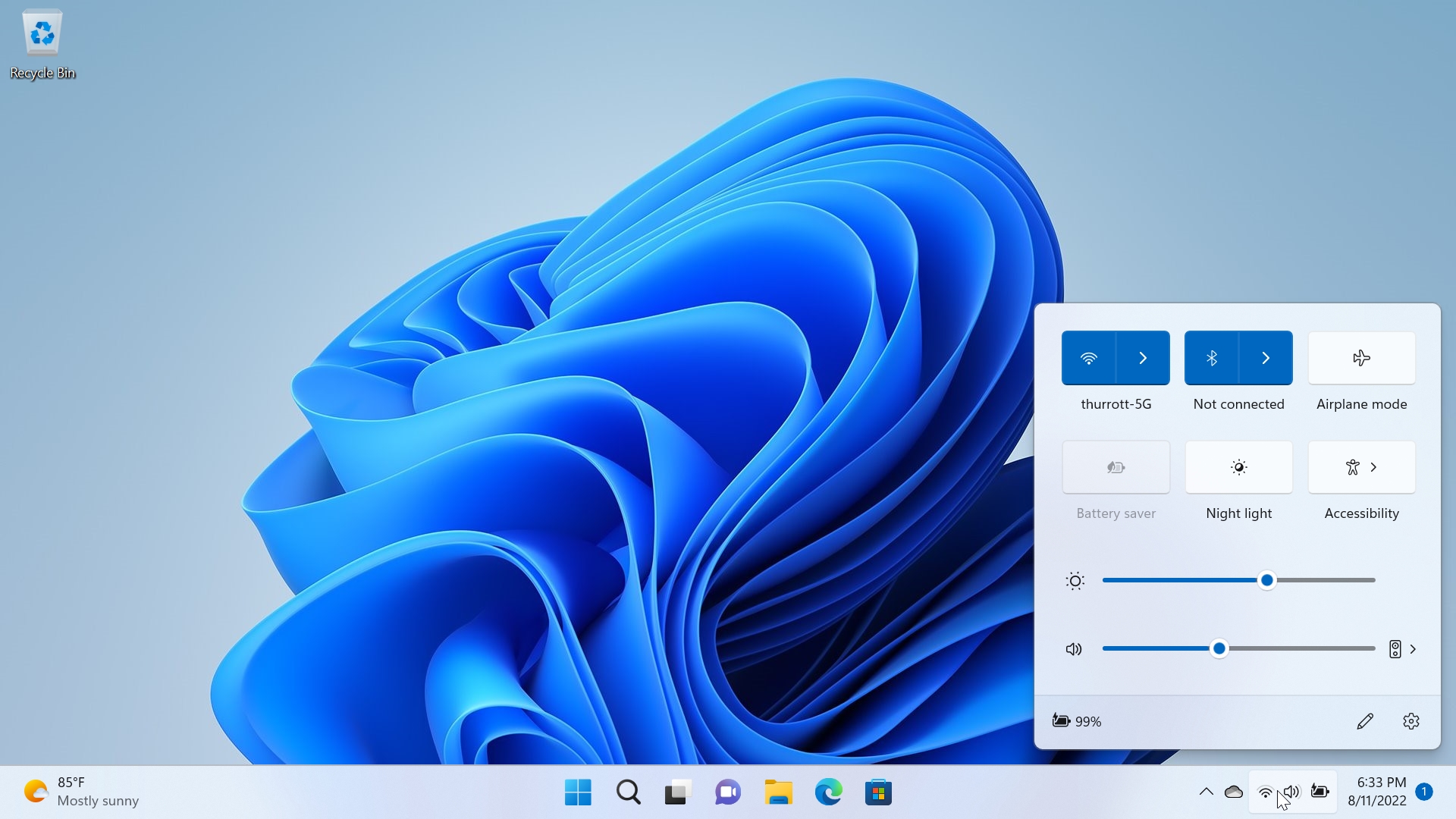
Quick settings is a new interface in Windows 11 that appears when you select the…