Windows 10

12 Days of Deals, Day 6: Save Big on Select Premium PCs
- Paul Thurrott
- Dec 10, 2016
-
0
comment
For Day 6 of its 12 Days of Deals promotion, Microsoft is offering up to…

12 Days of Deals, Day 5: Up to 70 Percent Off Select Windows 10 Tablets/2-in-1s
- Paul Thurrott
- Dec 09, 2016
-
8
comments
Day 5 of Microsoft's 12 Days of Deals brings us a variety of Windows 10…
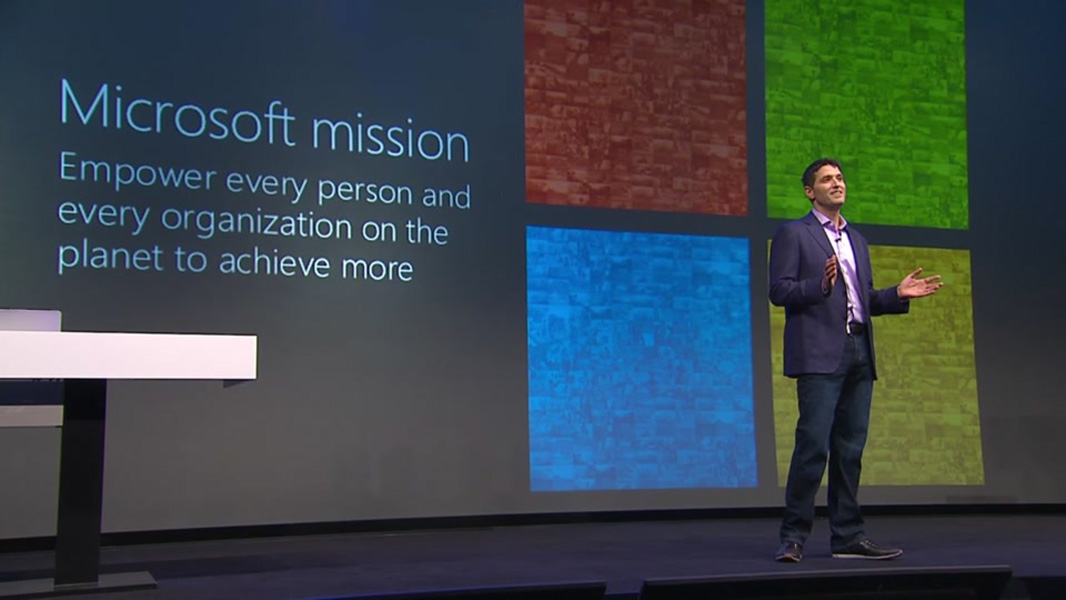
WinHEC 2016 Keynote is Now Available On-Demand
- Paul Thurrott
- Dec 08, 2016
-
9
comments
Last night---or this morning in China---Microsoft launched its Windows Hardware Engineering Community (WinHEC) event in…
Full Windows 10 on ARM? RIP, Windows Phone
- Paul Thurrott
- Dec 08, 2016
-
113
comments
Remember Satya Nadella's claim about the "ultimate mobile device"? Surprise: It's a PC, not a…
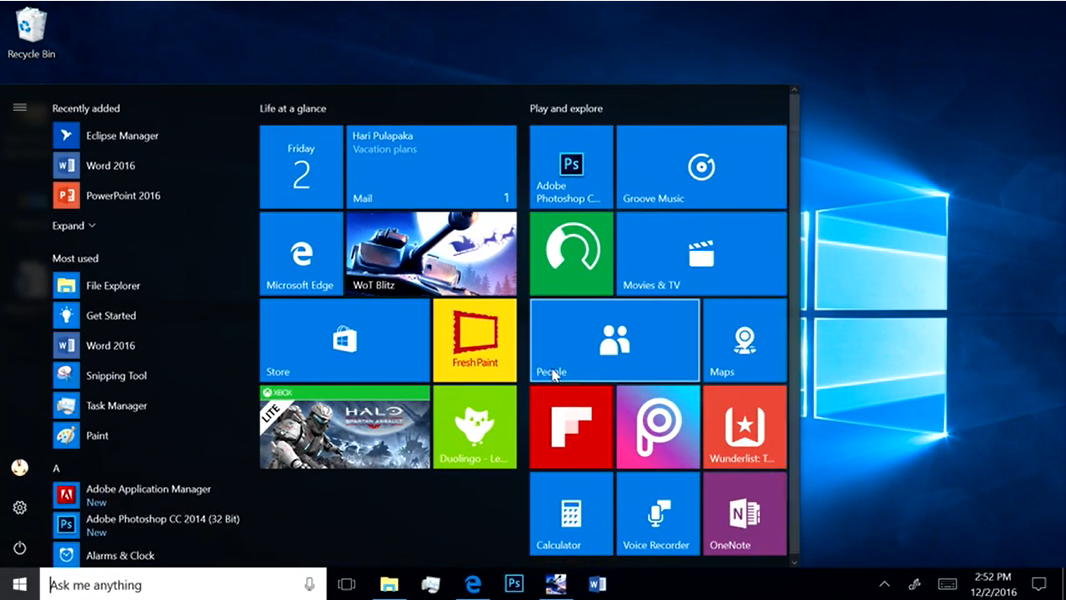
Microsoft Demonstrates Windows 10 Running on ARM
- Paul Thurrott
- Dec 08, 2016
-
80
comments
I'm excited for an ARM-based future for the PC. But if you're not convinced it…

ARM-Based Windows 10 Portable PCs!? Hell Yes!
- Paul Thurrott
- Dec 07, 2016
-
151
comments
Microsoft announced that it will port Windows 10 to ARM. No, not Windows 10 Mobile.…
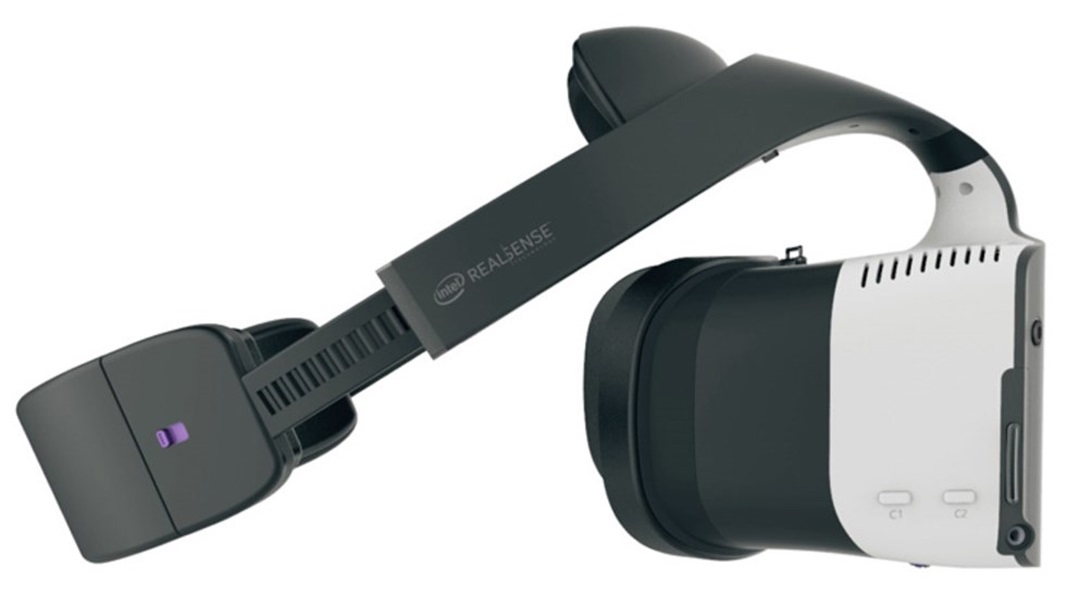
Microsoft Partners with Intel on Project Evo to Improve the PC in 2017
- Paul Thurrott
- Dec 07, 2016
-
2
comments
Microsoft has announced a new collaboration with longtime partner Intel aimed at driving the PC…
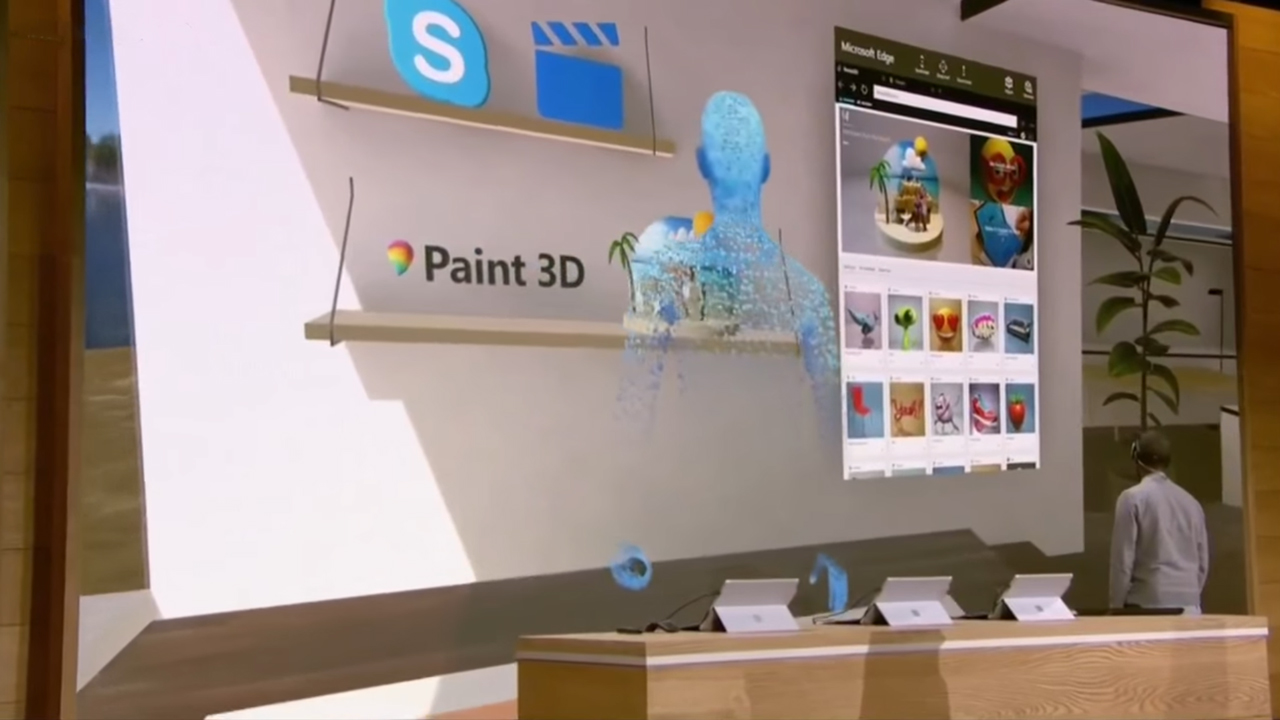
Microsoft Plans to Make Mixed Reality Mainstream in 2017
- Paul Thurrott
- Dec 07, 2016
-
11
comments
At its WinHEC 2016 opening keynote in Shenzhen, China Thursday morning, Microsoft revealed its plans…

Microsoft Delivers Windows 10 Insider Preview Build 14986 for PC
- Paul Thurrott
- Dec 07, 2016
-
12
comments
Tonight, Microsoft released Windows 10 Insider Preview Build 14986 for PC to Windows Insiders in…
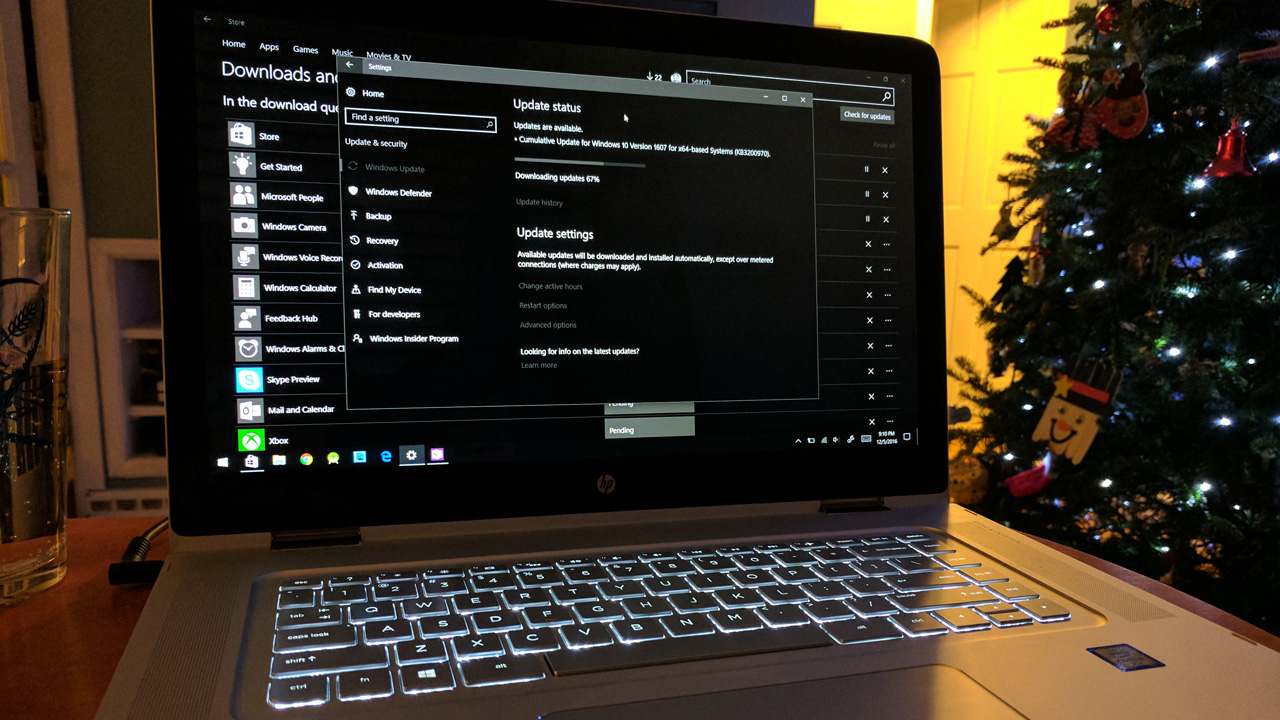
, Cache works on both Windows 10 PCs and iPhone, and "allows you to drag text snippets, images, web pages, files, URLs, notes and nearly anything else you might need into the app and then instantly have it available on your iPhone." Contrary to our original understanding, the Windows version of Cache is *not* a UWP app, though it does look like one: [As Rafael found out in October, it's just a .NET/WPF app](https://www.thurrott.com/windows/windows-10/83698/hands-cache-latest-microsoft-garage) and you just download it from the web like any other Windows desktop application. Rafael's initial hands-on was based on leaked code, but this week, I was allowed an official peek at the still-in-beta app, which is still available in both Windows and iPhone flavors. (Presumably, it will come to at least Android should it move forward into public usage.) That said, it doesn't appear that much has changed since October. But let's get what it *is* out of the way first. Cache has been liked to everything from Reading List---an add-on app for Internet Explorer in the Windows 8 days---to [Pocket](https://getpocket.com/), a useful service I use every single day. Back in August, [WalkingCat noted that Cache seemed "kinda similar" to OneClip](https://twitter.com/h0x0d/status/767892390963060736?ref_src=twsrc%5Etfw), another Microsoft Garage project, albeit one that never materialized. Today we know that [Cache is indeed OneClip, but with a new name](https://twitter.com/h0x0d/status/788905643180642305). But how does it relate to OneNote, an admittedly heavier tool that can also be used for similar purposes? Microsoft describes Cache as, yes, a visual bookmarking tool," one that helps you "centralize all related content around your projects and ideas." Nebulous, I know. The parallels with OneNote are hard to escape. Cache lets you "have all your content organized around the projects or tasks [that] are important to you. It brings everything (files, emails, webpages, images, and more) to one place, regardless of the app it was created in." Projecting the understood intent of this tool, then, it seems that the rough idea here is the same as with OneNote, where you are using a single tool to collect information that you will later transform into a document or communication of some kind. But OneNote and Cache differ in the implementation details: Where OneNote is organized like a paper notebook, Cache uses project-centric organization. And as a more modern tool that was built specifically for the needs of today, it looks and works a bit differently than does OneNote. Put another way, Cache seems designed for the UNIX-like single-task-based app model that is common in mobile, whereas OneNote is still an old-school monolithic desktop application at heart. OneNote is literally about notes, though you may of course bundle or link to other content types. But Cache is about collecting multiple content types in projects. Some of which may be notes. Asking why Microsoft would duplicate functionality like this misses the point. "Microsoft" isn't collectively doing a thing here. This is a Microsoft Garage project, which means two things: It is driven by a single human being. And it is specifically designed to address a modern need. So if it happens to duplicate functionality from a legacy Office application, as it does, so be it. This is Microsoft experimenting with mobile. Throwing spaghetti at the wall and seeing what sticks. As Rafael did before me, I spent a bit of time pulling different kinds of content into a sample collection I created in the Windows application. (Cache uses collections instead of notebooks or sections.) And as you might expect, the content opens elsewhere when you select it: Word documents open in Word, text documents open in Notepad, and so on. That said, basic image types like JPEG open right in the app for some reason. And text snippets---like text dragged from a web page---also open right in Cache. One nice bit: You can dock the app to the side of your desktop so it's always there when you're doing research and want to drag things over to it. That works pretty well. I was given access to the iPhone app as well, but I've not yet heard back from Apple to get the TestFlight-based access I actually need to use the app while in beta. (I use TestFlight for other pre-release apps, too, like Bear, a writing tool, and Google Chrome.) But I feel like I've waited long enough on this post, so I'll address the mobile experience when I can. I'm not 100 percent sure "where" Cache data is stored, and I do wonder if it relies on the source of the information you're caching to stay where it is. For example, if I drag a document into Cache and then delete that document, does the cached document no longer work? And if it does work, where is it stored? Until this thing is better baked, I won't bother to figure this out, and of course I'd like to see the mobile app in action and compare the workflow speed and efficiency to that of OneNote.](https://thurrott-assets.nyc3.digitaloceanspaces.com/web/2016/12/cached.jpg)
A Quick Peek at Microsoft Cache Beta
- Paul Thurrott
- Dec 07, 2016
-
3
comments
Cache is a secretive Microsoft Garage project that first leaked a few months ago. But…
Thurrott Daily: December 6
- Paul Thurrott
- Dec 06, 2016
-
21
comments
Today: Music videos in Groove, Supreme Court rules in Samsung's favor, Sonos 7 comes out…

Dead Rising 4 Launches on Xbox One and Windows 10
- Paul Thurrott
- Dec 06, 2016
-
14
comments
Frank West makes his comedic an action-packed return in Dead Rising 4, the latest installment…

No, Virtual Reality is Not a Fad
- Paul Thurrott
- Dec 06, 2016
-
51
comments
Make no mistake when it comes to virtual reality (VR). It's not a fad. And…

12 Days of Deals, Day 2: Lenovo IdeaPad 110 for $199
- Paul Thurrott
- Dec 06, 2016
-
6
comments
Day 2 of Microsoft's 12 Days of Deals has arrived. This time, the firm is…

Thurrott Daily: December 5
- Paul Thurrott
- Dec 05, 2016
-
10
comments
Today: Get ready for WinHEC, developer support for symlinks is finally coming to Windows 10,…

Of Home Hub and Microsoft’s Missed Opportunities
- Paul Thurrott
- Dec 05, 2016
-
73
comments
What are we to make of rumors that Microsoft will belatedly move its Cortana-based digital…