Windows 10 audio volume is too high (and yes, I know I can turn it down ?) – how can I reduce the maximum?
On my PC, if I turn the audio volume up to full it would wake the dead and have aliens from Neptune coming to complain about the noise.
As a result, I’m constantly trying to fine-tune the balance between applications, and we’re talking about one-keyboard-notch on the slider.
The Windows master volume goes from 0 to 100, but for me it’s:
0 = muted
2 = suitable for use early in the morning or late at night
4 = daytime
6 = PARTY!
8 = the police will be coming to visit
10 = the army will be coming to visit
12 = the army will be afraid to come and visit
14 or more = I have no idea what would happen, I’m not crazy
Does anyone know of some deep-lying registry tweak or other adjustment I can make to reduce the maximum volume to about 20%, so that the sliders are actually useful?
EDIT:
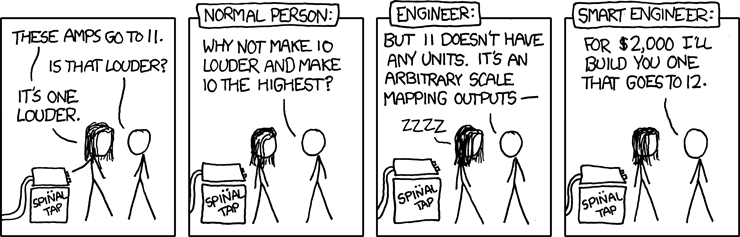
What I’m saying is, my PC volume goes up to 11. I want to find a way to make it only go up to 5! ?