- Blog
- Windows Phone 8.1.2
Windows Phone 8.1.2
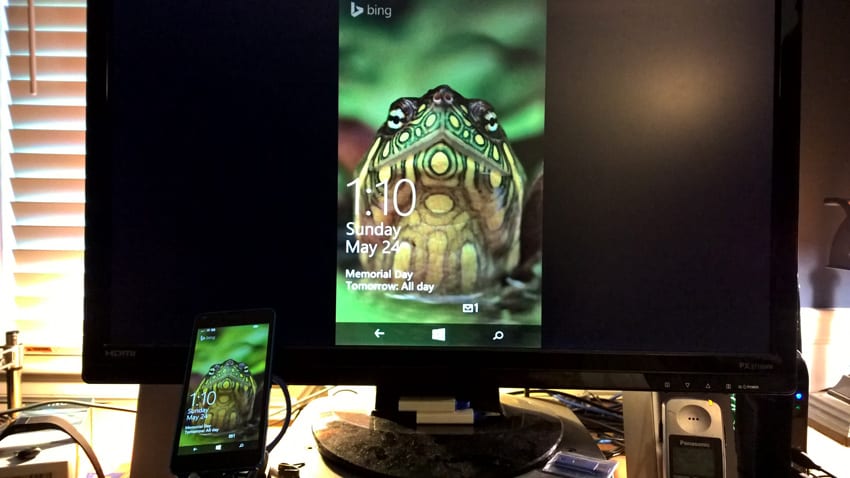
Windows Phone Tip: Mirror Your Phone’s Screen with USB
- Paul Thurrott
- May 24, 2015
-
0
comment
In addition to supporting Miracast-type wireless display mirroring, Windows Phone 8.1 also lets you mirror—or…
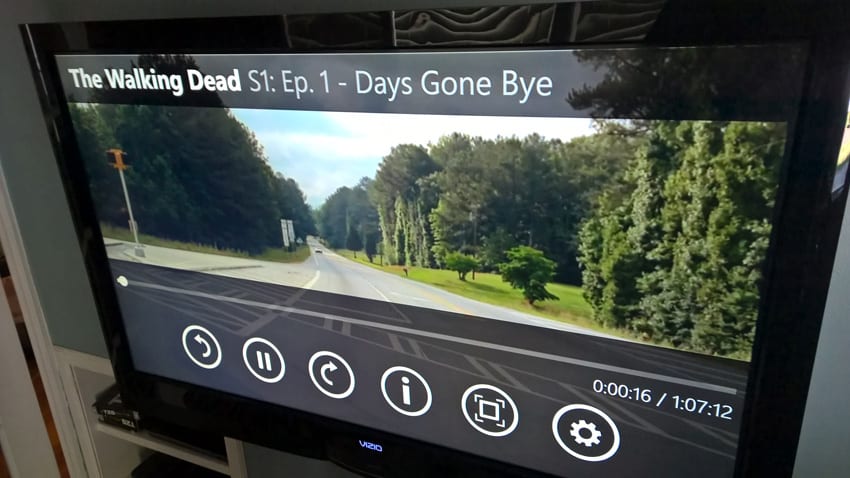
Windows Phone Tip: Wirelessly Mirror Your Phone’s Screen to an HDTV
- Paul Thurrott
- May 24, 2015
-
0
comment
With Windows Phone 8.1 or newer and a compatible handset, you can wirelessly mirror—or “cast”—your…
Windows Phone Tip: Master the Custom Volume Settings
- Paul Thurrott
- May 23, 2015
-
0
comment
In Windows Phone 8.1, Microsoft added the ability to select custom volume levels for different…

Windows Phone Tip: Use Your Gmail Account
- Paul Thurrott
- May 22, 2015
-
0
comment
Microsoft and Google might not play nice—OK, it’s all Google’s fault—but that doesn’t mean that…

Windows Phone Tip: Extend Your Range with Battery Saver
- Paul Thurrott
- May 21, 2015
-
0
comment
Starting with Windows Phone 8.1, you can significantly extend the battery life of your handset…

Windows Phone Tip: Automatically Connect to Public Hotspots with Wi-Fi Sense
- Paul Thurrott
- May 20, 2015
-
0
comment
With Windows Phone 8.1 and newer, Microsoft is expanding on the system’s native Wi-Fi capabilities…
Windows Phone Tip: Manage Data Usage with Data Sense
- Paul Thurrott
- May 18, 2015
-
0
comment
With Windows Phone 8.1 and newer, Microsoft offers an integrated Data Sense functionality that helps…

Windows Phone Tip: Manage Disk Usage with Storage Sense
- Paul Thurrott
- May 17, 2015
-
0
comment
In Windows Phone 8.1 and newer, Microsoft includes a useful feature called Storage Sense that…
A Quick Look at Windows Phone 8.1.2
- Paul Thurrott
- Apr 11, 2015
-
0
comment
In an interesting and very useful mistake, many people who try to upgrade their Windows…