Google Chrome Getting a Native Dark Mode in Windows 10
- Mehedi Hassan
- Jan 03, 2019
-
5

Google’s Chrome browser could be getting support for a native dark mode in Windows. The company has been planning to add a dark mode for Chrome on Windows 10 for a few months, and first signs of the new dark theme have appeared on the latest versions of Chrome Canary.
Chrome technically already has a dark mode within the incognito mode, though you can’t enable the same dark mode for the regular browser. Going forward, though, Chromium developers want to respect Windows 10 users’ settings and automatically enable Chrome’s upcoming dark mode when they have the dark theme in Windows 10 enabled.
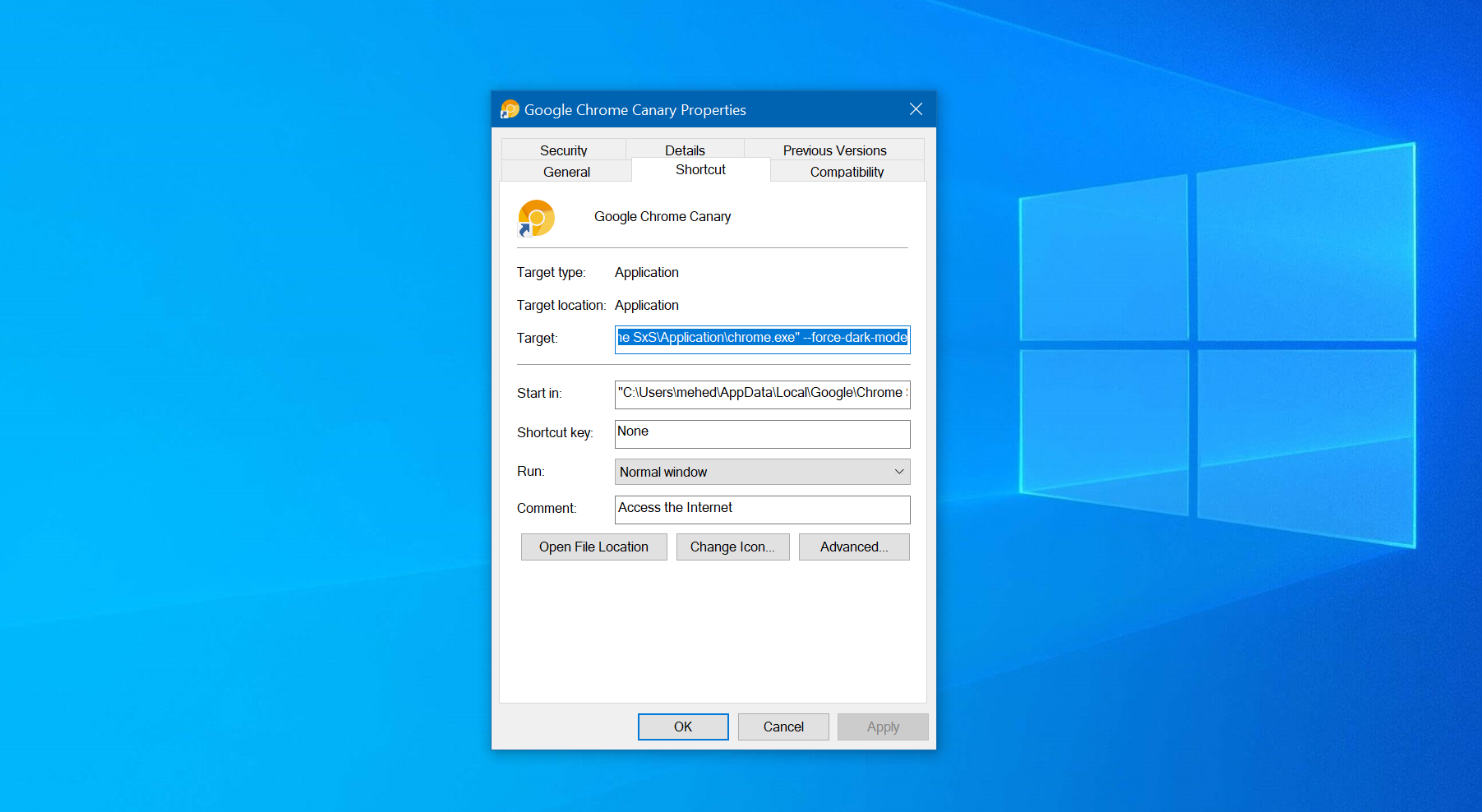
As 9to5Mac reports, the latest versions of Chrome Canary has a dark mode that you can enable by adding “–force-dark-mode” to the target on the Chrome Canary app shortcut from the Properties window in Windows 10. Once that’s done, running the browser will automatically disable the new dark mode in Chrome.
The only problem is that the dark mode isn’t anywhere near polished. The browser tab and address bar have a decent UI, but everything else is a little broken — and that includes the profile menu, the main menu, and the settings. The feature will obviously improve over the next couple of weeks and possibly months before the UI is fully polished and ready for all users, so that’s not something you should worry about right now.

It’s worth noting that the feature does work on older versions of Windows as well, so Google might offer an option to manually select between the light and dark modes from within Chrome instead of simply following the users’ Windows 10 settings.