Google Lens is coming to Google Chrome Alongside Other AI Features
- Laurent Giret
- Aug 01, 2024
-
0
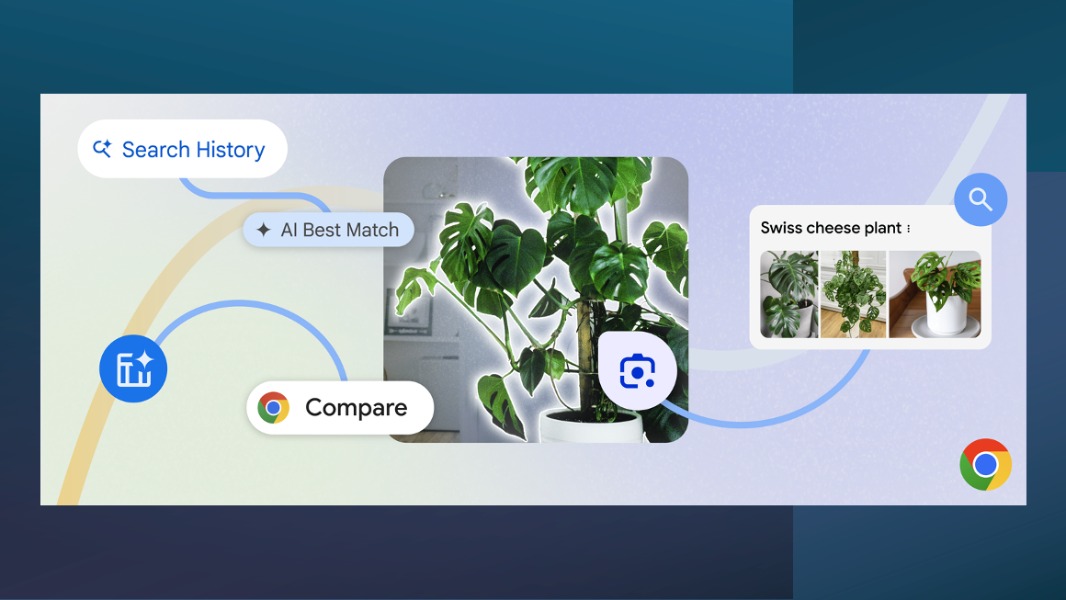
Google Chrome is integrating Google Lens technology to help users find more information about images, videos, or text on a webpage. It’s also getting new AI features to help users find websites in their browsing history and compare products across multiple tabs more easily. These new features are leveraging Google’s latest AI models, and they will start rolling out to desktop users over the coming weeks.
Thanks to the new integration of Google Lens in the desktop version of Chrome, users will be able to select anything on a page, including text, an image, or a video, and search for more details about it. To access Google Lens in Chrome, users will need to click the new Lens icon in the address bar and drag over anything on a web page they want to search. Results will open in a side panel, where a search bar lets users add more details to their current search.
When asking a more detailed question in that search bar, users in the US may get an AI-generated response similar to the AI overviews now offered in Google Search in select markets. These AI overviews have sometimes delivered controversial results, but Google now seems to be confident to bring them to more places.
To help users find specific sites they visited earlier more easily, Chrome will be able to answer questions about users’ browsing history written in natural language. For example, users will be able to ask “What was the car listing I found yesterday” and Chrome will show relevant results based on users’ browsing history. The Chrome team noted that this feature will be optional and it also won’t be using browsing data from Chrome’s Incognito mode.
In the next few weeks, Chrome will also get a new AI-powered Tab Compare feature in the US. It will be able to bring together different products from multiple tabs in one place and create an intelligent table that compares their different features. “By bringing all the essential details — product specs, features, price, ratings — into one tab, you’ll be able to easily compare and make an informed decision without the endless tab switching,” Google explained today.