Microsoft Releases New Windows 11 Insider Preview Builds
- Paul Thurrott
- Aug 19, 2024
-
0
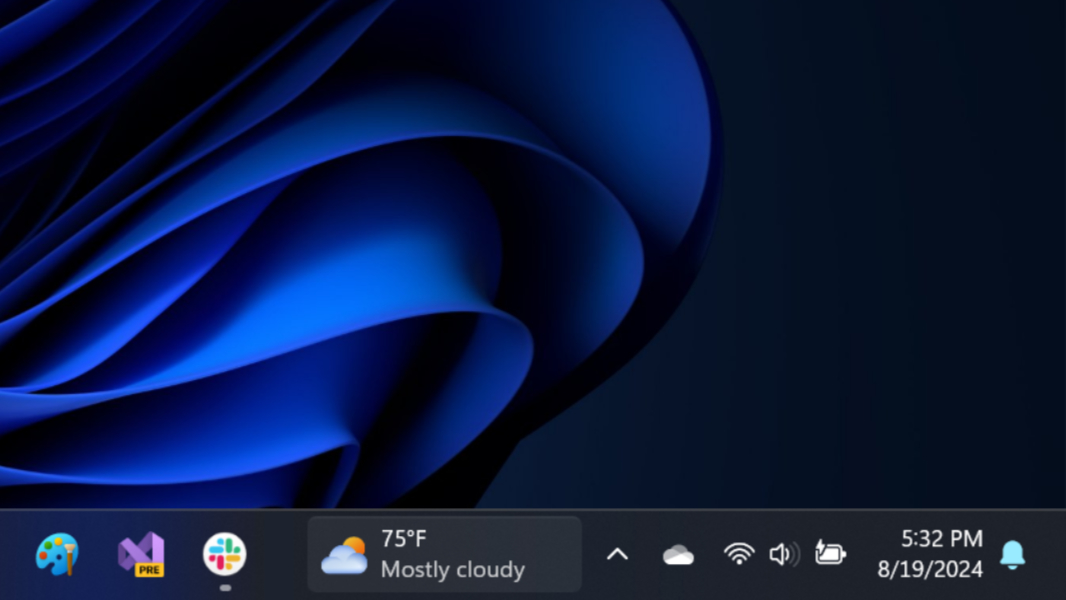
It’s been quiet on the Windows Insider Preview front, but Microsoft released two builds today, to the Dev and Beta channels. And they don’t really move the needle all that much.
As you may know, the Dev channel now targets updates to Windows 11 version 24H2, while the Beta channel targets 23H2. So you might assume that these new builds were largely similar, since Windows 11 versions 24H2 and 23H2 (and 22H2) all offer the same feature sets right now. But that’s not the case. The only thing these builds have in common is that they’re both uneventful.
The Dev channel release is KB5041872, and it will upgrade your PC to Windows 11 build 26120.1542 when installed. There are several new features. The Widgets icon has moved to the right side of the Taskbar (next to the system tray) when the Taskbar is left-aligned, and it will fly out from the right side in this configuration. This build also includes the Taskbar keyboard navigation changes we’ve seen in other builds and various fixes.
The Beta channel update, KB5041873, is even less impressive. Microsoft temporarily removed the new Windows Studio Effects icon that appeared in the system tray in the Taskbar as needed (but will re-enable it in a future build). And then it fixed various features. So, yeah. Have fun testing that one.
Hopefully, we’ll see something more interesting soon.