Windows 11 Version 24H2 is Now Available on Non-Copilot+ PCs
- Laurent Giret
- Oct 01, 2024
-
3
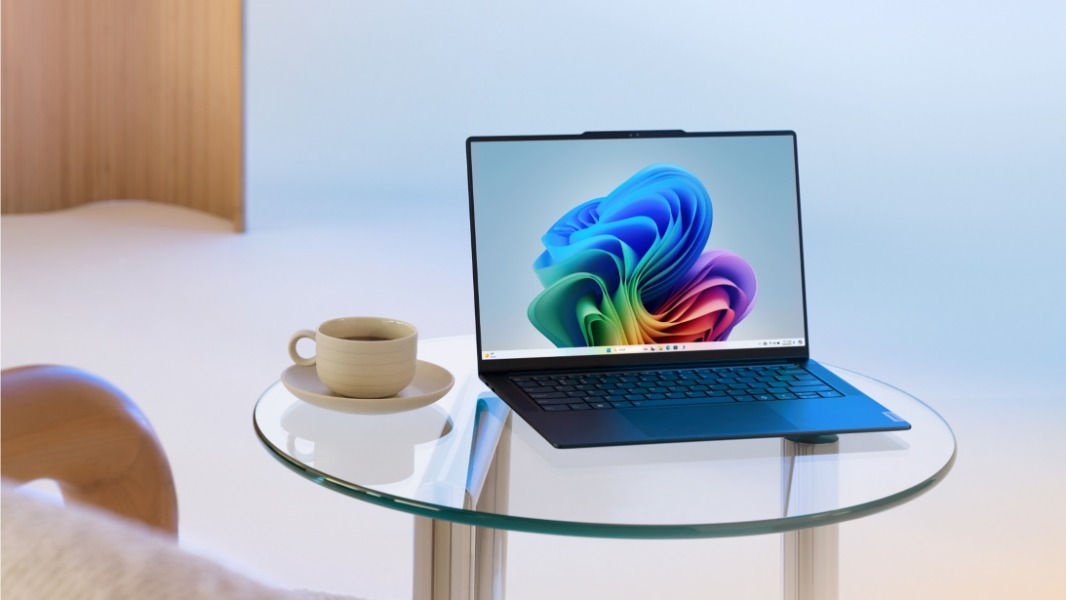
Windows 11 version 24H2, the annual update for the OS that first launched on new Copilot+ PCs in June is now starting to roll out to all users. The 24H2 update, which Microsoft also refers to as the “Windows 11 2024 Update,” includes big changes under the hood to enable Recall and other new AI features coming soon to Copilot+ PCs.
Unlike Windows 11 version 23H2 which came last year as a simple enablement package to turn on new features, Windows 11 version 24H2 will be a “full operating system swap that contains new foundational elements required to deliver transformational AI experiences and exceptional performance,” said John Cable, Vice President, Program Management, Windows Servicing and Delivery.
What’s not changing this year is that Microsoft will be using machine learning and telemetry data to gradually roll out Windows 11 version 24H2 to all users. This new version of the OS will also reset the support cycle and offer 24 months of support for Home and Pro editions, as well as 36 months of support for Enterprise and Education editions. For organizations, Microsoft is also releasing today Windows 11 Enterprise LTSC 2024, which will get five years of support.
What’s new in Windows 11 version 24H2
Windows 11 version 24H2 sets the stage for new AI features that Microsoft will start testing with Insiders later this fall, including Recall, Click to Do, and an improved Windows Search experience. You can learn more about these upcoming AI features for Copilot+ PCs in my separate post.
For everyone else, Windows 11 version 24H2 will also introduce minor improvements for the taskbar, system tray, File Explorer, and Settings, as well as a couple of new features. Here are the biggest additions in this update:
Energy saver: This enhanced version of the existing Battery saver feature aims to reduce energy use even when devices are plugged in.
Bluetooth LE Audio support: On devices that supports the new Bluetooth Low Energy Audio standard, users can now stream audio and take calls on hearing aids, with new capabilities to control audio presets, ambient sounds, and more.
Wi-Fi 7 compatibility: On compatible devices, Wi-Fi 7 will add support for multi-gigabit speeds. In theory, Wi-Fi 7 is up to 4x faster than Wi-Fi 6 and Wi-Fi 6E, and close to 6x faster than Wi-Fi 5.
HDR background support: On PCs with HDR displays, users will be able to set up .jxr images as their desktop background and have them be rendered in HDR. However, this will increase energy consumption.
How to get Windows 11 version 24H2
Windows 11 version 24H2 has been available via the Windows Insider Release Preview Channel since May. Microsoft also released ISOs for users to prefer to perform a clean install.
To get Windows 11 version 24H2 via Windows Update, you’ll probably need to wait: Microsoft said that the first phase of the public rollout will start over the coming weeks, and users who turn on the “Get the latest updates as soon as they’re available” toggle in Windows Update will get it first. Otherwise, the Windows Update Settings page will notify users when the update is available for their devices.
For managed devices, Windows 11 version 24H2 is now available through Windows Server Update Services (including Configuration Manager), Windows Update for Business, and the Microsoft 365 admin center. As for Windows 11 Enterprise LTSC 2024, it’s available in the per user or per device model depending on the Volume Licensing program through which it is acquired. You can check out the Windows IT Pro blog for more information for commercial and education customers.