Windows Insider Program Rings in the New Year with New Canary and Beta Builds
- Paul Thurrott
- Jan 03, 2025
-
5
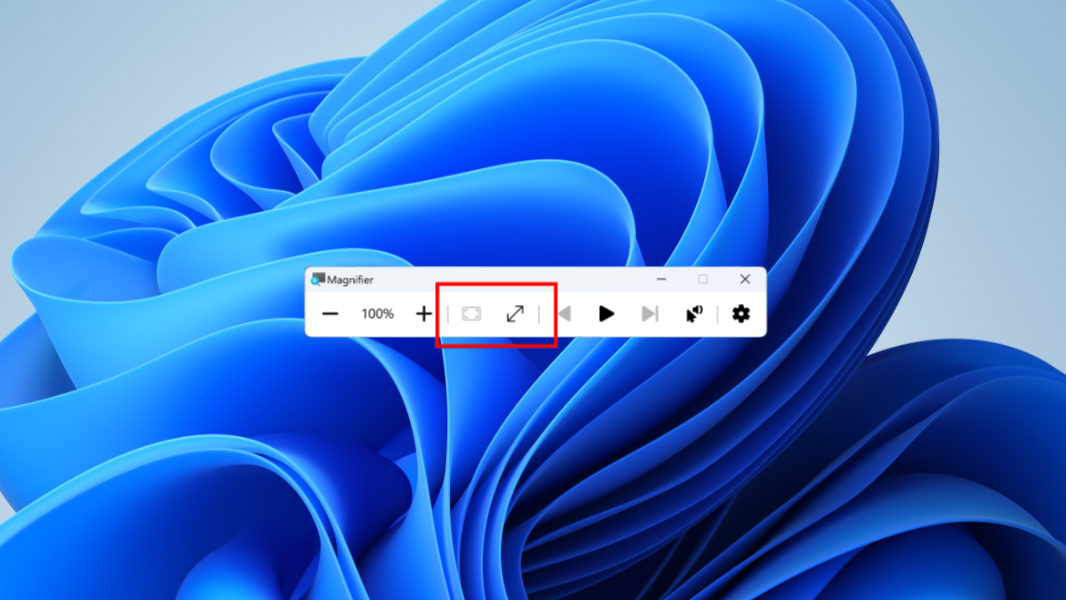
The winter break is over: Microsoft has issued minor new Windows 11 Insider Preview builds to the Canary and Beta channels.
Those with PCs in the Canary channel can now download Windows 11 Insider Preview build 27766, which comes with “a small set of general improvements and fixes that improve the overall experience for Insiders.” There are a few bug fixes, a few known issues, and not much else to report. As with previous 27xxx-series builds, there’s no SDK for developers, either.
The Beta build–KB5048808, which updates the OS to Windows 11 23H2 build 22635.4660–is only slightly less disappointing. It’s certainly more confusing: One of the few new features, labels on the Cut, Copy, Paste, Rename, Share, and Delete commands in context menus, has been part of Windows 11 in stable since last year. Other than that, there are two new buttons, for Fit to screen and Reset zoom, in Magnifier and the previously announced removal of Suggested actions. Beyond that, there are some File Explorer bug fixes–presumably for the months-old “See more” menu bug–and, nope. That’s it.
Happy New Year. Or something.