Recall and Click to Do Are Now Available on the Release Preview Channel
- Laurent Giret
- Apr 10, 2025
-
0
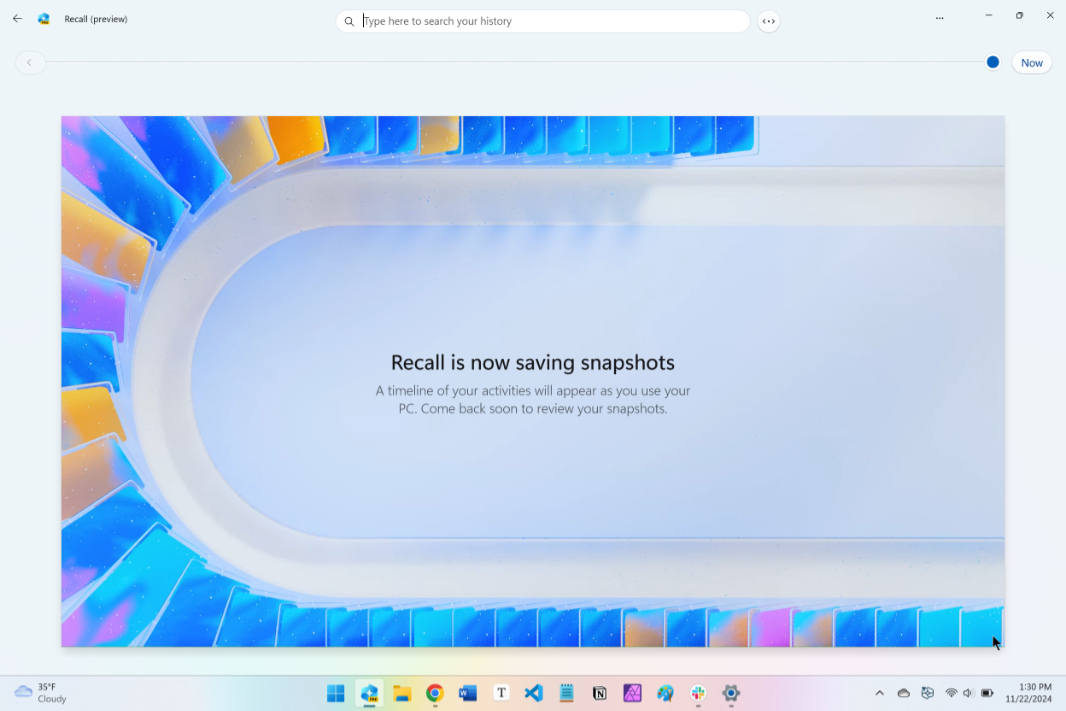
We’re getting closer to the public release of Recall and Click to Do, the two flagship AI features that Microsoft has been testing with select Insiders on Copilot+ PCs. Both features are now available for testers on the Release Preview Channel, and the just-released Windows 11 preview build 26100.3902 also enables the new AI-powered search experience on Intel and AMD-powered Copilot+ PCs.
Recall, which automatically records snapshots of your screen to make it easy to find things you’ve seen or done, was initially expected to ship last year on Copilot+ PCs. However, Microsoft delayed the feature over privacy concerns and tweaked it to make it more secure and completely removable. Microsoft now says that Recall will launch in preview in early 2025 in “most markets,” with the European Economic Area to follow later this year.
Click to Do is part of the second wave of AI features that Microsoft is developing for Copilot+ PCs, along with the AI-powered search experience and super resolution in the Photos app. Click to Do lets users take quick actions on any text and images on their screens, including launching editing apps, rewriting text, performing web searches, and more. Just like Recall, Click to Do will be available later on Copilot+ PCs in the European Economic Area.
The April 2025 Patch Tuesday update for Windows 11 version 24H2 that was released earlier this week enabled the new AI-powered search experience on Qualcomm-powered Copilot+ PCs. Today’s preview build 26100.3902 now enables it on Intel and AMD-powered models, and the public rollout should follow next month.
This latest flight for Release Preview testers also introduces the following changes:
Speech recap in Narrator: Insiders can now use keyboard shortcuts to quickly access spoken content, follow along with live transcription, and copy what Narrator last said.
Phone Link Start Menu sidebar: Phone Link features are now directly accessible from a new sidebar on the right side of the Start Menu.
Recommended actions on Copilot+ PCs: From Settings > Apps > Actions, Copilot+ PCs users can now manage which apps Windows can recommend actions from.
Quick edits from Windows Share: It’s now possible to crop, rotate, and add filters to images shared through the Windows Share window.
Installation time estimates for Windows updates: The Windows Update settings page and the Start menu power button will now show an estimated time for how long your PC will be offline to install updates from Windows Update.
If you have a Copilot+ PC, please note that Recall and Click to Do will be rolling out gradually on the Release Preview Channel. It will be interesting to see if the two AI features will drop their “preview” tag when they officially launch next month at the earliest.