Opera One Updated, Opera Mini Gets Aria AI
- Paul Thurrott
- Apr 16, 2025
-
0
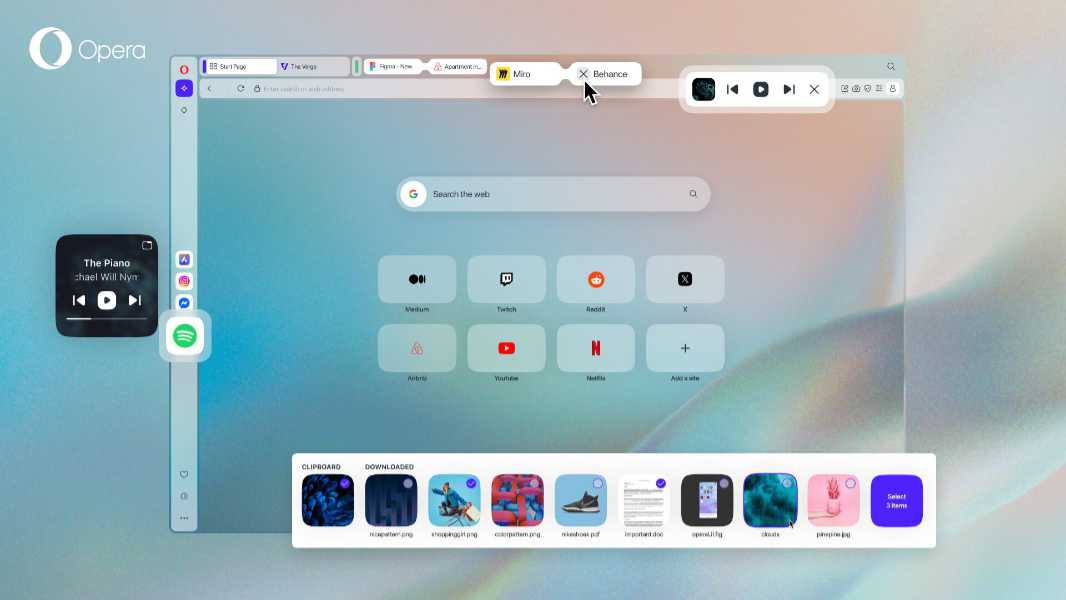
Opera issued major updates to its Opera One web browser on desktop and Opera Mini for Android this week. Here’s what’s new.
Opera One R2
Opera’s flagship desktop web browser is getting three new features in the latest update:
- Music player in the toolbar. You can now pin the integrated (and updated) music player to the Opera One toolbar.
- Split-screen improvements. Based on feedback, Opera has added new ways to exit split-screen, including clicking the vertical line between the joined tabs or clicking the Close tab button on either joined tab.
- Easy Files improvements. Easy Files shows you the most recently downloaded files and the contents of the Clipboard in a pop-up that appears when you try to attach or upload files. With this release, Easy Files has been given a visual update to match the Opera One design philosophy, so now it displays as a module at the bottom of the window that shows more files and offers multi-file selection.
You can download Opera One for Windows, Mac, and Linux from the Opera website.
Opera Mini
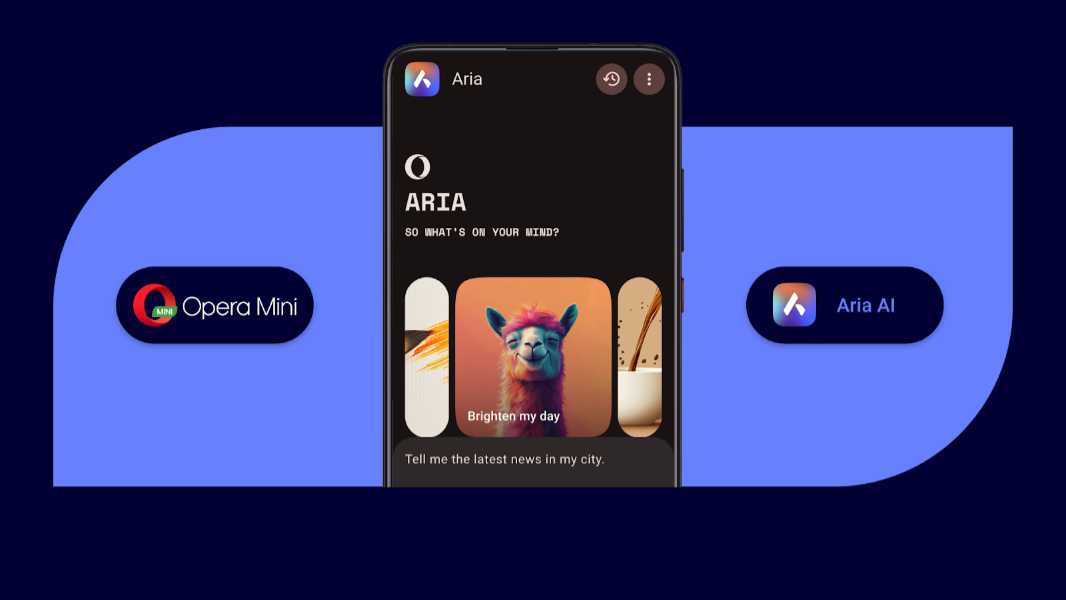
Opera Mini for iOS has been updated with support for Aria, Opera’s in-browser AI. You can use Aria to:
- Generate text and code
- Generate images
- Understand images
- Answer questions
- Summarize text-based content
- Get real-time web answers
Aria is available from the main menu in Opera Mini, and thanks to the lightweight nature of this browser, it reduces data consumption compared to typical mobile browsers by up to 90 percent.
You can learn more about Opera Mini from the Opera Blog. And you can download Opera Mini from the Google Play Store.