Microsoft Again Releases Identical Windows 11 24H2 Builds to Dev and Beta Channels
- Paul Thurrott
- Apr 21, 2025
-
0
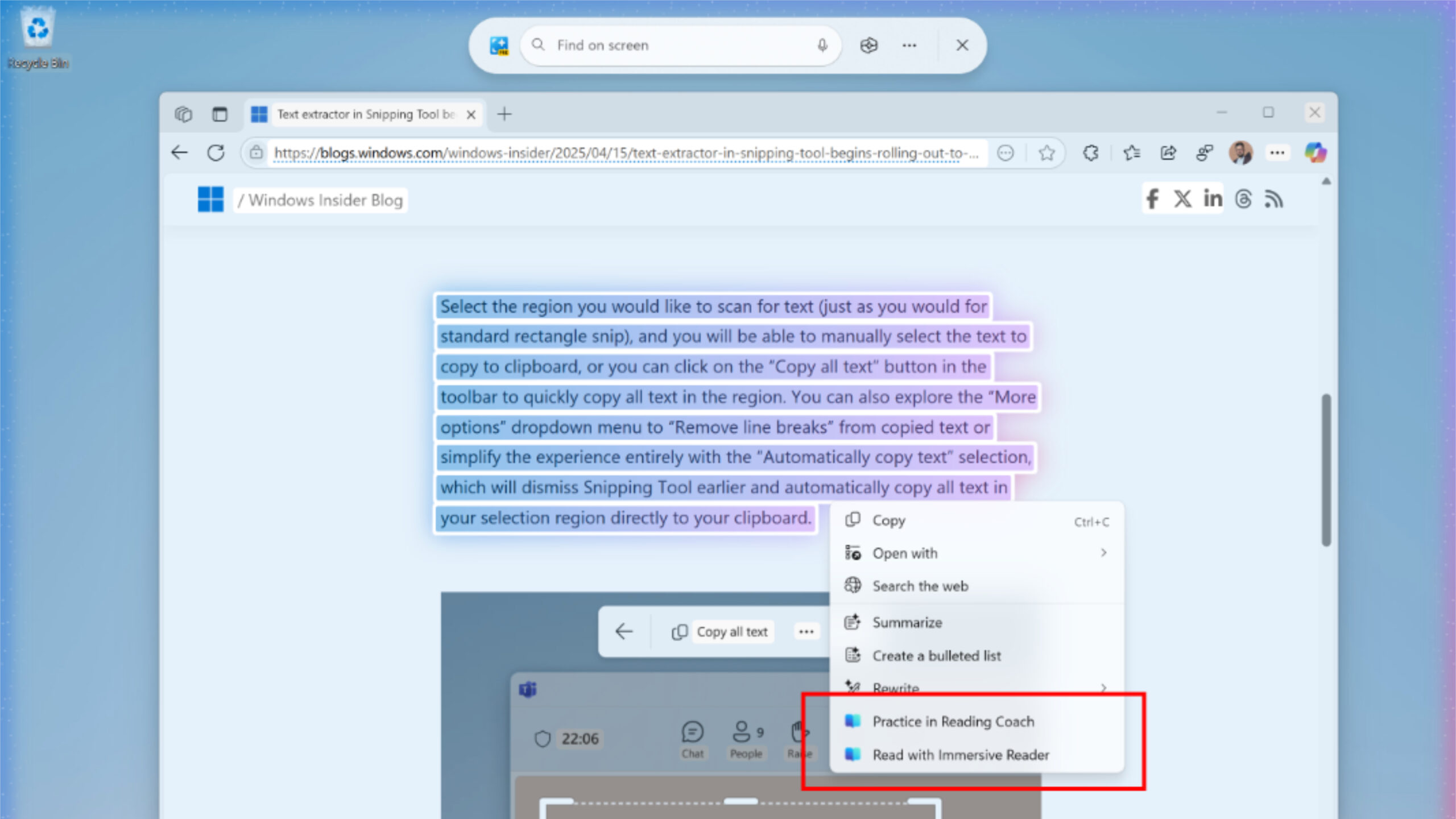
You know the drill: If you have a Windows 11 version 24H2-based PC enrolled in the Dev or Beta channel of the Windows Insider Program, you have a new pre-release build to install.
For those in Dev channel, the update is KB5055642 and installing it will upgrade your PC to Windows 11 version 24H2 build 26200.5562. For those in Beta, the update is KB5055640, and you’ll land at Windows 11 version 24H2 build 26120.3872.
But all those numbers don’t mean a thing. Both builds include the following key changes:
New text actions in Click to Do. These builds introduce two new text actions for Click to Do: Practice in Reading Coach, which is used to help improve your reading fluency and pronunciation with feedback and guides when you read aloud to it (and requires an app install from the Microsoft Store), and Read with Immersive Reader, which displays text in a customizable and distraction-free way so you can focus on reading. This feature is available only on Snapdragon X-based Copilot+ PCs, but it’s coming soon to x64-based Copilot+ PCs too.
Finding cloud-based photos with semantic search comes to EEA. The ability to use natural language to search for photos in the cloud (today, only OneDrive) using Windows Search expands in these builds to include users in the European Economic Area (EEA) with Snapdragon X-based Copilot+ PCs. It will come to those in the EEA with x64-based Copilot+ PCs soon.
Voice access improvements. You can now add words to the custom dictionary associated with Voice access to help improve dictation accuracy. This feature is available in The feature will be available in Chinese, English, French, German, and Spanish.
Beyond these, there are numerous other smaller changes and a lot of fixes in each build too.