“Hey Copilot” Wake Word Starts Rolling out to Windows Insiders
- Laurent Giret
- May 14, 2025
-
1
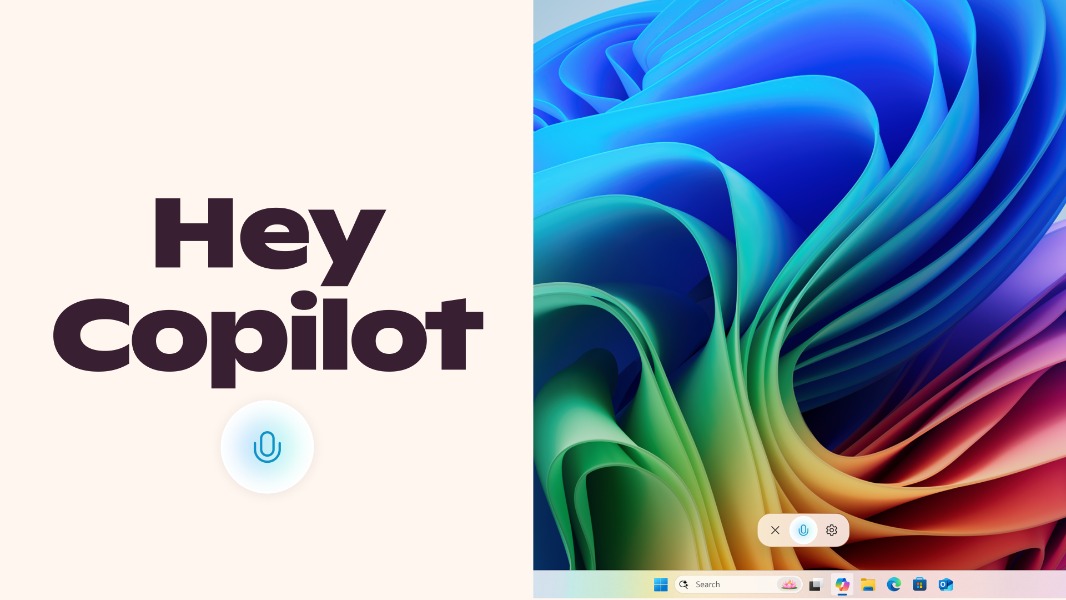
Microsoft is testing a new “Hey Copilot” wake word to invoke the Copilot app on Windows PCs. The new feature will be opt-in, and it’s rolling out to Windows Insiders across all channels via an update for the Copilot app.
The ‘Hey Copilot’ wake word, which is pretty much the replacement for ‘Hey Cortana’, will first roll out to Insiders who have their display language in Windows set to English. The feature will only work when a PC is unlocked, and it will also work when a PC is offline. However, Copilot won’t be able to provide Voice responses without an Internet connection.
“This opt-in feature gives people a new way to easily start a conversation with Copilot Voice, anytime the feature is enabled, and their PC is unlocked. With this new hands-free experience, you can stay in your flow when you need answers to a question or just need someone to bounce an idea off of,” the Microsoft Copilot team explained today.
To enable “Hey, Copilot”, Windows Insiders will need to make sure to update the Copilot app to version 1.25051.10.0 or higher, go to Settings, scroll down to Voice mode, and then toggle on “Listen for ‘Hey, Copilot’ to start a conversation.” Microsoft says that Windows will show that Copilot is using the microphone via the Windows System Tray when the Copilot app is opened, which can be distracting or worrying. However, the company made it clear that nothing is being recorded or sent to the cloud until the wake word is detected.
“When ‘Hey Copilot’ is enabled, Copilot uses the microphone with an on-device wake word spotter that only detects the ‘Hey Copilot’ phrase. The wake word spotter uses an on-device 10-second audio buffer in memory. This audio buffer is never recorded or stored locally (…) In parallel, the audio buffer will send audio from when “Hey Copilot” was detected to the cloud so it can be used to help answer the question you asked,” the company explained.
Earlier this week, Microsoft also started testing two new Copilot Vision features with Insiders. With Highlights, Copilot Vision now shows visual cues to help users accomplish specific tasks more clearly. The second new feature, 2-app support, lets Insiders share two apps with Copilot Vision at the same time.