New Paint, Snipping Tool, and Notepad Features Are Rolling out to Canary and Dev Testers
- Laurent Giret
- May 22, 2025
-
2
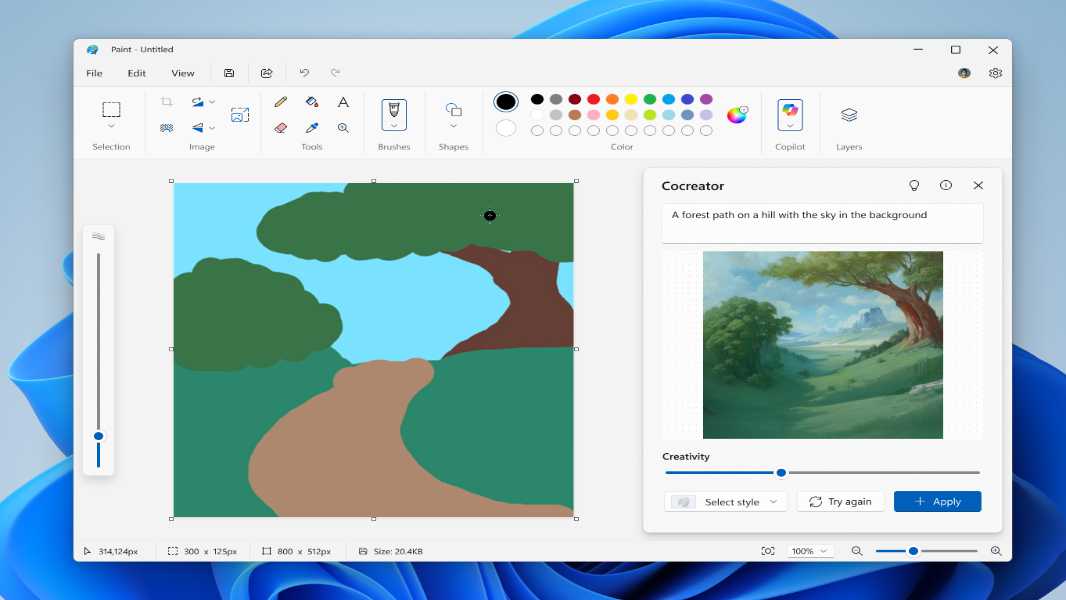
Microsoft has started rolling out new updates for Paint, Snipping Tool, and Notepad to Windows Insiders in the Canary and Dev Channels. Paint is getting a new welcome experience and an AI-powered Sticker Generator on Copilot+ PCs. Notepad, however, will now let users generate text with AI.
Here are the main new Paint, Snipping, and Notepad features that Canary and Dev testers can start testing today:
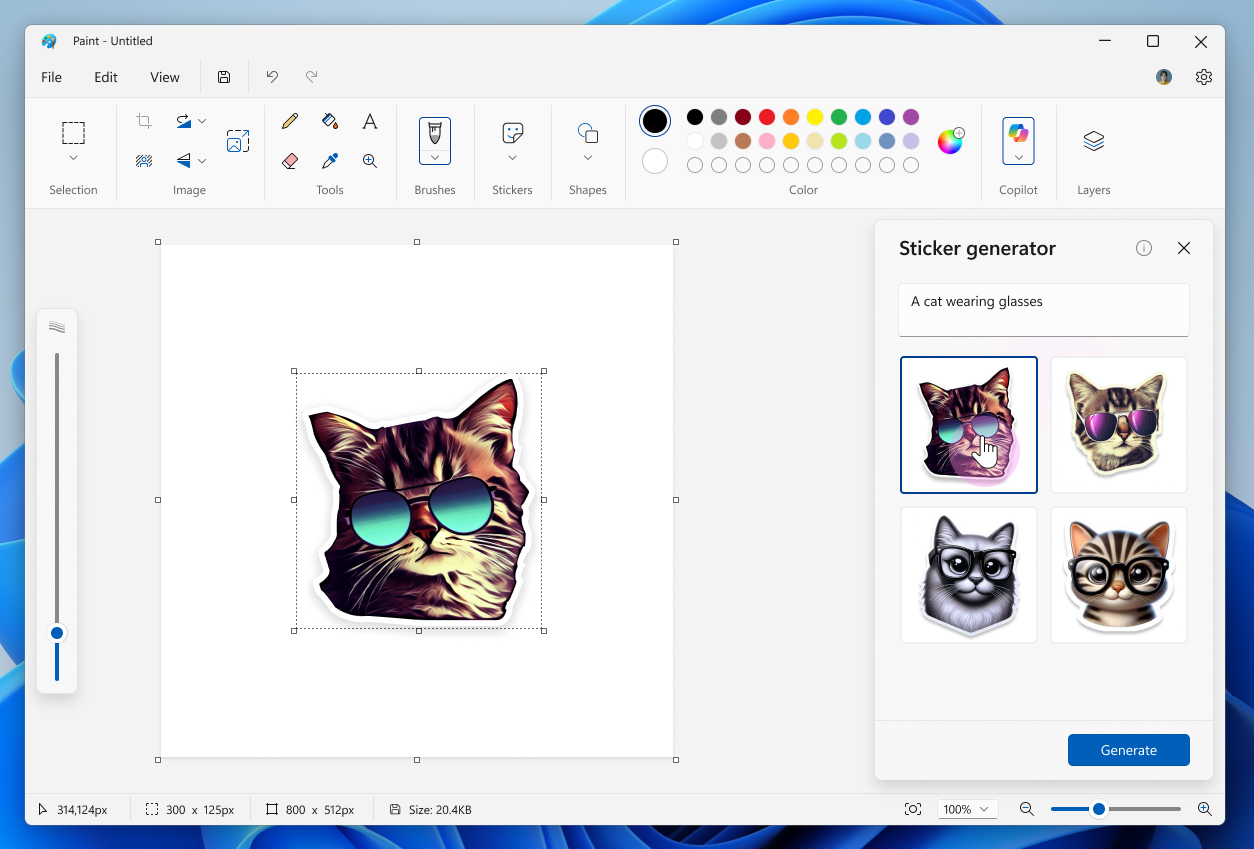
Paint Sticker generator: In the app’s Copilot menu, the new Sticker generator button will open a pop-up window where users can describe the custom sticker they want to create. This is only available for users with Copilot+ PCs who are signed in with their Microsoft account.
Paint Object select tool: This new smart selection tool available from the app’s toolbar uses AI to help users isolate and edit individual elements in an image.
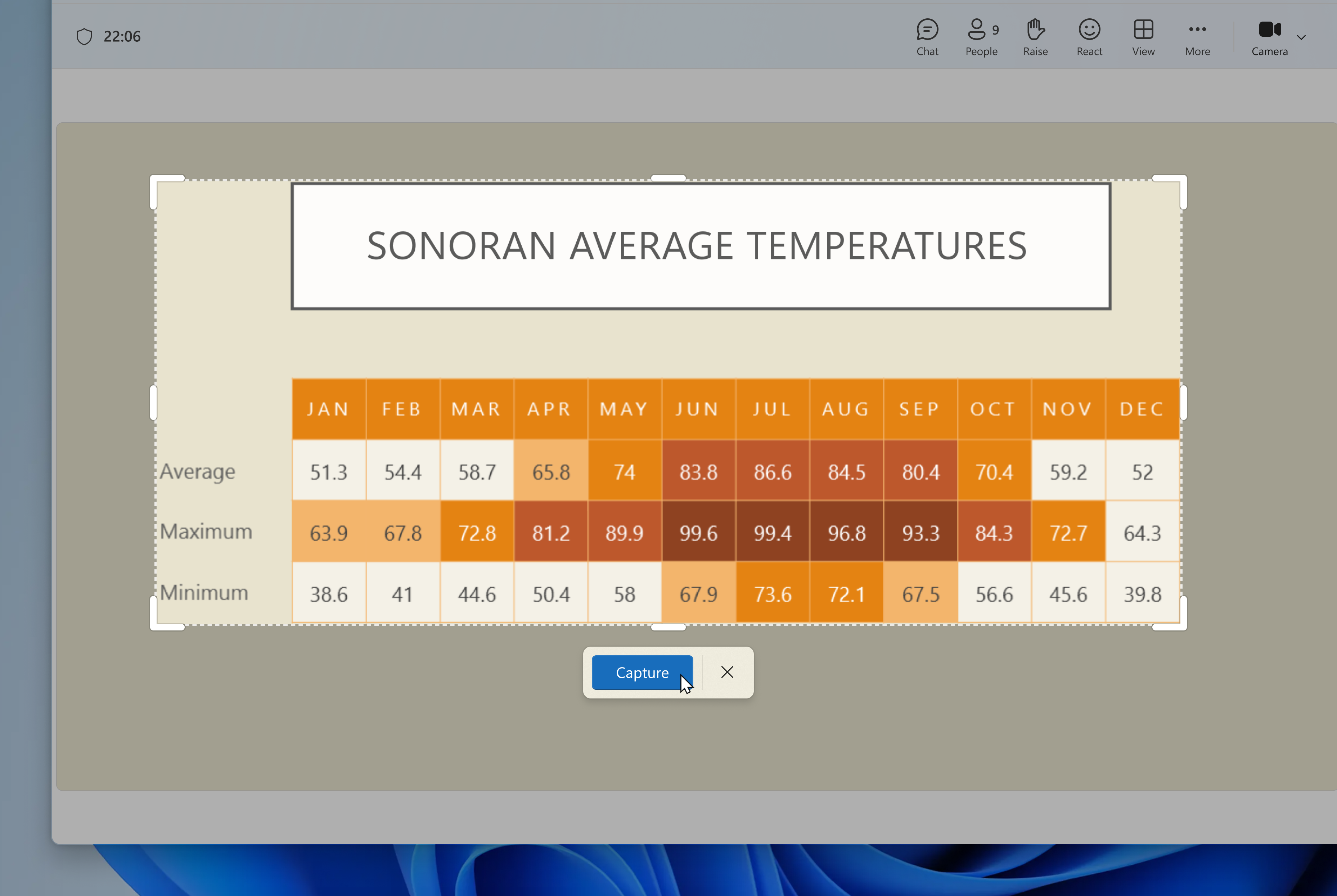
Snipping Tool Perfect screenshot: On Copilot+ PC, this new AI-powered feature allows users to precisely capture content on their screen without the need to crop or resize it post-capture.
Snipping Tool Color picker: This new tool available from the capture toolbar lets users inspect a color on the screen and see it in HEX, RGB, or HSL values.
Notepad write feature: Notepad users can now use AI to create a draft from a prompt, rewrite text, and more. This feature requires users to be signed in with a personal Microsoft account, and Microsoft 365 Personal, Family, Enterprise, and Copilot Pro subscribers will get more usage credits.
All these new features will be rolling out gradually to Insiders on the Canary and Dev Channels. If you missed them earlier this week, the Dev and Beta Channels also received two new 24H2 builds that introduced new AI actions in File Explorer, a CPU power management feature, and a new layout for the widgets board.