Microsoft Drops May Optional Update for Windows 11 Versions 23H2 and 22H2
- Laurent Giret
- May 27, 2025
-
0

Microsoft dropped today the May 2025 optional update for Windows 11 versions 23H2 and 22H2. The new bits introduce a new keyboard shortcut for opening Copilot on Windows and initiate the new press-to-talk experience. The new drag tray feature that Microsoft has been testing with Insiders since February is also part of this update.
Here are the main new features that will be rolling out gradually to Windows 11 users who install today’s KB5058502 optional patch:
Copilot keyboard shortcut: You can now open Copilot on Windows by pressing Win + C. Holding the keyboard combination for two seconds will also initiate a voice conversation with the assistant. Alt + Spacebar is another keyboard combination to launch this press-to-talk experience.
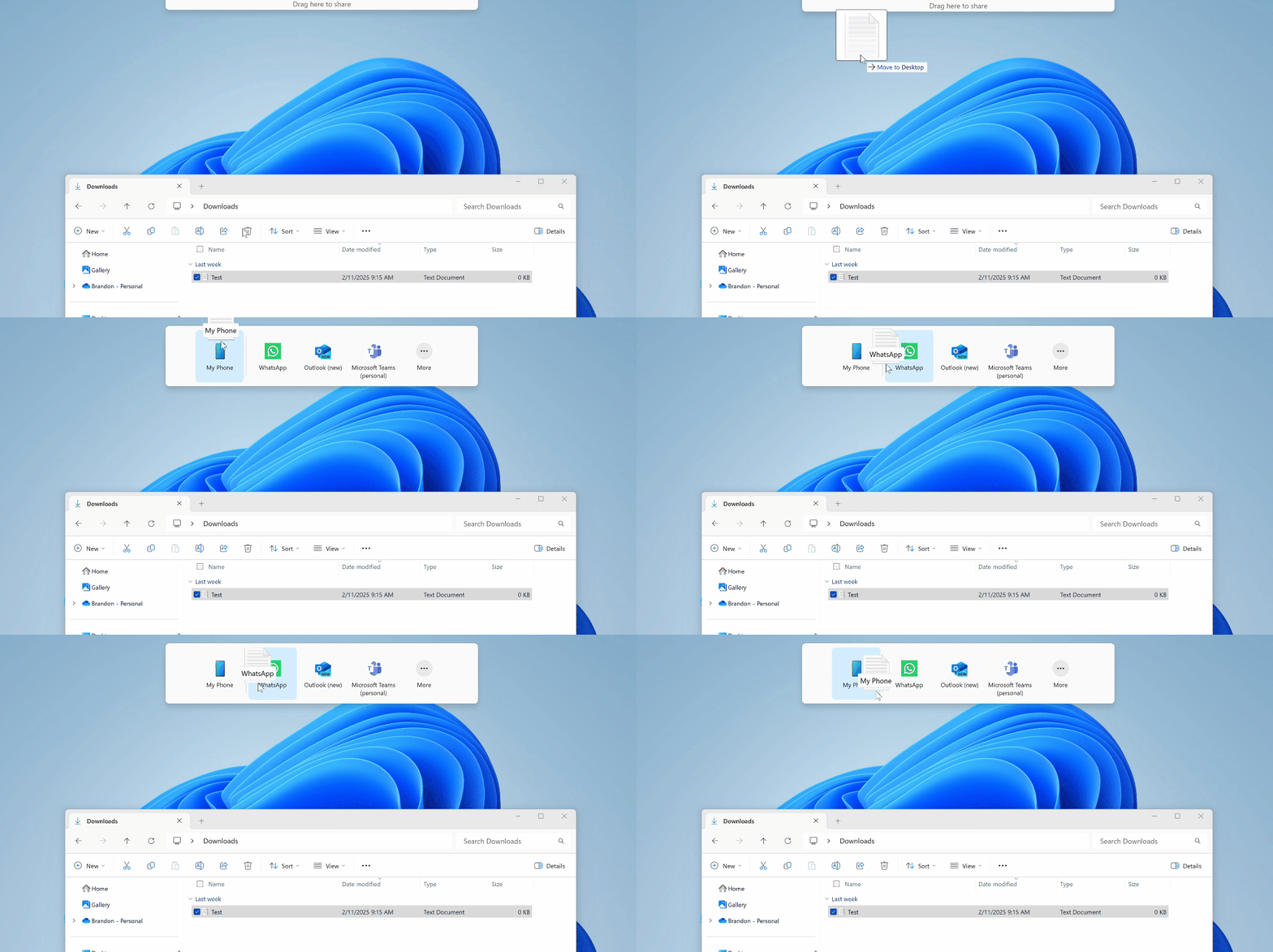
Drag tray: Dragging local files from File Explorer or your desktop will now display a new drag tray area at the top of the screen where you can share files to a list of suggested apps.
New FAQs section in Settings: This new section available under Settings > System > About helps users find answers to commonly asked questions about their PC and Windows 11, including system setup, performance, and compatibility.
Customization settings for lock screen widgets: Insiders outside of the EU will be able to add, remove, and rearrange lock screen widgets such as Weather, Watchlist, Sports, Traffic, and more.
Taskbar: IT Admins can now configure taskbar policies so users can unpin specific apps, ensuring they are not repinned during the next policy refresh.
If the May optional update for Windows 11 version 24H2 isn’t available today, it should be coming later this week. All the new features included in these optional updates will start rolling out to all Windows 11 users with next month’s Patch Tuesday updates.