Windows 11 Install Media Will Now Always Offer the Latest In-Box Apps
- Paul Thurrott
- Jul 16, 2025
-
6
Microsoft has refreshed the Windows 11 version 24H2 install media to include the latest versions of the in-box apps rather than relying on these apps to get updated after the user completes setup. And it will keep that media up-to-date on a monthly basis going forward.
This change also applies to Windows Server 2025, Microsoft says.
“When you install Windows 11 version 24H2 or Windows Server 2025 using media refreshed in or after June 2025, the system will have the newer versions of apps out-of-the-box,” Microsoft’s Jerry Huang writes in the Microsoft Tech Community blog. “You won’t need immediate updates from the Microsoft Store. The result is a more secure, compliant, and user-friendly experience from day one of deployment.”
This change impacts the Windows 11 (and Server 2025) ISOs, virtual hard disks (VHDs), and Azure Marketplace images. And the list of apps that are (for now) completely up-to-date is quite long: Alarms & Clock, App Installer, AV1 Video Extension, AVC Encoder Extension, Bing Search, Calculator, Camera, Clipchamp, Cross Device Experience Host, Get Help, HEIF Image Extension, HEVC Video Extension, Media Player, Microsoft Store, Microsoft To Do, Notepad, Office Hub, Paint, Phone Link, Photos, Power Automate, Quick Assist, Raw Image Extension, Snipping Tool, Solitaire Collection, Sound Recorder, Sticky Notes, Store Purchase App, VP9 Video Extension, Weather, Web Media Extensions, WebP Image Extension, Windows Security, Windows Web Experience Pack, Xbox Game Bar, and Xbox Speech-to-Text Overlay. (On Server 2025, it’s a bit shorter: App Installer and Windows Security.)
As Huang explains, this is all about security: By keeping the in-box apps up-to-date, Microsoft can ensure that PCs aren’t temporarily vulnerable to security issues in older versions of these apps. Microsoft says that it will now refresh the Windows 11 install media monthly as well, providing what Huang calls “a more secure baseline configuration out-of-the-box.”
But there are other benefits, of course. Anyone who installs Windows 11 a lot, as I do, knows that there are numerous updates to install–via Windows Update, the Microsoft Store, and then the Windows Package Manager (winget)–as soon as you land on the Desktop for the first time. And some apps, like Microsoft Edge, have their own updaters too. So this change will save us all time and bandwidth, and we can start fresh with the latest versions of each app and whatever new features they may offer.
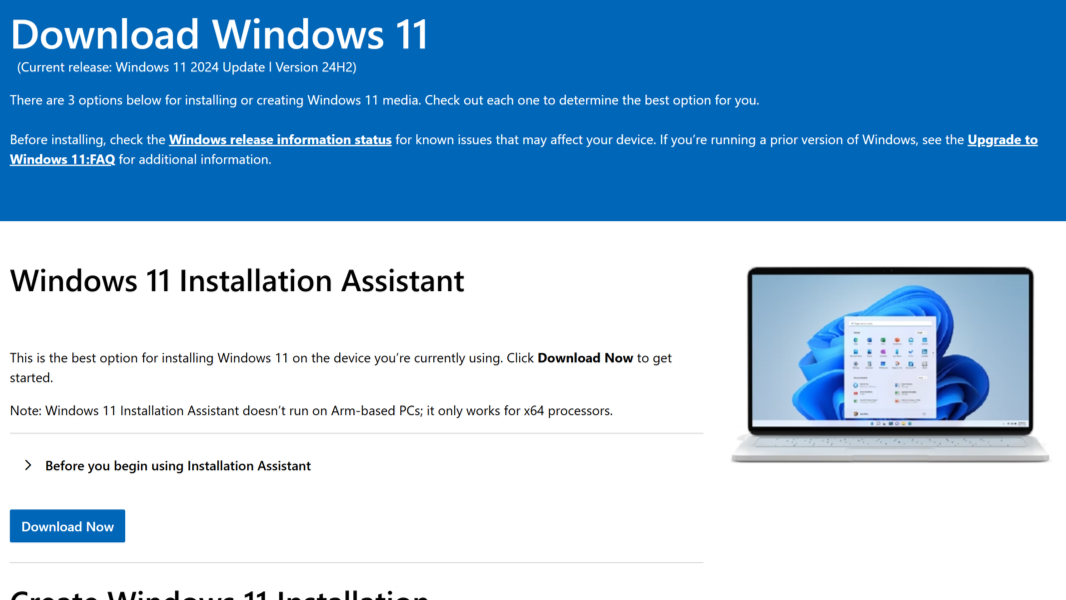
If you use Microsoft’s Media Creation Tool, you should download a new version of the Windows 11 installer now and update your USB media. You can also download just the ISO if that’s what you want.