ChatGPT for Mac Makes its Record Mode Available for All Plus Users
- Laurent Giret
- Jul 17, 2025
-
0
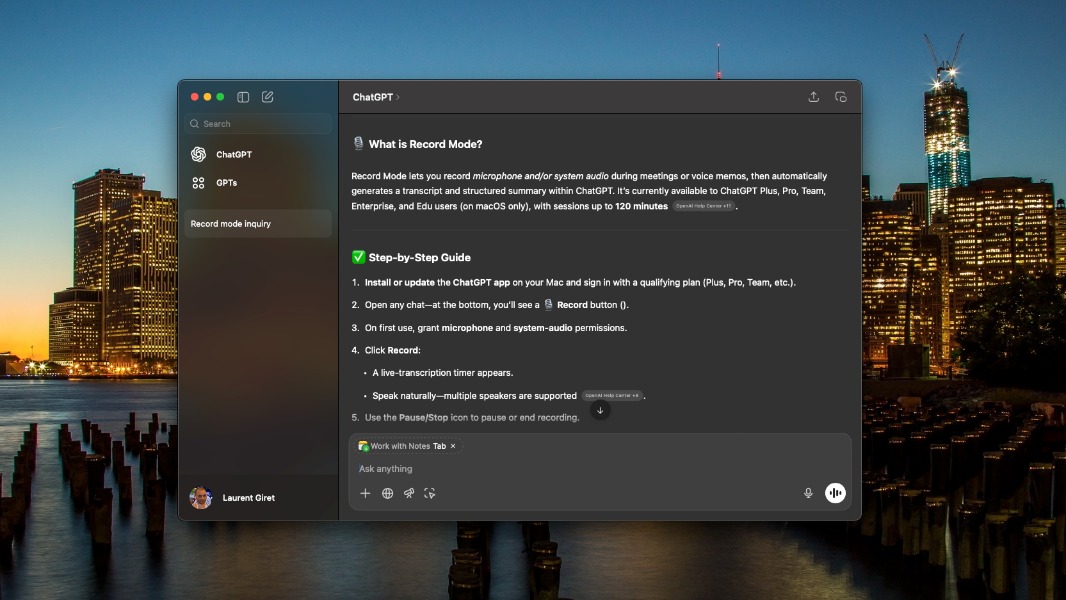
The new Record mode in the ChatGPT app for macOS is now available for all Plus subscribers. The new feature started rolling out first to Team, Pro, Enterprise, and Edu users last month, and it remains available only on the Mac version of the app.
ChatGPT Record lets Mac users capture and summarize meetings and voice notes. Transcriptions are saved in users’ chat histories, and they can be edited manually or rewritten with the help of ChatGPT.
Plus users, the mic is yours.
Record mode is now available to ChatGPT Plus users globally in the macOS desktop app. https://t.co/xmReUOx473
— OpenAI (@OpenAI) July 16, 2025
At the moment, Mac users can only record up to 120 minutes. To start recording, users just need to click the Record button at the bottom of any chat. OpenAI says that it doesn’t use audio recordings to train its models, but it may use transcripts and canvases from record mode to do so if users have the “Improve the model for everyone” option enabled in their settings.
OpenAI advises users to make sure they get the right consents from other people before they start recording them. Record mode does support multiple speakers and up to 50 languages, but it currently works best with English.