HP OmniBook 5 16-Inch First Impressions
- Paul Thurrott
- Aug 13, 2025
-
2
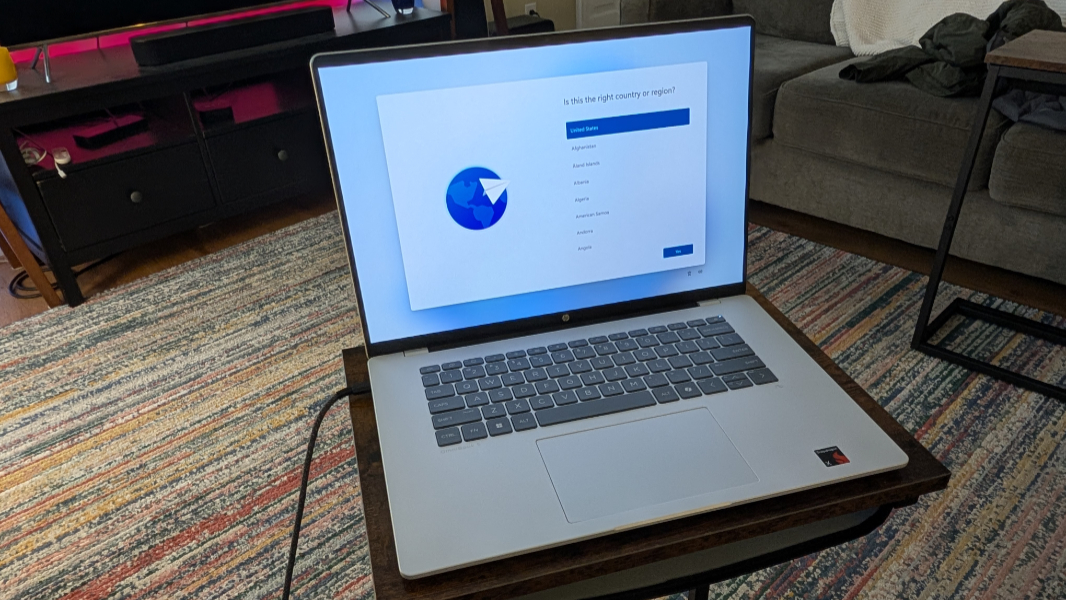
I’ve wanted to test a laptop with a lower-end Qualcomm Snapdragon processor for a long time. And so I finally just bought one: The 16-inch HP OmniBook 5 is normally $699.99 in a base configuration, but it was on sale for $579.99 as part of an HP back-to-school sale. It is the lowest-end Snapdragon X-based Copilot+ PC I could find, other than the extra cost of the 16-inch display.
? A quick refresher on the Snapdragon X family of processors
If you look at Qualcomm’s list of Snapdragon X processors for Windows laptops, you’ll find four Snapdragon X Elite models, four Snapdragon X Plus models, and then a single Snapdragon X bringing up the rear, the X1-26-100. That last one is the processor in this PC, and it’s aimed at budget-conscious PC buyers, delivering 8 processor cores, 30 MB of cache, a 3 GHz clock speed (with no boost frequency), a 1.7 TFLOPS Adreno GPU, a 45 TOPS NPU, and support for 8448 MT/s LPDDR5x RAM (like the rest of the Snapdragon X product lineup).
The HP I ordered came with 16 GB of RAM and 256 GB of PCIe NVMe M.2-based SSD storage, the minimums required to qualify as a Copilot+ PC.
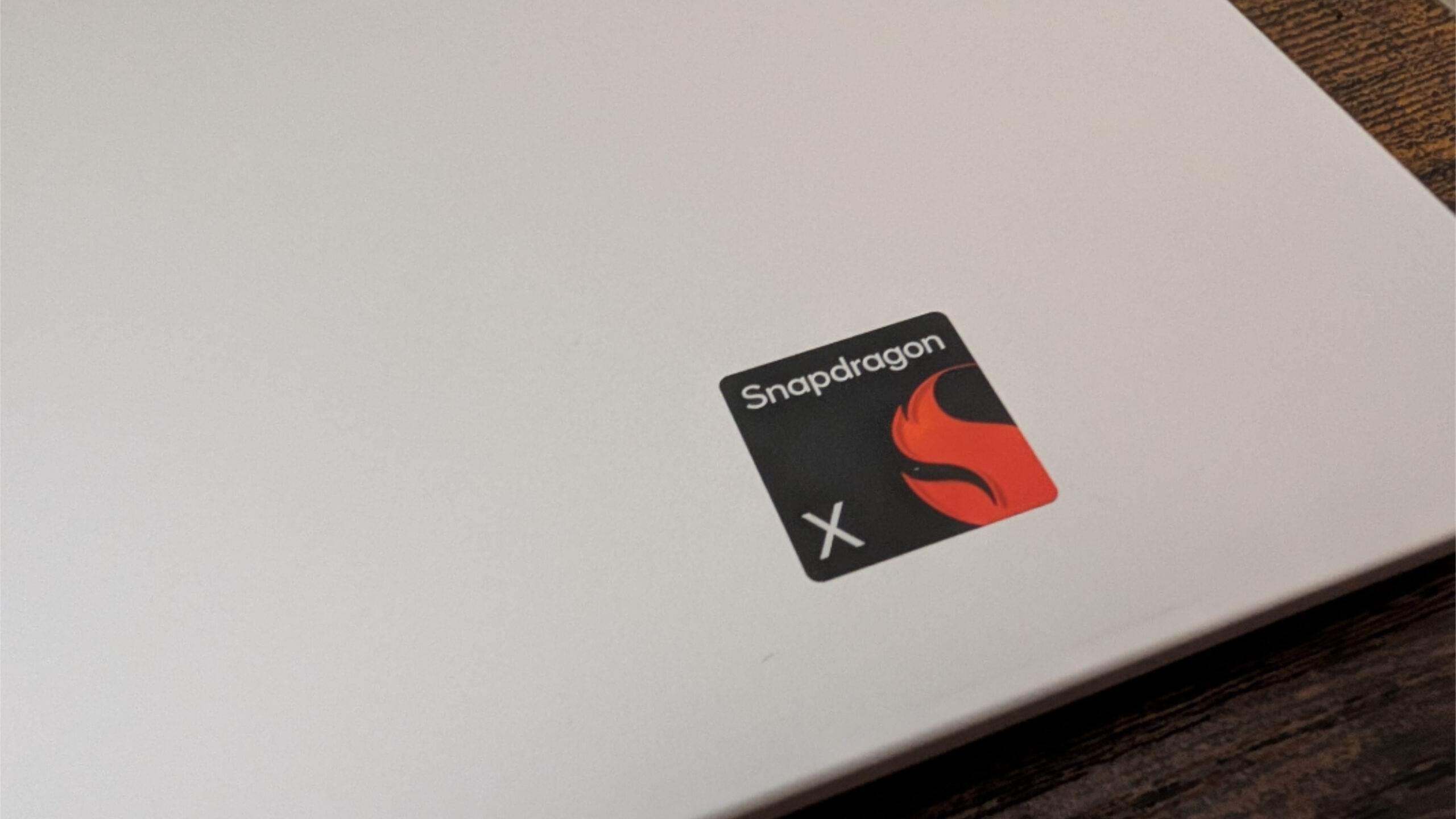
From what I can tell, the Snapdragon X is basically the same chip as the entry-level 8-core Snapdragon X Plus but with a slightly lower clock speed; they otherwise appear to be identical. Qualcomm announced this chip at CES back in January, and it is, for now, still the newest entry in the Snapdragon X family. It’s meant to compete with an Intel Core i5 120U but with better performance per watt and, I’m sure, reliability.
So what does all that mean in practice? That, I’m going to find out.
? Core specs
HP announced its OmniBook 5 series laptops back in May. There are 14- and 16-inch variants of this family of mainstream (read: entry level) consumer laptops and versions with both Snapdragon X Plus and Snapdragon X chips. HP says it will provide up to 34 hours of battery life, reliable performance on battery or power, and full Copilot+ PC compatibility, with starting prices of $799 (14-inch) and $849 (16-inch).
The model I purchased features a Snapdragon X X1-26-100 processor with 16 GB of LPDDR5x-8448 MT/s integrated and non-upgradable RAM and 256 GB of PCIe NVMe M.2 SSD storage.
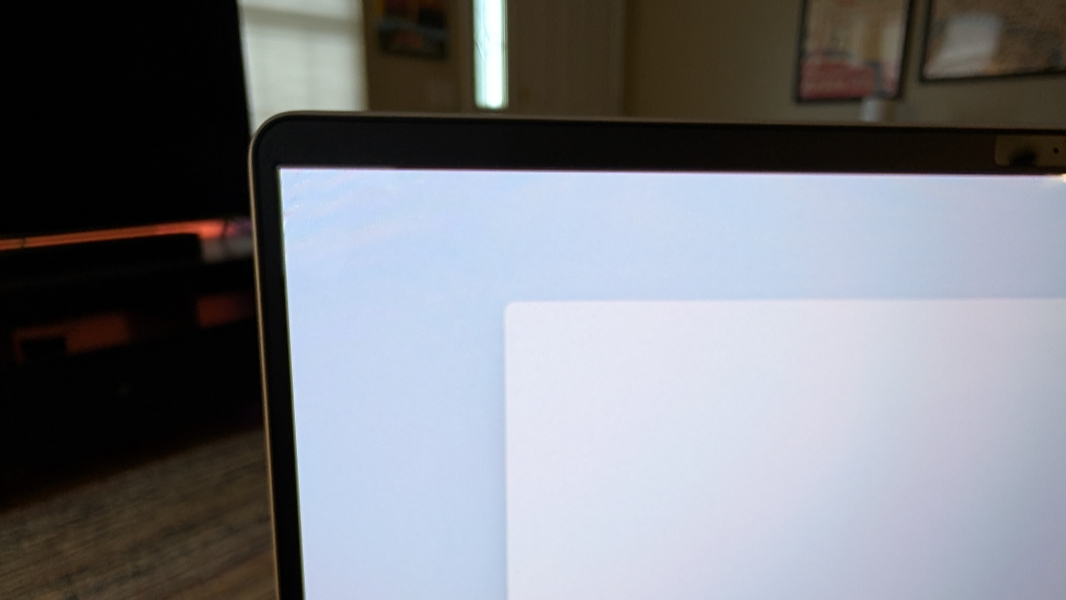
It has a 16-inch Full HD+ (1920 x 1200) non-touch BrightView OLED display panel with a 16:10 aspect ratio, ultra-wide viewing angles (UWVA), and Low Blue Light capabilities that emits 300 nits of brightness and covers 95 percent of the DCI-P3 color spectrum. The bezels are surprisingly small.
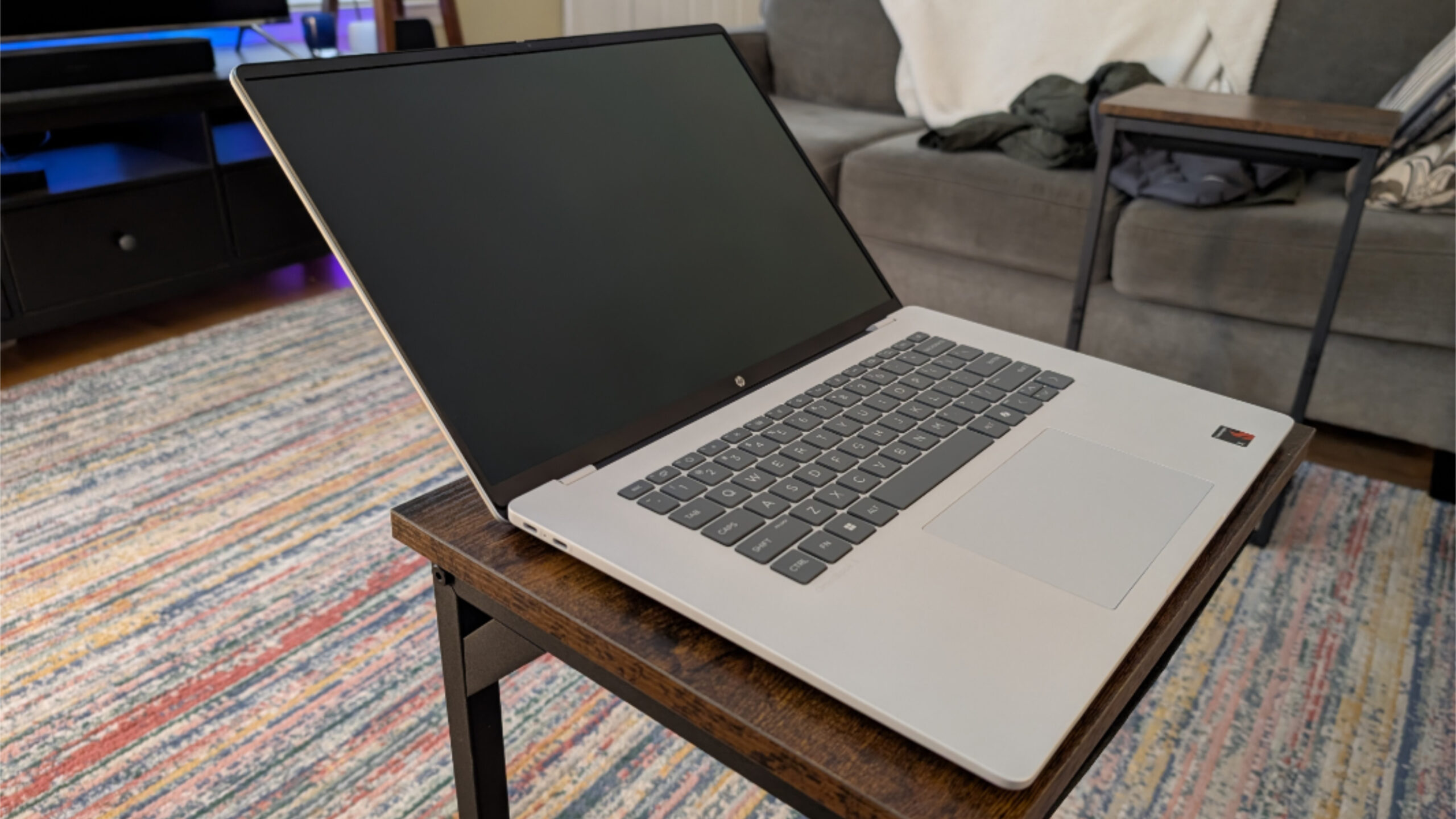
But the display can’t lay flat. Or even get anywhere close to flat.
Thanks to the Snapdragon X chip, connectivity is modern adjacent, with Qualcomm Wi-Fi 6E and Bluetooth 5.3 wireless, and reasonable for the price.
The connectivity is likewise reasonable for this price class but a bit minimal, with both USB-C ports on the same side of the laptop. Ah well.
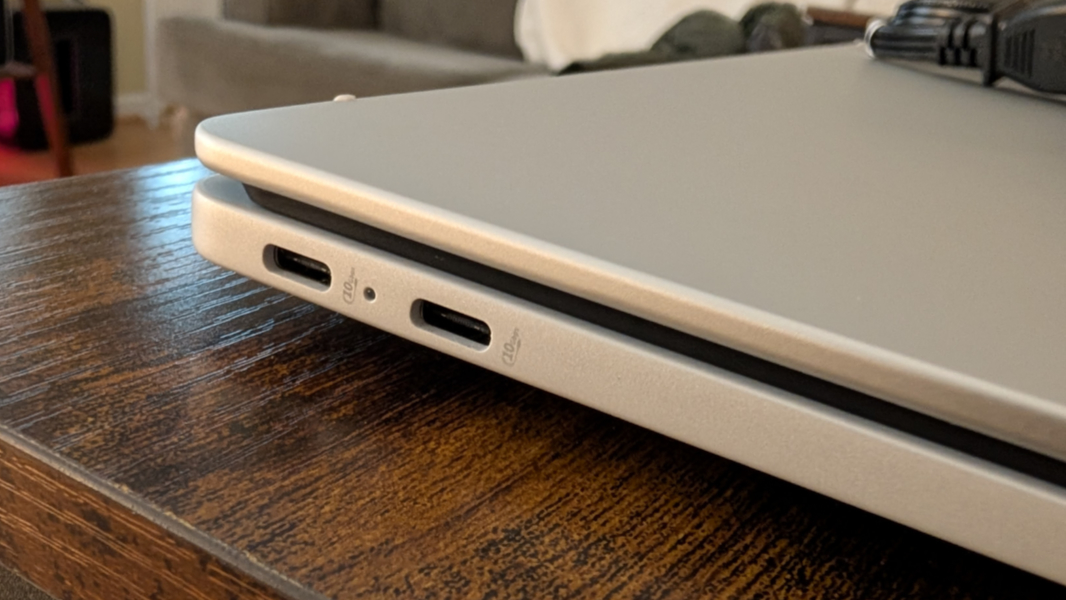
On the left, you’ll find two 10 Gbps USB Type-C ports with USB Power Deliver 3.0, DisplayPort 1.4a, and HP Sleep and Charge capabilities.
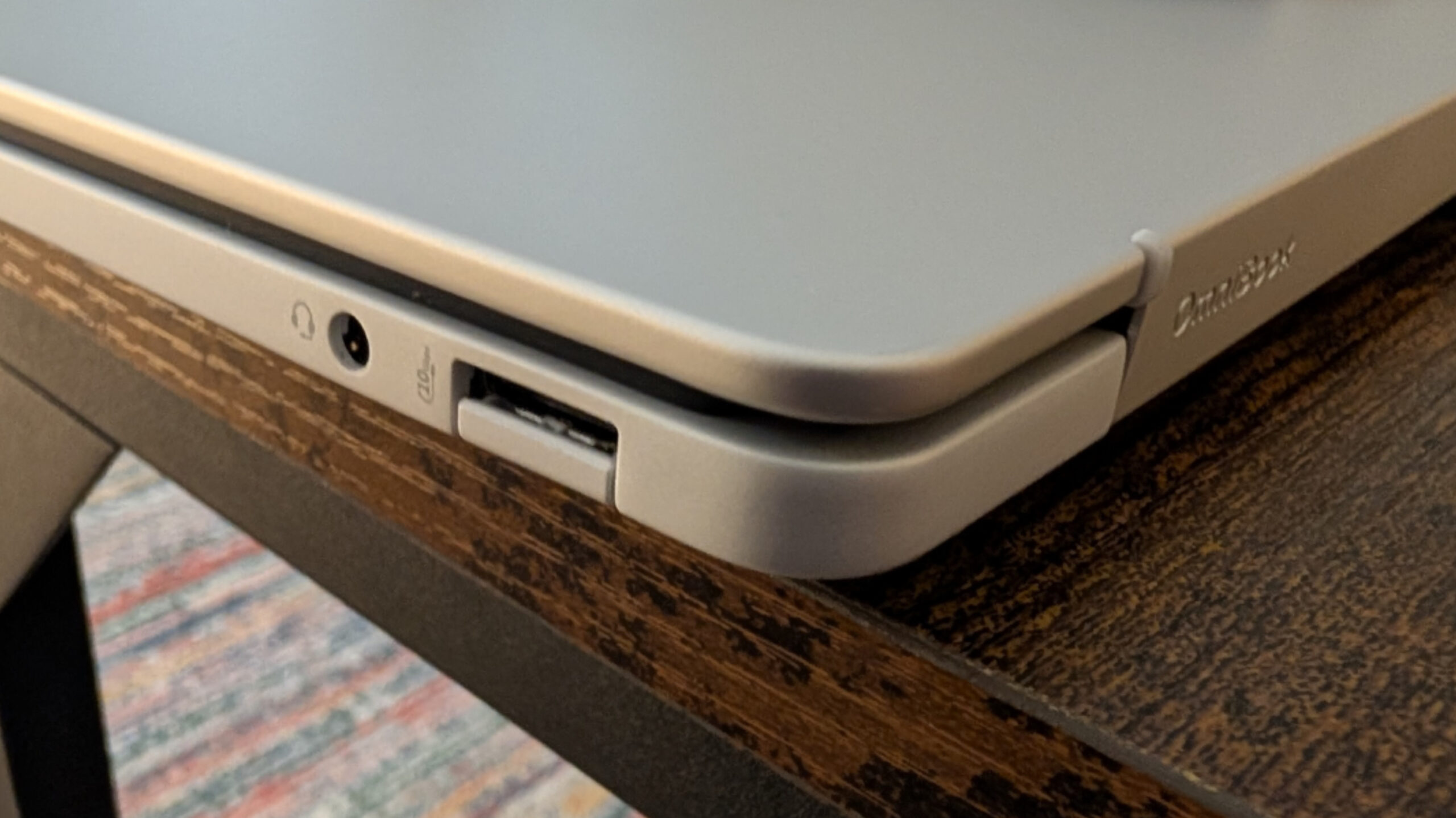
And on the right, HP provides a 10 Gbps full-sized USB Type-A port with a drop-jaw cover and a headphone/microphone combo jack.
The hybrid work capabilities are likewise commensurate for the price, with a Full HD (1080p) webcam and integrated dual array digital microphones, so don’t expect anything special. There are dual stereo speakers with HP Audio Boost, but nothing like Dolby Atmos or DTS:X, of course.
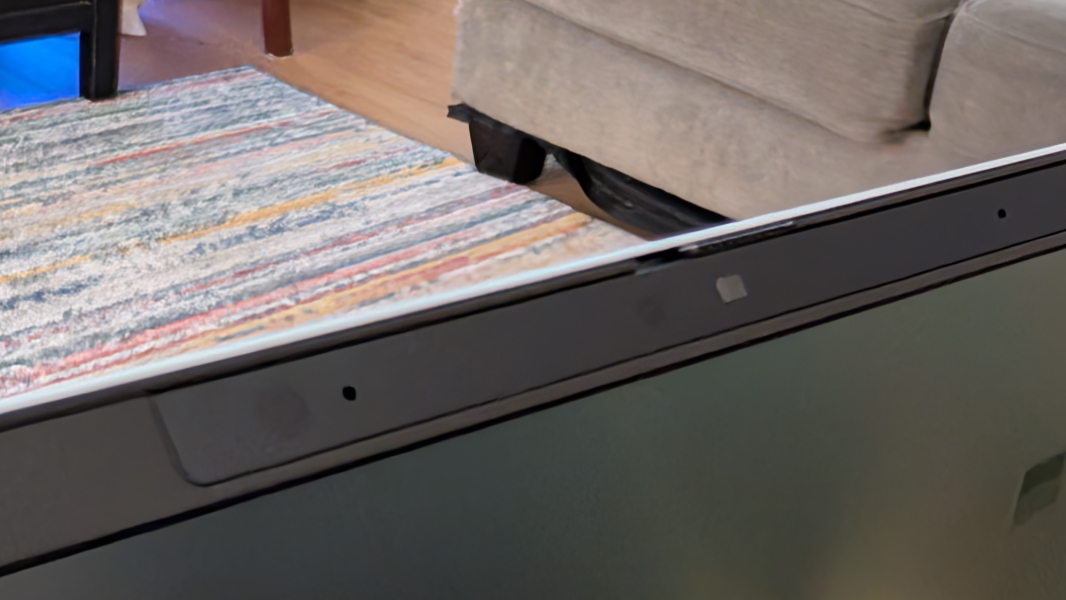
Security should be solid, since this is a Copilot+ PC with Windows Hello ESS, albeit only on the webcam, as there’s no fingerprint reader. There is a dedicated microphone mute toggle key on the keyboard, but the webcam’s privacy shutter is, of course, manual.
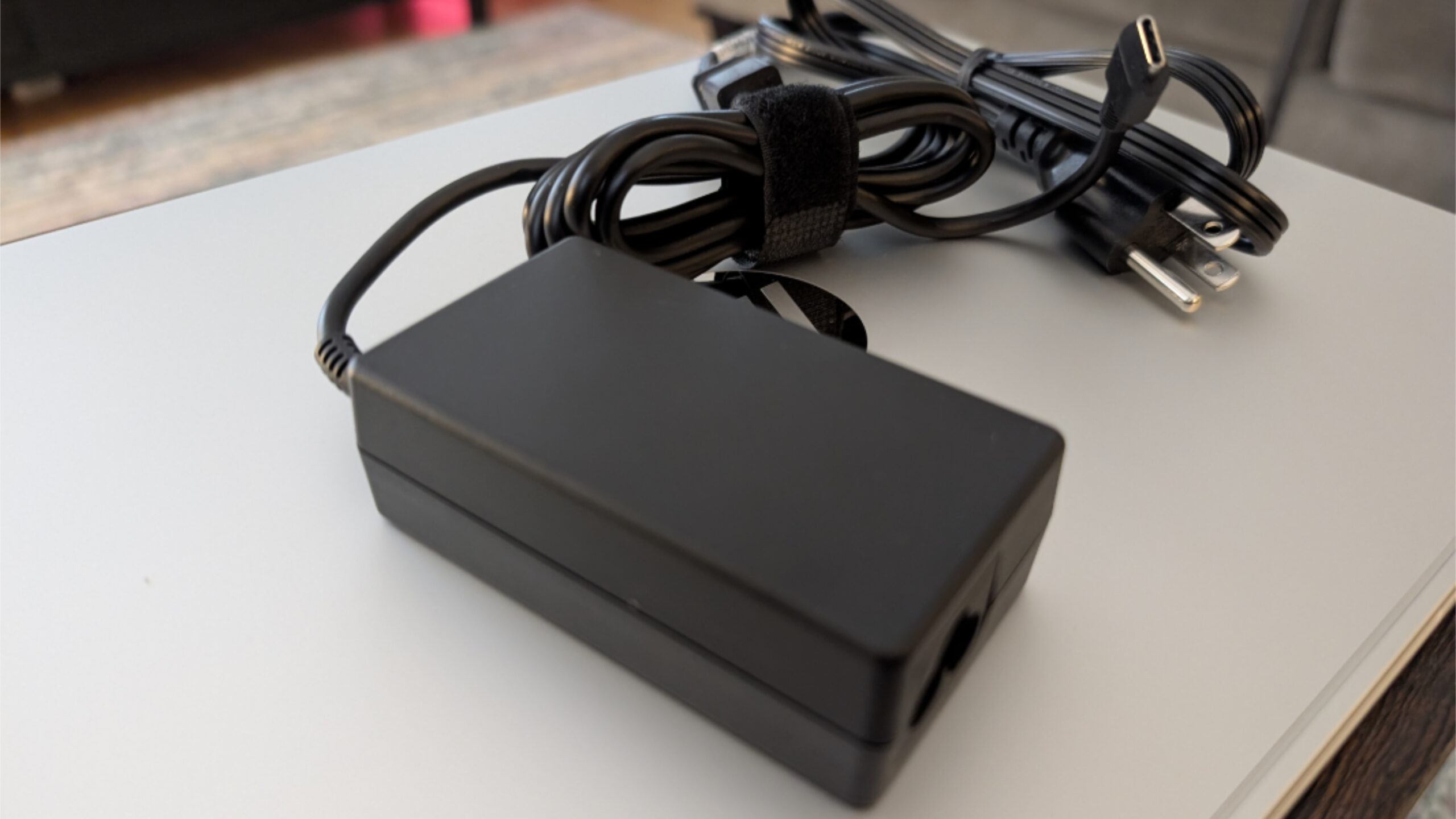
HP provides a smaller, new 65-watt USB-C charger that can charge the laptop’s 3-cell, 59-watt-hour battery to about 50 percent in 30 minutes. But the USB-C cable is hard-wired to the brick as with older HP power supplies.
? Look and feel
HP offers the OmniBook 5 in a single color, Glacier silver aluminum, that screamed pedestrian when I ordered it online. But once I saw it in person, I was much more impressed: The color is almost white, a very pale gray, and it’s much nicer looking in person than was obvious from the online photos.
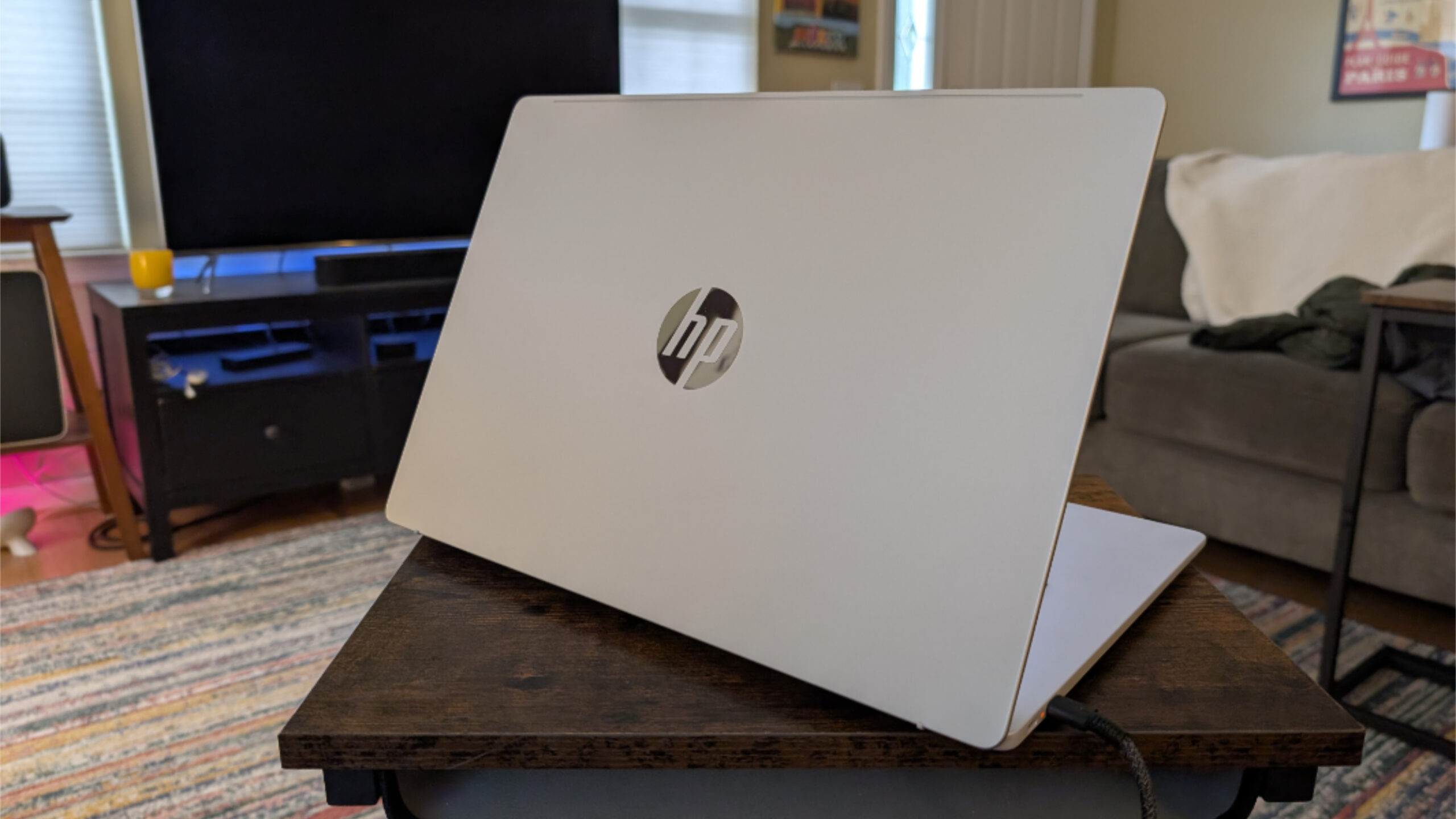
Regardless of the color, this is my kind of laptop, with its large 16-inch display and a full-sized keyboard floating in the center of the lower deck with no numeric keypad getting in the way. It’s a nice look, and with its 13.98 x 9.65 x 0.52 inch dimensions and 3.52 pound curb weight, it’s thin and light, especially for its price class.
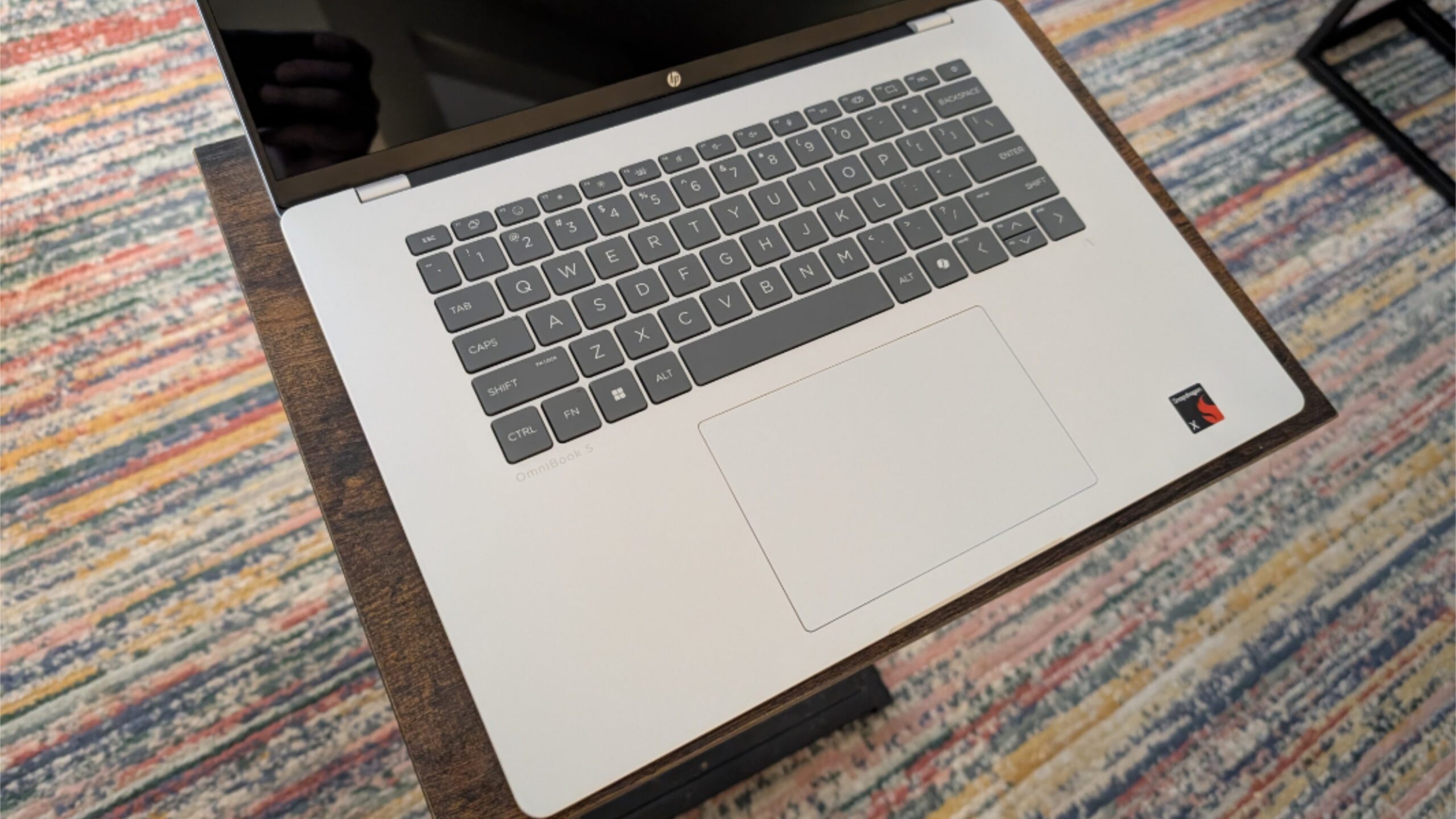
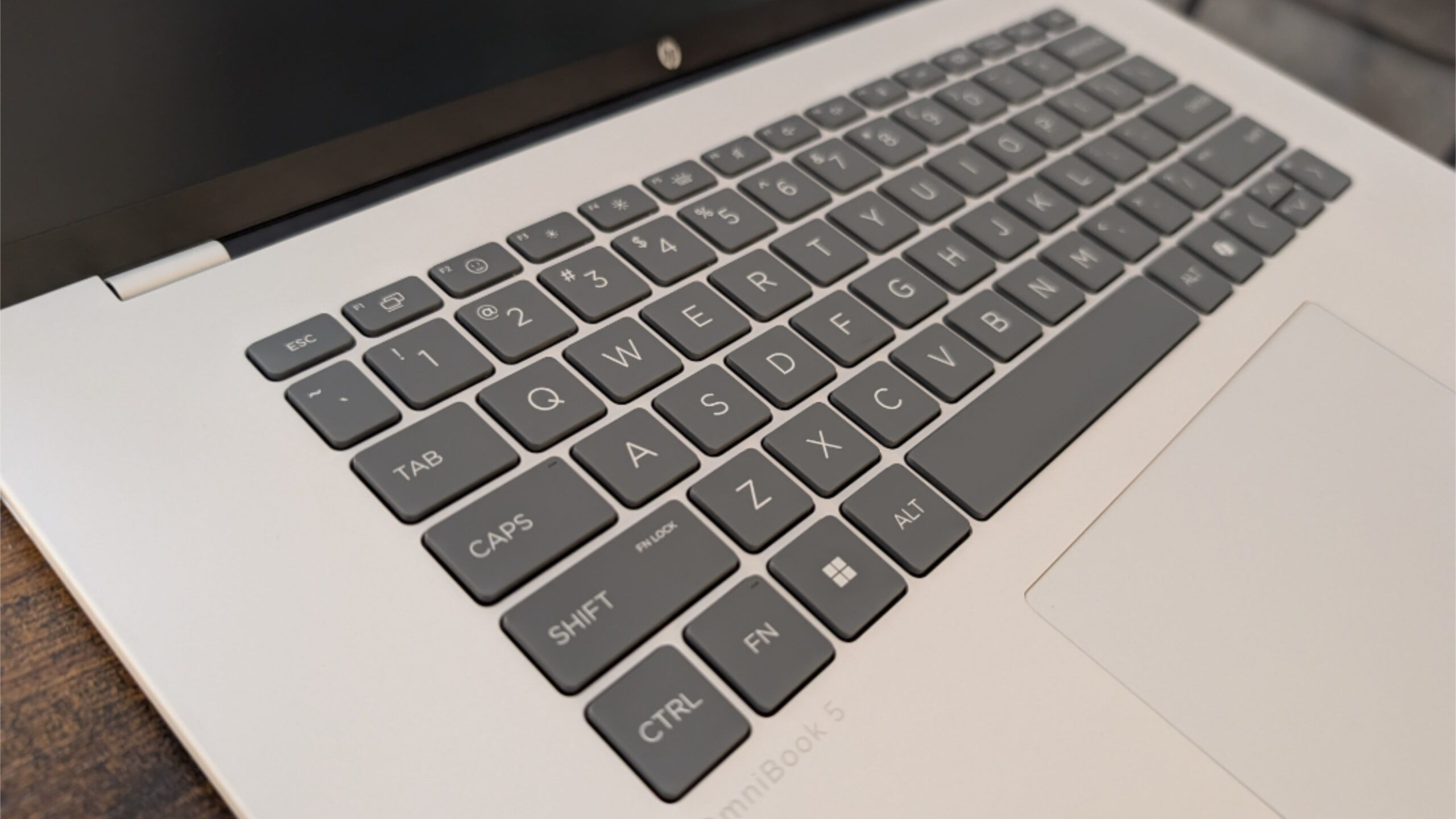
The keyboard is island-style, and the keys are a dark gray color that provides a bit of much-needed contrast. The mechanical touchpad is quite large. And the build is aluminum, so it should be durable enough.
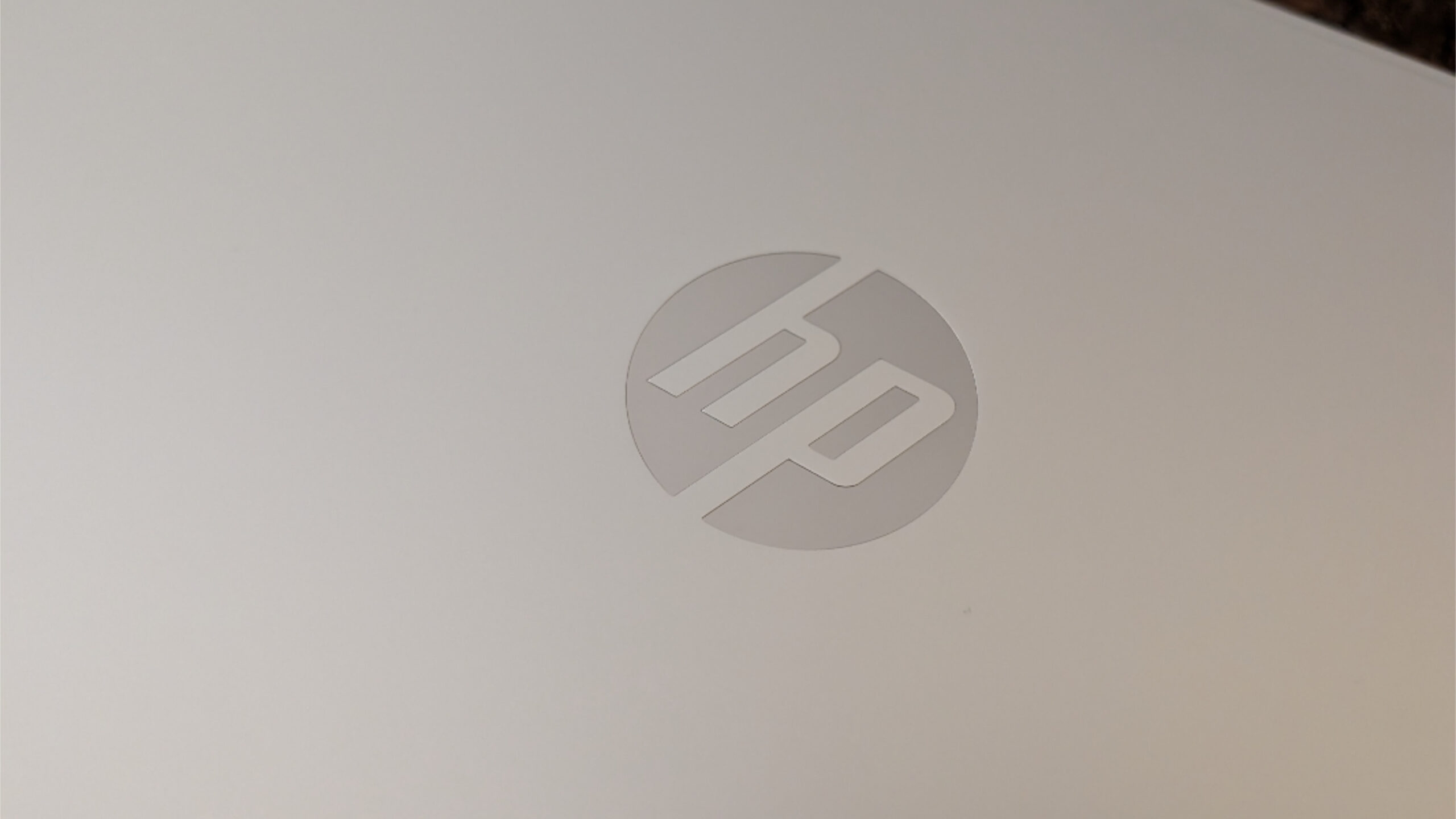
The only oddities here, in a way, are the old-school HP logos on the outside of the display lid and centered under the display. The HP laptops I review have all had the newer, edgier premium HP logo for at least a few years now. So it’s been a while since I’d seen the plain old version. I’m not sure I even knew they were still using it.
Beyond that, the branding is light and classy. There’s a nice debossed OmniBook logo on the hinge, light gray OmniBook and “HP AI infinity” logos on either side of the wrist rest, right below the keyboard, and then a single red Snapdragon X sticker.
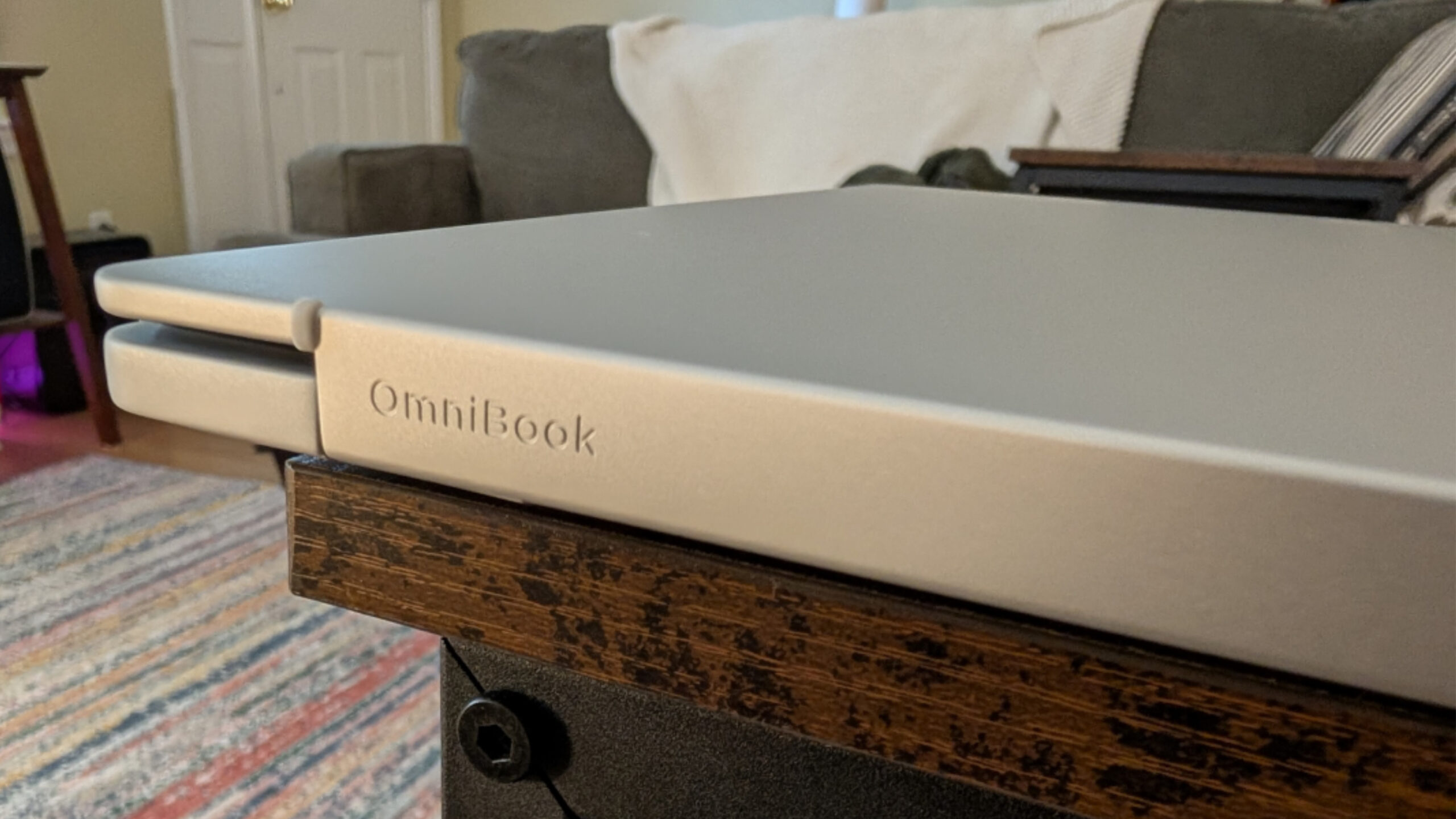
If there’s a fan, I didn’t hear it while Windows 11 installed one of those massive Copilot+ PC updates, which seems like the ideal time to for such a thing to make its presence know. But there is a large heat intake under the hinge that’s exposed when the laptop is open, and then some air intake grill holes on the bottom as with many laptops.
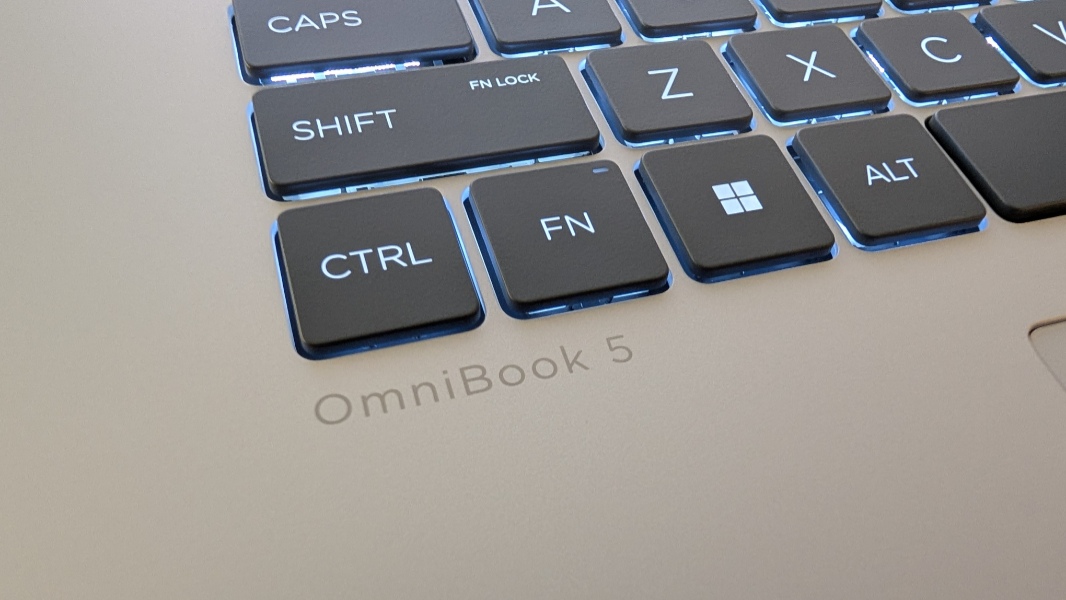
So far, I love the look and feel. But the real test will be in seeing how well–or if–this Snapdragon X-based laptop stands up, performance-wise, to the more premium laptops I usually use and review.
More soon.