Google Pixel 10 Series First Impressions
- Paul Thurrott
- Aug 29, 2025
-
10
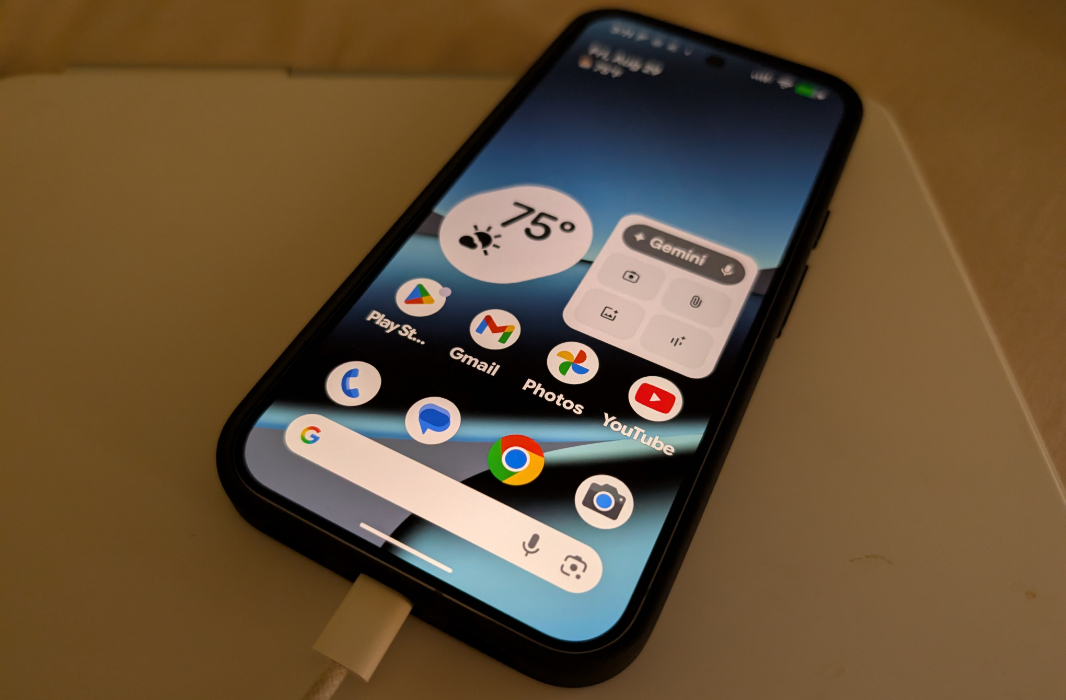
Yesterday should have been a big day: FedEx delivered the Pixel 10 Pro XL and case I had ordered in the morning, along with a box to ship back my trade-in Pixel 9 Pro XL.
But yesterday was not a big day. It was a weird day. Because I had to leave those items sitting in the box, untouched: I had learned the day before that Google was going to send me the Pixel 10, Pixel 10 Pro, and Pixel 10 Pro XL for review. And those phones wouldn’t arrive until the next day.
Which was today. So I guess today is the big day now, though I’m so wrapped up in our Berlin trip prep and digging our way out of the mess we made of our new membership system that I am, to put it mildly, a bit distracted.
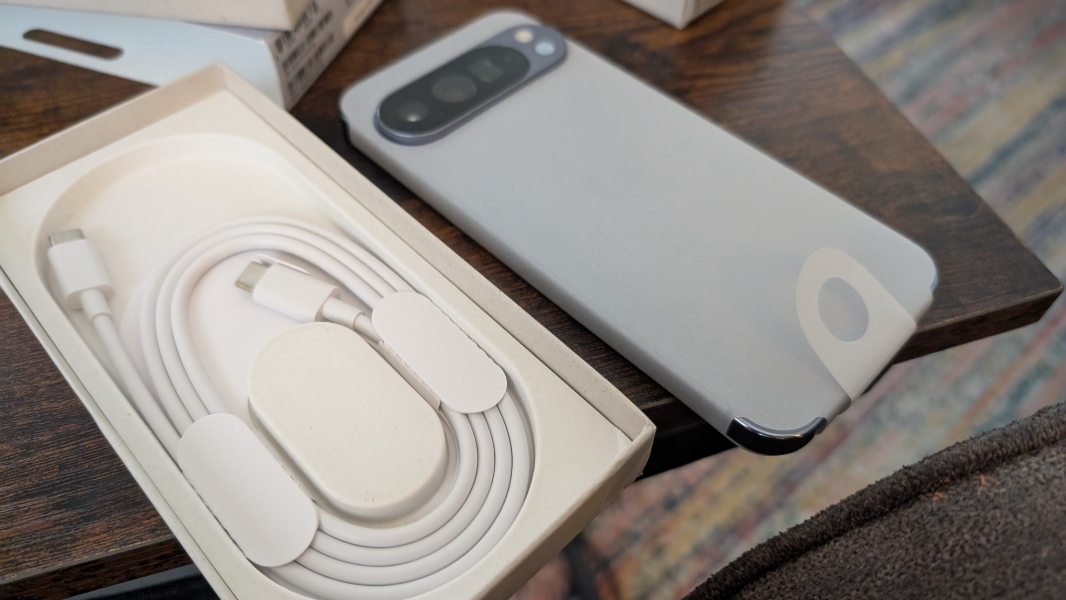
But no matter. Life marches forward with or without me, and so I unboxed each in turn, took a few photos, and started getting them set up.
I will need to figure out a schedule or some system for moving back and forth between them, but the most likely outcome is that I’ll move my Google Fi eSIM—and thus my phone number—to the Pixel 10 Pro XL at first, since that’s the phone I was going to buy anyway. And then when we get back from Berlin, head to Mexico in mid-September, go from there to Hawaii and back again in late September, I’ll use the others with that eSIM/phone number. And assuming I can figure it out, I’ll use a Fi data eSIM in the Pixels I’m not currently using full-time, so I can at least test various things as I go.
In gathering all the information I can find about these phones, it occurred to me that I will need to write about them a bit more frequently than usual ahead of the formal reviews as well. There’s a lot going on here, especially with new and unique AI features, and each device has its own nuances.
But first, here’s what I’ve noticed during the initial unboxing and set up.
? What I received
Google sent me the three devices as promised, but no cases or Pixelsnap accessories. That’s fine, I got into this late in the game and am happy to get what I got. But I was lucky to have not shipped back the Pixel 10 Pro XL I had purchased yet, since I was able to use the case I had ordered with that with the Pixel 10 Pro XL that Google is loaning me.
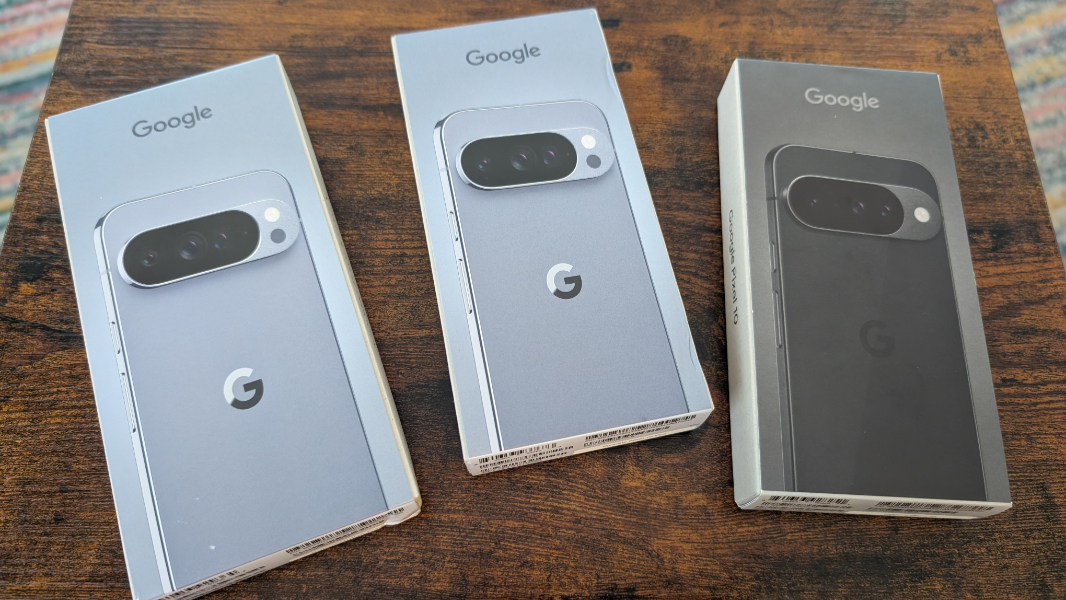
The Pixel 10 Pro and Pixel 10 Pro XL are both in Moonstone, a gray color with a bit of a blue or even purple tint in certain lighting conditions. The Pixel 10 is in Obsidian, which is basically black. I’m not sure how much memory is in the two smaller devices as they’re both going through setup as I write this, but the Pixel 10 Pro XL is the same 256 GB configuration I had ordered, and it would have been my choice even if there was still a 128 GB configuration this year for that model.
? What I also have
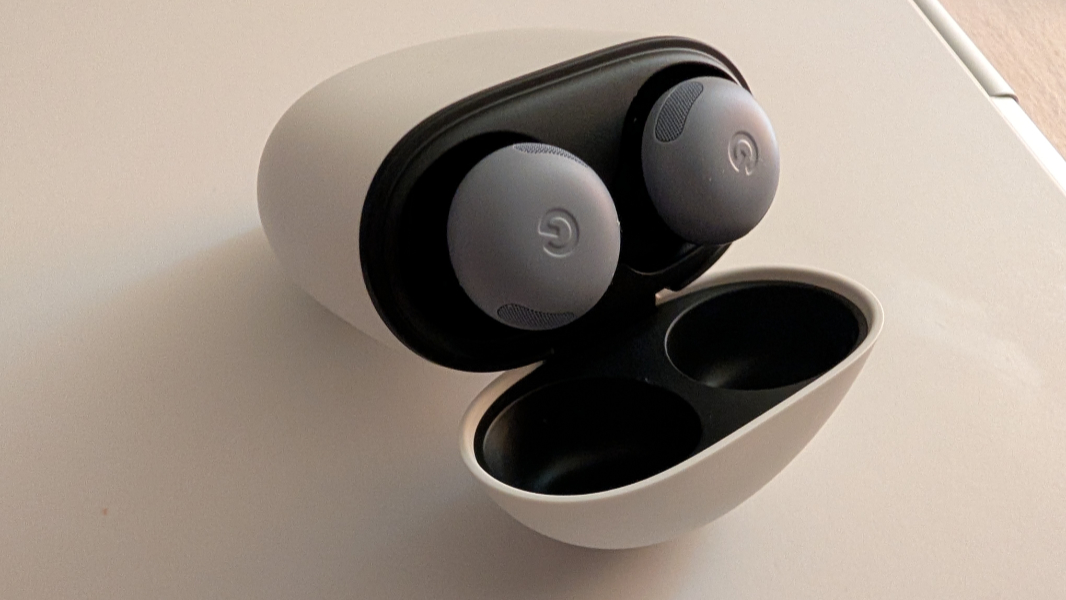
In addition to the Obsidian Pixelsnap case I had ordered and am now using with the Pixel 10 Pro XL, I also ordered a pair of Pixel Buds Pro 2 in Moonstone (the color is new this year, and there are new features coming soon) and will be using that and my Pixel Watch 3 with the new phones. I have all of those now as well.
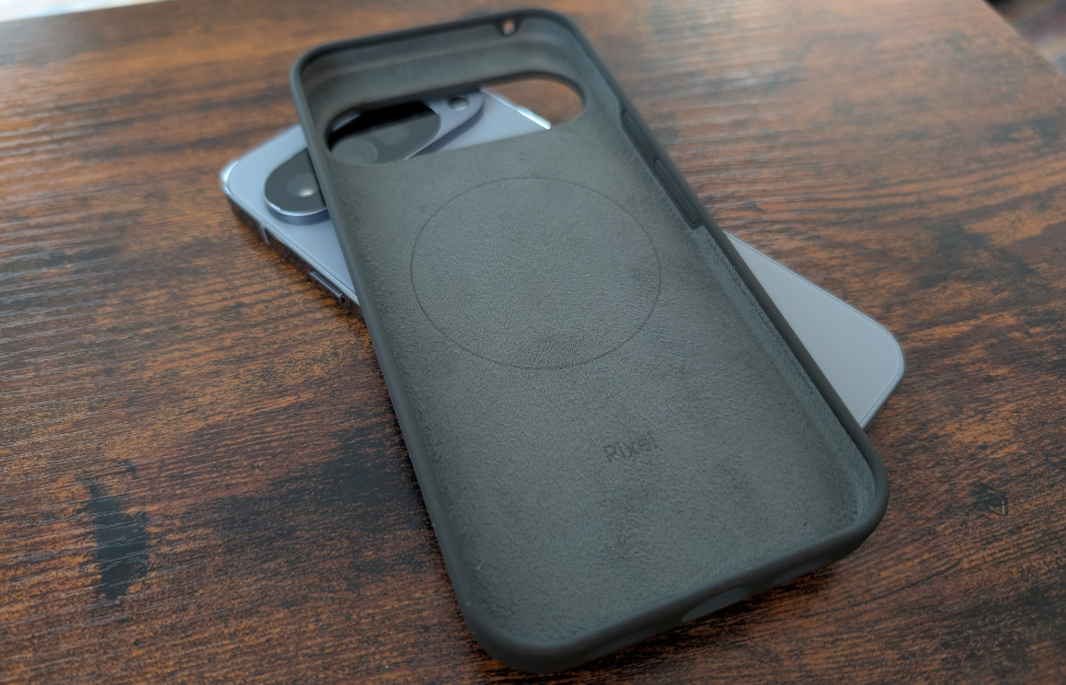
When I ordered the Pixel 10 Pro XL through Google directly, I had received about $350 in Google Store credit (because I’m a Google One customer, a Google Fi customer, or both, I can’t recall). My plan had been to buy some Pixelsnap accessories with that credit. But now that that’s not happening, I ordered a Pixelsnap Ring Stand, which may or may not arrive just before we leave for Berlin. And I will order a Pixelsnap Charger with Stand when that becomes available.
⚒️ Initial Setup
I had previously factory reset my Pixel 9 Pro XL to trade it in when the Pixel 10 Pro XL arrived. But after Google told me that they’d be sending me the review units on loan, I set it up again so I could better compare the two side-by-side. That gave me a chance to review the Pixel onboarding (initial setup) experience ahead of going through it three more times today.
Most of it is the same. Interestingly, getting Face ID set up in both cases was agonizingly tedious and took a long time before it finally figured out I am me.
But there are some differences, too. The Pixel 10 series phones have a Daily Hub feature that I suspect is similar to the Now Brief feature that Samsung added to OneUI 7 and the Galaxy S25 series phones this past year, and you need to opt into it during setup.
There’s also a new Live effects option in Wallpaper & style that looks like it might be fun to use with photos, but I’ll need to get it set up more before I can try that.
? Pixel 10 and Pixel 10 Pro physical differences
The Pixel 10 and Pixel 10 Pro are identical in dimensions–6 x 2.8 x 0.3 inches–but the Pixel 10, at 7.2 ounces, is a tiny bit lighter than the Pro, which weighs 7.3 ounces. I’d be lying if I said I could tell the difference between the two weight-wise. But there are some physical differences that are immediately obvious. And those differences answer a question I’d had about the descriptions Google provided for each.
The Pixel 10 has what Google describes as a “Corning Gorilla Glass Victus 2 polished back with satin finish spacecraft-grade aluminum frame.” But the Pixel 10 Pro has a “Corning Gorilla Glass Victus 2 silky matte back with polished finish spacecraft-grade aluminum frame.” So the difference there is between a satin finish (Pixel 10) and a silky matte back (Pixel 10 Pro).
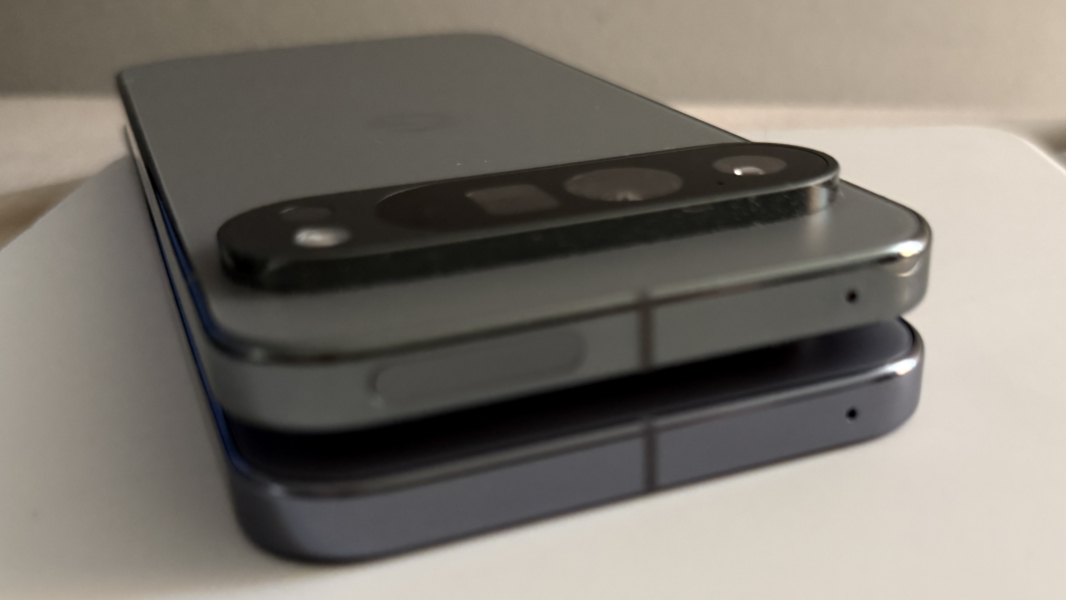
And sure enough, they are different. Where the Pixel 10 has a reflective, shiny glass bar with a curiously tactile feel, the Pixel 10 Pro has a matte, non-reflective glass back that’s smooth and never catches a finger sliding on it.
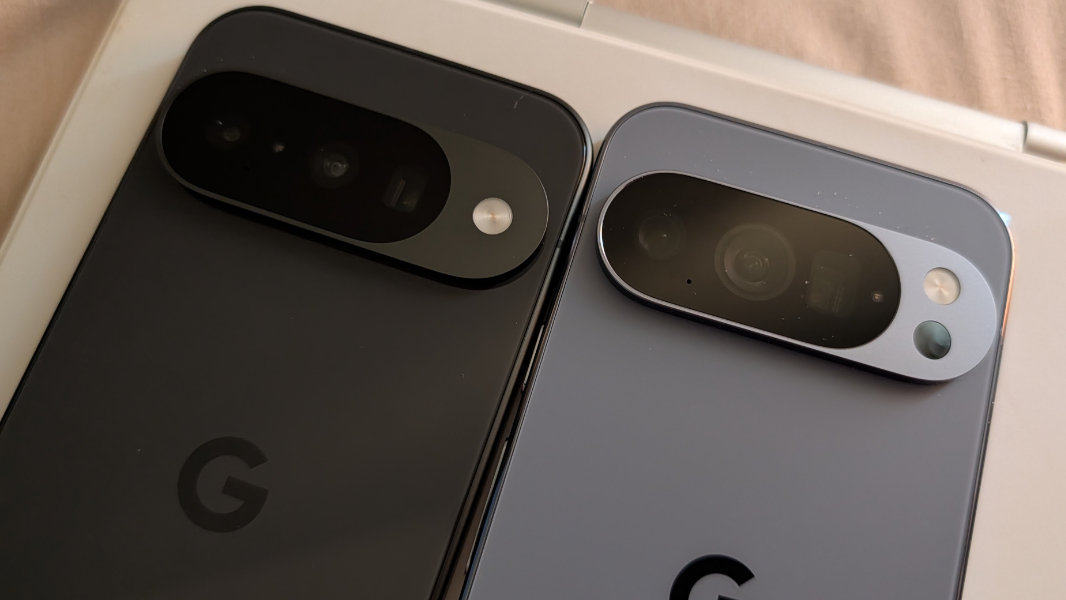
The situation is reversed with the phone edges and the camera bump edges and surface. On the Pixel 10 ,these surfaces are matte not shiny. But on the Pixel 10 Pro, they are shiny and reflective and, I suspect, fingerprint magnets.
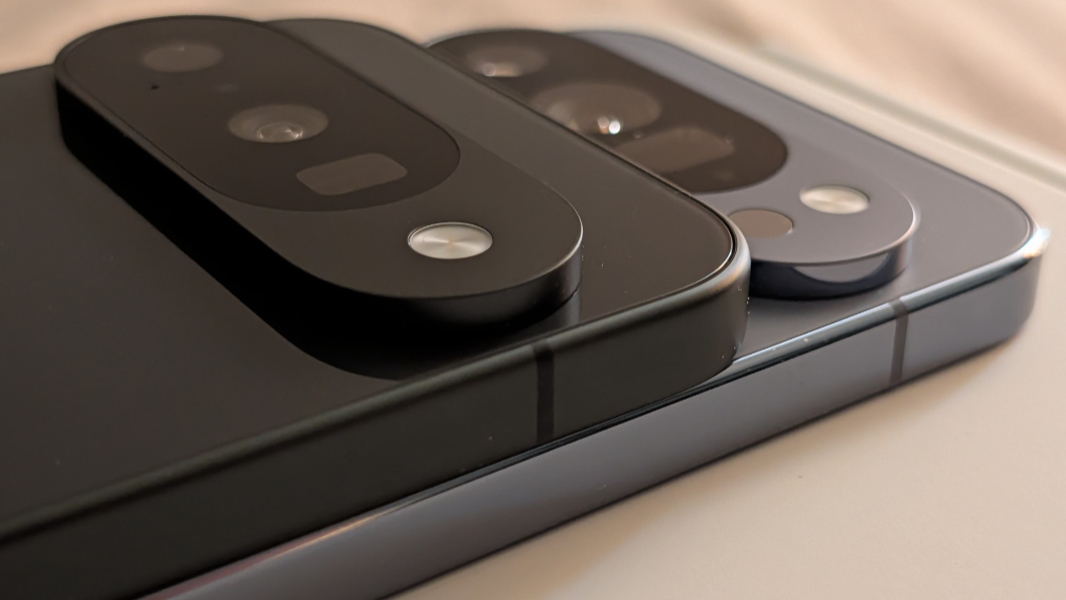
None of that matters too much to me or to most people, I suspect, as a case would cover most or all of those surfaces anyway. But there are two camera bar related differences that won’t be covered up by a case. They’re subtle but noticeable when you have the two devices right next to each other.
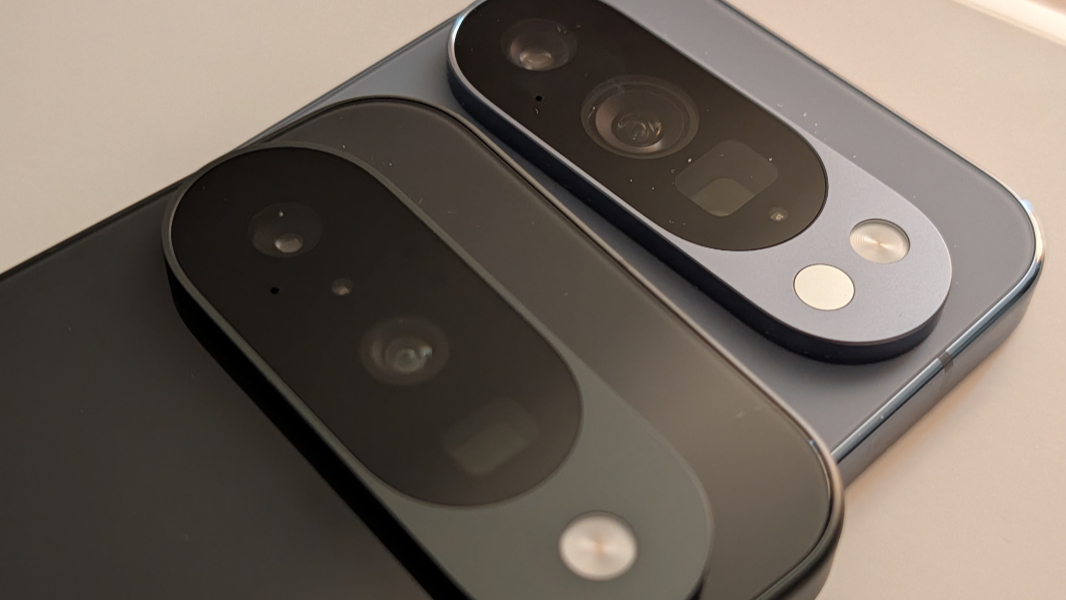
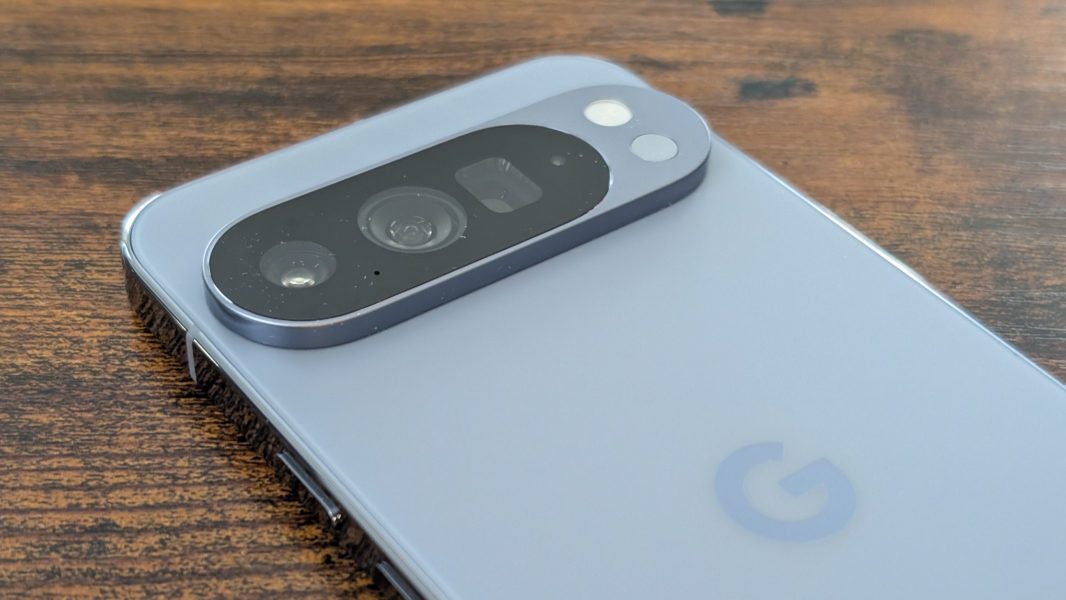
First, the Pixel 10 Pro has a round temperature sensor under the round LED flash on the right of its camera bar, whereas the Pixel 10 has only the LED flash. And second, when looked at in the right light and at the correct angle, you can really see the differences between the three lenses in each phone. The Pixel 10 Pro’s lenses are physically bigger and match those on the Pixel 10 Pro XL.
? Pixel 10 Pro XL and Pixel 9 Pro XL physical differences
Thanks to getting these review units, I can hold onto my Pixel 9 Pro XL for longer than usual, and that means I can compare it to the Pixel 10 Pro XL. And here, too, there are differences, though the overall dimensions—6.4 x 3 x 0.3 inches—are the same with both.
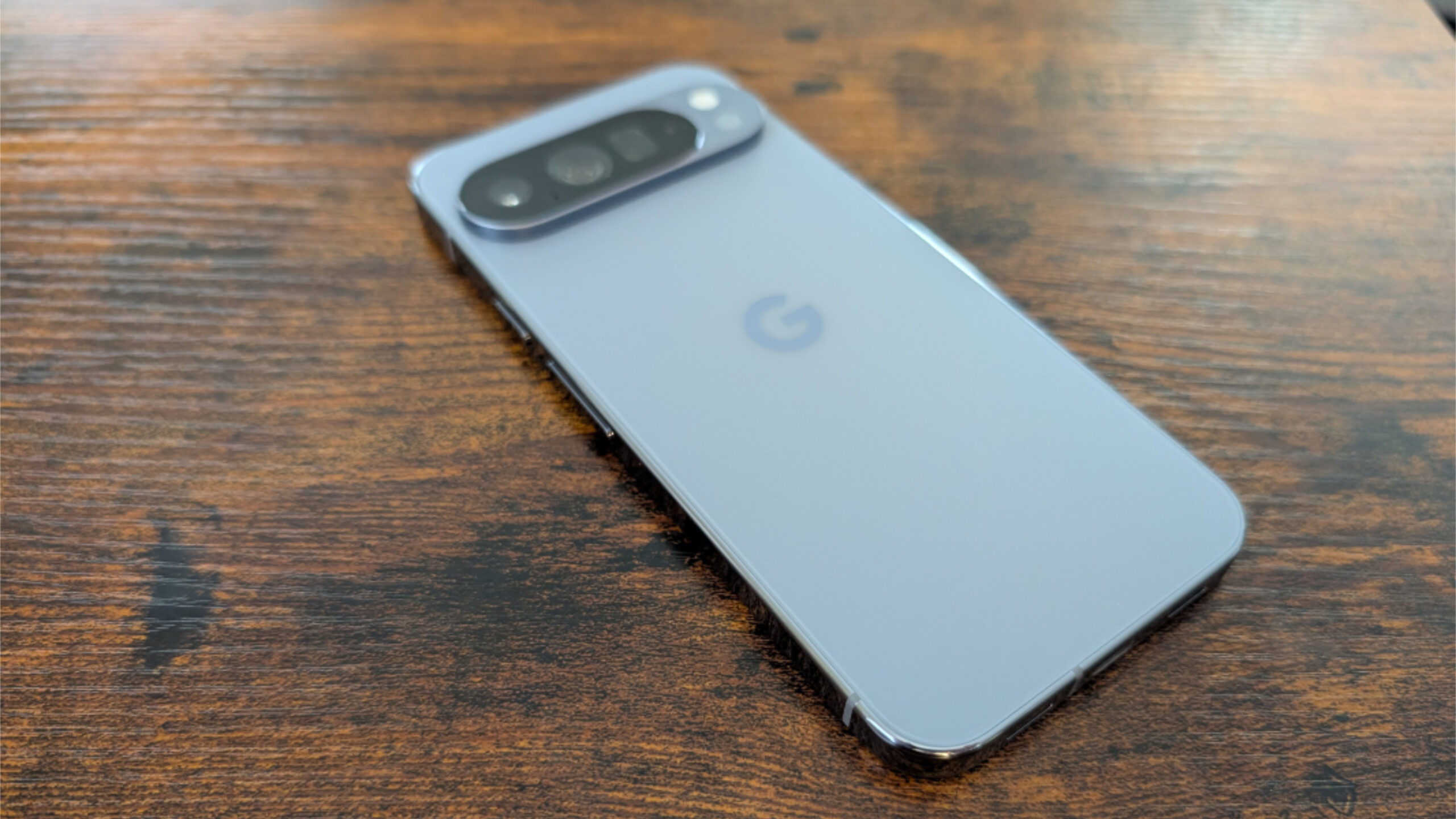
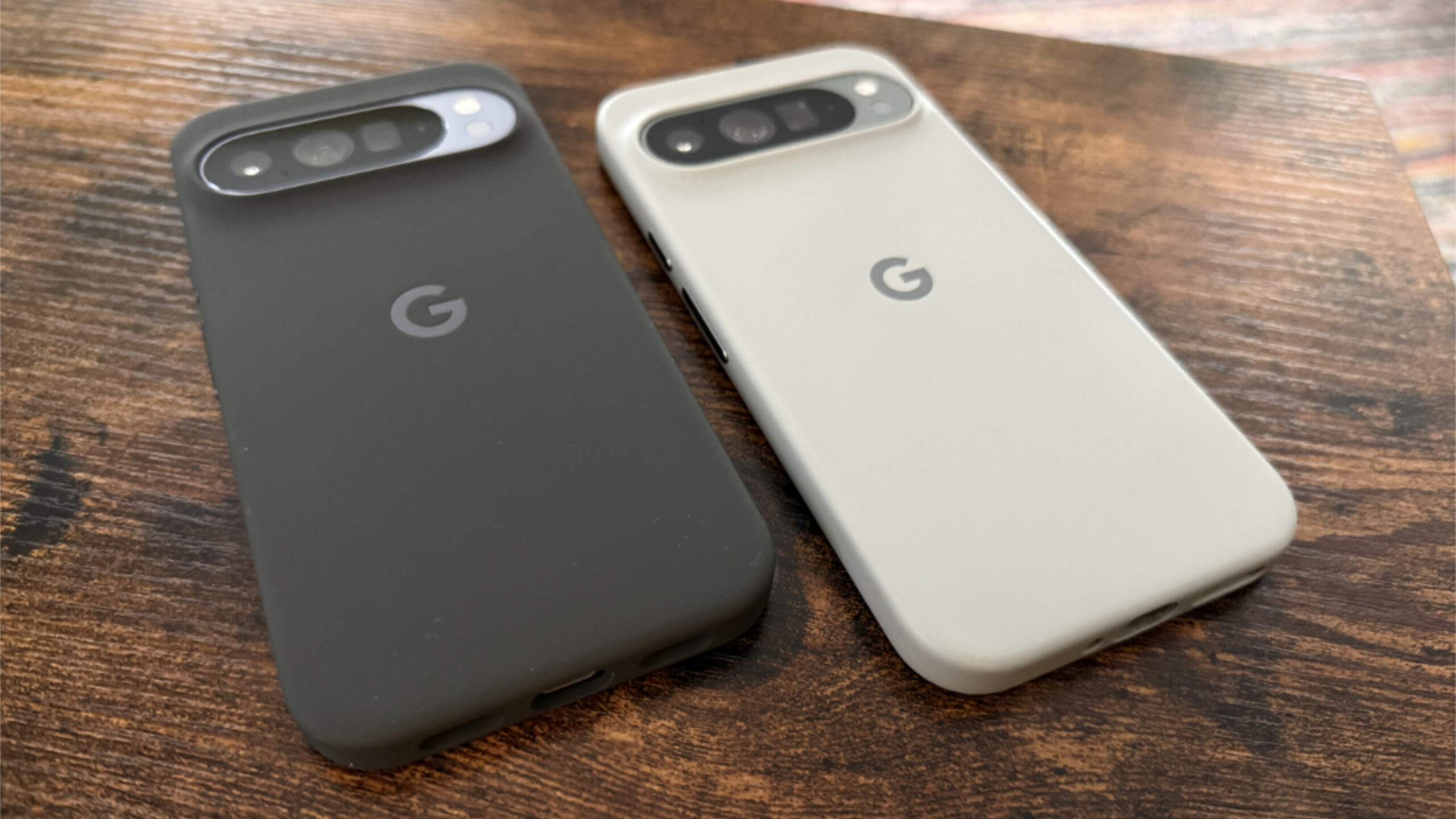
Most obviously, the Pixel 10 Pro XL weighs 8.2 ounces, which, yes, is heavier than the Pixel 9 Pro XL, which weighs 7.8 ounces. And that is just barely noticeable in the sense that you have to be looking for it. Both are dense, heavy phones.
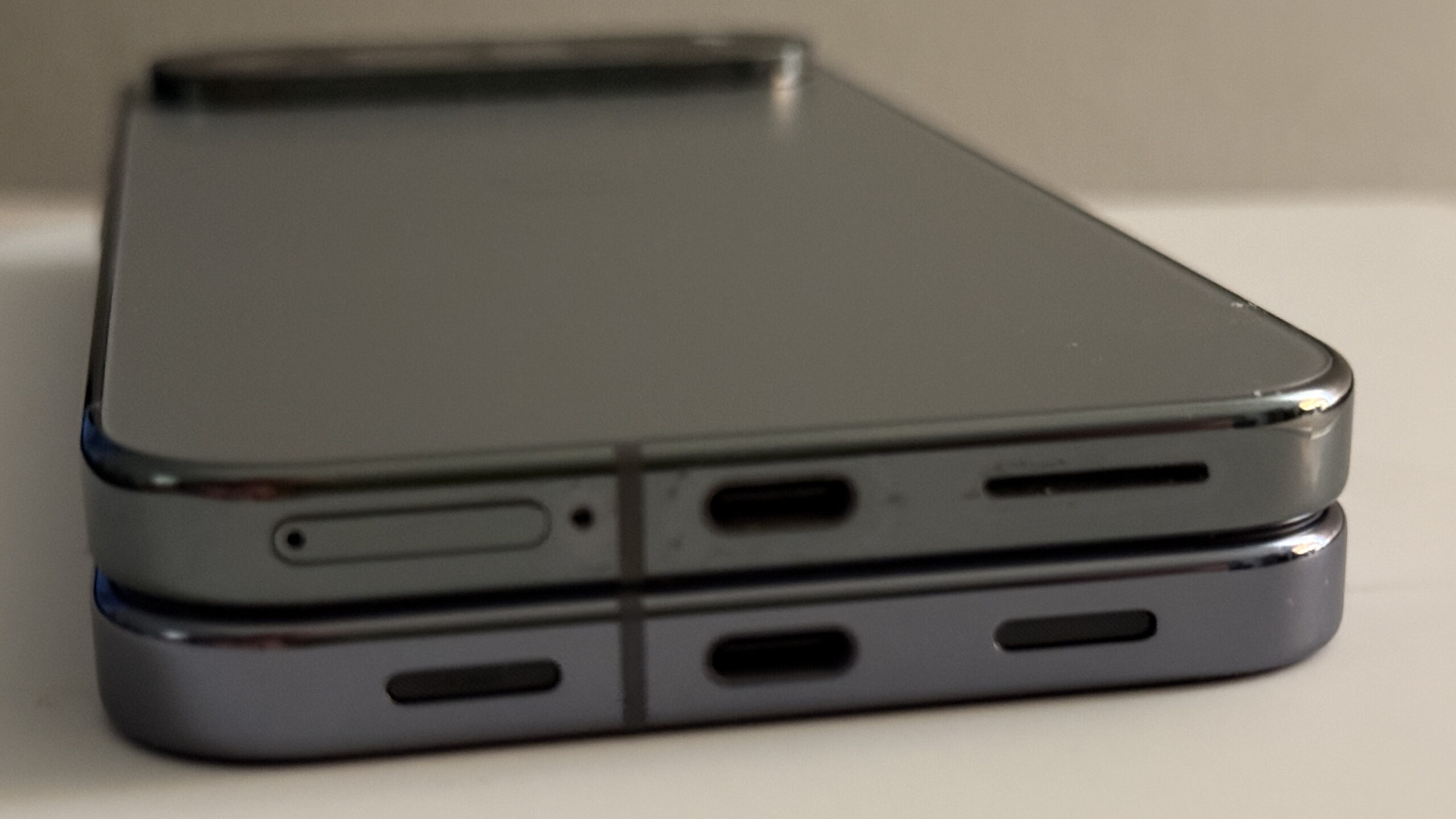
The bottom edge of the phones is different, too. The physical nano SIM card slot on the Pixel 9 Pro XL is gone this year, at least in the U.S. And so Google did something that should please anyone with ADHD or whatever compulsive tendencies: It arranged the three items on the bottom of the device—the bottom microphone, the USB-C port, and the bottom speaker–roughly equidistant from each other. And the speaker and microphone “holes” are basically the same size as each other.
The top edge has a slight difference as well. The top microphone and speaker—which is built into the ear piece and front-facing—are the same as before, but the subtle rounded rectangle cutout in the frame on the 9 Pro XL, which I assume was for some kind of wireless radio transmission, is not there on the 10 Pro XL. It’s not clear why, mostly because I’m not sure why it was there in the first place. But I use a case, so I never really see this.
Also subtle, all three Pixel 10 series phones have a larger “G” logo on the middle rear, though it’s as shiny as ever.
? Next steps
As I write this, my Google Fi eSIM and phone number are switched over, hopefully successfully, to the Pixel 10 Pro XL. The preinstalled apps and system are all up-to-date, and so I will start going through the process of manually installing apps from the Play Store and getting this thing ready for the Berlin trip. When I set up the Pixel 10 and 10 Pro completely, I’ll likely just pull in the configuration from this phone so I can duplicate the experience as closely as possible. Plus, this is more like what most customers would do.
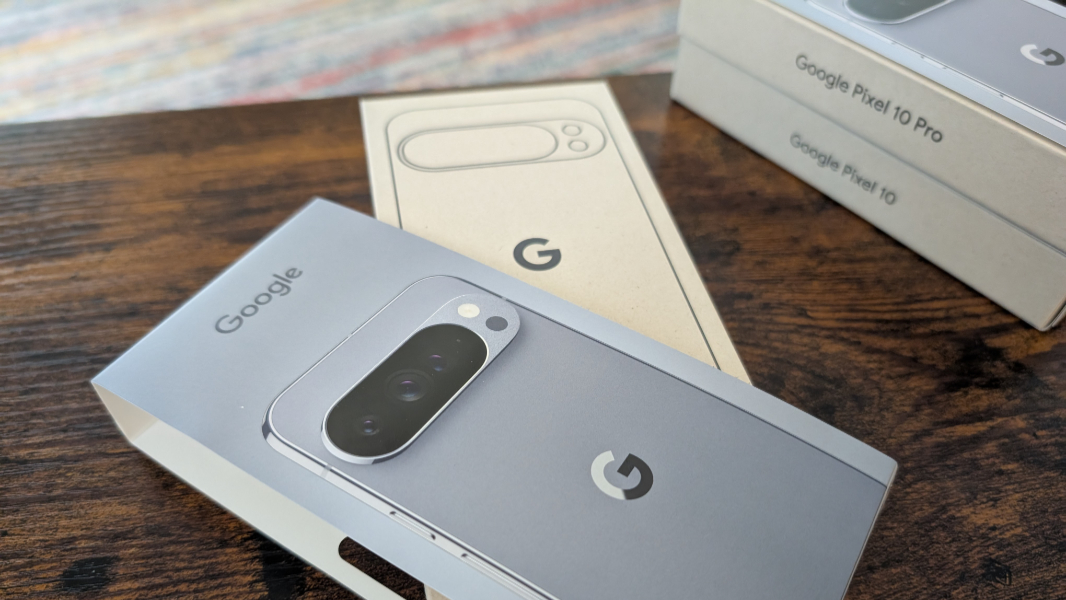
I also need to connect the Pixel Buds Pro 2 and Pixel Watch 3 to this phone, which I’ll do first. And then we’re off to the races.
More soon. Probably a lot more.