Copilot+ PCs to Support Windows Studio Effects on Additional Cameras
- Laurent Giret
- Sep 05, 2025
-
0
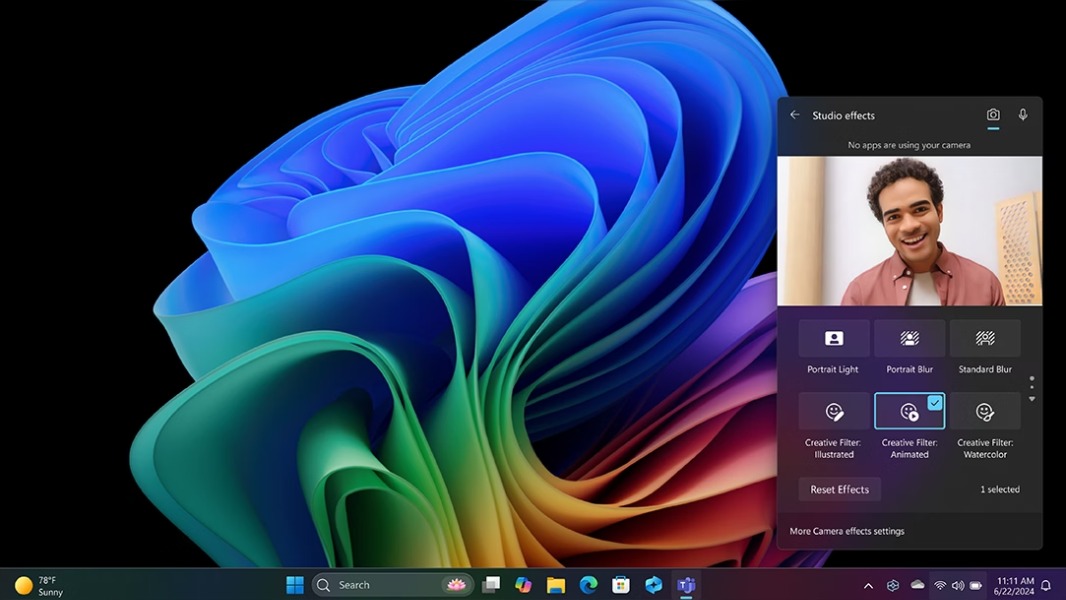
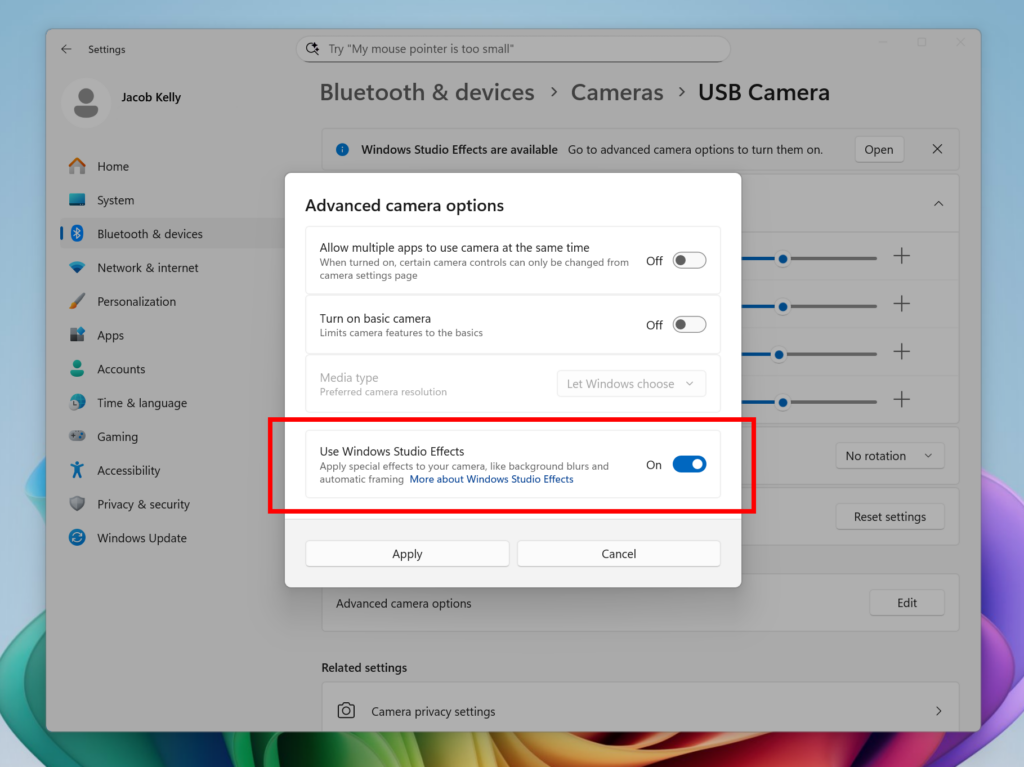
Copilot+ PCs will soon support Windows Studio Effects on additional cameras such as USB webcams. Windows Insiders on the Dev and Beta Channels can test a new option inside Windows settings to enable Windows Studio Effects on alternative cameras, but this will only work on supported Copilot+ PCs.
Windows Studio Effects were first introduced on PCs with an NPU, such as the Surface Pro X and the Surface Laptop Studio, which were both released even before Copilot+ PCs existed. The AI-powered effects include automatic framing, background blur, and creative filters, and there’s also a Voice focus feature to minimize background noise. Some of these effects require an NPU that can perform more than 40 trillion operations per second (TOPS), however.
For once, support for Windows Studio Effects on additional cameras will first roll out to Intel-powered Copilot+ PCs. The feature will become available in the coming weeks on AMD and Snapdragon-powered models.
Today, Microsoft is also rolling out fluid dictation in Voice Access to Dev and Beta Insiders on Copilot+ PCs. The feature will be enabled by default, and it leverages on-device small language models to automatically correct grammar, punctuation, and filler words when using the accessibility feature.
Lastly, the new Windows 11 Insider builds for Dev and Beta testers also introduce On-hover actions in File Explorer. This will allow Insiders who are signed in with a personal Microsoft account to display commands like Open file location and Ask Copilot about this file when hovering over a file. This new feature won’t be immediately available for Insiders in the European Economic Area, however.