Copilot is Coming to Microsoft 365 People, Files, and Calendar Companion Apps
- Laurent Giret
- Oct 28, 2025
-
2
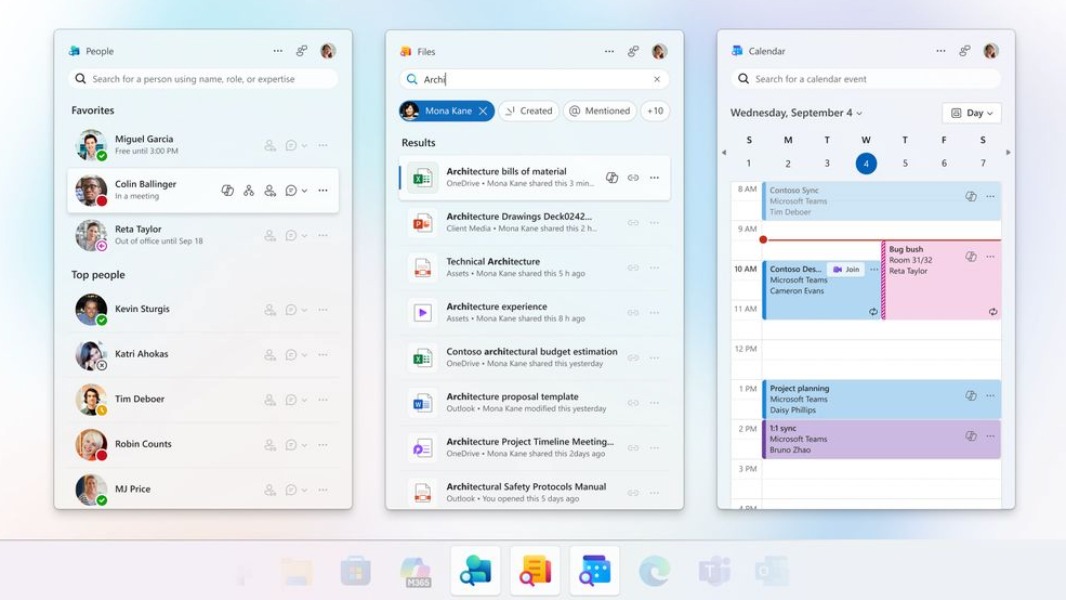
Microsoft is integrating its Copilot AI into its new Microsoft 365 People, Files, and Calendar companion apps for Windows 11. These companion apps are only available for commercial customers, and they should now be installed automatically as part of the update process for Microsoft 365 apps on Windows 11.
“With Copilot, each companion app will be grounded in your work data – people, files, meetings – making them the fastest and easiest way to prompt for relevant questions. Companion apps offer instant suggestions for every item, plus a freeform box for your own prompts,” Microsoft explained today.
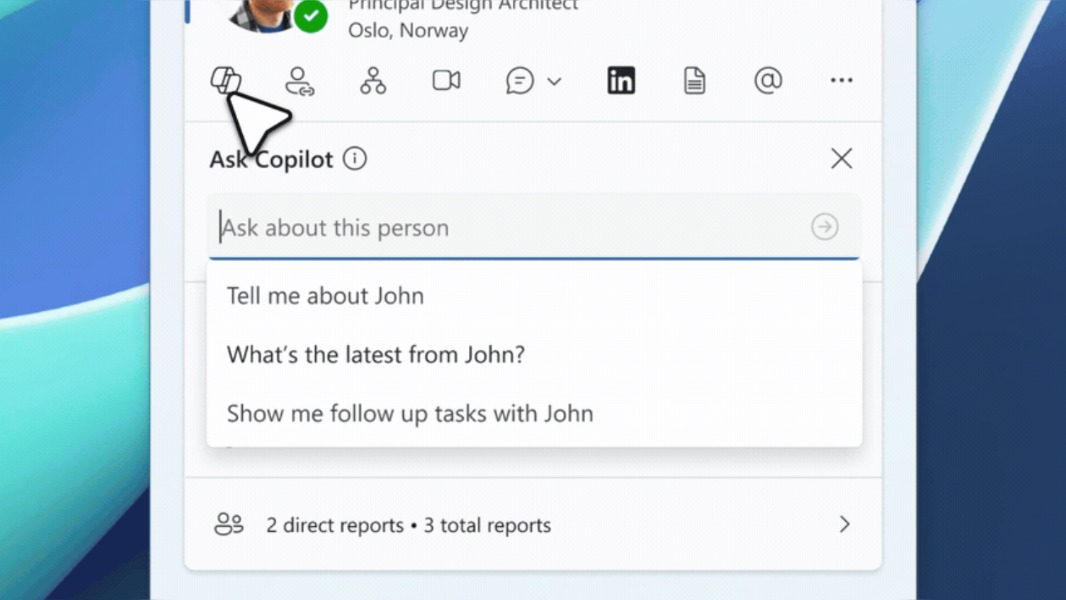
In the People companion app, the Copilot button under contact cards will suggest prompts to help users catch up with their contact’s recent activity. To get more information, Copilot will hand off the question to the Microsoft 365 Copilot app, which will initiate a chat conversation.
In the Files companion app, the ‘Ask Copilot’ button next to files will also suggest various prompts, such as “what’s the context for this?” or “highlight key figures or trends.” Again, going forward with the prompt will open a chat conversation in the Microsoft 365 Copilot app.
Copilot will soon become available in the Calendar companion app. For the most part, it will allow users to ask Copilot to recap meetings in the Microsoft 365 Copilot app. Copilot in the Microsoft 365 companion apps is currently only available for commercial customers on either Enterprise or Business SKUs, and a Microsoft 365 Copilot license ($30 per user per month) is also required.