Google Chrome Adds Split View Mode and New PDF Annotation Capabilities
- Laurent Giret
- Feb 19, 2026
-
2
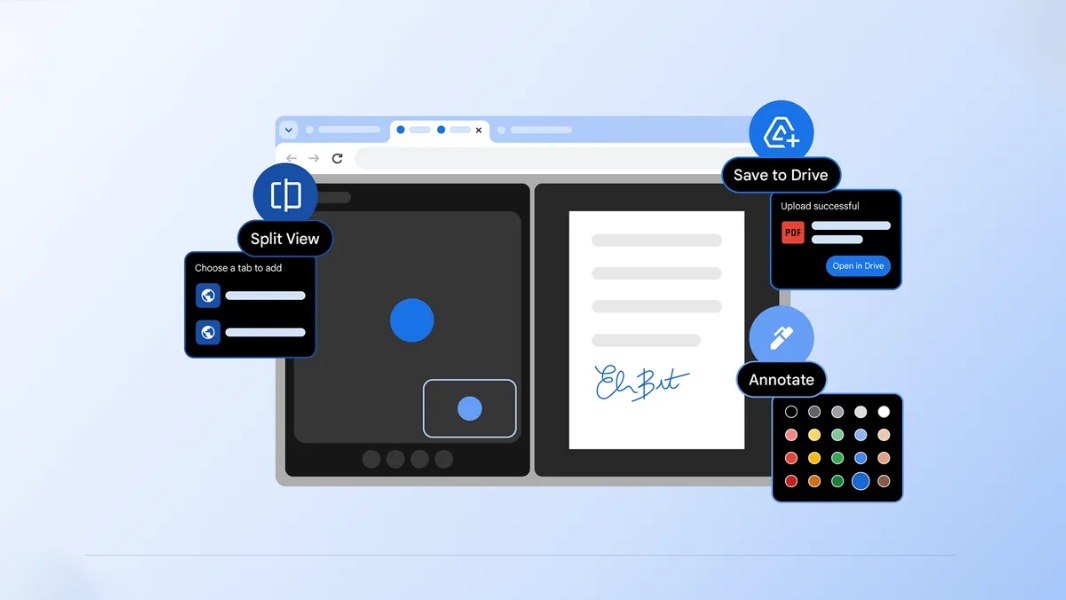
Google’s Chrome browser is getting a new Split View feature that you may have already seen in other Chromium-based browsers such as Microsoft Edge and Brave. Google is also introducing new PDF annotation capabilities in Chrome, along with a new option to save PDFs to Google Drive.
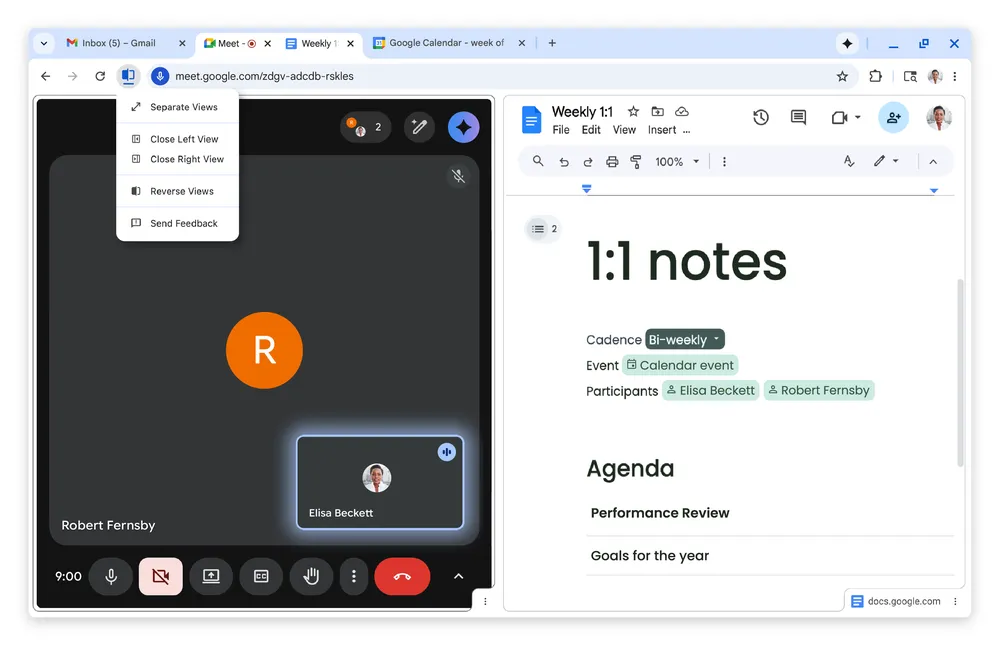
With Split View, Chrome users will be able to open two tabs side by side in the same browser window. “Our work with early testers has shown that split view is already helping people multitask and get more done on the web,” the Chrome team said today.
When opening PDFs in Chrome, users will now be able to highlight text and add notes right from the app. The Chrome team said that this has been a top-requested feature from the community, but this is also something that’s been available in Microsoft Edge and other browsers for quite some time.
Lastly, Google Chrome is getting a new option to save PDFs directly to Google Drive. Downloads will be automatically saved in users’ Saved from Chrome” folder, which should help to make them easy to find and search.
On a related note, Microsoft also released Edge version 145 earlier this week, and this update introduces “Summarize” and “Explain” Copilot actions in PDF reader, an improved PDF Read Aloud experience, and more.