Lenovo IdeaPad 5a 2-in-1 First Impressions
- Paul Thurrott
- Apr 10, 2026
-
1
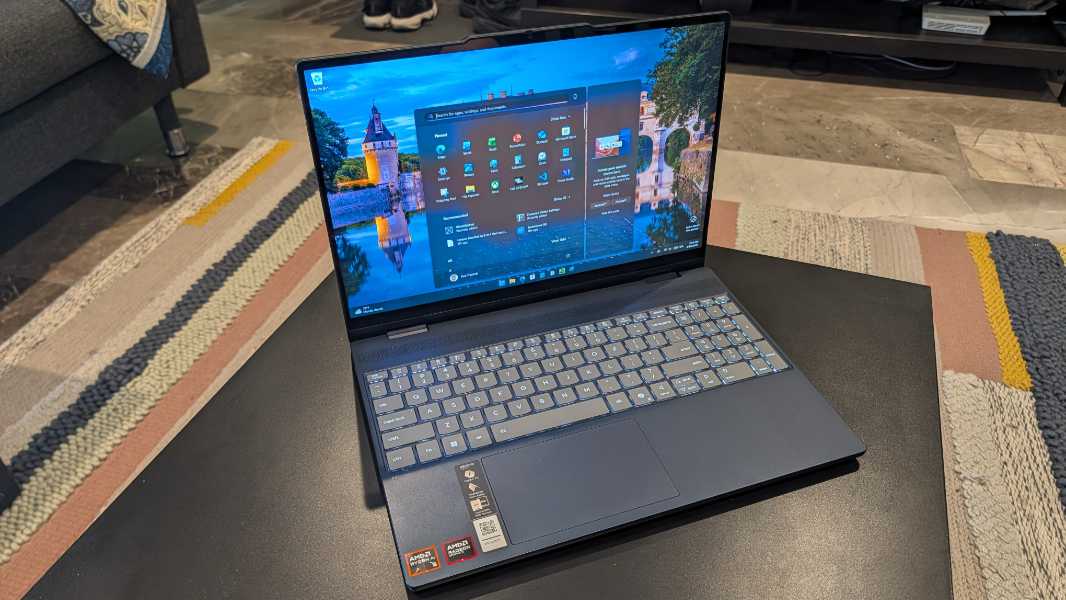
The IdeaPad 5a 2-in-1 is what an affordable and versatile Copilot+ laptop looks like in early 2026: A transforming form factor, a mid-level AMD Ryzen AI 400-series processor, and all the local AI bells and whistles. There’s a lot to like here, but upgrades can get expensive, not that that’s Lenovo’s fault. Thanks, AI-based component shortages.
So what have we got here?
Well, it’s a 2-in-1 design, so you can spin the display around and use it like a very large and heavy tablet, which doesn’t make a lot of sense until you realize you can order an optional Lenovo Linear Pen 2 smartpen that enables even more versatility for just $10 more.
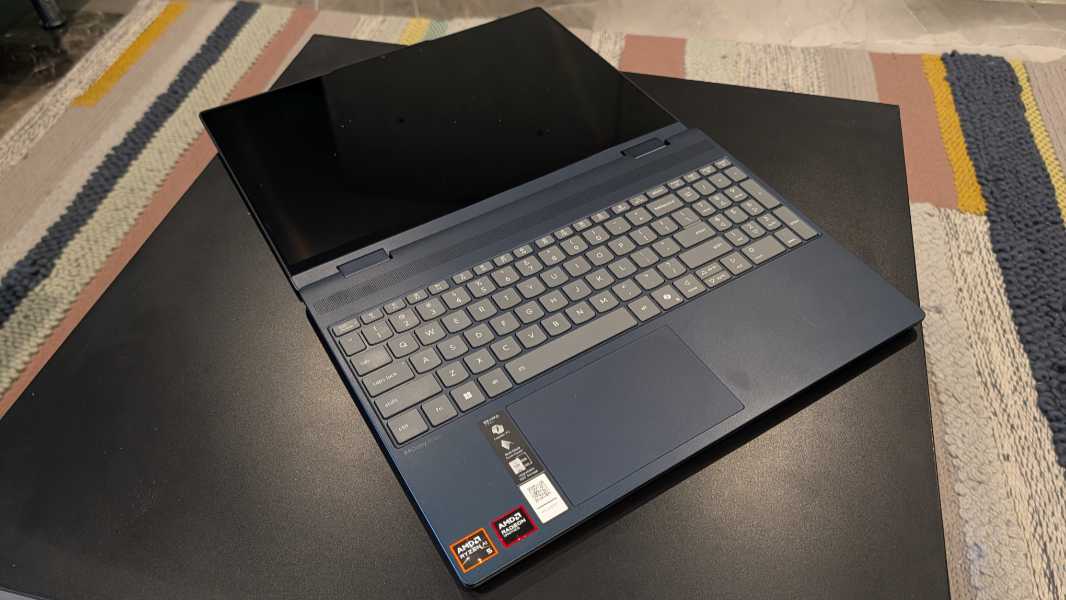
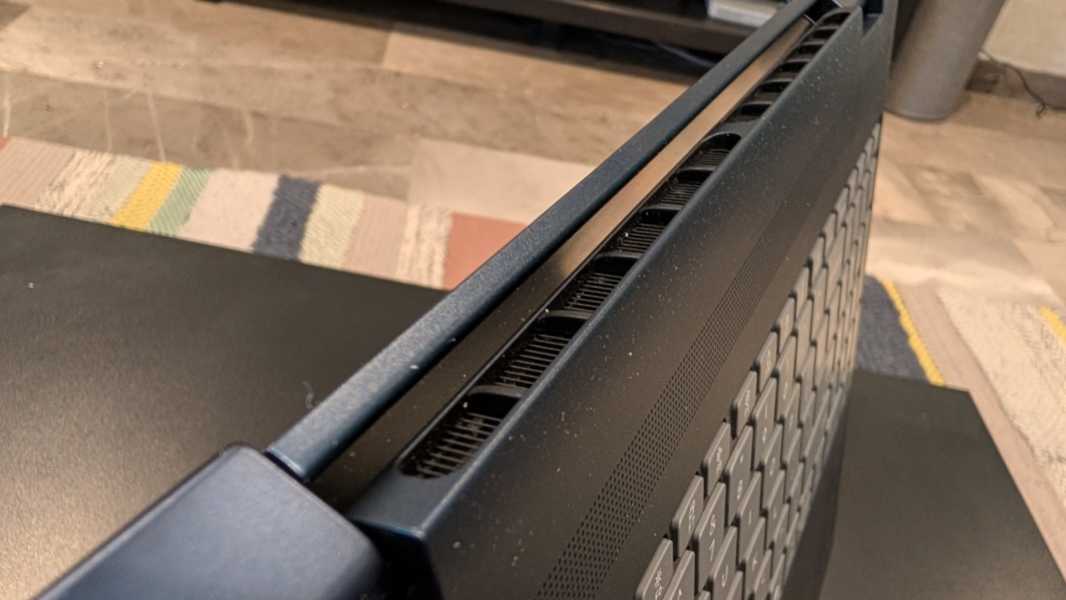
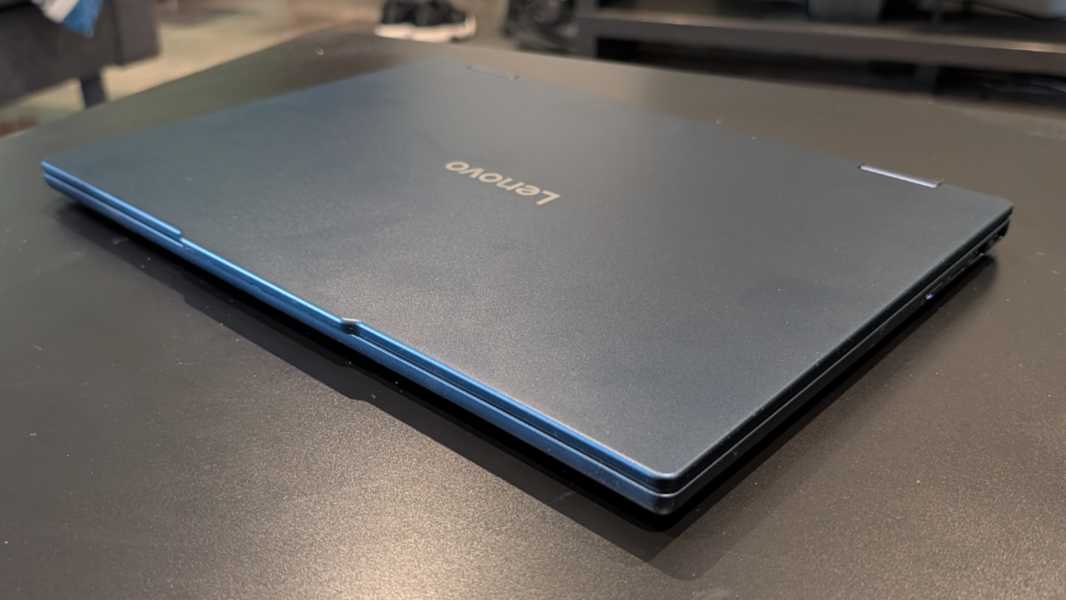
Plus, the build quality is solid, with an aluminum top cover and a glass fiber bottom. It doesn’t scream premium, but it leans that way far more than it does to looking or feeling cheap. This is a solid laptop.
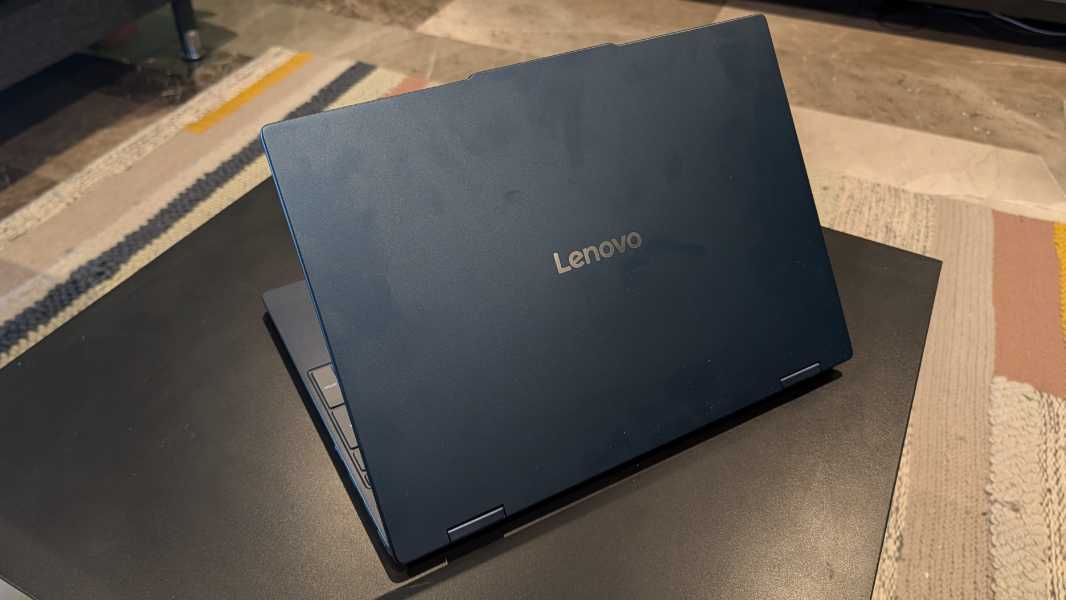
But it’s also not particularly heavy given its size. The IdeaPad 5a weighs in at 3.13 pounds, and the PC measures 0.69 x 12.3 x 8.9 inches.
Inside, there’s a choice of mid-level AMD Ryzen AI 400-series (“Zen 5”) processors–the review unit came with the lower end Ryzen AI 5 430–with integrated AMD Radeon 840M graphics and a 50 TOPS NPU–up to 32 GB of LPDRR5 RAM (in two DIMM slots, no less) and up to two 1 TB SSD Gen 4 SSD cards; the review unit arrived with 16 GB of RAM and 512 GB of storage, the minimum.
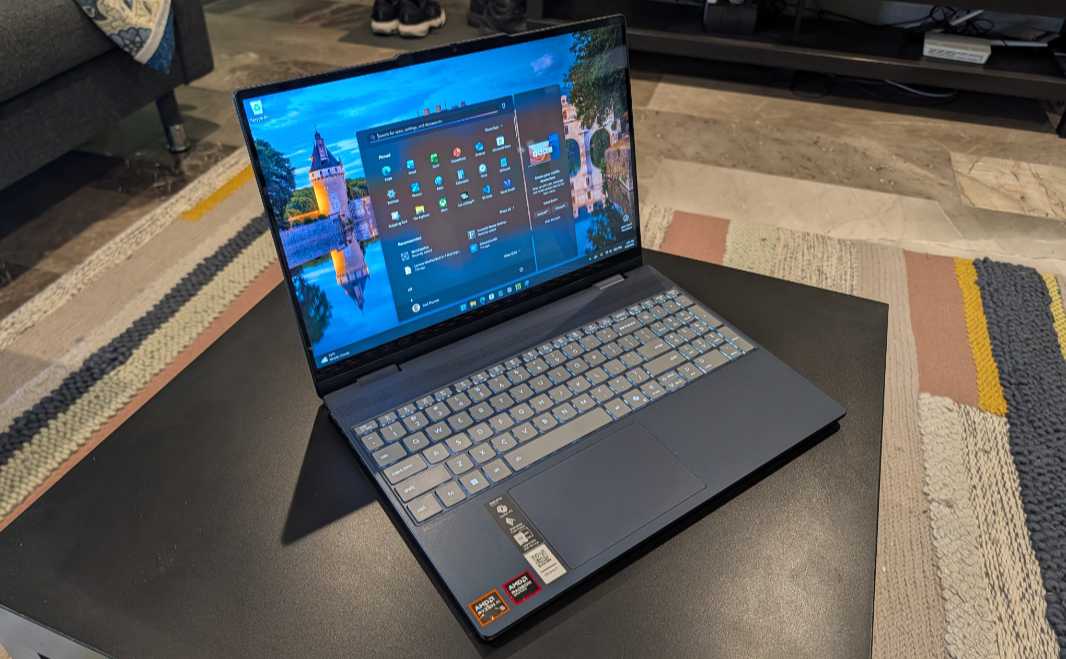
There are also two display choices, both of which are 15.3-inch Full HD+ (1920 x 1200) multitouch panels with a 16:10 aspect ratio and TUV low blue light capabilities that output 400 nits of light. Here, again, the review unit came with the lower-end choice, a matte IPS display with 45 percent NTSC color gamut coverage and a 60 Hz refresh rate. But you can also choose a more vibrant OLED display with 100 percent DCI-P3 color gamut coverage and HDR True Black 500 that drives a 165 Hz variable refresh rate.
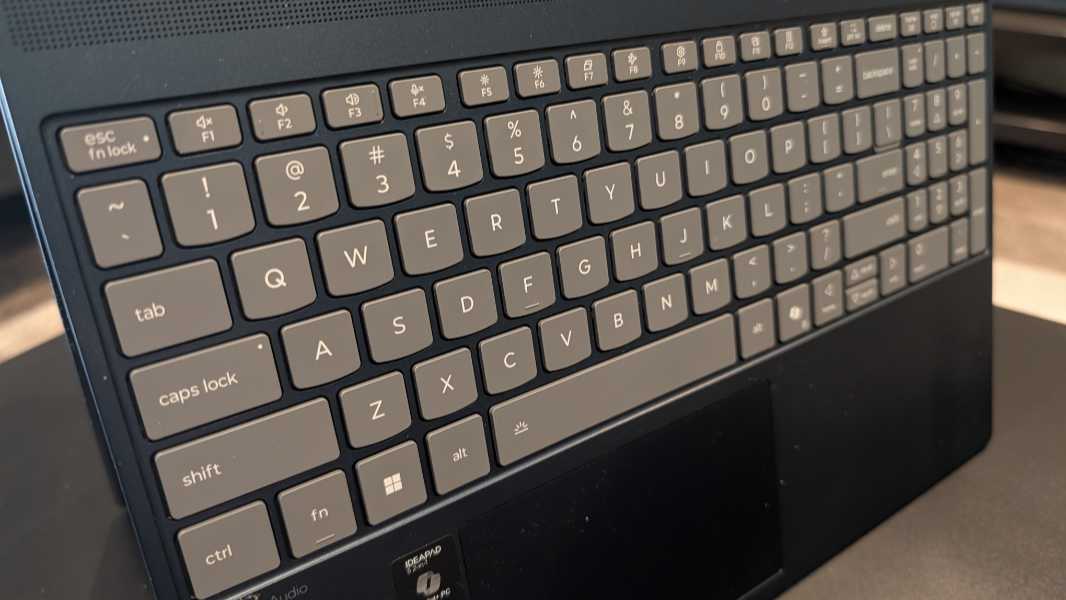
The keyboard and touchpad are both terrific so far, though the former is bogged down by a numeric keypad, which is unfortunate. The keyboard supports two levels of backlighting plus an automatic mode that I love seeing.
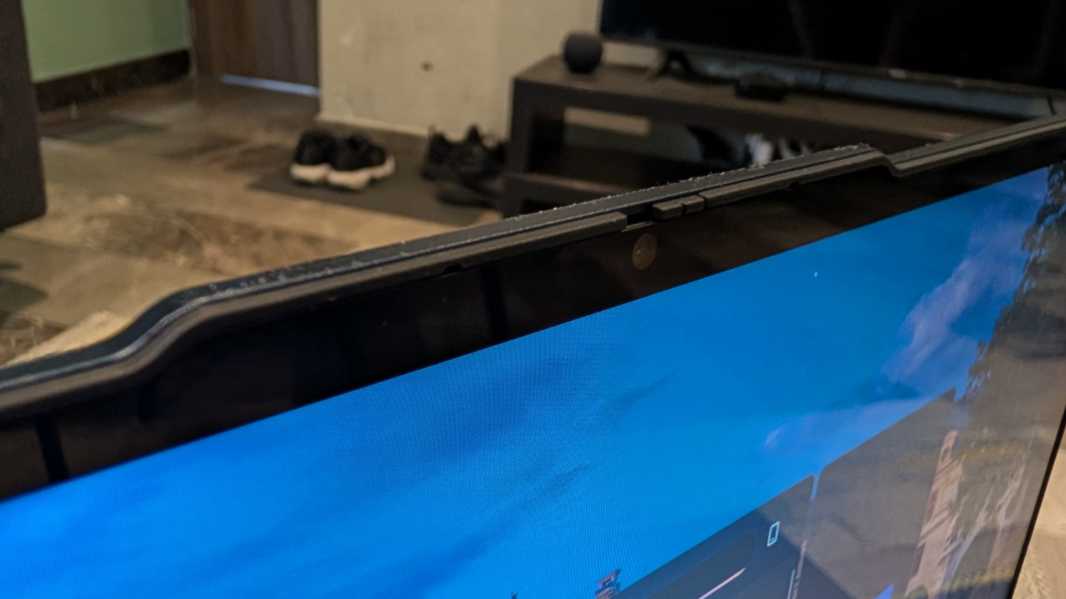
There are two 2-watt speakers with Dolby Audio, plus dual-array microphones and a Full HD Windows Hello-compatible webcam with a manual privacy switch for work calls.
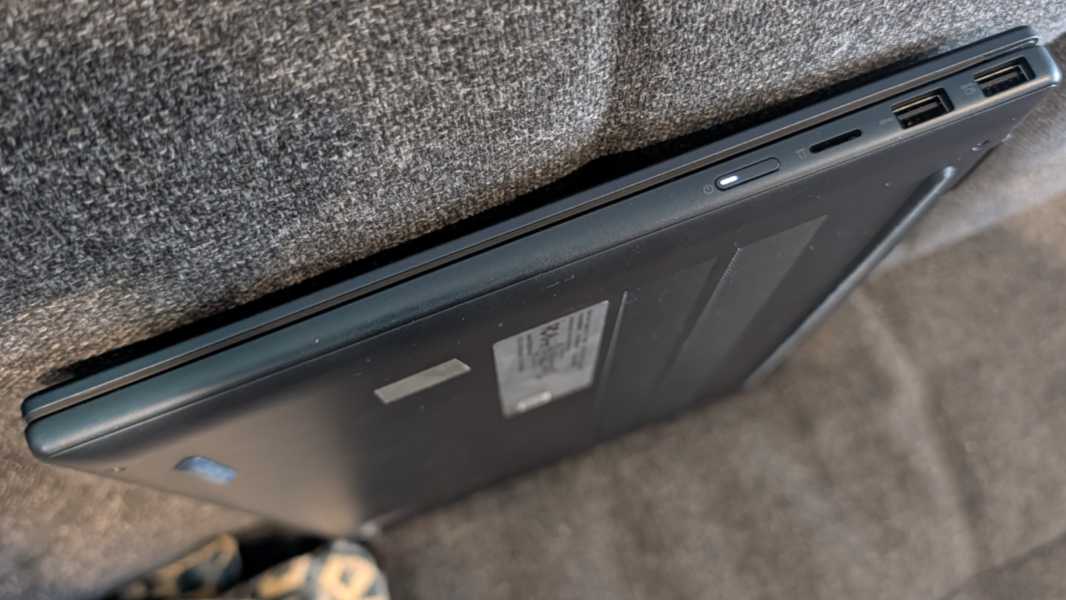
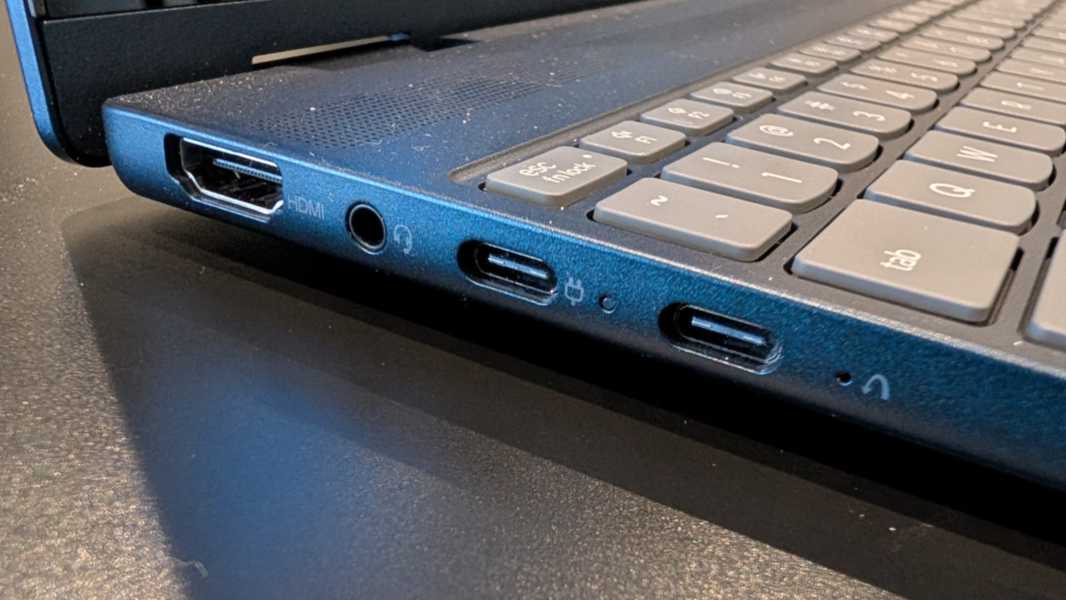
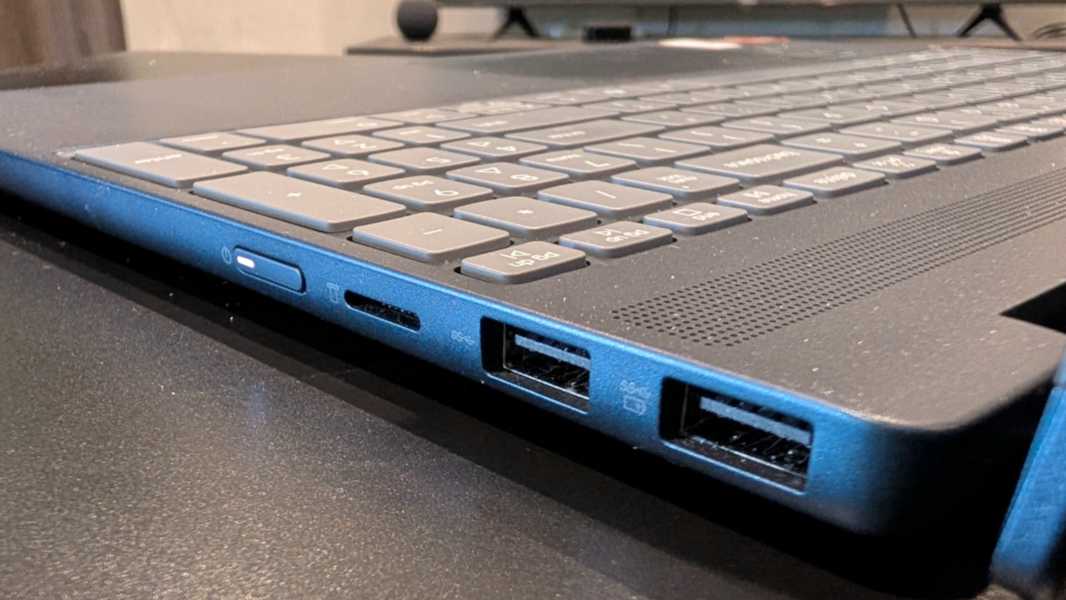
Expansion is solid, though the USB-C ports and USB-A ports are, respectively, bundled together on either side of the PC.
On the left, you will find two 10 Mbps USB Type-C ports with Power Delivery and DisplayPort 1.2 capabilities, a full-sized HDMI 1.2 port, and a headphone/microphone combo jack.
The right side features two 5 Gbps USB Type-A ports for some reason, one of which is always-on, plus a micro-SD card reader. The power button is also on this side of the PC.
Connectivity is modern, with Wi-Fi 7 and Bluetooth 5.4. And power comes via a standard 65-watt USB power adapter. Lenovo says you can get two hours of charge with just 15 minutes on the wire.
But I know what you’re wondering. What’s this going to cost? Well, it’s not horrible given the state of the world. Prices start at $890 for the review unit, but you can upgrade to the Ryzen AI 7 445 processor for $40, 32 GB of RAM for $220, 1 TB of storage for $60, and the OLED display panel for $70, so you could spend as much as $1280 on a fully upgraded model. I don’t recommend that, but if this PC works out to be as upgradeable as I hope–I will find out soon–then you could start lower and work your way up later.
More soon.