Google Gemini for Home Now Offers Seamless Back-and-Forth Conversations
- Laurent Giret
- Apr 21, 2026
-
1
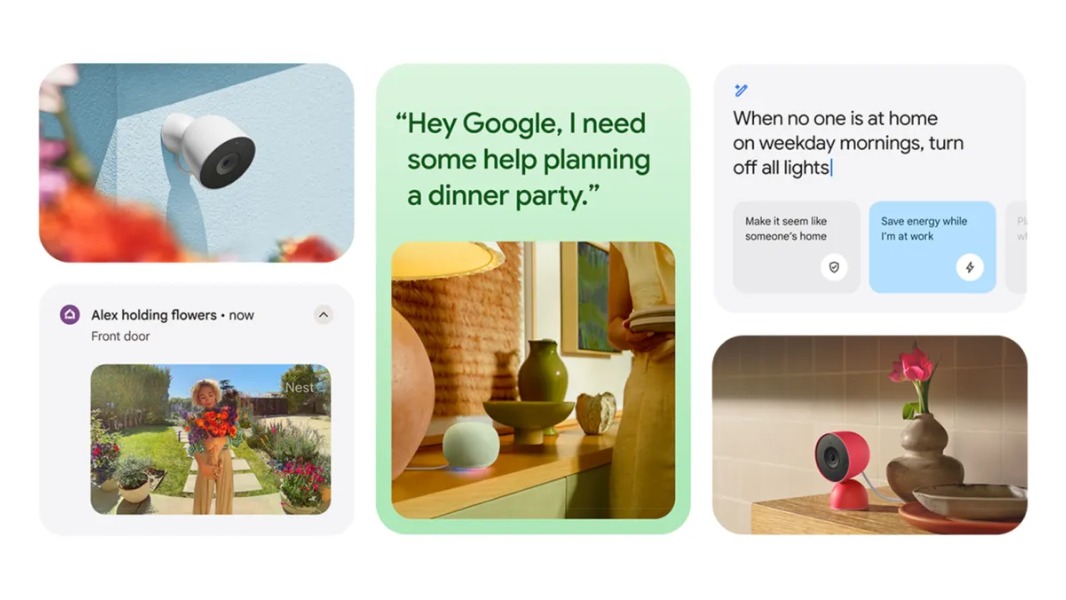
Google’s new Gemini for Home assistant is getting a new Continued Conversation feature that will allow users to engage in back-and-forth conversations without repeating “Hey Google”. When enabled, the feature will keep the microphone active for a few seconds, allowing users to ask follow-up questions without having to use the wake word again.
Google said today that Continued Conversation was a top-requested feature from beta testers, and it should help to make Gemini for Home more natural to use. Continued Conversation also offers better “side-talk” detection, and it remembers the context of previous exchanges.
“We’ve refined how Gemini detects your queries to make your conversations feel more natural. It can now better tell the difference between a follow-up question and a side conversation with someone else in the room—meaning fewer accidental activations and a lot more focus on you,” Google said today.
Until now, Gemini for Home only offered free-flowing conversations with Gemini Live, which is currently only available on Google Nest speakers and smart displays with a Google Home Premium subscription. Gemini Live is still available for paid subscribers, and it can be activated by saying “Hey Google, let’s chat.”
Google says that Gemini Live will continue to provide the “ultimate conversational experience” by allowing users to brainstorm ideas, get help to learn a new skill, discuss current events, and more. When active, Gemini Live will listen for up to about 15 seconds for any follow-up questions.
For free users, however, Continued Conversation can be enabled by going to Home Settings > Gemini for Home voice assistant > Continued Conversation in the Google Home mobile. The feature is available globally across all supported languages and regions, and once enabled, it will work for everyone in the house.