PowerToys 0.99 Arrives With Two New Utilities, Many Improvements
- Paul Thurrott
- Apr 28, 2026
-
16
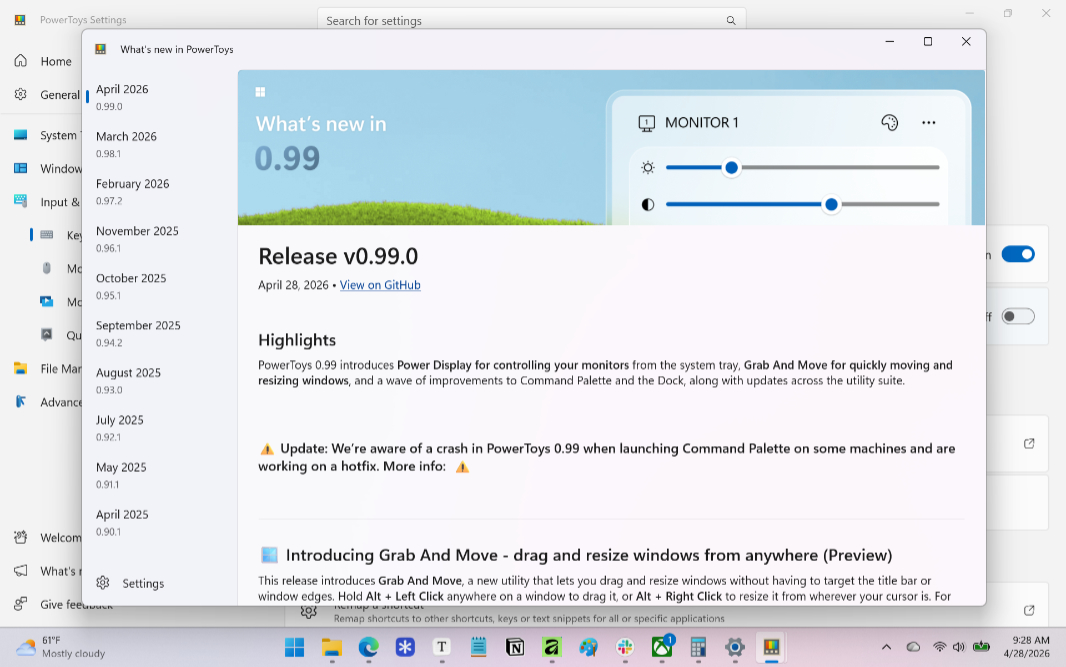
PowerToys is an essential collection of utilities that every Windows 11 user should install. And it just got even better with two useful new utilities and as massive set of improvements across the suite.
“PowerToys 0.99 introduces Power Display for controlling your monitors from the system tray, Grab And Move for quickly moving and resizing windows, and a wave of improvements to Command Palette and the Dock, along with updates across the utility suite,” Microsoft’s Boliang Zhang writes.
Here’s what’s new.
Power Display. This new utility lets you control multiple displays from a system tray-based flyout. You can use this to adjust volume, brightness, contrast, and color profile without having to dive into the Settings app.
Grab and Move. This new utility lets you drag and resize windows without having to select a window edge or title bar: Just tap and hold Alt while clicking the mouse to drag a window or use Alt + right click to resize it from wherever the mouse cursor is. (You can optionally use WINKEY instead of Alt.) Interestingly, Microsoft notes that “Grab And Move is ideal for large monitors or windows that have moved off-screen,” which means this utility is now needed because the Alt + Space keyboard shortcut that traditionally opens the window menu that includes the move controls is overridden by far too many system utilities, including Copilot and the PowerToys-based Windows Command Palette by default.
Many more improvements. In addition to the new utilities, PowerToys 0.99 brings improvements to Windows Command Palette (a compact dock, calculator history, and more), Keyboard Manager (which is useful for killing the Copilot key), ZoomIt, Image Resize (which moved from WPF to WinUI 3) and more.
You can learn more about PowerToys 0.99 on GitHub. But seriously, you need this thing. Go download and install it if you’re not already using it.