Microsoft Updates Edge on Desktop and Mobile
- Paul Thurrott
- May 13, 2026
-
7
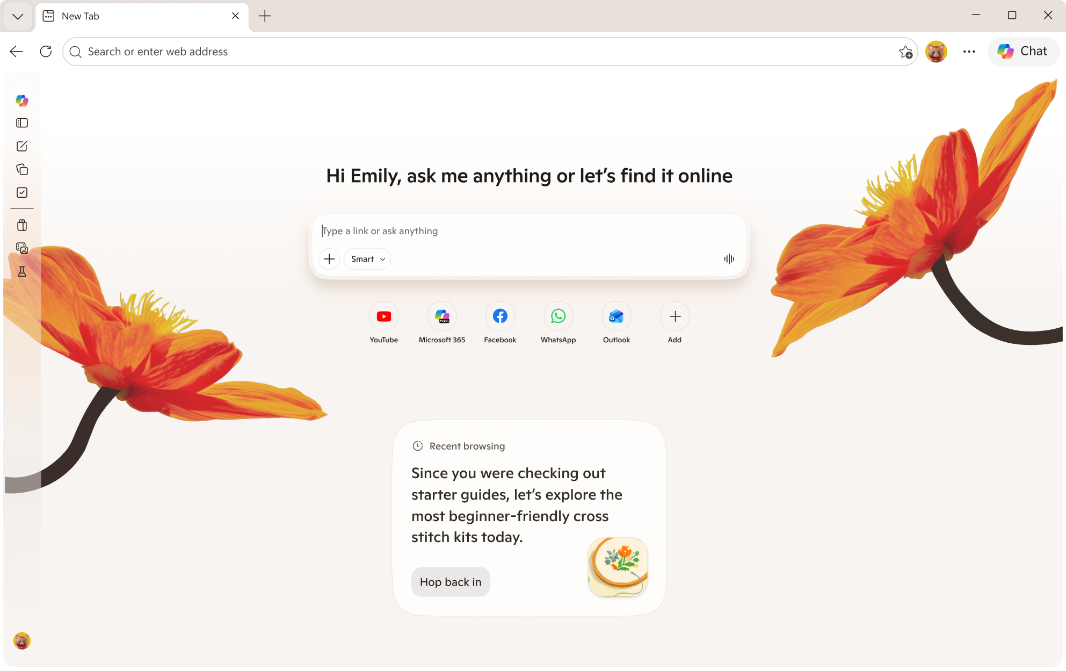
Microsoft has announced a set of AI and productivity updates for its Edge web browser across desktop and mobile.
“Edge just made it easier to go from first tab to final plan, wherever you go,” Microsoft’s Sean Lyndersay writes. “Your favorite Copilot experiences, plus new ones, are now available directly in Edge on desktop and, for the first time, in the Edge mobile app.”
Here’s what’s new.
No more Copilot Mode. Microsoft is retiring Copilot Mode. If you’re not a fan of AI, don’t get too excited, this really just means that Copilot AI capabilities are built directly into the browser with no separate mode required.
New AI capabilities across desktop and mobile. Copilot can now reason across multiple tabs to “compare info, surface key details, and see what matters, [with] more relevant answers built on your browsing history and past chats, and hands-free browsing with Voice and Vision.” There’s a redesigned New tab page and Copilot’s Journeys feature is now broadly available across desktop and mobile. Copilot can now access your entire browsing history if you let it, and it has long-term memory.
New productivity features. Edge now offers a Study and Learn mode with guided study sessions and interactive quizzes, a Writing assistant for helping to write a draft or rewrite for clarity and tone, Copilot quizzes for generating quizzes, flashcards, and guided sessions, and the ability to turn any tab into an audio podcast so you can listen to the content in a new way.
New features for Edge mobile. On mobile, Microsoft Edge now supports Copilot Vision and Voice so you can share your screen, talk through what you see, ask questions, get explanations, and think through decisions out loud. Copilot now displays a clear visual cue when it’s active so you know it’s listening, taking an action, or helping you with something.
These new features are rolling out now in Microsoft Edge for Windows and Mac and for Android, iPhone, and iPad.