Lenovo Yoga Slim 7x Gen-11 Review
- Paul Thurrott
- Jun 10, 2026
-
8
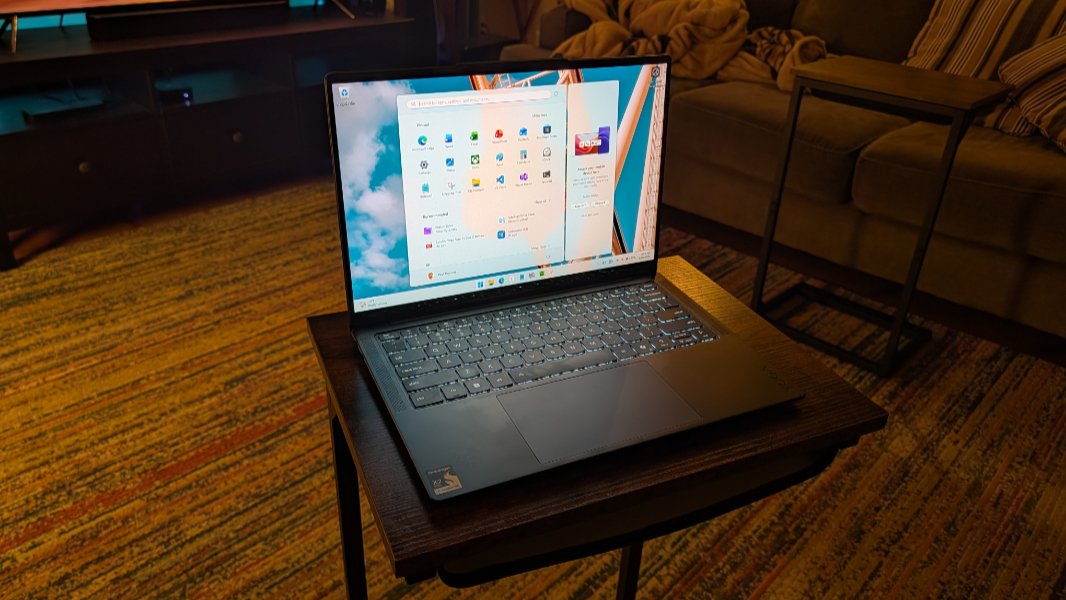
Thanks to its Snapdragon X2 Elite underpinnings, Lenovo has hit another one out of the park with the Yoga Slim 7x. This thin, light, and premium laptop delivers solid battery life and incredible performance and reliability with no real compromises.
Design
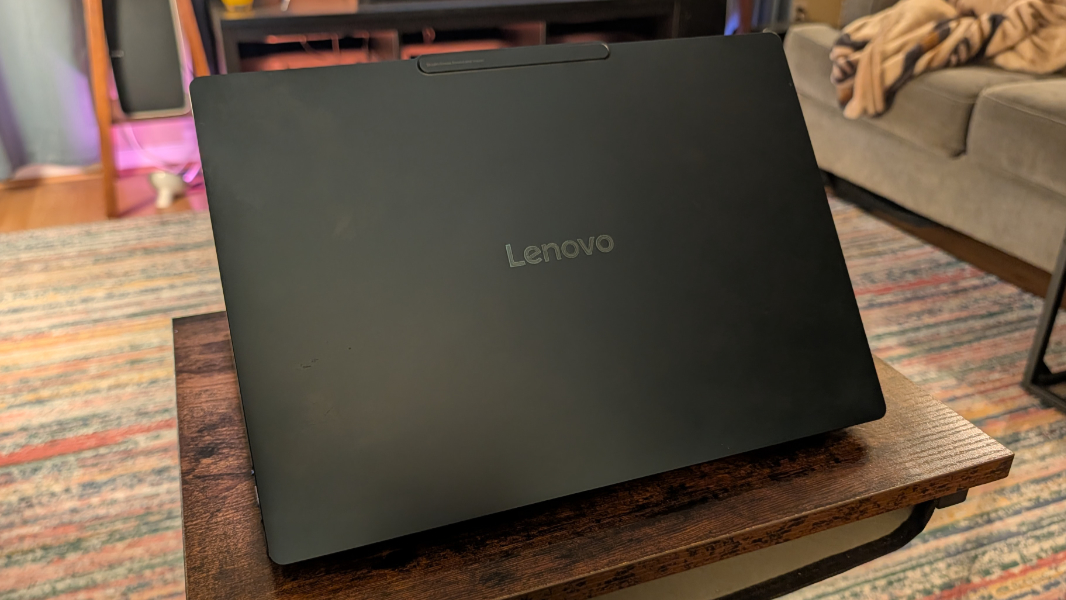
Where a ThinkPad is immediately recognizable for its black hybrid form factors with red accents, Lenovo has pushed pleasant blue and blue/green hues in the Yoga lineup, and it’s starting to achieve a similar iconic vibe. I particularly like the Cosmic Blue of the Yoga Slim 7x, and though it can pick up fingerprint oils, it’s not as bad as ThinkPad in that regard.
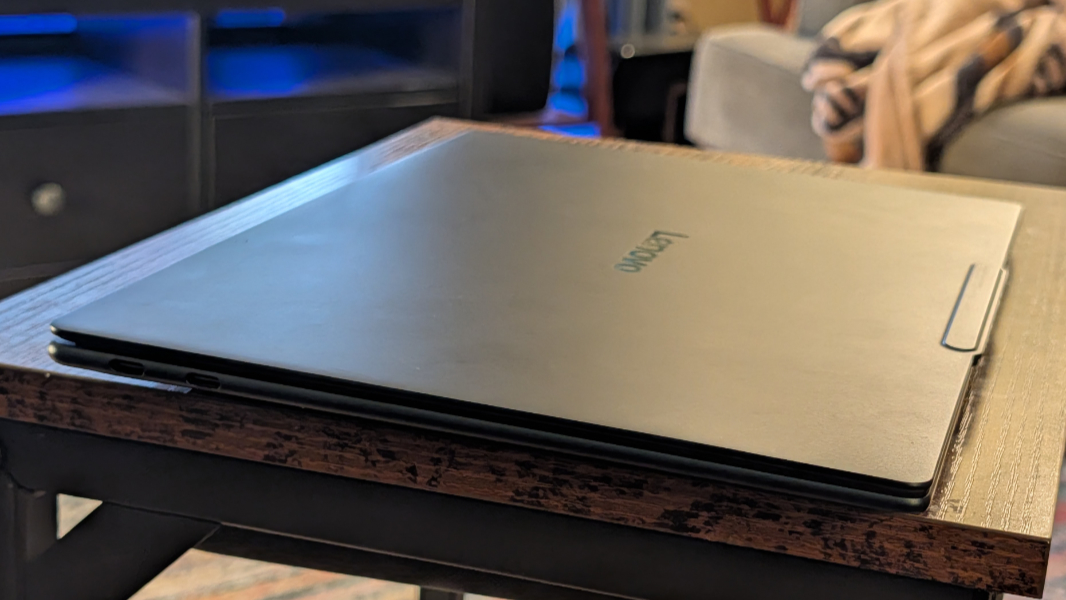
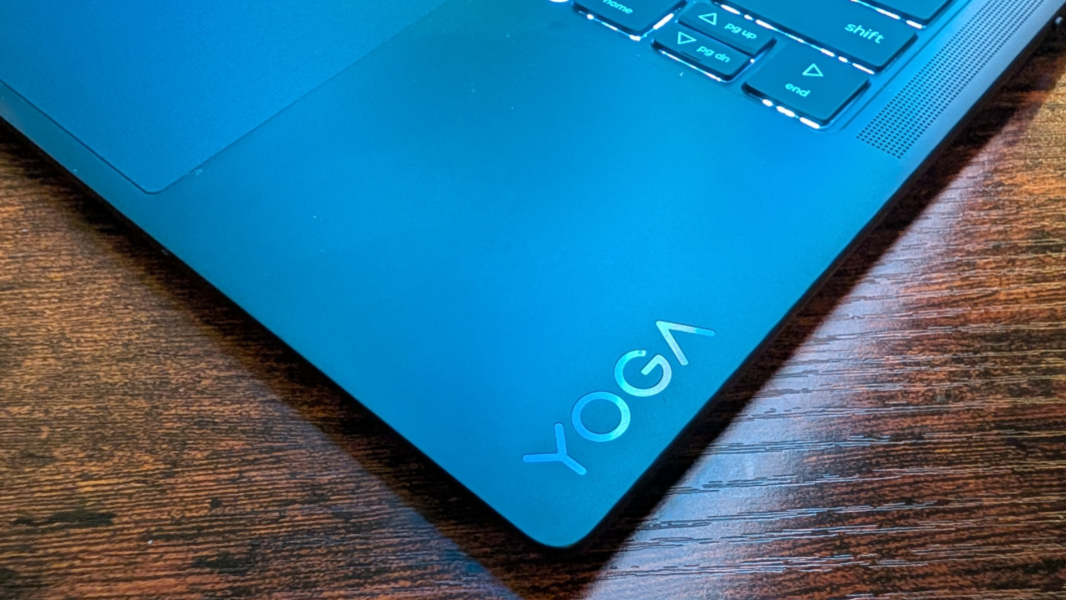
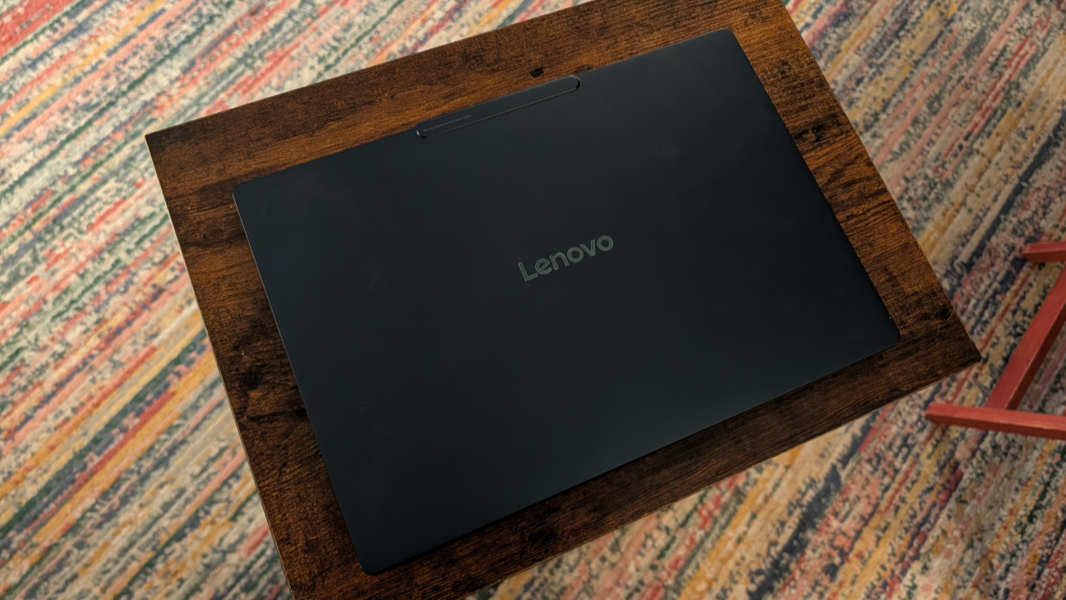
The construction is high quality and durable, with an all aluminum chassis that passes the usual MIL-STD-810H tests. The look is premium, with subtle and debossed YOGA and Lenovo logos on the wrist rest and outer display lid, respectively.
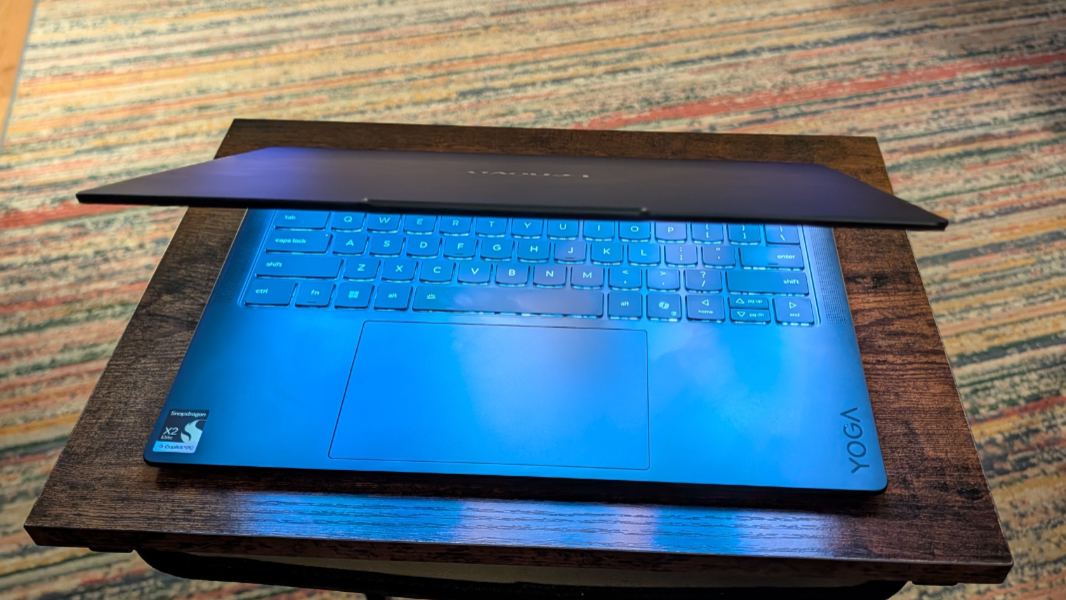
It’s also incredibly thin, just 0.55 inches (13.9 mm), and yet there’s no flex at all. Even when I push down forcefully on the center of the keyboard. That is impressive.
Display
Lenovo offers two display choices with the Yoga Slim 7x, both of which are 14 inch OLED multitouch panels with a 16:10 aspect ratio, 100 percent sRGB and P3 color gamut coverage, TÜV Low Blue Light, Eyesafe, and Flicker free certifications.
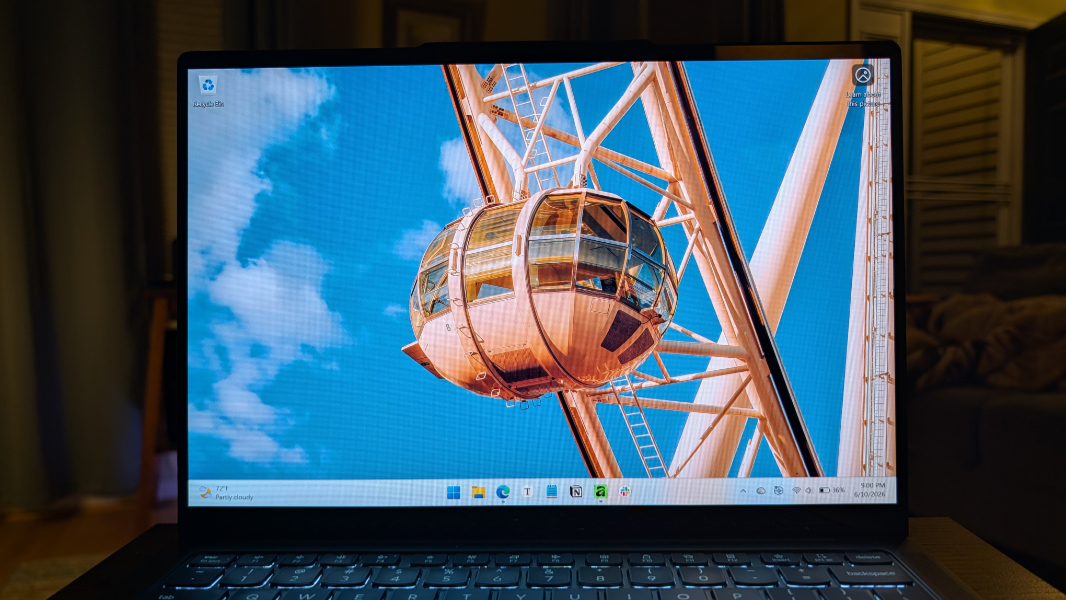
The base display provides a Full HD+ (1920 x 1200) resolution with a 60 Hz refresh rate, and Dolby Vision and DisplayHDR True Black 500 capabilities. Or you can upgrade to a 2.8K (2880 x 1800) panel with a 120 Hz variable refresh rate (VRR) and Dolby Vision and DisplayHDR True Black 1000 capabilities.
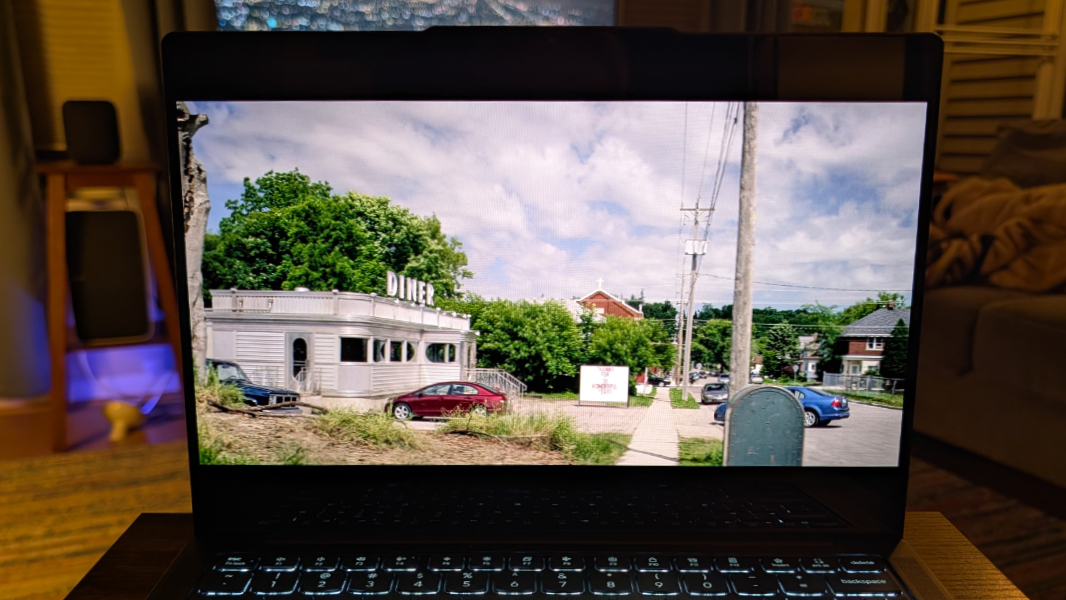
The review unit arrived with the base display and it’s excellent, though I could see upgrading for the resolution, refresh rate, and HDR improvements in the upgraded display. Regardless, it’s got all the standard benefits of OLED—inky blacks, high contrast colors, you know the drill—while keeping reflections and glare at bay for the most part.

The bezels are quite thin, especially on the left and right sides, and there’s the faintest hint of ridge around the display to keep the key caps from imprinting on the panel.
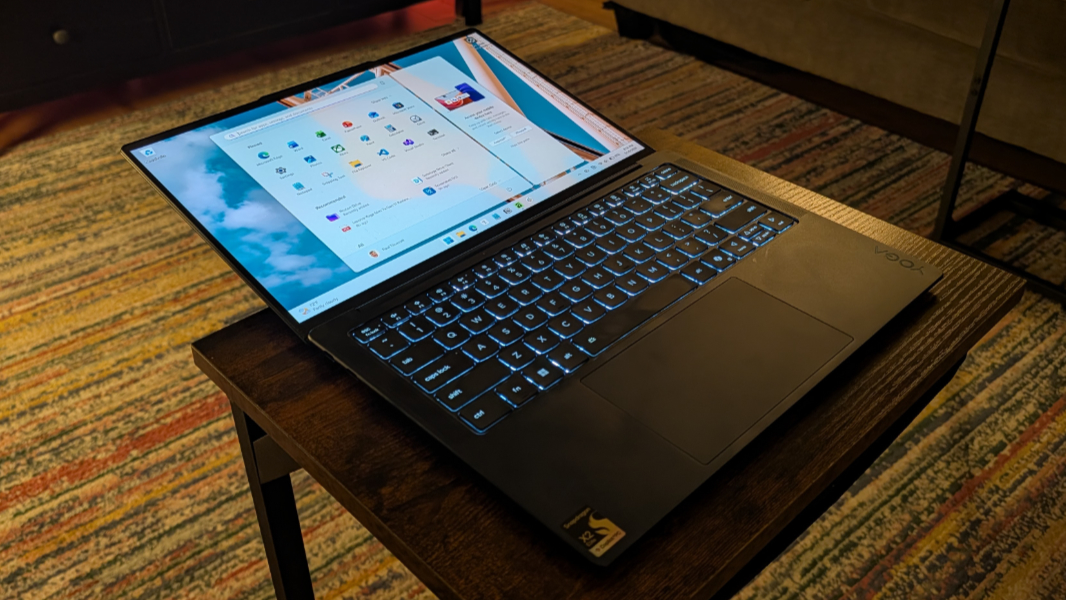
Finally, it also lies almost flat. The stated use case here is using multitouch in a more natural position, though I would find that odd. I just like it because you can stand the laptop up straight on your knees and watch a video if you get stuck in a cramped economy seat on a plane. It’s the little things.
Internal components
If the stars align, you can configure a Yoga Slim 7x with a Snapdragon X2 Elite X2E-88-100, X2 Elite X2E-80-100, or X2 Plus X2P-42-100 processor. There are differences between the three, of course. For example, the highest-end chip, the X2 Elite X2E-88-100, offers a 4.7 GHz CPU with 18 cores and 53 MB of cache, a 1.70 GHz Adreno X2-90 GPU, and an 80 TOPS Hexagon NPU. The X2 Elite X2E-80-100 has a 4.7 GHz 12-core CPU with 34 MB of cache, a 1.7 GHz Adreno X2-85 GPU, and an 80 TOPS NPU. And the X2 Plus X2P-42-100 brings up the rear with a 4 GHz CPU with 6 cores and 22 MB of cache, a 0.91 GHz Adreno X2-45 GPU, and an 80 TOPS NPU.
But assuming you can even find all those choices, the real world differences between each are either minimal or non-existent, based on my experience. The IdeaPad Slim 5x Gen 11 I recently reviewed has that low-end X2 Plus chip and it’s terrific. The Yoga Slim review unit is a high-end configuration with the X2 Elite X2E-88-100 chip and 32 GB of RAM and it, too, is terrific. But is it faster or better in some way? No, not in normal day-to-day work.
That said, there is one important caveat here. Unless I’m missing something, always a possibility, Lenovo bundles the X2 Elite chips with 32 GB of soldered LPDDR5x-9523 MT/s RAM, while the X2 Plus models get 16 GB, and there are no purchase-time upgrades. The price difference between the two is just $160, so upgrading to X2 Elite and 32 GB of RAM feels like a no-brainer to me.
What you can configure (and later upgrade) is the M.2 2242-based PCIe Gen4 QLC SSD, which comes in 512 GB, 1 TB, and 2 TB options. The review unit shipped with the middle 1 TB option.
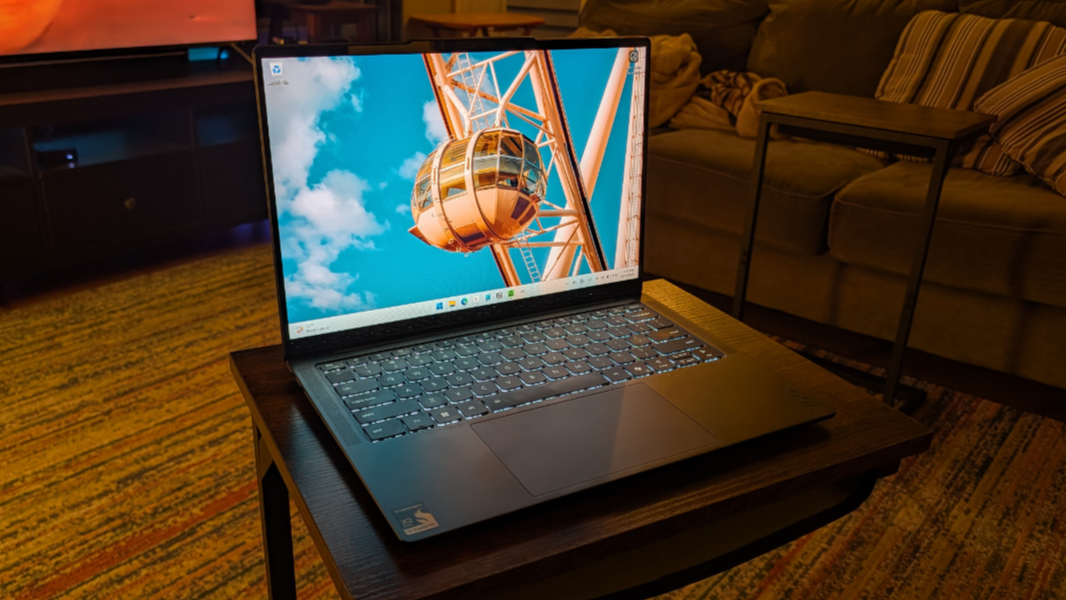
As noted, day-to-day performance was terrific in the standard productivity workflows the target audience expects to use. In my case, that meant Microsoft Edge (no judging, it was mostly for the book), Typora, Notion, Affinity, Slack, and some software development work in Visual Studio and Visual Studio Code.
I was curious whether the Snapdragon X2 Elite provided any advantages over its predecessors for gaming, a resource intensive task made all the more problematic by the Arm-based processor having to run those titles in emulation. You can’t play modern AAA games like Call of Duty on Arm, of course, but I did test a range of titles, new and old, as described in Snapdragon X2 Gets in the Game ⭐️. Long story short, the X2 Elite advances things noticeably, though no one should buy a Snapdragon-based laptop, X or X2, to play games.

And while I didn’t mess with the usage modes Lenovo offers through the Vantage app, I also experimented briefly with using the Yoga Slim with the Better Performance power management mode. But the only difference I noted was that I could suddenly hear the fans, which—aside from the gaming tests—was otherwise always silent. I never noticed any heat in normal use either. And that was true when I used it on soft surfaces like a bed, too.
Connectivity
Connectivity is modern and future-proof, with Wi-Fi 7 and Bluetooth 5.4. I never experienced any connectivity issues, here in PA or in Mexico City.
Ports and expansion
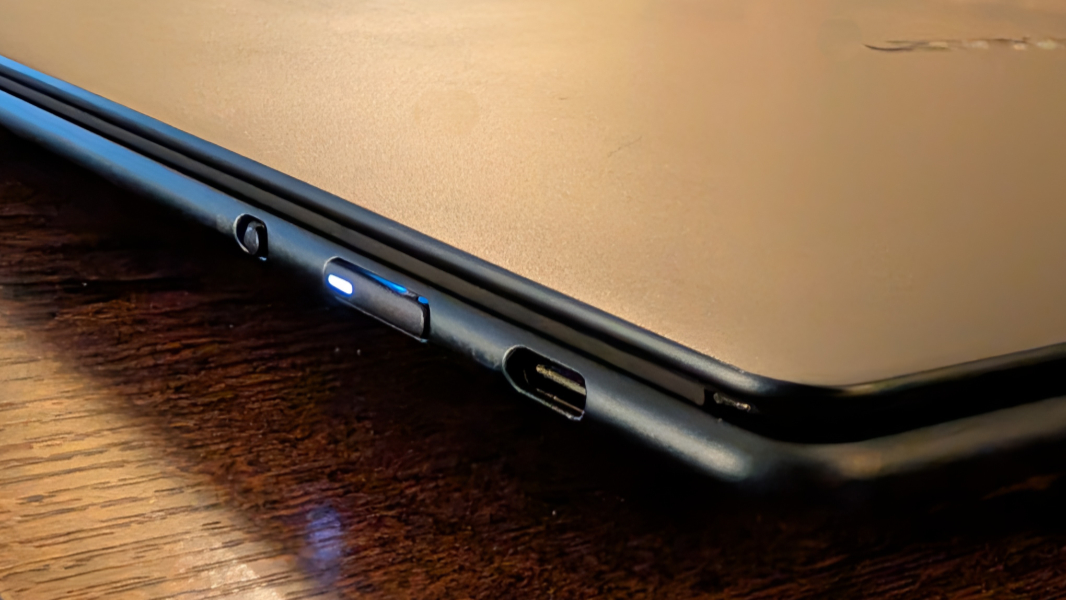
Expansion is limited to three 40 Gbps Thunderbolt 4/USB4 Type-C ports with Power Delivery at 45-65 watts and DisplayPort 1.4, two on the left and one on the right. This makes sense in part because of the thin form factor, and I do like that there’s at least one USB-C port on each side.
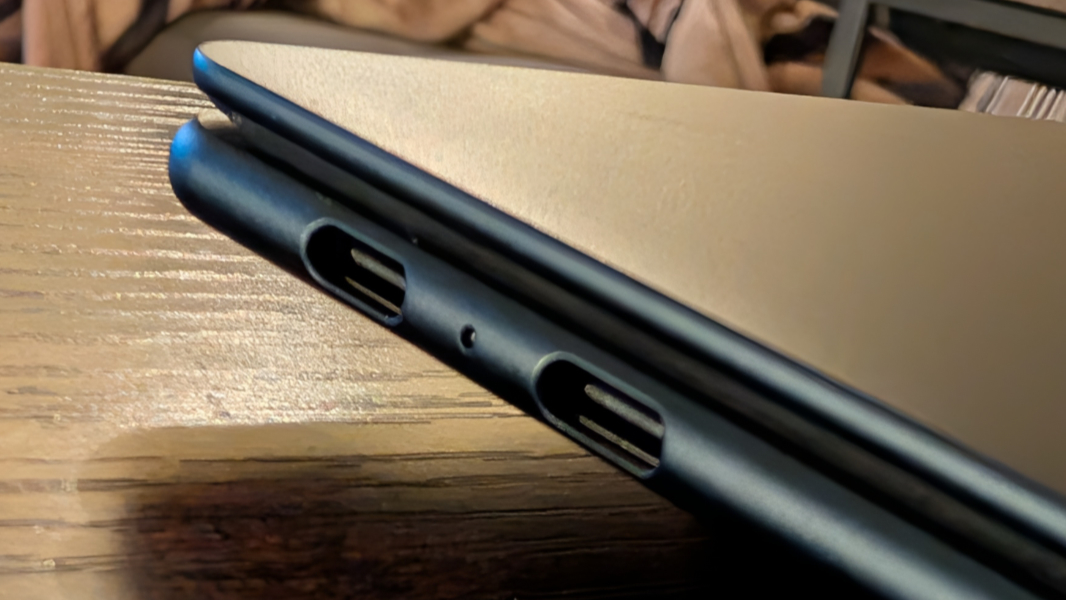
But there is one downside here, and it’s a curious omission: There’s no combo headphone/microphone jack. I don’t normally think or worry about dongles these days, but I do use that connection for podcast recordings, and not having it is a problem.
Audio and video
Thanks to its Dolby Vision-backed OLED display and four speakers—two top-firing 2-watt tweeters on either side of the keyboard and two bottom-firing 2-watt woofers on the front rear sides of the keyboard deck—with Dolby Atmos immersive sound, the Yoga is nearly ideal for video and music playback.
The speakers offer a nice stereo separation and clarity. And they get plenty loud without any distortion or vibration at full volume. I like that the Dolby Settings app provides a Dynamic (auto) mode for Dolby Atmos, and you can choose between Dark, Bright, and Vivid for the display. I left it on Bright for the most part.
Hybrid work
Overall, the Yoga Slim 7x provides a solid hybrid work experience, with a solid webcam and a better than expected microphone array.
The webcam is a high-resolution 9.2 MP unit based on MIPI (Mobile Industry Processor Interface), which suggests it should perform quickly. I can’t speak to performance per say, but you can bump its still photo resolution up to 3840×2400 at 16:10 and the video resolution, which impacts the meeting experience, can go to 1440p. So it’s not that much better than the typical Full HD webcam in real world use. It’s fine overall, but a bit grainy.
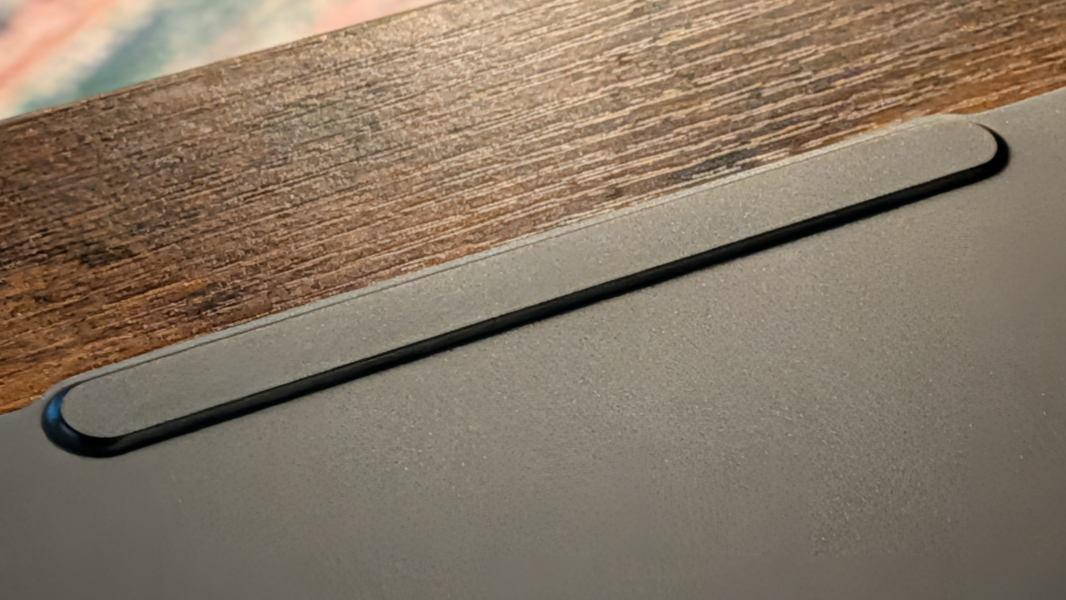
There’s also what Lenovo calls a 3D noise cancelling microphone array with four microphones. Most laptop microphone set ups are lackluster at best, so I wasn’t expecting much here. But surprise, surprise, it works quite well for a laptop microphone, based on my recording tests. It won’t replace a good microphone for podcast recordings, but it’s among the best I’ve seen for a built-in unit and work meetings.
Keyboard and touchpad
Lenovo keyboards are universally excellent, in particular on premium ThinkPad and Yoga laptops. And that’s what I see with the Yoga Slim 7x, a full-sized island-style keyboard with snappy key throws and exceptional feedback with a satisfying “thunk” sound that exudes quality.
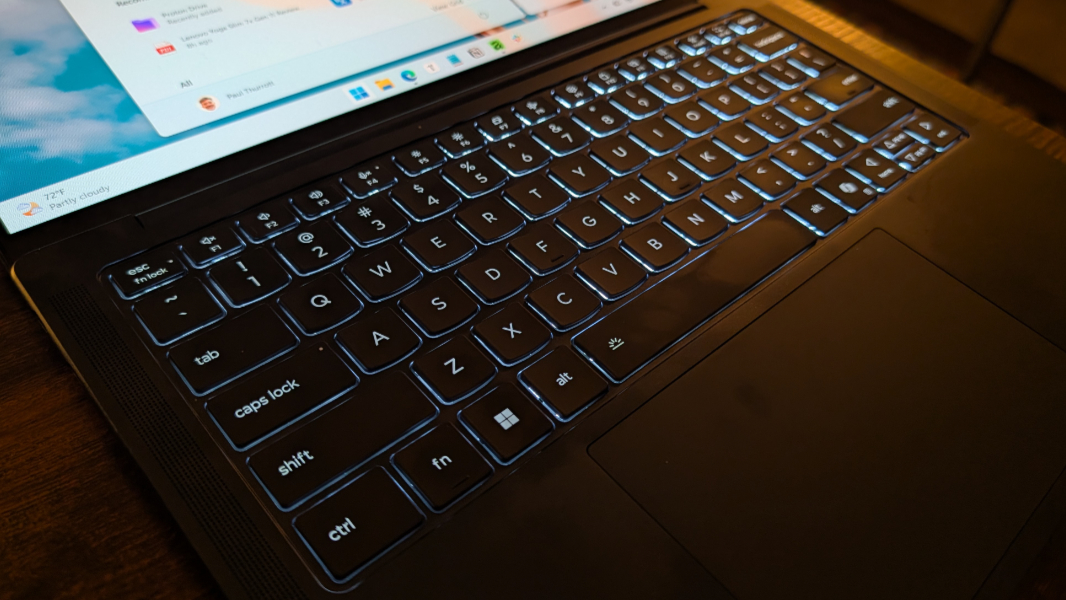
There are no miscues here: The Ctrl and Fn keys are in the right places, the power button is on the side of the laptop where I can’t hit it mistakenly, and there’s an auto backlighting mode in addition to the two manual levels. Love that.
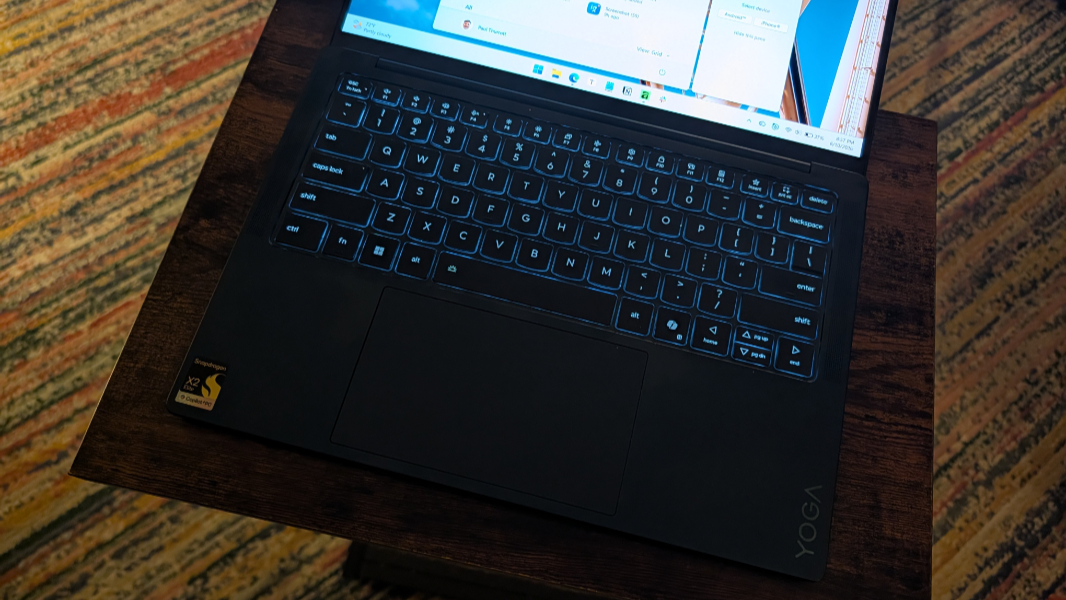
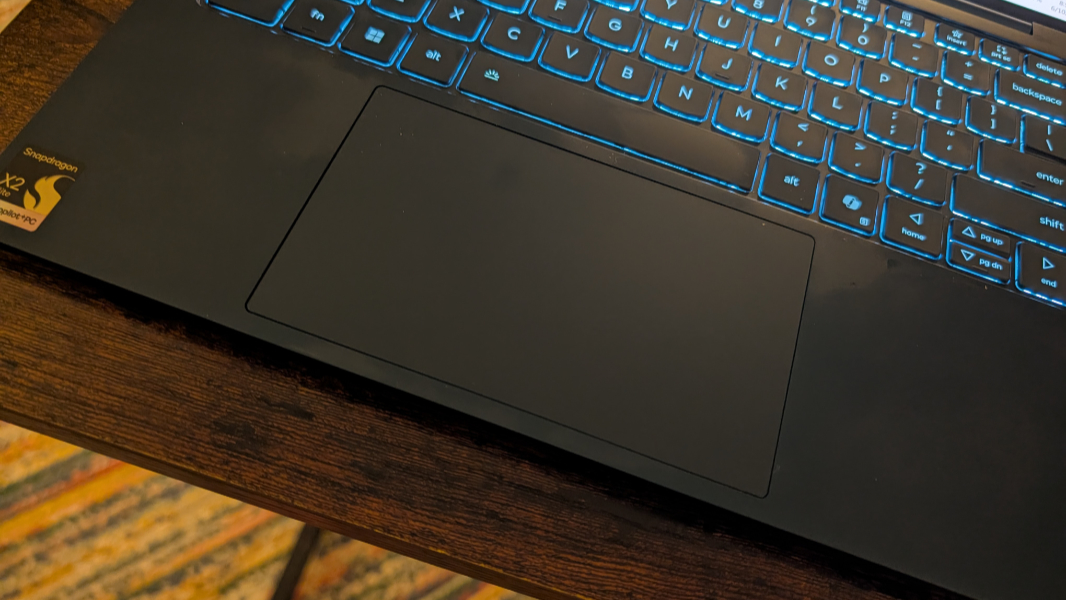
The largish touchpad is likewise excellent, though I did disable three finger gestures, as I usually have to. This is likely more about my clumsiness than the hardware, but with that change, it always worked reliably.
Security
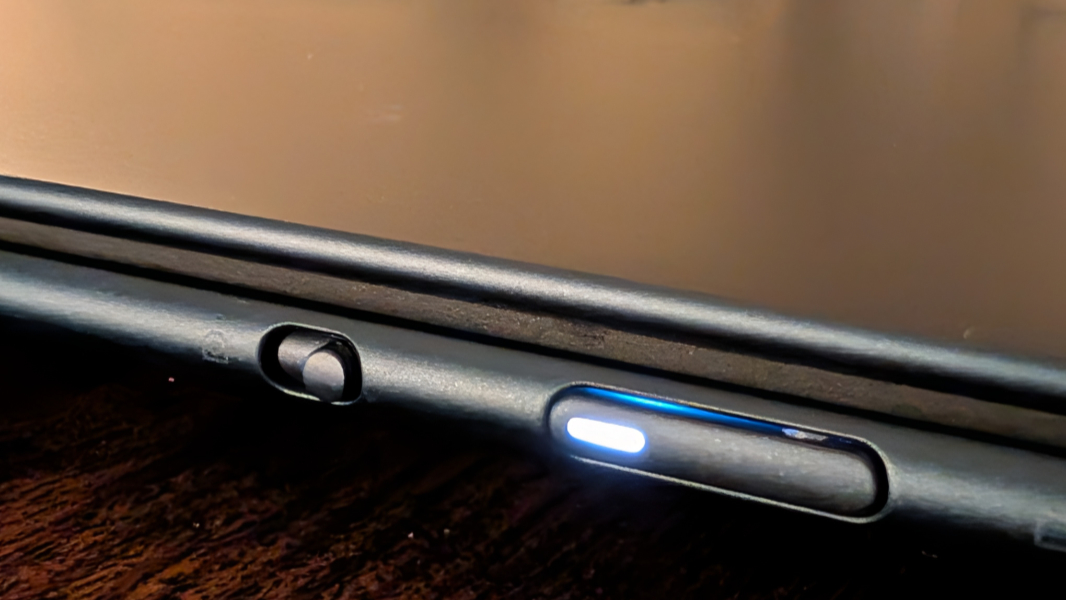
The Yoga Slim 7x is a Copilot+ PC, so it provides the best integrated security capabilities in the industry out of the box. There’s no fingerprint reader, but you do get Windows Hello ESS facial recognition, and there’s an e-privacy webcam shutter in the form of a high-quality hardware switch on the right side, next to the power button.
You may think that’s a small thing, but it matters. Normally, laptops use a low-quality ridged switch right above the webcam on the display lid, and they’re too easy to partially enable mistakenly, plus your fingertip can smudge the camera lens. This system is ideal, and you’ll never trigger it accidentally and wonder why authenticating failed. Because it won’t.
The Yoga Slim also provides presence detection capabilities, so it can automatically dim the screen when you look away, turn off the display when you leave, wake the PC when you approach, and even detect when someone looks over your shoulder then notify you and optionally dim the display. You can enable each of those features individually as well.
Sustainability
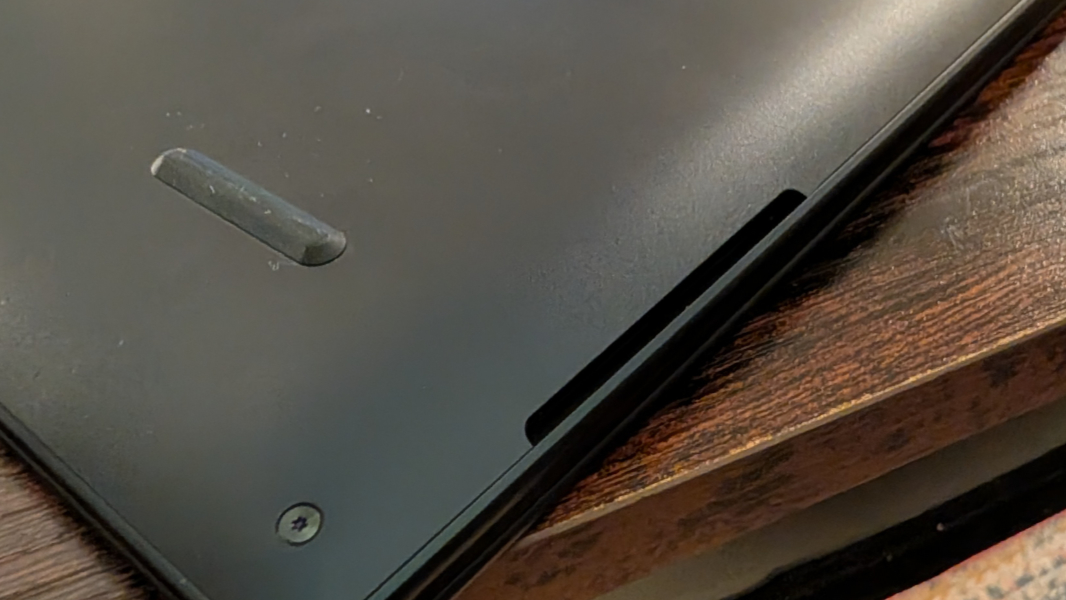
Lenovo has been working to improve the sustainability of its laptops and other products via the increased use of recycled materials and expanded self-service and repair capabilities. That’s all happening here, I assume. But I wasn’t able to discover what is and isn’t recycled in the Yoga Slim. And while you can remove the bottom of the laptop to access and replace various internal components, the screws are Torx, not Phillips head, and thus may pose a small blocker for some.
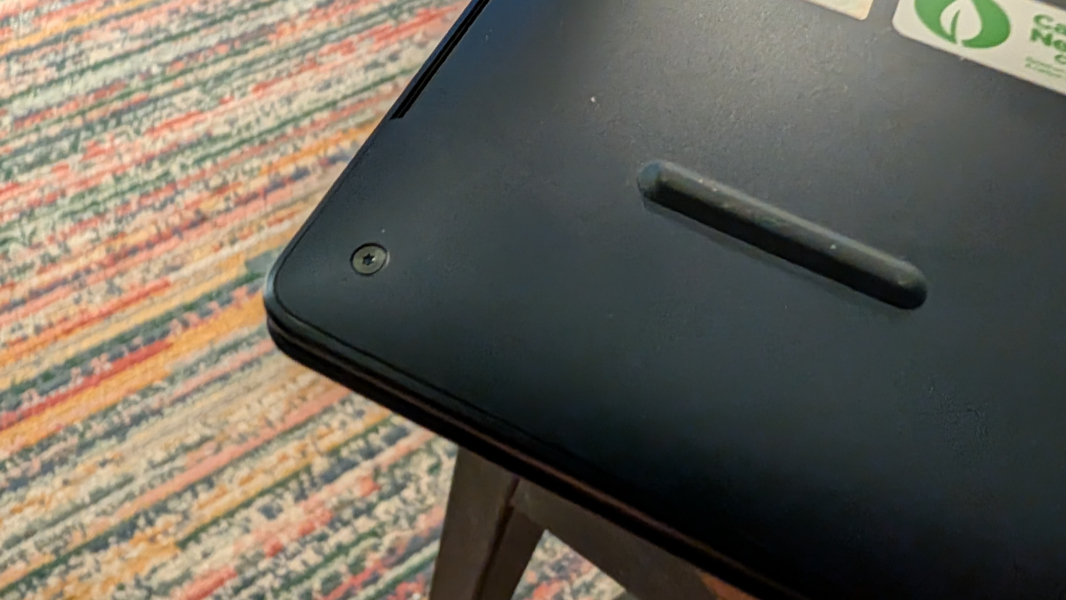
In any event, the Wi-Fi/Bluetooth and SSD modules are, of course, accessible if you do open it up, along with the battery and whatever else. But the RAM is soldered on and can’t be upgraded, which is typical for Arm-based SoCs. Yes, most people won’t ever need to repair their laptops. But it’s good knowing that you can.
Efficiency and portability
At 0.55 x 12.28 x 8.7 inches and just 2.58 pounds, the Yoga Slim 7x is a slim and light companion on the road, one you will barely notice carrying around in a bag.
As with the larger Lenovo IdeaPad 5x, battery life was very good, but also less than expected given my previous experiences with first generation Snapdragon X-based laptops: I averaged just under 8.5 hours of uptime with the Yoga Slim. It’s possible that this number will improve in time, as that did happen with previous Snapdragon X-based laptops too. But that’s where it’s at after two months of usage.
And it’s not the battery. Unlike with that IdeaPad 5x, the Yoga Slim 7x came with a larger 70 watt-hour battery, and not the 54.7 wHr version in that laptop. It supports Lenovo Rapid Charge Express, which can provide up to a three-hour charge in just 15 minutes, assuming the battery is pretty low. These things are difficult to measure, but I believe this is accurate with the caveat noted.
As good, instant-on performance and reliability were just about perfect, and I still smile every time I open a Windows 11 on Arm-based laptop lid and the thing comes on and signs me in instantly with Windows Hello ESS facial recognition. Battery drain on sleep remains solid, too, with a decline of 2-3 percent on average overnight.
Software
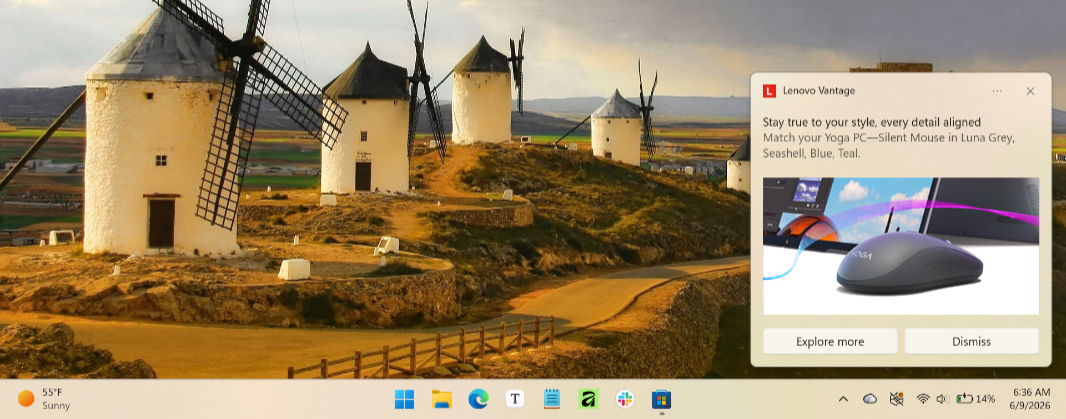
The Yoga Slim 7x delivers a bit of crapware with McAfee, a Dropbox promotion, and Lenovo Subscription Marketplace clogging up the Start menu and Lenovo Vantage pulling double-duty between serving up support and upsells. There’s also a bundled Dolby Settings app to configure Dolby Vision and Dolby Atmos, the Snapdragon Control Panel for configuring games, and a shortcut for the online user’s guide.
You can configure the laptop with Windows 11 on Arm version 26H1 Home or Pro, and both are fully compatible with all the mainstream software and hardware that real people really use every day. Except for AAA gaming, which still requires x86-64 chipsets and, ideally, dedicated graphics, the Yoga Slim 7x will handle anything you use without complaint. Note, too, that it includes all the extras from Copilot+ PC, most notably Click to Do and the image editing and creation capabilities in Photos and Paint. Very nice.
Pricing and configurations
A Yoga Slim 7x with a base Snapdragon X2 Plus processor, 16 GB of RAM, 512 GB of storage, and a Full HD+ display is just $1200, which is reasonable in the component crisis era. But some upgrades are notably inexpensive: You can upgrade to a 2.8K panel with VRR for just $60. And you can move up to a Snapdragon X2 Elite and 32 GB of RAM for just $160. The 2 TB SSD upgrade is a bit steep at $330, but you could move up to 1 TB for just $100.
Of course, the upgrades can still add up. A fully configured Yoga Slim will set you back $2000, which is unreasonable, component crisis or no. My advice: Go for the processor/RAM upgrade because neither is upgradeable after the purchase. You can always get more storage later when the prices come down.
Recommendations and conclusions
The Lenovo Yoga Slim 7x is a nearly perfect premium thin and light laptop. It offers terrific performance, solid battery life, incredible reliability and efficiency, a gorgeous OLED display, all the Copilot+ PC goodies, modern internal components and expansion, good hybrid work capabilities, and very good multimedia experiences. And it does so at reasonable prices, despite the ongoing component crisis. My complaints are minor, with the lack of a traditional headphone/microphone jack being the most notable. If you can live without that, I got nothing but this: Get a Yoga Slim 7x if you need a laptop today. You will not be disappointed.
At-a-glance
Pros
✔️ Terrific performance
✔️ Solid battery life
✔️ Near-perfect reliability
✔️ Excellent software and hardware compatibility
✔️ Gorgeous OLED display
✔️ Copilot+ PC security and AI capabilities
✔️ Future-proof components all around
✔️ Good pricing, and the processor and RAM upgrades are inexpensive
Cons
❌ A bit of crapware
❌ No headphone/microphone jack