Adobe Plugin Comes to ChatGPT
- Paul Thurrott
- Aug 06, 2026
-
1
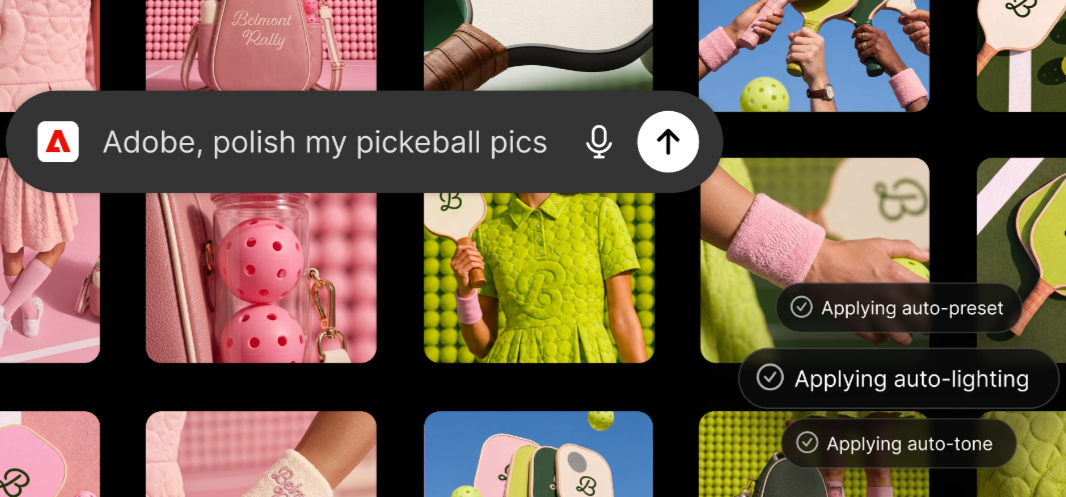
The Adobe Plugin for ChatGPT brings Adobe’s professional creator tools to the popular AI assistant.
“We’re building ChatGPT to connect our users with the best capabilities for the task at hand,” OpenAI product lead Vibhor Chhabra says. “Adobe’s category-leading creative and productivity tools help people express their creativity, communicate, and be more productive, and we’re excited to expand our partnership with Adobe to bring those capabilities into ChatGPT with the Adobe plugin in ChatGPT.”
The Adobe plugin for ChatGPT allows anyone to create high-quality images, videos, designs, and documents directly in the AI assistant. It’s a unified plugin that connects to over 70 tools across Adobe’s vast suite of creativity and productivity capabilities and works with ChatGPT Work and Codex. And when you need more advanced editing, you can of course continue the work directly in Adobe’s apps.
The capabilities in the Adobe plugin for ChatGPT combine tools from Adobe’s previous ChatGPT apps with additional tools and capabilities across Acrobat, Adobe Express, Firefly, Illustrator, InDesign, Lightroom, Photoshop, Premiere, Stock, and more. It provides a consistent look across whatever workloads you need and saves the finished assets to Creative Cloud.
(Adobe notes that it also offers its tools across Claude and Copilot now, and it’s bringing these capabilities to Gemini and Slack soon.)
You can download the Adobe plugin for ChatGPT from the ChatGPT website. You can start as a guest or sign in with an Adobe account to gain access to generative capabilities, access your Creative Cloud files, and save your work across sessions so you can pick up where you left off in ChatGPT or Creative Cloud.