Microsoft Announces Project Zenith for Windows Developers
- Paul Thurrott
- Sep 04, 2026
-
7
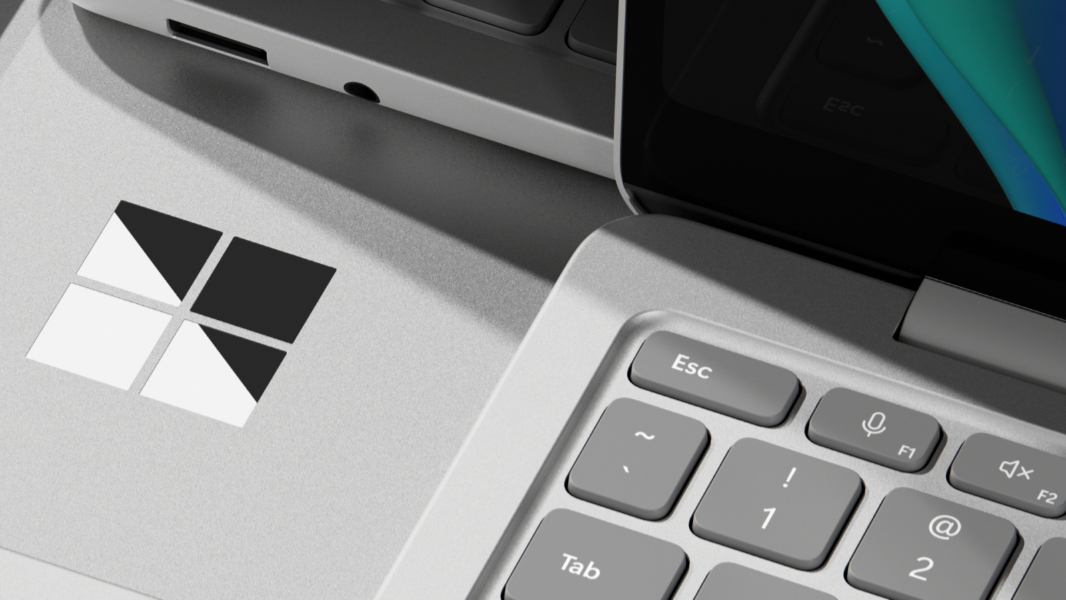
Project Zenith is a “developer-optimized Windows 11 experience” that will ship on “developer-class” PCs. For some reason.
“At Build 2026, we introduced a developer-optimized Windows 11 experience to build and ship faster and shared how Windows is becoming the open platform for secure agentic experiences,” Microsoft corporate vice president Logan Iyer writes. “Today, we’re taking the next step with Project Zenith, a ready-to-code [and] distraction-free Windows experience on developer-class [PCs] with 64 GB or more of unified memory and 250 GB/s memory bandwidth or more, so developers can jump right in.”
Project Zenith will ship first on PCs based on the AMD Ryzen AI Halo processor–like the ThinkCentre X Ultra that Lenovo announced yesterday–but it will come to PCs using other chipsets–almost certainly starting with those based on Nvidia RTX Spark–in the coming months as well. These are essentially workstation-class PCs with high-end processors and GPUs and unified RAM powerful enough to run what are essentially large language models (LLMs) that support 30B parameters or higher locally.
Iyer says that Project Zenith “represents Windows at its best,” but this is sadly yet another case of Microsoft not reading the room. Developers don’t need Windows to be preconfigured, they each have custom configurations they prefer or need, and anyone using one of these PCs will no doubt spend a few hours configuring these PCs further, including making some changes that undo the Project Zenith defaults. This is a curious miscalculation, but also the type of thing Microsoft does all the time.
With a Project Zenith configuration, Windows 11 comes with a lengthy list of tools–Visual Studio Code, GitHub Copilot, PowerToys, WinAppCLI, and the Windows Dev Skills–preinstalled along with several command line interfaces (CLIs) and languages and runtimes that include Python 3.14+, uv, nvm, Node 24+, the Windows Subsystem for Linux (WSL) 2+ with Ubuntu, and .NET 10.
And then the real stupidity begins.
Windows Terminal and Visual Studio Code are pinned to the Taskbar by default because all developers love things to be pinned to the Taskbar for them by default and doing that saves them so much time.
And Windows is pre-configured in specific ways across File Explorer, Search, Start, and the Taskbar. For example, File Explorer shows file extensions, hidden files, the full path in the title bar, and the details pane, with long-path support enabled. The Command Palette utility in PowerToys is enabled, and Start menu tips and account notifications are turned off to reduce distractions. Because, again, configuring any of these things the way one prefers is so time consuming and all developers prefer the exact same configuration.
This makes almost no sense at all. Configuring Windows is a one-time task that might take as much as one or two hours at most. And every developer on earth has their own preferences. Microsoft would be better off making Windows Backup truly useful and just let developers (and others) snapshot configurations that could then be applied to any other PC, whether it’s being set up for the first time or not. Just a thought.
And if you don’t believe any of that, you can find out for yourself: Just install the Windows Developer Configuration that will be used in Project Zenith and see how much you want or need to reconfigure after it’s done. I had to wipe the PC I tried this on, it was maddening.