New Windows Search Experience With Inline Actions Comes to Release Preview Insiders
- Laurent Giret
- Nov 13, 2026
-
0
Microsoft has just released five new Windows 11 Preview builds for Insiders on the Experimental, Beta, and Release Preview Channels. The most interesting updates are happening on the latter, as Insiders will get to preview the new features coming via an optional Windows 11 update later this month, then to all Windows 11 users next month.
The same KB5132057 update is available for Release Preview Insiders running the versions 26H2 and 25H2 of the OS. The following new features will be rolling out gradually to Insiders installing this update:
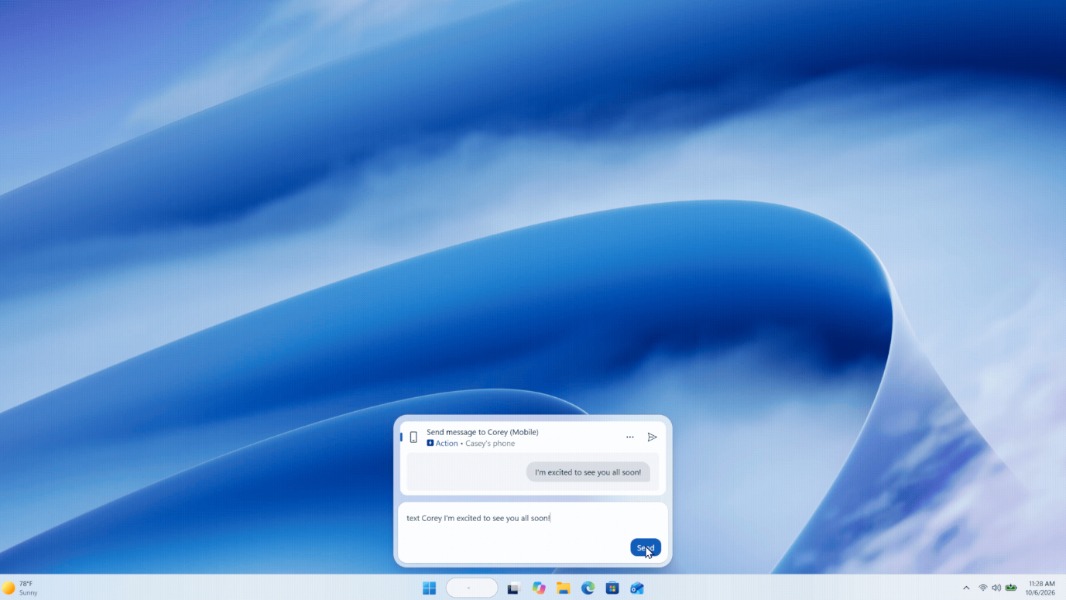
New Windows Search experience with inline actions: It’s now possible to complete common tasks such as changing Windows settings right from the Windows Search window. The new experience also displays richer results with file previews.
File Explorer improvements: Searching from This PC is now indexer-based, and the experience now matches the speed of searching from File Explorer Home.
Windows Hello improvements: A new option in Facial recognition settings can temporarily brighten the screen to help users in dark environments sign in.
Xbox mode improvements: Quick settings are now available from the Gaming Task View navigation bar.
Pointer indicator: This new accessibility feature makes it easier for people with low vision to locate and use the mouse pointer.
Widget notifications: Windows 11 will now show a notification when a new widget becomes available after installing an app.
Insiders on the Release Preview ring running Windows 11 version 26H1 are also getting a new build today, but it only brings the new features that Microsoft started rolling out with this month’s Patch Tuesday update. That includes the new Cloud Rebuild recovery option, the updated context menu in File Explorer, message previews in the Phone Link section of the Start Menu, and more.
The new Cloud Rebuild feature is also coming to the Experimental (Future Platforms) Channel today (https://learn.microsoft.com/en-us/windows-insider/release-notes/experimental-future-platforms/preview-build-29708-1001). For Insiders on the Experimental (26H1) and Beta (26H1) Channels, the new builds are adding the option for standard users on managed devices to set a BitLocker preboot PIN.
For Windows Insiders on the “regular” (non-26H1) Beta and Experimental channels, the Windows Insider team said that new builds will be available next week.