ChatGPT Adds New Image Library for Your AI-Generated Images
- Laurent Giret
- Apr 16, 2025
-
0
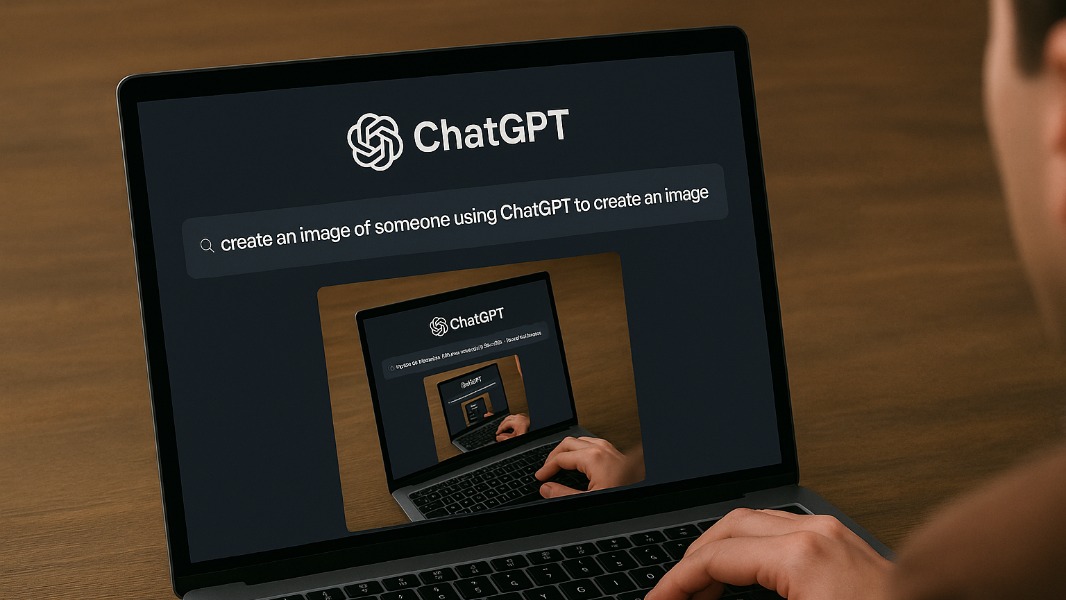
OpenAI has started rolling out a new image library in ChatGPT that makes it easier for users to keep track of their AI-generated images. This new image library has started to appear on the ChatGPT web and mobile apps, but it’s not available yet on the desktop apps.
ChatGPT added native image generation with GPT-4o back in March, and the chatbot can create photorealistic images as well as more artistic illustrations. This led the Internet to be flooded with Studio Ghibli-style images in recent weeks, raising some copyright infringement concerns along the way.
All of your image creations, all in one place.
Introducing the new library for your ChatGPT image creations—rolling out now to all Free, Plus, and Pro users on mobile and https://t.co/nYW5KO1aIg. pic.twitter.com/ADWuf5fPbj
— OpenAI (@OpenAI) April 15, 2025
It may not be obvious when using ChatGPT, but it’s also possible to use the new image generation capabilities to make updates or edit existing images. To do that, users simply need to upload an image and describe the changes they’d like to see. A Select tool also lets users precisely select the area of an image that ChatGPT needs to edit.
With really complex prompts, ChatGPT can take up to two minutes to generate an image. Image generation is currently available on all ChatGPT tiers, and this can be quite addictive. That’s why it’s good that the chatbot now puts all AI-generated images in a personal image library.